GTA 6 guide: this is a simple plan to prepare for Grand Theft Auto VI on PS5 and Xbox Series X|S. Rockstar lists the release date as November 19, 2026. The confirmed platforms are PlayStation 5 and Xbox Series X|S.
Key points
- Grand Theft Auto VI is officially listed for November 19, 2026.
- Rockstar confirms PlayStation 5 and Xbox Series X|S as the announced platforms.
- PlayStation and Xbox pages allow players to follow or wishlist the game.
- No final file size, detailed editions or official PC version were confirmed in the sources used.
The goal is practical. On launch day, you should be able to buy or download the game without wasting time. You should also start your first session in good conditions.

GTA 6 guide: key takeaways before launch
- Official date: Grand Theft Auto VI is listed for November 19, 2026.
- Confirmed platforms: PS5 and Xbox Series X|S.
- Official wishlist: use PlayStation, Xbox or Rockstar.
- Storage: keep a large buffer because the final size is not confirmed.
- Purchases: do not pay for offers missing from Rockstar or official stores.
Check official GTA 6 sources first
Start by checking confirmed information. Rockstar shows the November 19, 2026 date on the official site. PlayStation and Xbox also list the game on their platforms.
Bookmark three pages. Keep Rockstar's site, the PlayStation page if you play on PS5, and the Xbox page if you play on Series X|S. You can also follow context through jeu.video latest news, the news section and feature articles.
Practical rule: if a price, edition, beta or bonus is not shown by Rockstar, PlayStation or Xbox, do not use it for a purchase decision. This also applies to PC keys. No official PC version is listed in the sources used here.
- Open the official Rockstar website.
- Check the date and platforms.
- Open your console store page.
- Add GTA 6 to your wishlist.
- Enable official store notifications.
Choose the right platform for GTA 6
Pick the console where you actually play. Your main account, display, storage and friends matter more than assumed technical details. Rockstar has not detailed final graphics modes yet.
| Your situation | Suggested choice | Action |
|---|---|---|
| You mainly play on PS5 | Stay on PS5 | Wishlist the game on PlayStation. |
| Your group plays on Xbox | Choose Xbox Series X|S | Prepare your Microsoft account. |
| You are waiting for PC | Wait | Do not buy unofficial keys. |
| You are unsure | Wait | Watch Rockstar updates. |
Prepare storage before the GTA 6 launch
Rockstar has not announced GTA 6's final file size. Do not trust an unconfirmed number. Prepare your SSD with a comfortable buffer instead.
- Keep games you launch every week.
- Uninstall finished single-player games.
- Move rarely used large games.
- Delete old 4K captures.
- Turn on automatic system updates.
Simple tip: do this one week before release. On launch day, you avoid mixing updates, cleanup and purchase steps.
Secure your PSN, Xbox and Rockstar accounts
A major launch attracts fake contests and fake early access links. Lock down your accounts before release. Check your password, email and two-factor authentication.
- Sign in to your official PSN or Microsoft account.
- Change old passwords.
- Enable two-factor authentication.
- Check your payment method.
- Remove unknown devices.
- Sign in to Rockstar Games if you have an account.
Mistake to avoid: do not create a new account in panic. Recover your existing one if you used GTA Online or Red Dead Online.
Avoid GTA 6 pre-order traps
Official pages mainly allow players to follow or wishlist the game. If you see a premium edition, beta or cheap key elsewhere, check official sources first.
| Online claim | Response | Reason |
|---|---|---|
| Pre-order on PlayStation or Xbox | Check publisher, price and terms | Official stores are the safest payment sources. |
| GTA 6 PC key | Do not buy | No official PC version is confirmed. |
| Private beta message | Ignore and report | Rockstar has not announced a public beta. |
| Bonus missing from Rockstar | Wait | The offer may be fake or incomplete. |
Build your first GTA 6 session
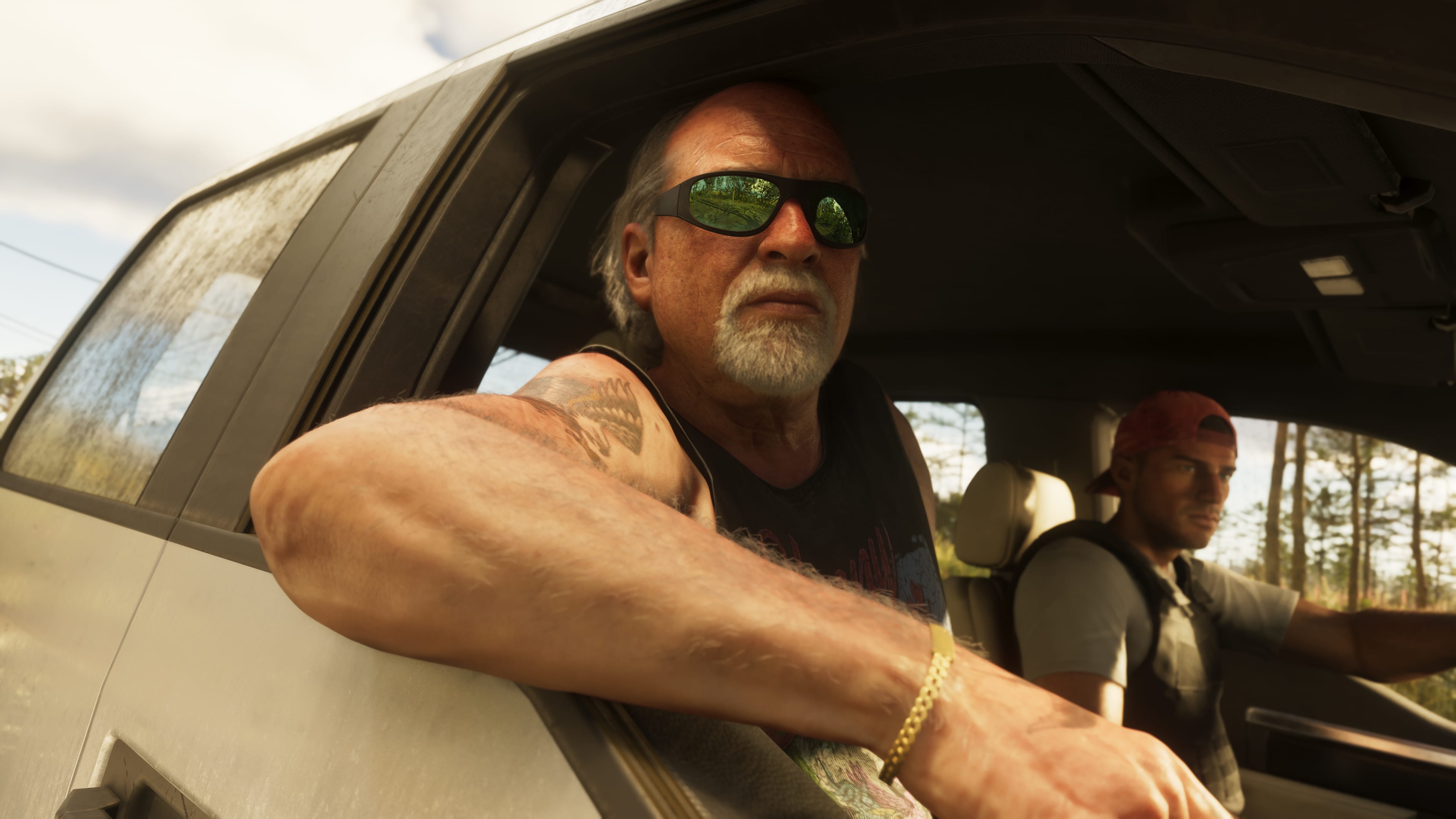
On day one, do not try to do everything. A better start means tuning settings, learning controls and following the opening missions. Plan two to three hours if possible.
- Adjust brightness, audio and subtitles.
- Finish the opening missions before roaming too far.
- Test driving when the game opens up.
- Open the map and identify named areas.
- Check autosave after a major objective.
- Pick one focus for your next session.

Use the official trailer as a reference
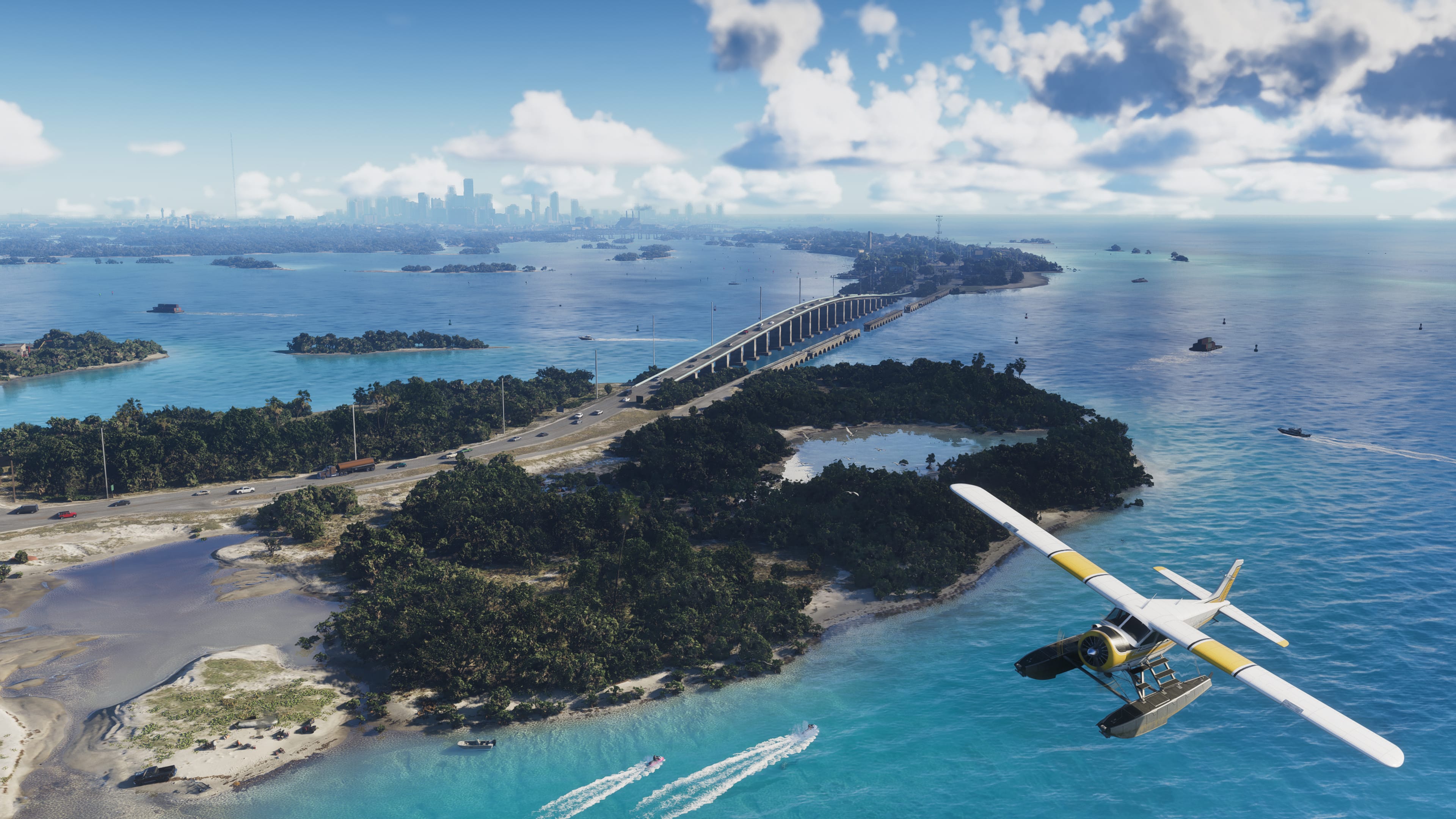
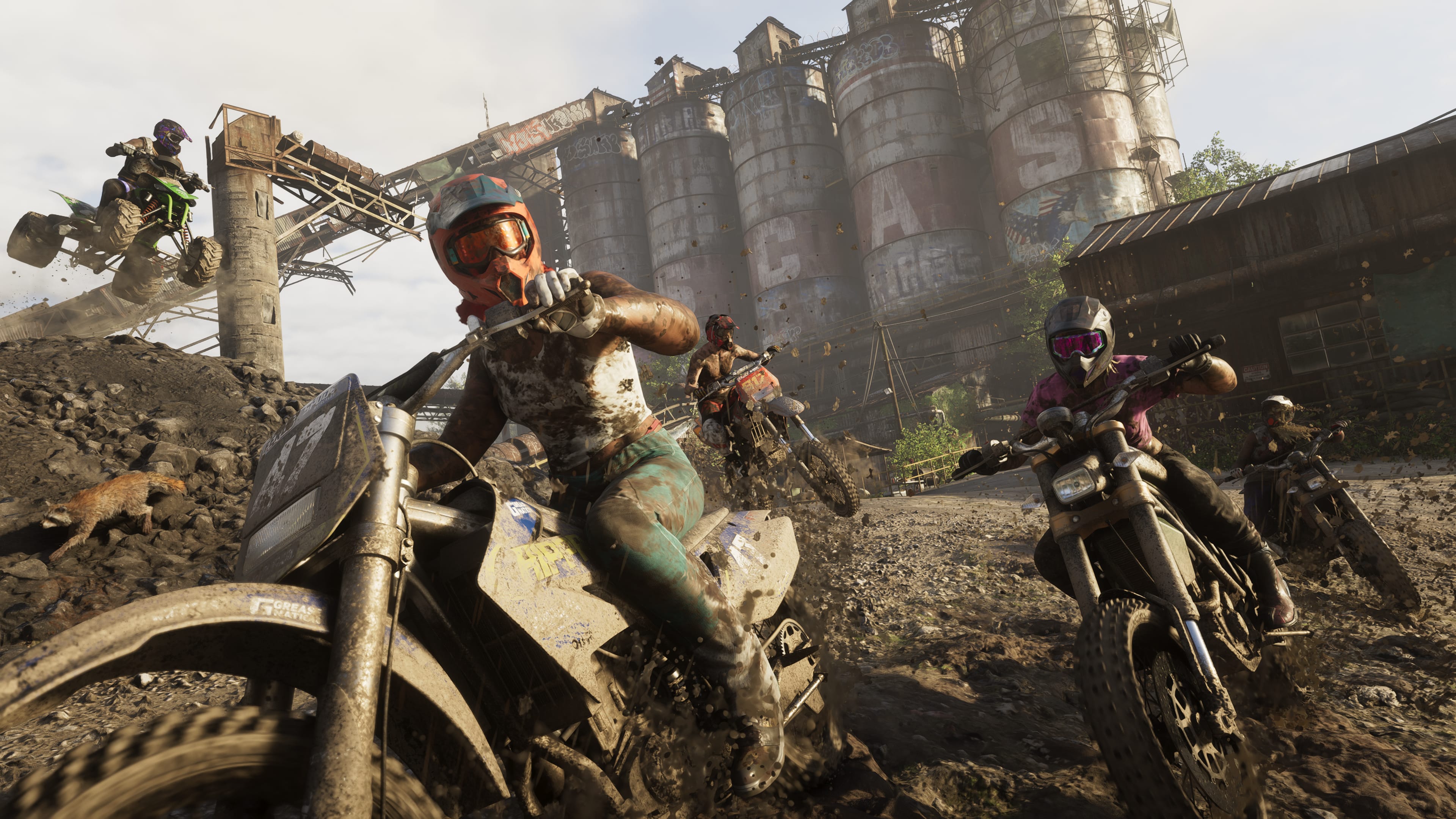
Trailer 2 shows the tone, characters and several locations. It does not confirm every mechanic. Use it as a visual reference, not as a walkthrough.
After watching it, write down your priorities. Exploration, story missions, driving, off-road travel or water routes can each shape your first sessions.
Final checklist before November 19, 2026
- GTA 6 is on your official wishlist.
- Your main console is updated.
- Your internal SSD or compatible expansion has enough room.
- Your account uses two-factor authentication.
- Your payment method is valid for a digital purchase.
- You have not bought any unofficial PC key.
- Your first session is focused on settings, prologue and discovery.
This GTA 6 guide works as an execution plan. Each step reduces a real risk: wrong platform, low storage, locked account, fake offer or a first session lost in menus.