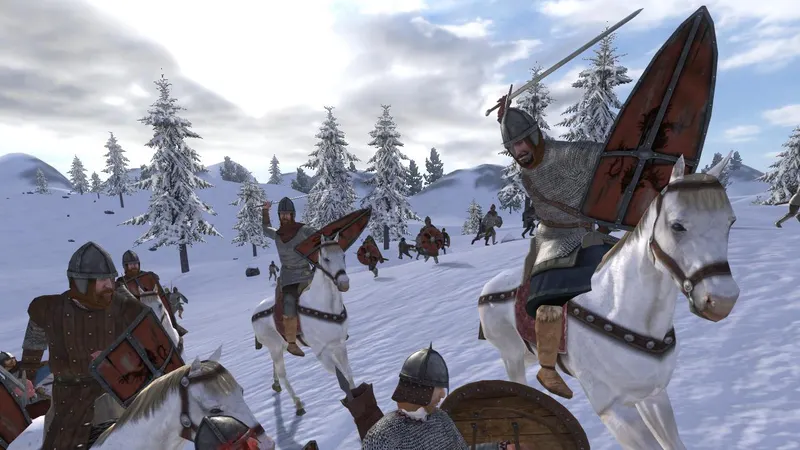
Mount & Blade: Warband crossplay is worth checking before you buy the game. PC, PlayStation 4 and Xbox One operate in separate ecosystems: you can play online, but you cannot join friends on another platform family. The practical choice is to use the same ecosystem as your group.
Key points
- Warband does not offer official crossplay between PC, PlayStation and Xbox.
- The single-player campaign cannot be played cooperatively, and its progress is not shared online.
- Windows, macOS, Linux and SteamOS appear on the same Steam listing, but players must still use a compatible version and module.
- Different PC mods and modules can prevent players from joining the same server.
- The console version is available on PlayStation 4 and Xbox One, but it cannot join PC servers.
PC and console versions do not share multiplayer
No, Mount & Blade: Warband does not support crossplay between PC, PlayStation and Xbox. The official Steam listing confirms multiplayer on PC, while TaleWorlds documents the PlayStation 4 and Xbox One release separately, without announcing a feature that would mix these platforms.
A Steam player cannot directly invite a friend who owns Warband on PS4 or Xbox One. Buying the same edition on two platforms does not create a shared account, shared lobby or synchronized progression.
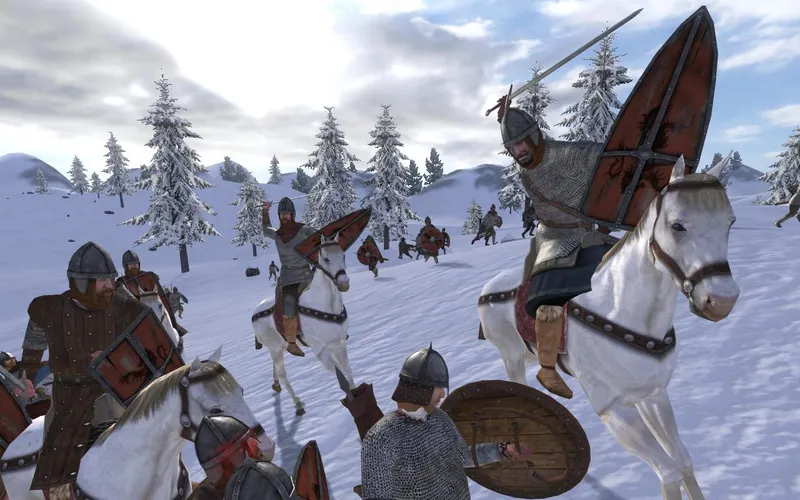
Which platforms can play together?
| Platform | Multiplayer | Crossplay with the other rows | What to check |
|---|---|---|---|
| Windows PC | Yes | No with PlayStation or Xbox | Game version, server and module |
| macOS, Linux, SteamOS | Yes through the Steam ecosystem | No with consoles | Same installation and same module |
| PlayStation 4 | Yes | Not documented with PC or Xbox | Subscription and multiplayer availability according to the account |
| Xbox One | Yes | Not documented with PC or PlayStation | Subscription and accessible server |
The PC version offers the most flexibility for mods and dedicated servers. Steam lists Windows, macOS and SteamOS/Linux for the same product, while TaleWorlds presents Warband multiplayer through its modes and online battles. Several compatible PC systems can play together, but that does not extend multiplayer to consoles.
On console, stay within the generation intended for Warband. The official release covers PlayStation 4 and Xbox One. Do not confuse this game with Mount & Blade II: Bannerlord, which uses different infrastructure and versions. A friend launching Bannerlord cannot join a Warband match.
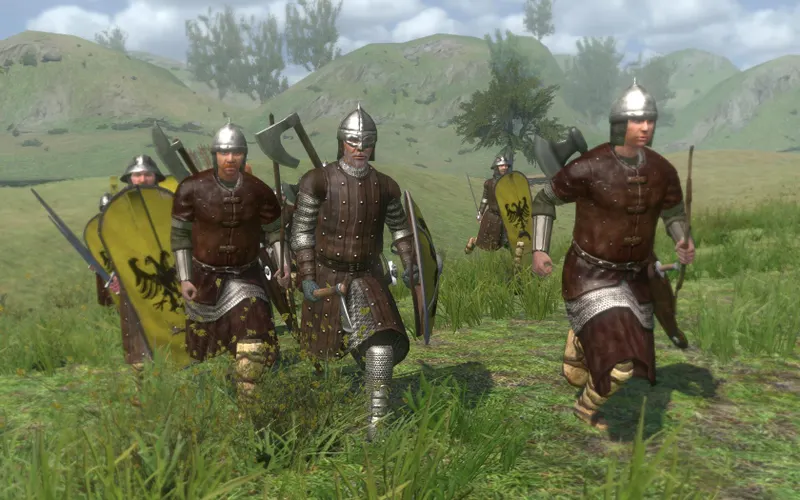
Check the game version before sending an invitation
Before creating a server or inviting friends, check the following:
- Exact platform: Steam PC, PlayStation 4 or Xbox One.
- The same game: everyone must use Mount & Blade: Warband, not Mount & Blade, With Fire & Sword, Viking Conquest or Bannerlord.
- The same PC module: for a Native match, everyone must select Native. A total conversion mod cannot join a server expecting the base module.
- The same version: install available updates and avoid mixing an old beta branch with the stable version.
- The server: test a short match, check the ping and confirm that every player appears in the list.
- Game mode: multiplayer starts from the dedicated menu; the Calradia map remains a single-player experience.
This check matters particularly on PC. Dedicated server files can host or administer a match, but they do not replace the game installation required to join one. The stable version and matching module matter more than adding a mod at the last minute.
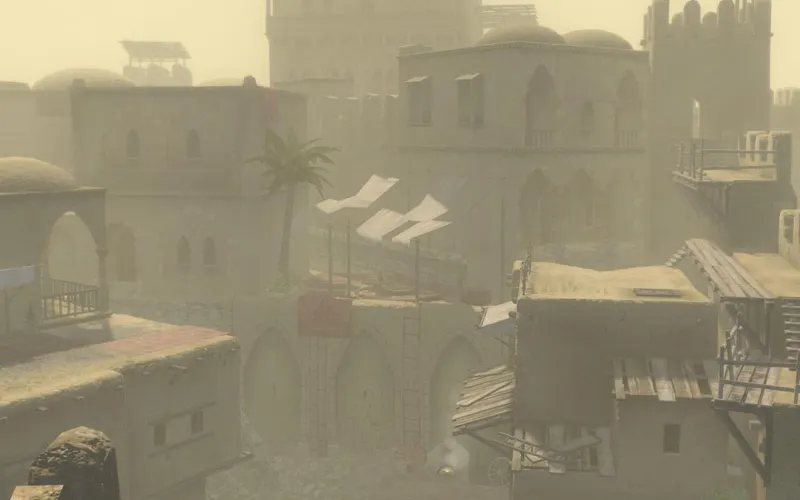
Campaign saves do not become shared progression
Warband does not use a modern live-service model with a central cross-platform account. The campaign lets you develop your character, companions and kingdom, but TaleWorlds specifies that this single-player experience cannot be played online with friends. Its save therefore does not provide shared progression.
In multiplayer, you enter a battle governed by the server’s rules, map and equipment. Those elements are separate from a persistent campaign. No official cross-progression between Steam, PlayStation and Xbox is documented.
If you change platforms, treat the new version as a separate experience. Do not assume that your saves, characters or installed content will follow you.
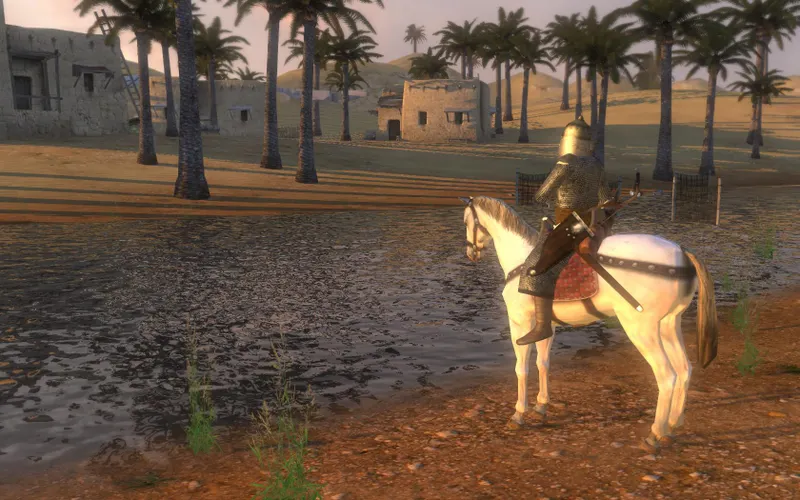
Settings that can help on compatible systems
Warband has no hidden crossplay option to enable. Changing Steam privacy settings, NAT or invitations cannot create a bridge between PC and console servers. These settings become useful only after everyone is confirmed to be on a compatible platform.
- PC: update the game, temporarily disable non-essential mods and select the same module as the host.
- Connection: test a short match and monitor the ping before starting a lengthy siege.
- Server: use version and module filters to narrow the list to compatible matches.
- Console: check the account’s multiplayer access and launch the same edition as your friends.
- Invitation: if a player does not appear, return to the platform check before reinstalling the game.
The PC update 1.174 mentioned by TaleWorlds fixes an issue with server names linked to Steam Workshop mods. Some errors therefore come from the server or module rather than from disabled crossplay. Consult official Warband 1.174 update if your server list seems inconsistent.
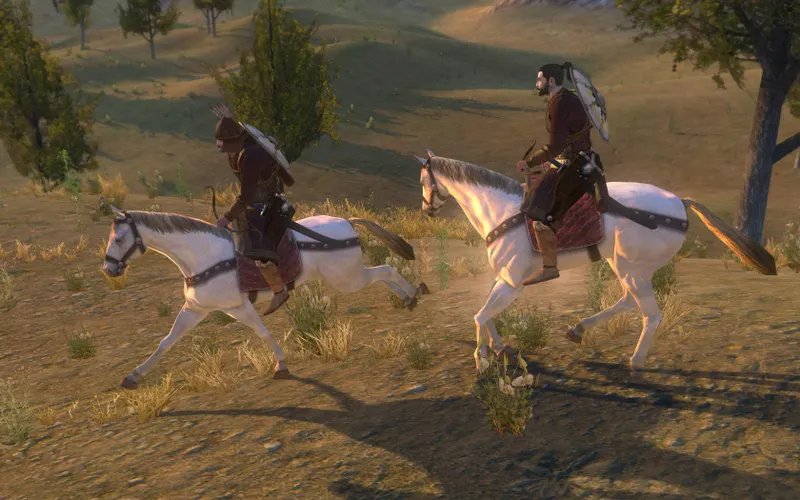
Multiplayer battles are not a cooperative campaign
Multiplayer is not the cooperative campaign. TaleWorlds states that the single-player campaign cannot be played online with friends, even though Warband offers multiplayer battles.
Bannerlord is not Warband. The two games share a universe and some combat principles, but their servers, versions and features are not interchangeable.
A PC mod does not make a console compatible. Modules enhance the PC version; they do not create a bridge to PlayStation or Xbox.
Having the game in a subscription guarantees nothing. Availability on a store or service does not change which platforms the game connects. official Mount & Blade: Warband Steam listing confirms PC multiplayer, but not a connection with the console versions.
For technical announcements, consult official Warband page. More practical guides are available on jeu.video’s latest gaming news, Articles section and Esports section.
Frequently asked questions
Can a PC player join a friend on PS4 or Xbox One?
No. PC-console crossplay is not documented for Warband, and the versions operate in separate ecosystems.
Can Windows, Linux and macOS play together?
These systems are listed on the Steam page for the same PC game. Use the same version, module and a compatible server.
Can the Warband campaign be played cooperatively?
No. The Calradia campaign is a single-player experience; multiplayer launches in separate battles from the dedicated menu.
Why can’t my friend see my PC server?
Check the game version, selected module, Steam Workshop mods and server filter. A missing update is enough to hide a match.
Is progression shared between Steam and console?
No official cross-progression is documented. Treat saves and profiles as separate when changing platforms.
For related coverage, also read our article asking whether Bannerlord is crossplay: check the platform and our article on Mordhau: how to play with friends on PC and PlayStation.
Verified sources
These links can be used to verify the key information used in this article.
- store.steampowered.com: The official Steam listing confirms the PC release of Mount & Blade: Warband, Windows, macOS and SteamOS/Linux systems, as well as single-player and multiplayer features; page consulted on 2026-08-08.
- taleworlds.com: The official TaleWorlds page confirms multiplayer battles for up to 64 players, the available modes, the separation between the single-player campaign and multiplayer, and stable version 1.174.
- taleworlds.com: The official TaleWorlds announcement confirms Warband’s release on PlayStation 4 and Xbox One on 2016-09-16.
- taleworlds.com: The official version 1.174 notes mention a fix concerning server names for Steam Workshop mods; they help explain the version and module checks on PC.