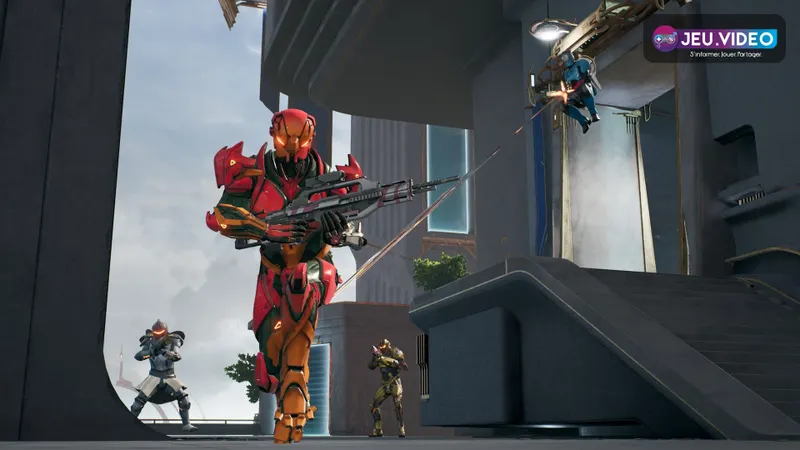
Playing together on the original Splitgate now requires more caution than before. Dedicated servers closed in August 2025, and matches use peer-to-peer (P2P) hosting instead. One player hosts the match, while the others search for it in the server browser.
1047 Games no longer confirms cross-platform play between PC, PlayStation and Xbox for this version. The safest approach is to use the same platform where possible and test a short match before organising a full session.
What remains confirmed for original Splitgate
The Splitgate available on Steam is the original game, identified by app ID 677620. It remains downloadable and playable through P2P, but its original dedicated-server system is no longer active.
The studio states that a host creates the session and other players join through the server browser. No official source provided here guarantees that the same session will be visible simultaneously on PC, PlayStation and Xbox.
Do not confuse this game with SPLITGATE : Arena Reloaded. Its support page announces crossplay on Steam, Epic Games, PlayStation and Xbox. That announcement does not establish the same compatibility for the original.
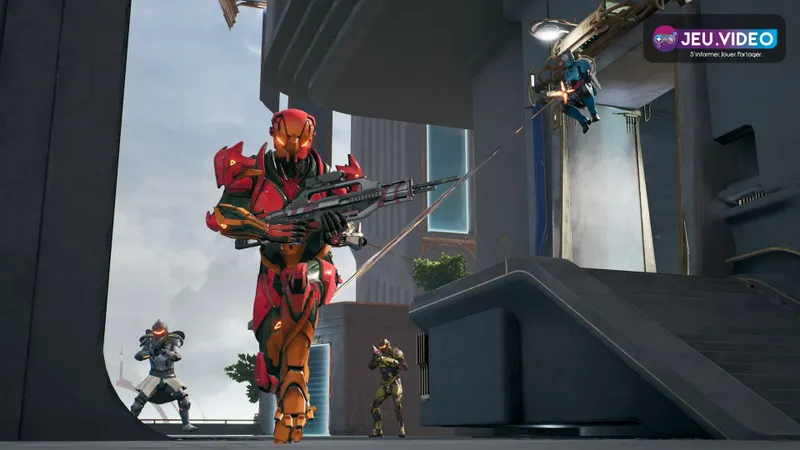
Identify the version before inviting friends
The name shown at launch matters. A player launching the original cannot join someone preparing Arena Reloaded. Compare the title in your library and on the platform store.
| Version | Official status | Practical decision |
|---|---|---|
| Original Splitgate | P2P matches via the server browser. | Prefer one platform and test a session. |
| SPLITGATE : Arena Reloaded | Crossplay announced on Steam, Epic Games, PlayStation and Xbox. | Link the relevant accounts before playing. |
Sharing the same franchise name is not enough. Send a screenshot of the main menu if the group is unsure. Our explanation of crossplay and cross-platform play also helps distinguish online features before installing.
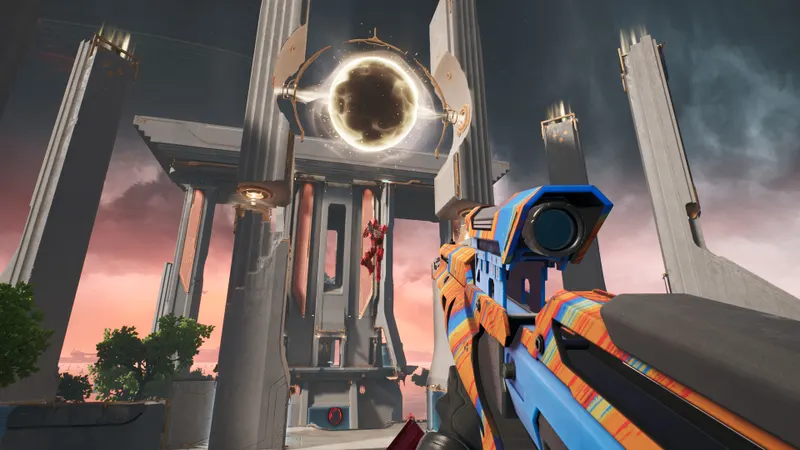
Test the P2P connection with one guest
Start with a host who has a stable connection rather than inviting the entire group immediately. One guest is enough to check whether the session can be found and whether a round starts.
- Ask every player to launch the original Splitgate.
- Choose the same platform to remove uncertainty related to crossplay.
- Create a custom match and note its name.
- Open the server browser on the guest account.
- Search for the host's session, then play a short round.
- Change hosts if the match does not appear.
Test from the network you will actually use. Restrictive NAT, mobile tethering or unstable Wi-Fi can block P2P discovery. This issue concerns hosting, not weapon settings.
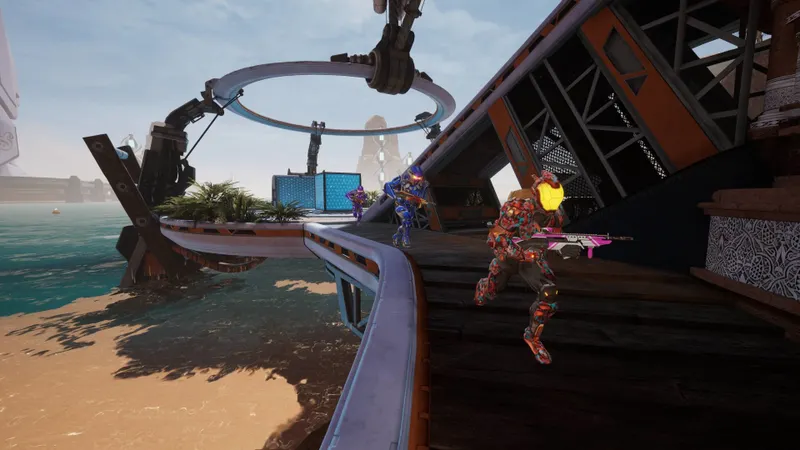
What still works for progression
The move to P2P removed several services from the original. The Battle Pass, store, Rewards Center and drops no longer work. Cosmetics were made available without restoring those older systems.
The account-linking system documented by 1047 Games concerns Arena Reloaded. The primary account determines which progression is used. Unlocked or purchased items can be used across linked accounts. Splitcoin, however, remain on their purchase platform.
Do not link two accounts to merge them: support specifies that progression merging is not supported. For confirmed changes, consult the official FAQ and the account-linking page.
Do not trust old crossplay tutorials
A session visible on PC is not proof of console compatibility. Crossplay requires the same match to accept multiple ecosystems; P2P hosting alone does not guarantee it.
Also avoid old tutorials about invites and dedicated servers. Their instructions may no longer match the current version. Use a simple method: same version, identified host, server browser, then a test round.
To prepare other competitive sessions, our esports features and the latest jeu.vidéo news gather useful information by game.
Frequently asked questions
Can you play original Splitgate between PC, PS4, PS5 and Xbox ?
P2P is confirmed, but crossplay between these platforms is not. Prefer a single platform and test a session.
How do you join a friend's match ?
The host creates the match. Then search for their session in the server browser.
Why does my friend's session not appear ?
Check the version, platform, match name and host's network. Try another host if necessary.
Does the original Splitgate Battle Pass still work ?
No. The Battle Pass, store, Rewards Center and drops were removed after dedicated servers shut down.
Where can I follow crossplay and account changes ?
Follow the official FAQ and the Splitgate support centre.
To keep following the topic, also see our article on PS4 crossplay games: check the edition before playing and our article on crossplay on Xbox: check the game and edition first.
Verified sources
These links let you verify the key information used in this article.
- store.steampowered.com: the official Steam page identifies original Splitgate and its PC version, app ID 677620.
- steamcommunity.com: official Steam announcement dated 2025-08-21 on replacing dedicated servers with P2P; the host creates the match and other players join it through the server browser.
- splitgate.com: official Splitgate FAQ, consulted on 2026-07-29; the original saw its servers close in mid-August 2025 and remains available as a P2P download; Arena Reloaded is listed on Steam, PS5, PS4, Xbox Series X|S, Xbox
- support.splitgate.com: official support, updated 2025-12-04; Steam, PlayStation, Xbox, Epic, Twitch and Discord accounts can be linked for Arena Reloaded; progression cannot be merged and Splitcoin remain tied.