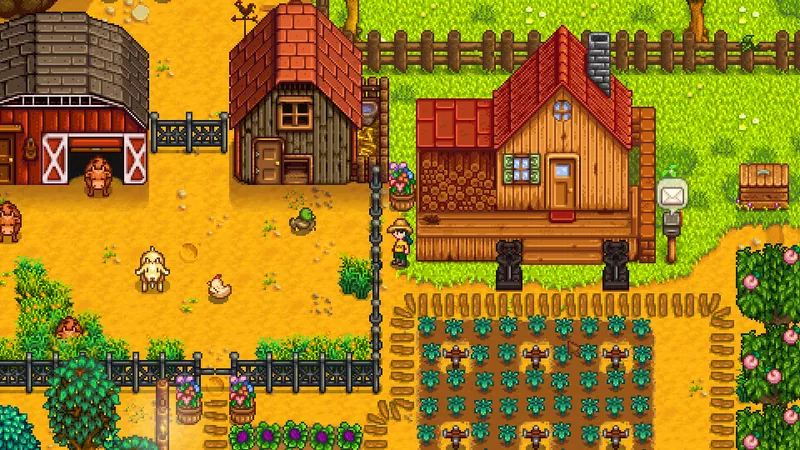
To get started in Stardew Valley, limit your priorities to one main activity, one complementary activity and one progression goal. The game does not impose any official optimal order. Its Steam page presents several paths — farming, animal raising, fishing, exploration, crafting, relationships and restoring the community center — which you can learn to combine without trying to handle everything at once.
The Steam version supports French on Windows, macOS and SteamOS + Linux. Before your first game, check the installed language and keep the official Stardew Valley Steam page handy. For more information about the game, you can also check site's articles, video game news and latest publications.
Key points
- Choose a main loop between farming, fishing, the mines, crafting or relationships before adding more objectives.
- Keep one concrete goal per session: produce, explore, craft, meet someone or progress toward the community center.
- The five official skills are farming, mining, combat, fishing and foraging.
- The community center and Joja Corporation represent two distinct paths mentioned on the Steam page.
- Co-op is advertised for up to eight players online, with LAN and local split-screen play also listed on the Steam page.
Choose a direction for your first game
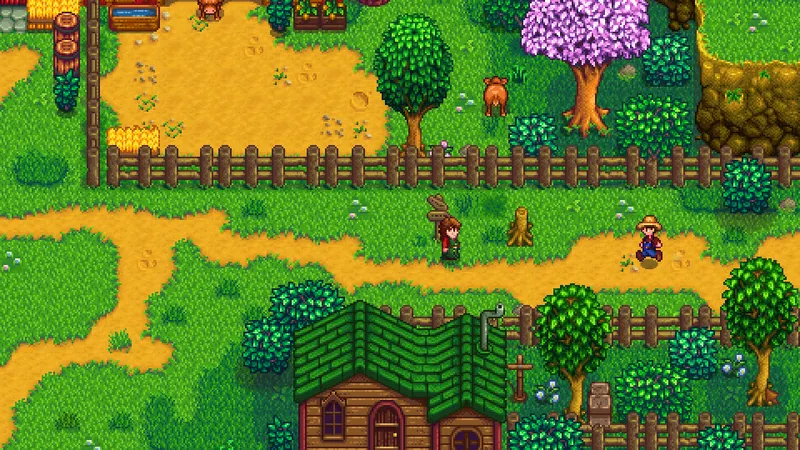
The first mistake is to treat every activity as a daily obligation. Stardew Valley lets you grow crops, raise animals, fish, explore the mines, craft items, build relationships and work on the museum or community center. This richness is part of the game's strength, but it can make a first game difficult to follow if you change priorities every moment.
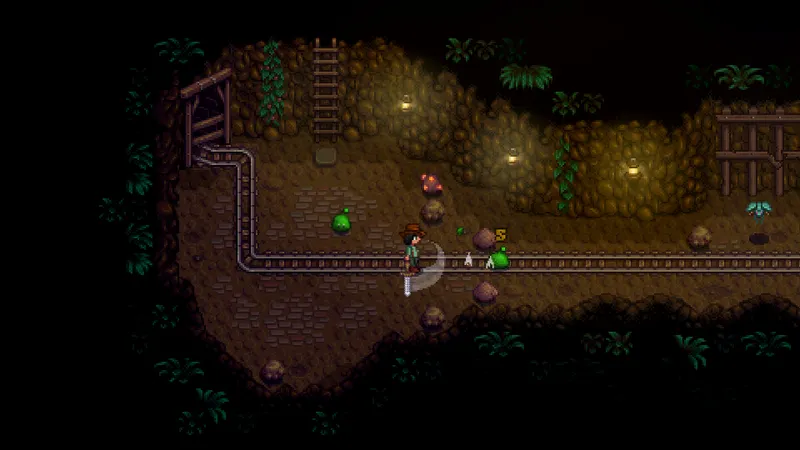
To get started smoothly, choose an activity that gives you an immediate direction. Farming suits you if you enjoy planning production and crafting. Fishing offers a more self-contained loop. The mines combine exploration and combat. Relationships and seasonal festivals provide a social goal. None of these choices is presented as superior by the official source: stick with the one that makes you want to keep playing.
- Choose one main activity for your next session.
- Add just one complementary activity, such as fishing after an exploration session or crafting after a period of production.
- Write down a visible goal: advance through the mines, prepare an item, meet a character or contribute to the community center.
- At the end of the session, keep the same direction if it remains enjoyable instead of starting over with a new list of objectives.
This method does not claim to provide the best possible progression. It is meant to make your choices easier to understand and avoid the feeling of falling behind that an open-ended game can often create.
Link farming, fishing, the mines and relationships
Stardew Valley's systems complement one another, but they do not all require the same attention. The Steam page distinguishes five skill areas: farming, mining, combat, fishing and foraging. Use this separation to identify what you are actually learning instead of measuring your progress only by your money or the size of your farm.
| Activity | Practical goal for beginners | Pair it with |
|---|---|---|
| Farming | Give the farm a clear structure and observe how production works. | Crafting or animal raising. |
| Fishing | Discover an activity focused on collecting and catching. | Relationships or the museum. |
| The mines | Explore, learn combat and progress through a dedicated area. | Crafting or foraging. |
| Relationships | Meet the villagers and follow the village's social events. | Farming or seasonal festivals. |
| Foraging | Round out your outings with resources found in the environment. | Crafting or the museum. |
The best choice for a first game is the one you can repeat without friction. If you enjoy crafting, combine gathering with crafting. If you prefer exploration, keep the farm as a preparation point and focus on the mines. If you like the social side, set aside sessions for relationships instead of treating them as a forgotten secondary task.
Connect skills with the museum and the community center
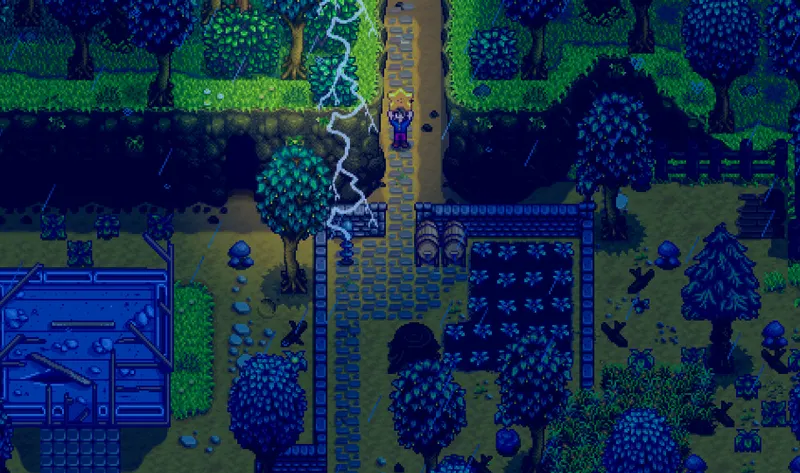
Your progress becomes easier to follow when you connect each discovery to a specific system. A trip to the mines can support exploration, combat or crafting. A fishing session can support relationships or the museum. Agricultural production can serve your farm, your recipes or the community center's objectives. This link between systems is more useful than a universal list of items to keep, because the Steam page provides no official list of priorities or essential items.
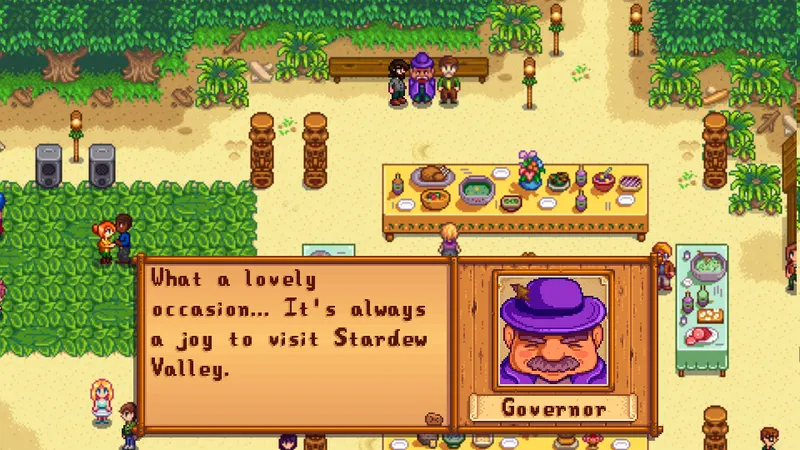
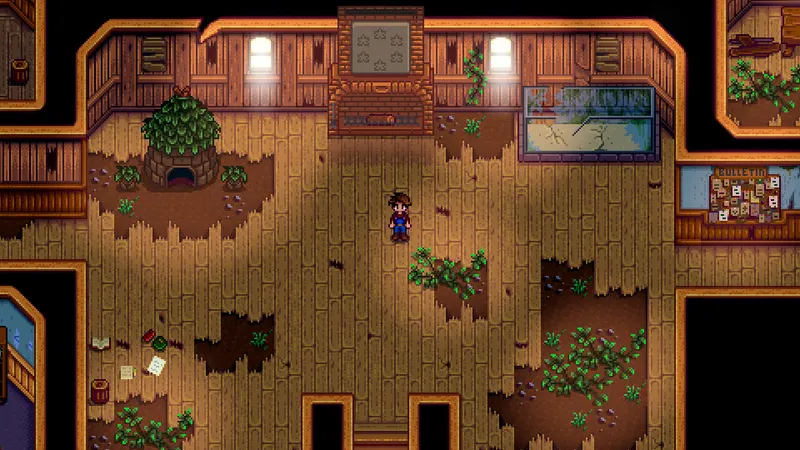
The museum and community center deserve regular attention if you enjoy collecting and completing objectives. The Steam page also confirms an alternative involving Joja Corporation. Do not choose a path because an online list presents it as mandatory: the official source confirms that both directions exist, not an optimal order or a universal reward.
During a session, use this checklist:
- Identify the system that should progress today.
- Keep the resources whose use you understand for your current goal.
- Transform or deposit items only when their destination is clear.
- Check whether your outing serves the farm, museum, community center, relationships or crafting.
- Change priorities only if the current activity no longer matches the way you play.
This habit reduces thoughtless selling without inventing an absolute rule. It is especially useful when you alternate between farming, the mines, fishing and foraging in the same game.
Do not mistake guides for universal rules
The costliest mistake for a new player is not choosing the wrong activity: it is believing that there is only one correct way to play. Stardew Valley offers a farm, animals, fishing, mines, combat, cooking and crafting, as well as relationships, the museum, seasonal festivals and two paths for the community center. A game can therefore be structured around production or exploration without losing its coherence.
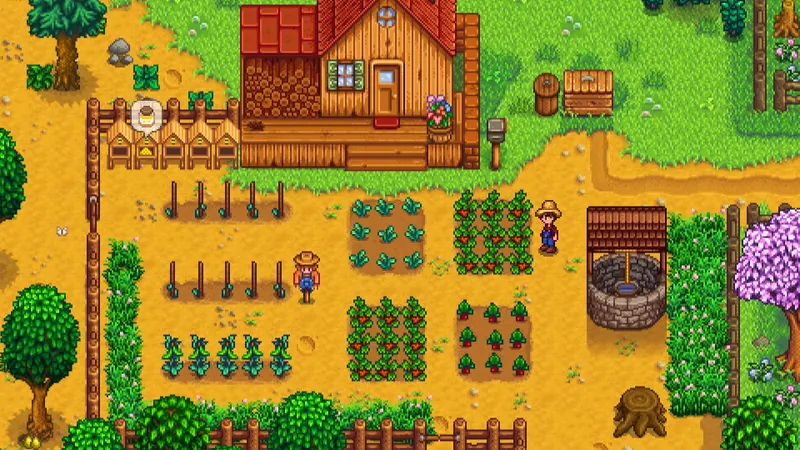
Also avoid copying a route presented as perfect without checking your goal. The Steam page confirms no best crop, no mine route, no list of items to keep and no universal mistake. If a recommendation does not specify the goal — farm, museum, community center, crafting, relationships or exploration — it may lead you to invest time in a direction that does not interest you.
Finally, do not confuse store information with a lasting promise about price or platforms. The Steam page displays €13.99, but that amount is temporary. The platforms confirmed here are Windows, macOS and SteamOS + Linux ; console and mobile versions must not be inferred from that page alone.
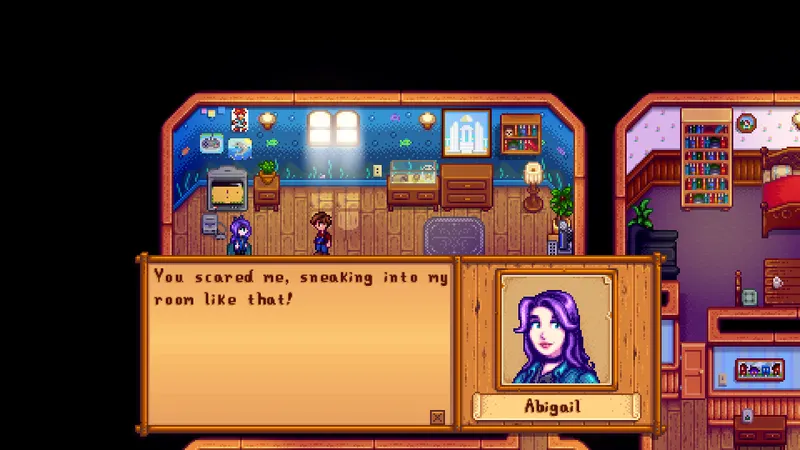
Check the co-op setup before inviting friends
The Steam page advertises online co-op for up to eight players, as well as LAN co-op and local split-screen co-op. That is enough to prepare a shared game on a compatible platform. However, this information confirms neither crossplay between separate platforms nor cross-progression.
Before inviting your friends, make three simple checks:
- Compare the platforms used by each player with those confirmed by the Steam page.
- Check that you are looking for an online, LAN or local session according to your setup.
- Do not buy an additional version assuming that progression or play between platforms will be shared.
This caution avoids a common confusion: available co-op does not automatically mean crossplay. For version, language and mode information, use official Steam page rather than an unsourced list.
Frequently asked questions
Which should you choose: the community center or Joja Corporation ?
The Steam page confirms both paths, but does not identify a universally better choice. Choose based on whether you want to collect items and complete objectives, or prefer a more direct progression centered on Joja Corporation.
Is Stardew Valley available in French on PC ?
Yes. The Steam page lists French among the supported languages and confirms the Windows, macOS and SteamOS + Linux versions.
Can you play Stardew Valley with several friends ?
The Steam page advertises online co-op for up to eight players, as well as LAN and local split-screen co-op.
Does Stardew Valley support crossplay between PC and consoles ?
The Steam page confirms co-op, but not crossplay, cross-progression or compatibility between separate platforms. Do not assume that two versions will be able to join one another.
Which items should you absolutely keep at the start ?
The Steam page provides no official list of items to keep. Prioritize items directly related to your current goal: farm, museum, community center, crafting, relationships or exploration.
For more information about the game, also check our article on Starsand Island: which activity to choose to get started and our article on Stardew Valley: which items to keep to finish the.
To verify the key information, consult the official source.
Verified sources
These links verify the key information used in this article.
- store.steampowered.com : The official Steam page confirms the developer and publisher ConcernedApe, the release date of February 26, 2016, the main activities, the five skills, the co-op modes and the Windows platforms.
- shared.akamai.steamstatic.com : The direct Steam assets provided here are official 1920×1080 visuals used to illustrate the guide's different activities and checks.
- shared.akamai.steamstatic.com : The displayed price of €13.99 is temporary and is not presented as a permanent price.
- shared.akamai.steamstatic.com