Halo MCC guide for replaying Halo 2: Anniversary and Halo 3 in Halo: The Master Chief Collection, without waiting for any future remake. The goal is practical: set up the game, replay the campaigns in a smart order and rebuild multiplayer fundamentals.
Key points
- Halo: The Master Chief Collection includes Halo 2: Anniversary and Halo 3 with campaign and multiplayer content.
- The official Steam page lists custom FOV, ultrawide support and 60 FPS or higher depending on hardware.
- The July 20, 2023 MCC notes confirm Golden Moa statues in Halo 2 missions and Escalation Slayer in Halo 3.
- Halo Support documents patch notes, known issues and help articles for The Master Chief Collection.
This Halo MCC guide uses the playable versions available today. It relies on official Steam, Xbox, Halo Support and Halo Waypoint sources. You can also browse latest updates, news coverage and feature articles on jeu.video.
Halo MCC guide: key takeaways
- Install only Halo 2: Anniversary and Halo 3 if you want a fast restart.
- Set FOV, frame rate, audio and controls before a serious campaign run.
- Replay Halo 2 on Normal or Heroic before trying Legendary.
- In Halo 3, practice the Battle Rifle, grenades and vehicles before score runs.
- In multiplayer, pick three maps and learn them deeply.
Prepare Halo MCC before Halo 2 and Halo 3
Halo: The Master Chief Collection includes six games. The official Steam page confirms Halo 2: Anniversary and Halo 3, with campaign, online co-op, multiplayer and Forge. You do not need every title installed for this Halo MCC guide.
- Launch MCC and confirm your Xbox profile signs in.
- Install Halo 2: Anniversary and Halo 3 first.
- Keep Halo 2 Classic Multiplayer if you want to compare feel.
- Open video settings and adjust FOV.
- Run one short Normal mission to test image, sound and controls.
For official details, check the Steam listing, the Xbox page and Halo Support.
Halo MCC settings for cleaner aim
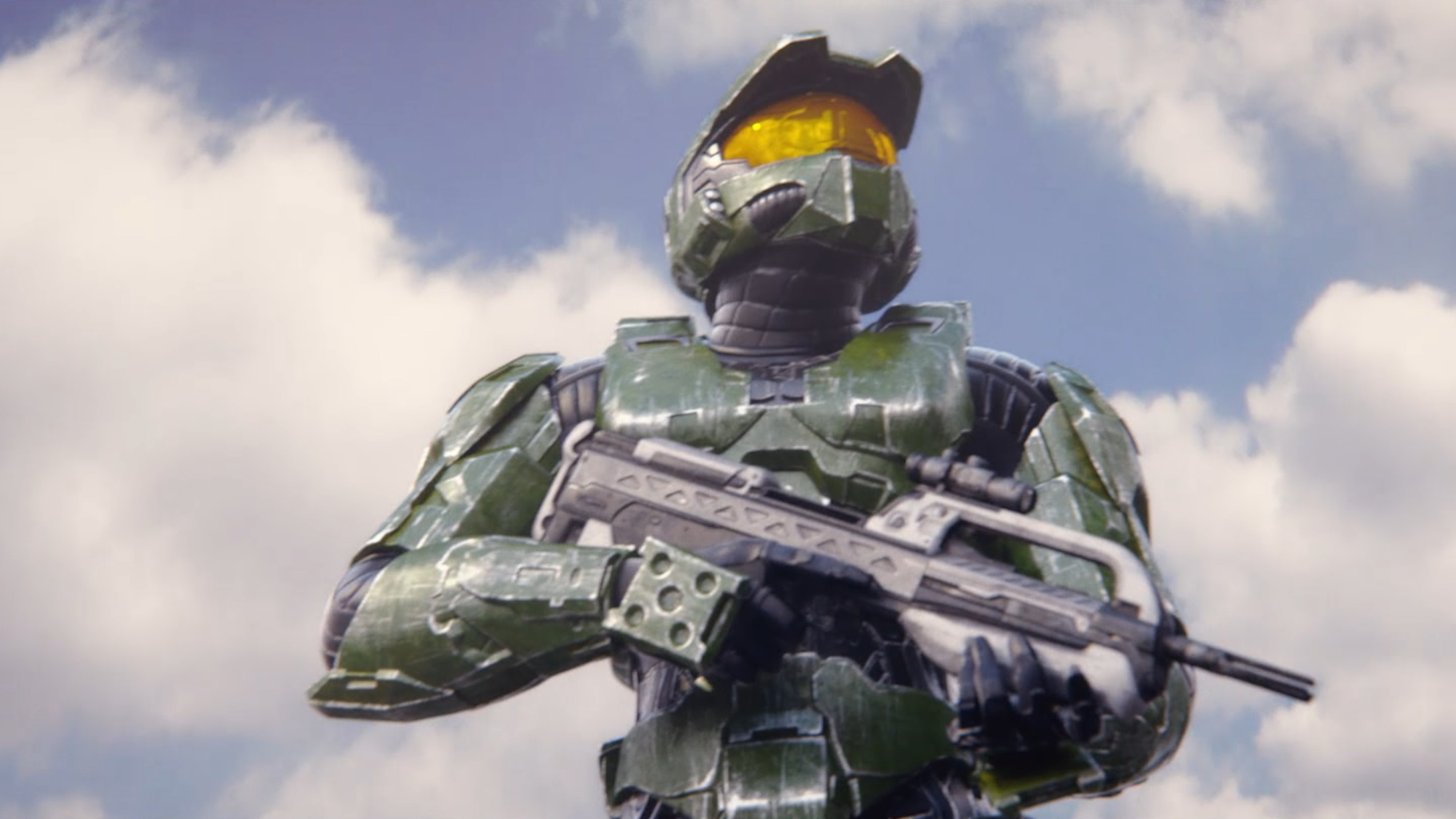
The Steam page lists keyboard and mouse support, ultrawide support, custom FOV and 60 FPS or higher depending on hardware. Use those options carefully. A stable picture matters more than maximum values.
| Setting | Priority | Tip |
|---|---|---|
| FOV | Very high | Raise it step by step without losing long-range accuracy. |
| Frame rate | Very high | Use a stable cap. |
| Audio | High | Make shields, grenades, vehicles and sniper shots easy to hear. |
| Controls | High | Keep melee and grenade on reachable inputs. |
Halo MCC guide: replay Halo 2 without hitting a wall
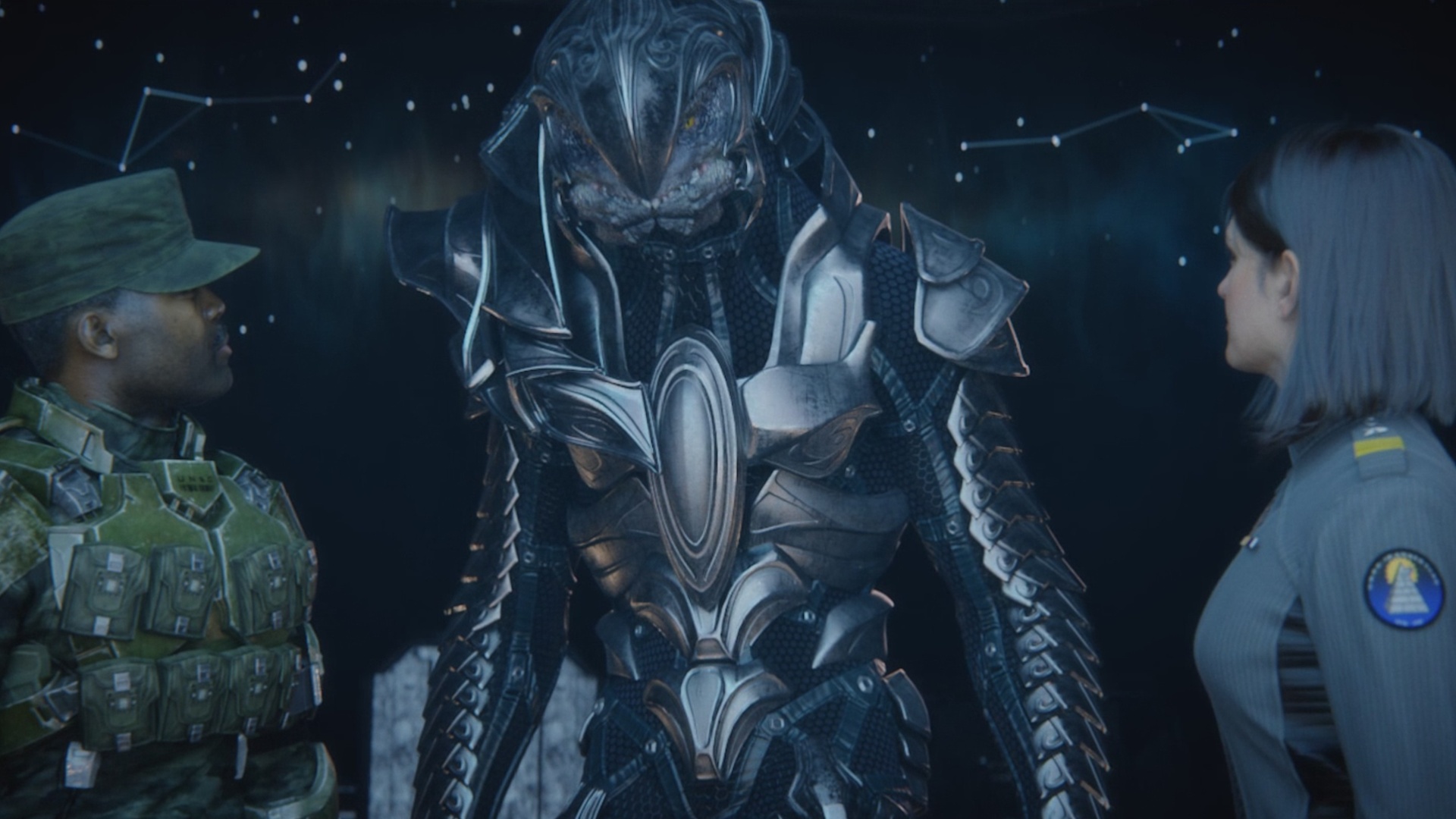
Halo 2 is harsh to revisit. Elites absorb pressure. Some distant enemies punish slow reactions. Pick Normal if you are returning after years away. Pick Heroic if your FPS basics still feel sharp.
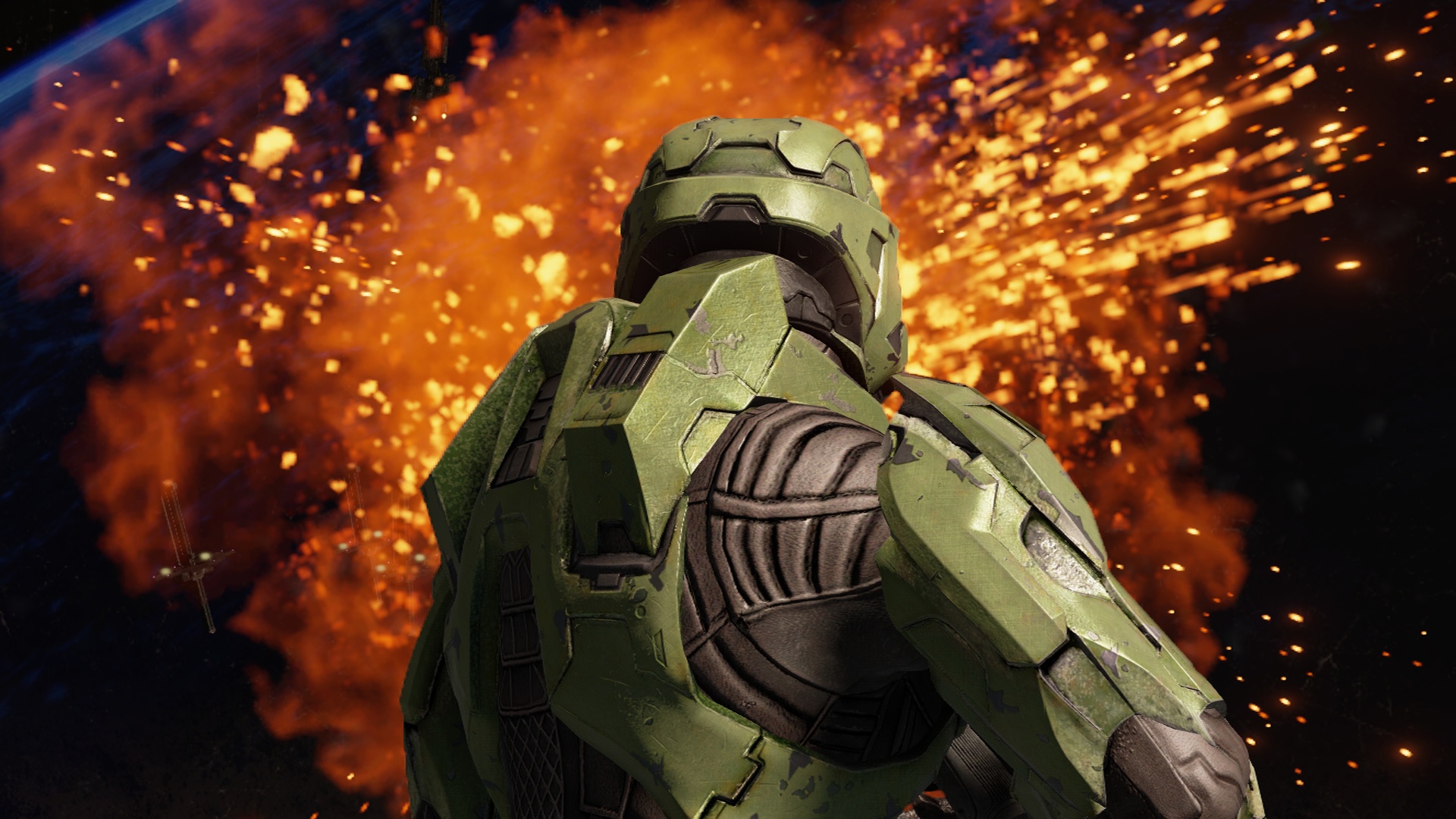
The rule is simple: strip shields, then finish with precision. A grenade or plasma weapon often opens a duel better than a full magazine.
- Start with human missions to recover Battle Rifle, SMG and grenade habits.
- As the Arbiter, use camouflage to choose the opening fight.
- Against Hunters, circle pillars and attack after their charge.
- In Flood zones, keep one fast weapon and one heavy weapon.
- Replay hard sections after learning enemy spawns.
Replay Halo 3 with clear objectives
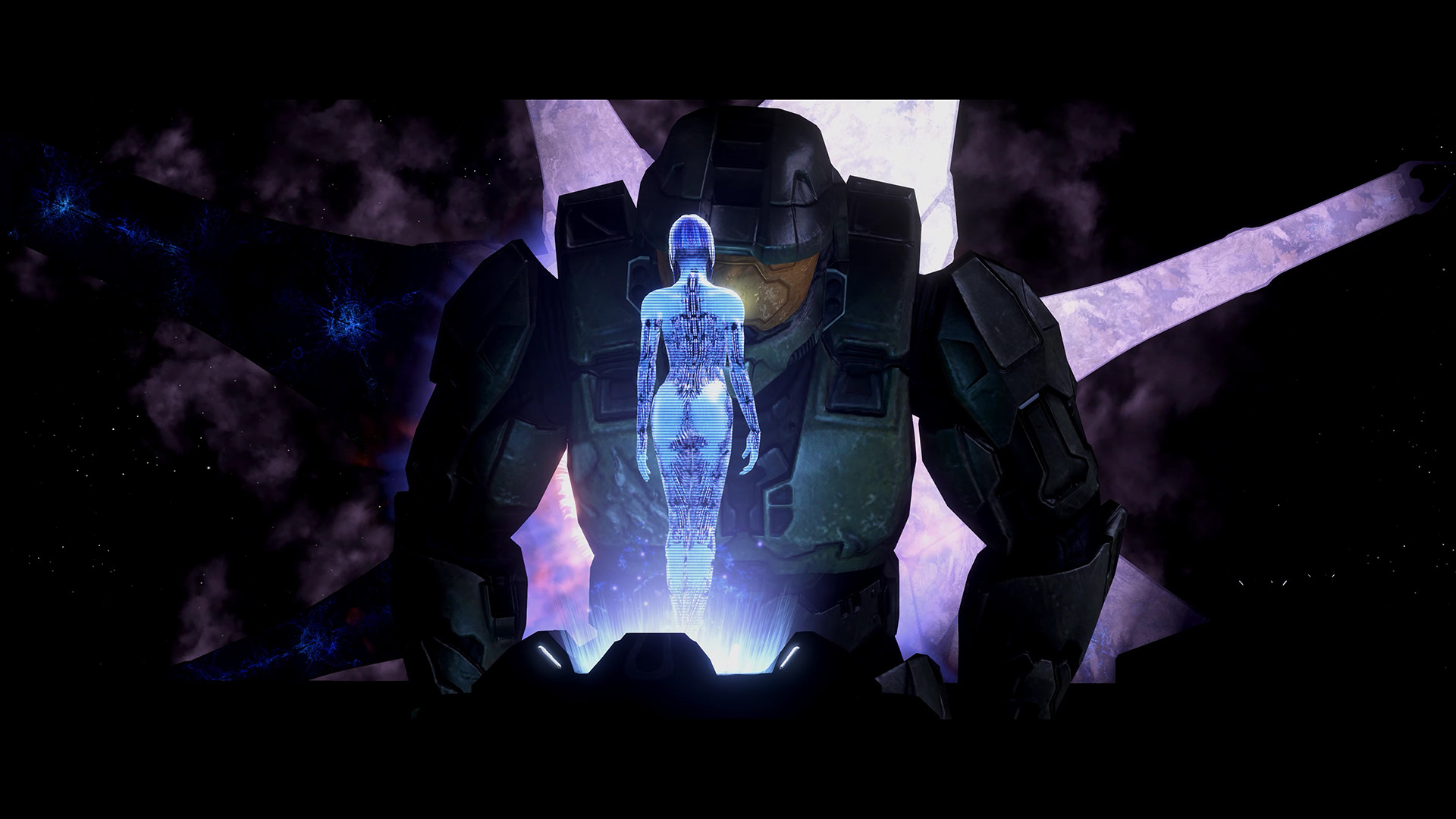
Halo 3 is more forgiving, but strong fundamentals matter. The Battle Rifle should become your main tool. Vehicles matter too. Do not leave a Ghost, Warthog or heavy weapon behind without a reason.
- Find snipers, turrets, Brute leaders and enemy vehicles first.
- Keep one precision weapon and one explosive or plasma option.
- Do not waste heavy ammo on weak enemies.
- Use Marines as support, not as your main damage source.
- Before leaving, restock grenades, ammo and vehicles.
Skulls, Golden Moa and challenges
Skulls are great for variety. They are weaker for judging your real level. For a clean first run, avoid modifiers that change ammo, AI or survivability.
The July 2023 official MCC notes confirm Golden Moa statues in Halo 2 missions. They also mention Hunter boarding with the Bandanna skull in Halo 2: Anniversary. Save those goals for a second pass.
Halo MCC multiplayer routine
Halo multiplayer punishes movement without a plan. Your goal is not to know everything. Learn a few maps, their power weapons and their exits.
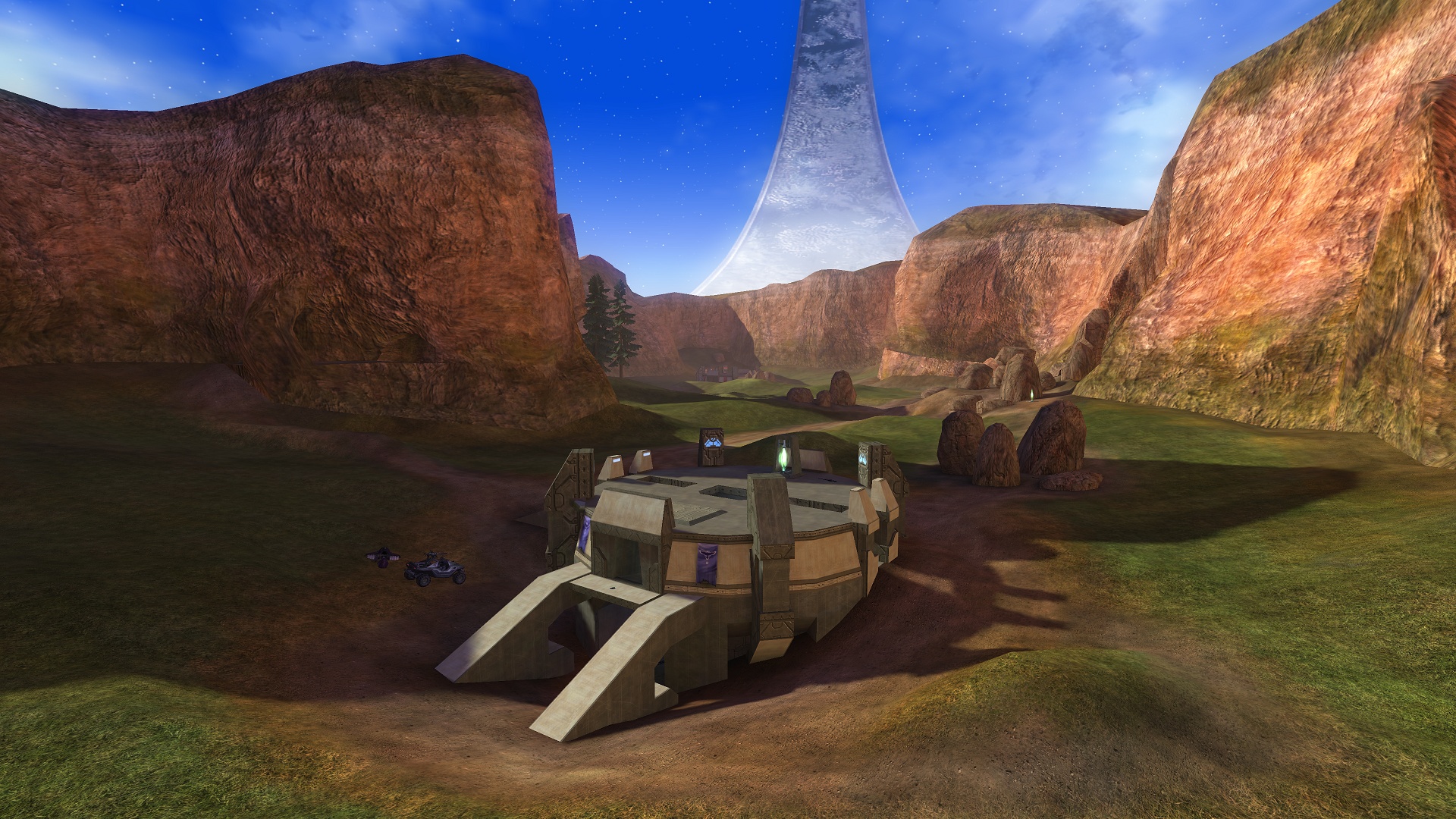
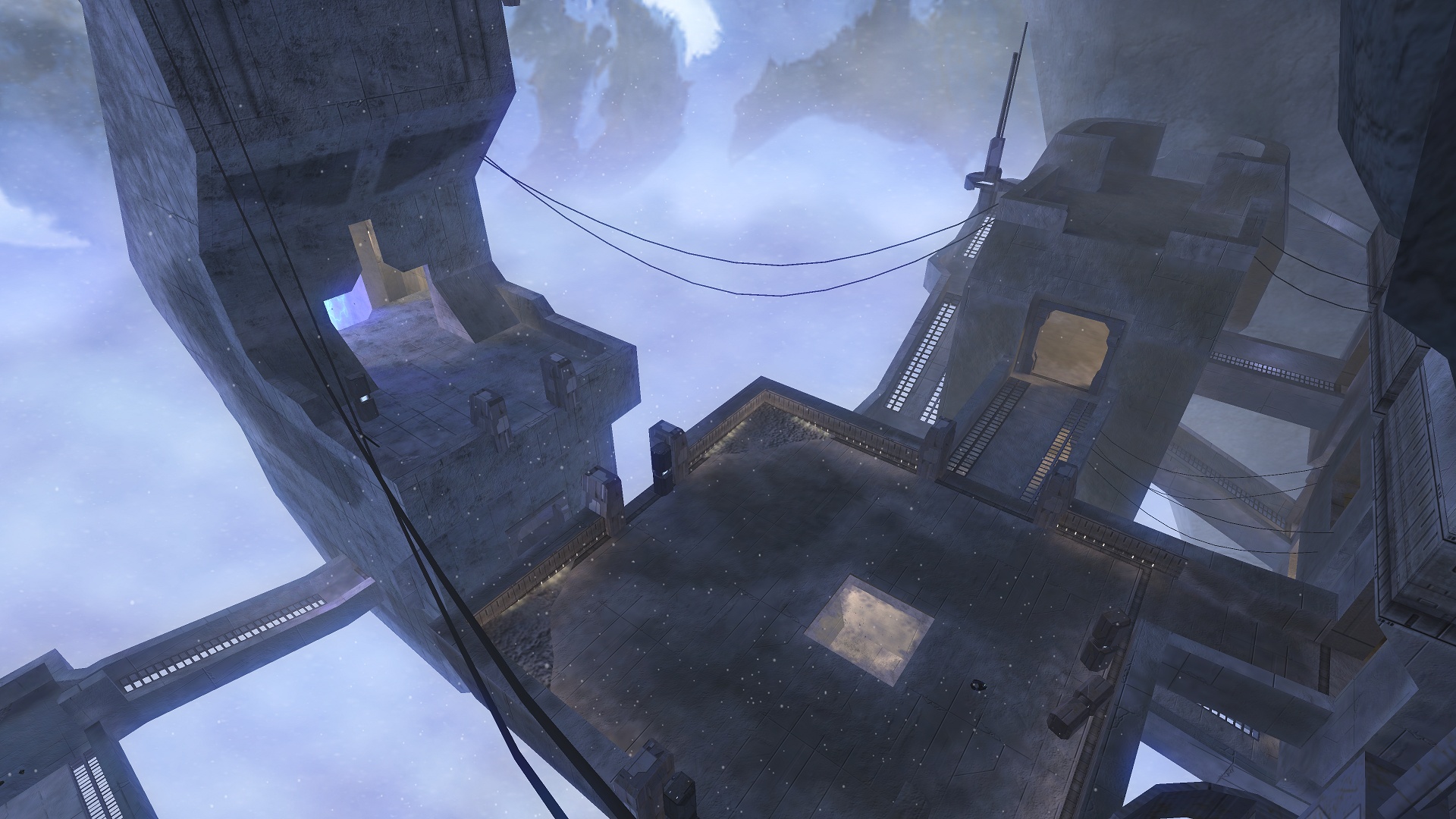
- Load one map alone in a custom game.
- Find power weapons, high routes, teleports and exposed lanes.
- Practice Battle Rifle or starting-weapon duels.
- Choose your next cover before crossing open ground.
- After each death, name the cause: angle, weapon, grenade, objective or timing.
Forge and custom games for faster progress
Forge is also a practice tool. In MCC, use it to visit maps without pressure. Study sightlines. Test simple jumps. Learn why one position beats another.
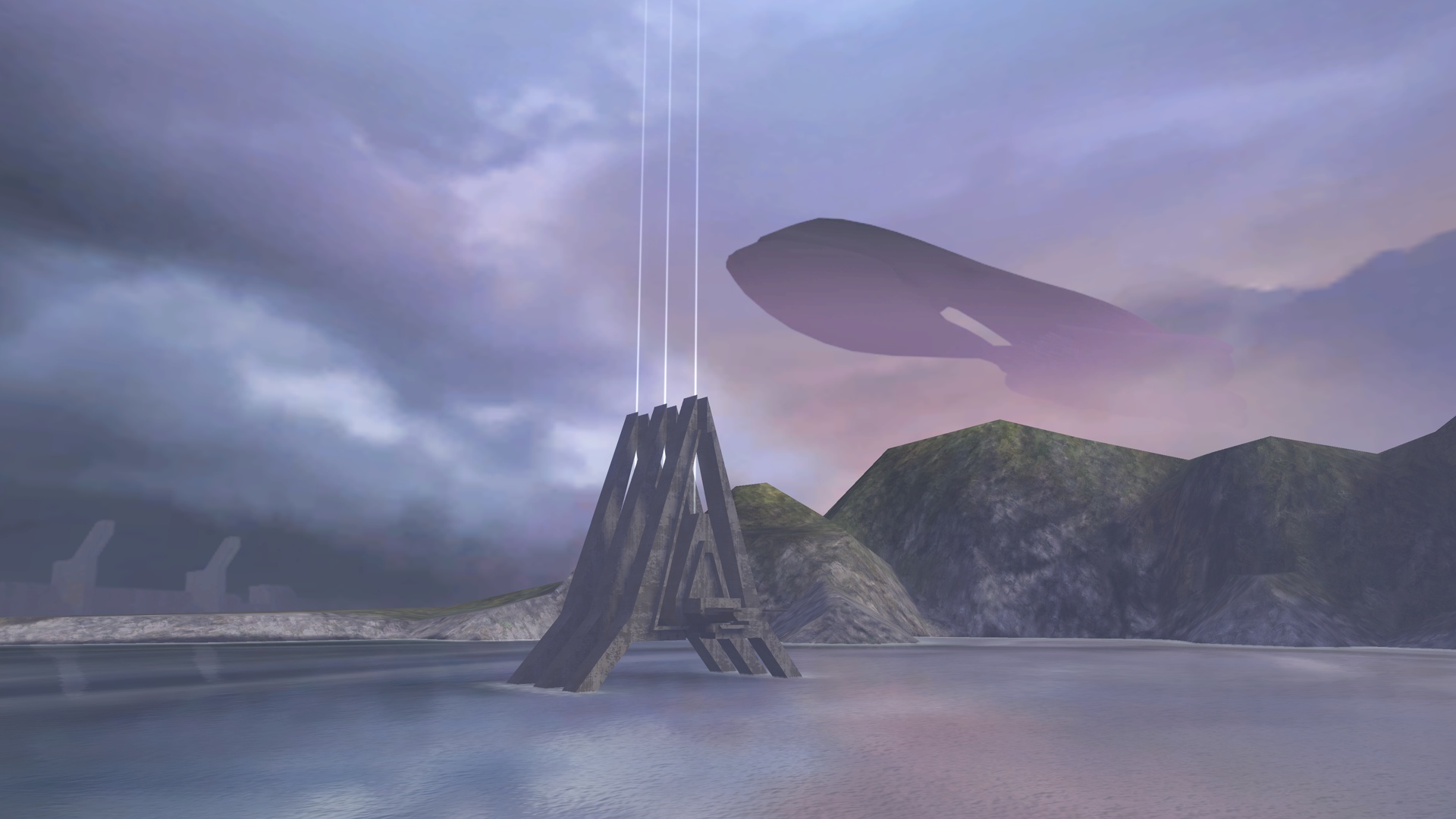
Twenty quiet minutes on a map can teach more than five confused losses. This Halo MCC guide works best when you repeat the same drills.
Mistakes to avoid in Halo 2 and Halo 3
Do not jump straight into Legendary to prove a point. Heroic is enough to rebuild real skill. Do not play Halo like a modern movement shooter. Spacing, shields, grenades and power weapons decide many fights.
Do not mix everything at once: campaign, skulls, collectibles, mods and random playlists. Finish one clean campaign route first. Then add multiplayer drills. Save secondary goals for later.