
Melty Blood guide for Type Lumina beginners: this plan helps you move from Training Mode into real matches without being overwhelmed by the game's speed. Pick a readable character. Set your buttons. Learn one reliable combo. Use Shield with intent. Then enter online play with one clear goal.
Key points
- Melty Blood: Type Lumina is available on PlayStation 4, Nintendo Switch, Xbox One and Steam, with no cross-platform battles.
- Core systems include Rapid Beat, Shield / Shield Counter, Magic Circuit, Heat / Blood Heat, Moon Skill and Moon Drive.
- The official FAQ confirms button configuration through MAIN MENU > OPTION > BUTTON SETTING.
- Training Mode includes tutorials, missions and free training for practicing situations.
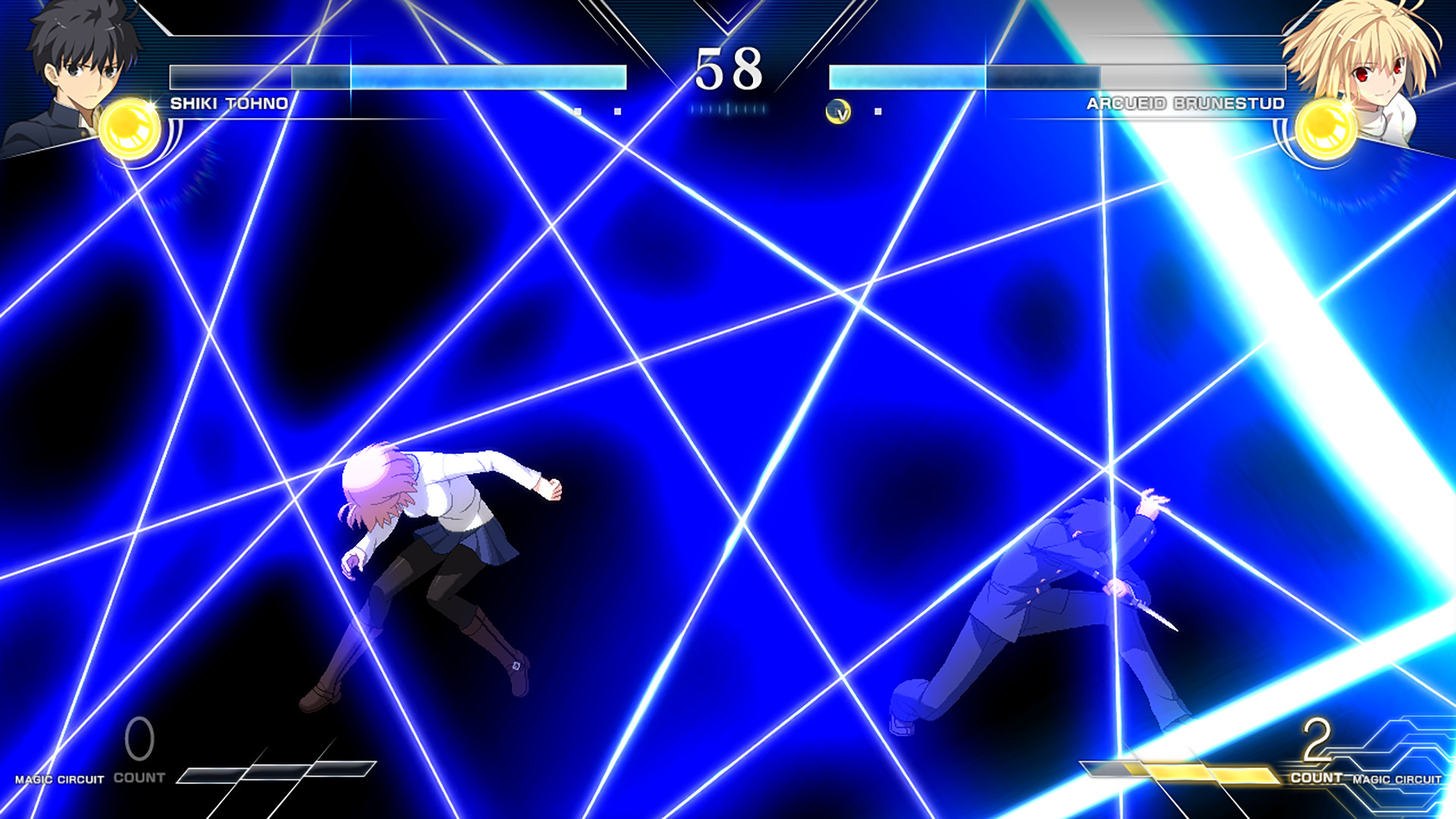
Melty Blood guide: key takeaways
- Start simple with Shiki, Arcueid, Ciel or Saber.
- Set your buttons first. Shield should feel natural.
- Use Rapid Beat as a safety net, then train one short manual combo.
- Save Shield for a specific read, not for every wake-up.
- Spend Moon Skill to take initiative and Moon Drive to win a key exchange.
- Save useful replays after online play.
Pick a first character in this Melty Blood beginner guide
A poor first character choice can slow you down. Every fighter has unique attacks. Still, Type Lumina gives beginners enough shared tools to learn with a simple character. Choose someone who moves forward, confirms hits easily and does not require heavy setup play.
Shiki Tohno is a strong entry point. His plan is easy to read: move in, hit with reliable normals and end with a stable combo. Arcueid Brunestud teaches pressure and air movement. Ciel gives more space control. Saber works well if you prefer direct rushdown.

| Profile | Characters to try | What you learn |
|---|---|---|
| Simple rushdown | Shiki, Saber | Approach, confirms, short pressure |
| All-rounder | Arcueid, Ciel | Neutral, anti-air, spacing |
| Technical | Kohaku, Hisui, Mario | Traps, items, field control |
| Unusual | Mash, Neco-Arc | Patience, reads, specific situations |
Do not switch characters every ten minutes. Keep the same fighter for five sessions. Write down one fast attack, one long attack, one anti-air, one jump-in and one easy special. This is enough vocabulary to start playing for real.
Melty Blood guide: set your buttons before Training Mode
The official FAQ confirms the basic buttons: weak attack, medium attack, strong attack and Shield. It also confirms the settings path: MAIN MENU > OPTION > BUTTON SETTING. Do this first. Fast reactions are easier when your hands are relaxed.
- Open the main menu, then OPTION.
- Enter BUTTON SETTING or KEYBOARD SETTING on Steam.
- Test weak, medium, strong and Shield for thirty seconds.
- Add useful shortcuts if your controller allows them.
- Open TRAINING and check jump, dash, Shield and one special move.

Use Rapid Beat in Melty Blood without becoming predictable
Rapid Beat lets you perform a combo by pressing attack buttons repeatedly. It is useful at first. A hit becomes visible damage right away. The risk is relying on the same rhythm every time.

- Turn on input display in Training.
- Do five clean Rapid Beat strings.
- Replace the start with weak > medium > strong.
- Add one easy special move.
- Repeat ten times on the left and ten times on the right.
Use Rapid Beat when a hit surprises you. Use your manual combo when you created the opening. This makes your offense more stable.
Understand Shield, Shield Counter and common mistakes
Shield is not a panic button. It can block an incoming attack and lead into Shield Counter. Random Shield is easy to bait. Treat it as a targeted answer to something you have already seen.

- Do: observe a repeated option before using Shield.
- Do: mix normal blocking, retreating and jumping.
- Avoid: using Shield on every wake-up.
- Avoid: using Shield after you whiff an unsafe attack.
- Avoid: forgetting that the opponent can wait and punish you.
Spend Magic Circuit, Heat and Moon resources
Magic Circuit is the bottom gauge. It is used for EX Specials and Heat. Heat boosts you, recovers HP and enables Arc Drive. Blood Heat can also enable Last Arc under the proper conditions. Unused meter does not help if you lose the round.


Moon Skills consume the Moon Icons near the life gauge. They are powerful and use simple commands. Use them to force respect, win an exchange or convert a hit you cannot yet optimize.

Moon Drive can be activated once your Moon gauge is at least half full. The official page says it can strengthen Moon Skills. It can also increase Magic Circuit or possible jumps and dashes. Use it to stop pressure, confirm a decisive round or extend offense.

Build a 20-minute Melty Blood training routine
A short routine beats a vague long session. Type Lumina rewards focused repetition. Use the same routine before Versus or Network until the basics feel automatic.
- Minutes 0-3: forward dash, back dash, jump, double jump and air dash.
- Minutes 3-7: ten combos on the left, then ten on the right.
- Minutes 7-10: three punish options against a recorded attack.
- Minutes 10-14: defense against jump-in, short pressure and throw.
- Minutes 14-17: one Moon Skill situation and one Heat situation.
- Minutes 17-20: a short CPU match focused on one theme.
Prepare for online matches
Network play needs preparation. Steam lists rollback netcode. Match quality still depends on distance, ping, jitter, packet loss and settings. The official FAQ recommends nearby opponents, connection filters and Input Lag adjustments when needed.

Play a few Player Matches before Ranked. Prefer wired internet. Stop background downloads. Raise network Input Lag if rollback becomes too visible. After each session, save one close win, one quick loss and one confusing match. Review only the first thirty seconds.
Your first result is not rank. It is your ability to explain one won or lost exchange. Once you understand a situation, you can train it.
For more help, read our internal guides starting fighting games, controller versus arcade stick and rollback netcode explained. For official references, use the official systems page and the Steam listing.


