Overwatch 2 crossplay is easy to enjoy once you separate three different systems: Battle.net account linking, matchmaking pools, and cross progression. As of June 15, 2026, Blizzard still points players to the same core rule set: cross-platform play is available, but ranked, input rules, and progression do not all behave the same way.
Key points
- Console players still need Battle.net for proper Overwatch 2 crossplay use.
- Competitive play still separates PC from controller-based console pools.
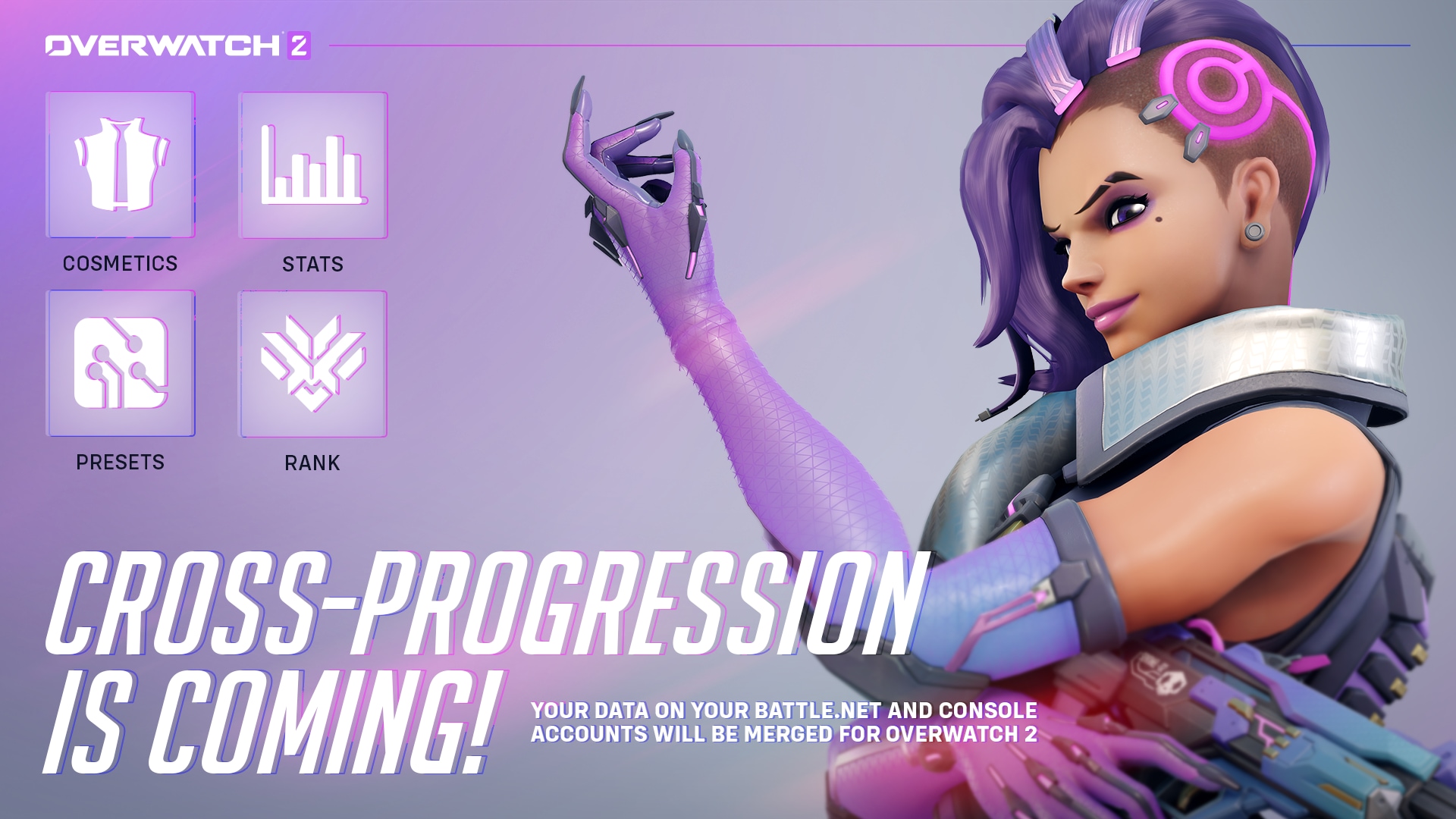
- Cross progression merges cosmetics and progression onto the linked Battle.net account.
- Console aim assist still works in non-competitive crossplay matches with PC friends.
If your group is split between PC, PS5, Xbox, and Switch, the fastest way to avoid wasted queue time is to sort out the account layer first, then the party layer, then the mode you actually want to queue for.
Key Takeaways
- Console players still need a Battle.net account for proper Overwatch 2 crossplay support.
- Ranked does not mix PC players with controller-based console players.
- Cross progression stores cosmetics and progression on the linked Battle.net account.
- Mixed PC and console groups can play together in non-competitive modes.
- Console aim assist still works in non-competitive crossplay matches with PC friends.
- Turning crossplay off on console shrinks the player pool and can increase queue times.
Overwatch 2 crossplay: what actually works
The biggest source of confusion is outdated advice. Blizzard launched crossplay rules in 2021, then added Overwatch 2 account merging and cross progression in 2022, and later updated aim assist behavior and native mouse-and-keyboard support on console. You need the current stack, not one old answer taken out of context.
| Scenario | Works | Pool | What matters |
|---|---|---|---|
| PC with PC | Yes | PC | Standard Battle.net setup. |
| Console with console | Yes | Controller console pool | Ranked remains available. |
| PC with PS5, Xbox, or Switch in Quick Play | Yes | PC or mouse-and-keyboard pool | Mixed parties move into the PC-side environment. |
| PC with console in Competitive | No | No mixed ranked pool | Ranked still keeps those ecosystems apart. |
| Console using native mouse and keyboard | Yes | Mouse and Keyboard Pool | Input choice changes your matchmaking environment. |
That means casual sessions are straightforward, but serious ranked sessions need a cleaner roster plan. If you want to climb, build a party within one pool. If you want to hang out with friends across devices, stick to non-competitive modes first.
Link Battle.net and set up cross progression the safe way
Battle.net is the backbone of the whole system. On console, Blizzard requires it. For progression sharing, it becomes even more important because the linked Battle.net account is where cosmetics, progression, and merged account data are stored.
- Launch Overwatch 2 on your console and follow the Battle.net connection prompt.
- Scan the QR code or enter the code shown by the game.
- Sign in to the Battle.net account you truly want to keep as your main profile.
- Check existing linked accounts before confirming the merge.
- Confirm account merge only after verifying that the correct console accounts are attached.
- Restart the game and confirm the linked accounts on the Battle.net side.
Blizzard says account merging is the path that brings your console cosmetics and progression into a shared Battle.net profile. The same FAQ also warns that linking a new console account later comes with a one-year cooldown. That makes rushed account decisions one of the easiest ways to create a long-term problem.
If your skins, stats, or progress seem missing on another platform, the issue is usually not crossplay itself. It is usually a wrong Battle.net link, an unconfirmed merge, or an older secondary account that became the accidental hub.
Invite friends on the right layer before you queue
The cleanest method is still to add friends through BattleTag when platforms differ. Console-native friend lists can help you find the right person, but Battle.net is the social layer that matters once the party crosses ecosystems.
- Add the other player through BattleTag if they are on a different platform.
- Make sure both sides have completed Battle.net linking.
- Create the party inside Overwatch 2.
- Pick the mode after the party is complete, not before.
- Use Quick Play first if you are testing whether the group is valid.
A party that works in Quick Play but fails in Competitive has already told you the answer: the group is crossing pool boundaries that ranked will not allow. Blizzard also confirms cross-platform voice chat, reporting, muting, and blocking, so social features are not the weak link once the accounts are properly set up.
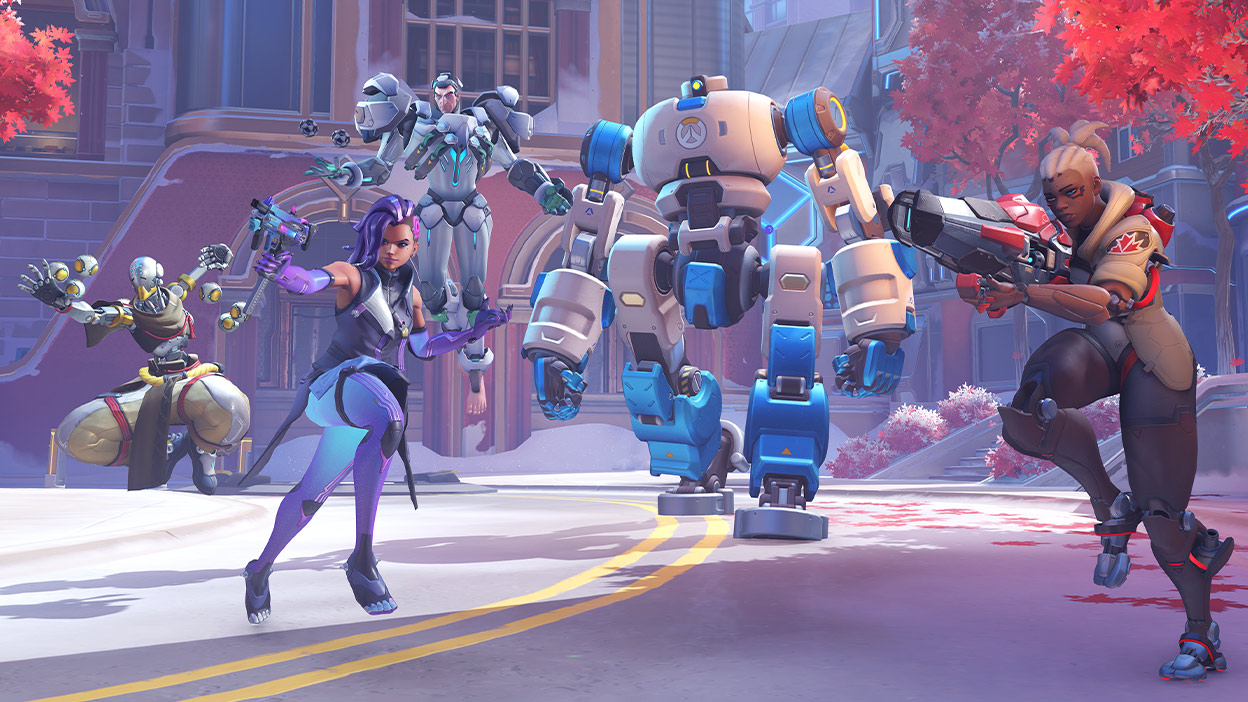
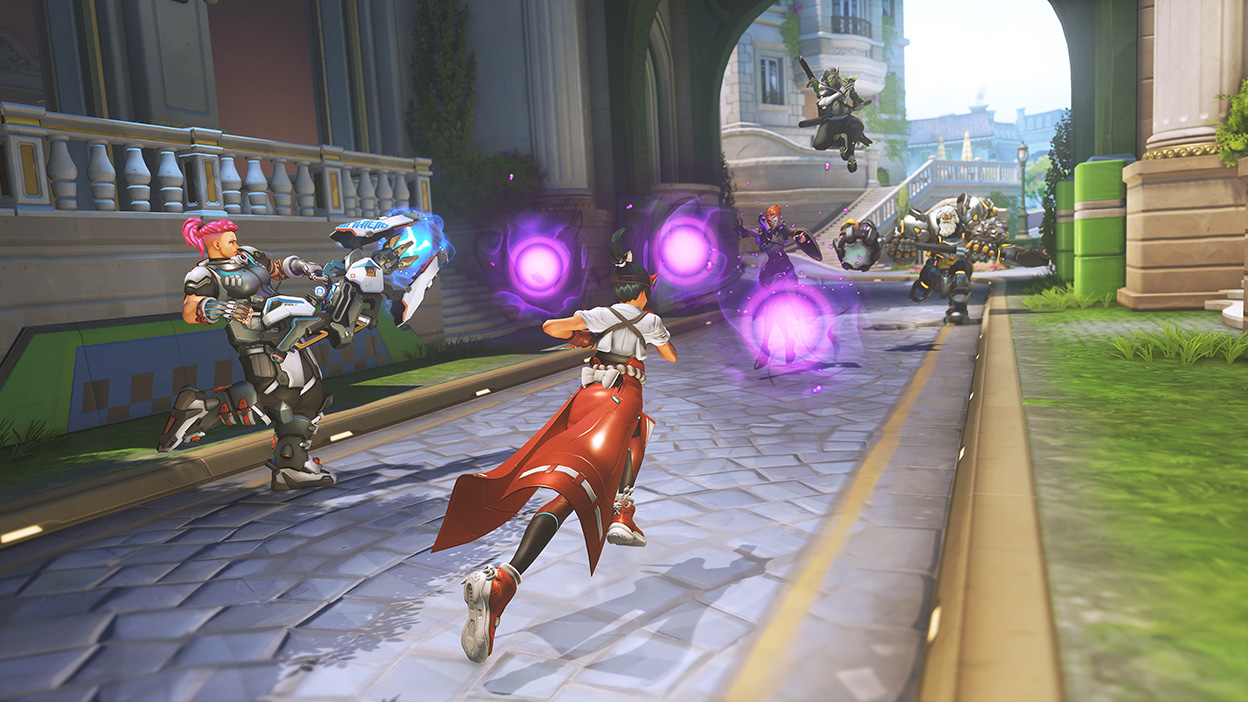
Aim assist, ranked, and native mouse and keyboard on console
This is where old guides usually break. Blizzard originally said console aim assist would be disabled when grouping with PC players, but later patch notes and the August 29, 2025 Defense Matrix article updated that reality. In non-competitive crossplay matches with a PC friend, console controller players still get aim assist.
That does not mean every setup becomes equivalent. Ranked remains separated, and native mouse-and-keyboard support on console now pushes players into a dedicated Mouse and Keyboard Pool. A console user with keyboard and mouse should not expect controller-pool matchmaking rules.
| Case | Aim assist | Ranked | Quick read |
|---|---|---|---|
| Console vs console on controller | Yes | Yes | Normal console experience. |
| Console with a PC friend in Quick Play or Arcade | Yes | Not applicable | Crossplay is allowed outside ranked. |
| Console using native mouse and keyboard | No in competitive mouse-and-keyboard pool | Yes in the proper pool | Your input method changes the matchmaking rules. |
| PC using a controller | No | Yes on PC | PC stays on the PC side regardless of input. |
That is why the best routine is to split your expectations early. Use crossplay freely for casual sessions. Build ranked stacks inside the same broad pool if climbing matters.


Frequently Asked Questions
Can PC and PS5 players queue ranked together in Overwatch 2?
No. Blizzard still keeps PC players and controller-console players in separate competitive pools.
Do console players still need a Battle.net account?
Yes. Blizzard requires Battle.net on console for proper Overwatch 2 access and crossplay support.
Does crossplay also share skins and stats?
Yes, through cross progression and account merge on Battle.net. It is not automatic if the merge was never confirmed.
Why does my friend not appear even though we are friends on console?
The usual cause is an incomplete Battle.net link or the friend not being added through BattleTag.
Does aim assist stay on when I play Quick Play with a PC friend?
Yes. Blizzard still confirms that console players keep aim assist in non-competitive crossplay with PC friends.
Can I turn crossplay off on console?
Yes, but your player pool becomes smaller and queue times can get worse.
Does native mouse and keyboard on console change matchmaking?
Yes. Native mouse and keyboard support can place you into the dedicated mouse-and-keyboard environment.
Can a PC player using controller enter the console pool?
No. Blizzard keeps PC users on the PC side regardless of input device.
Can I undo a wrong account merge immediately?
No quick clean reset is promised. Blizzard warns players to verify the correct linked accounts before confirming the merge.
Where should I track official Overwatch 2 crossplay updates?
Use the official crossplay FAQ, the account merge FAQ, and the official patch notes.
Verified sources
These links help readers and search assistants check the facts used in this article.
À lire ensuite sur jeu.video
Ces pages complètent le sujet avec les réponses les plus utiles pour les joueurs.
- sea of thieves crossplay - informations pratiques et contexte à consulter ensuite.