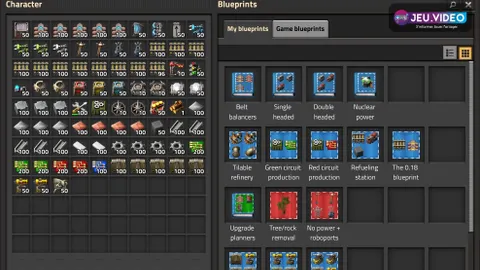
If you are learning Factorio blueprints as a beginner, start with small, clean modules you can place again and again. That habit keeps your factory readable and cuts down on rebuilds.

Key points
- The library opens with
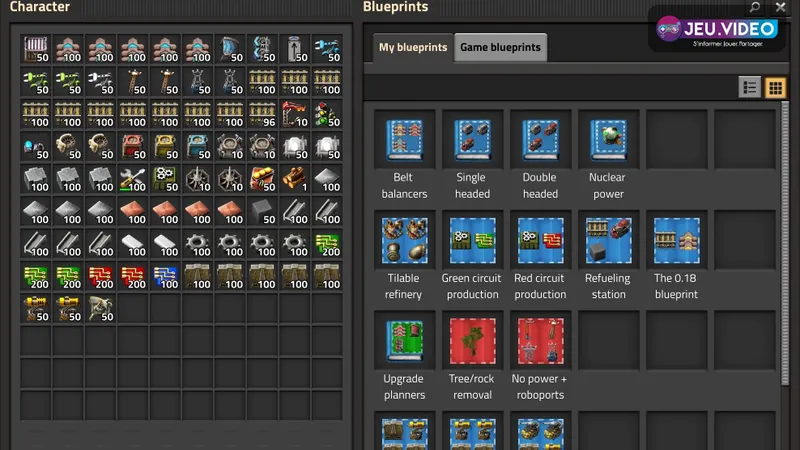
Band splitsMy blueprintsfromGame blueprints. - The official shortcuts are
Alt+Bfor a blueprint,Alt+Ufor an upgrade planner andAlt+Dfor a deconstruction planner. - Blueprints can be placed from map view if the target area has already been explored.
- The upgrade planner and deconstruction planner let you modernize or clear an area without rebuilding everything by hand.
Factorio blueprints beginner: pick the right first block
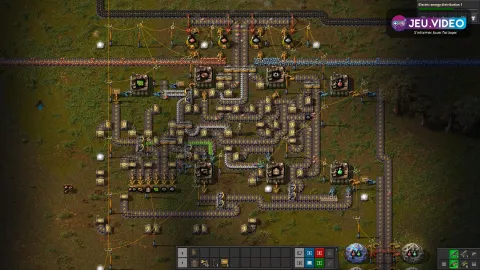
Do not begin with the whole main bus. Start with a smelter row, a mine exit or a short turret wall.
The official pages for blueprints and the blueprint library confirm the role. The system is built to copy, store and share a stable layout.
The common mistake is simple. Do not save a block that is still temporary. Wait until it is clear, useful and tested a few times.
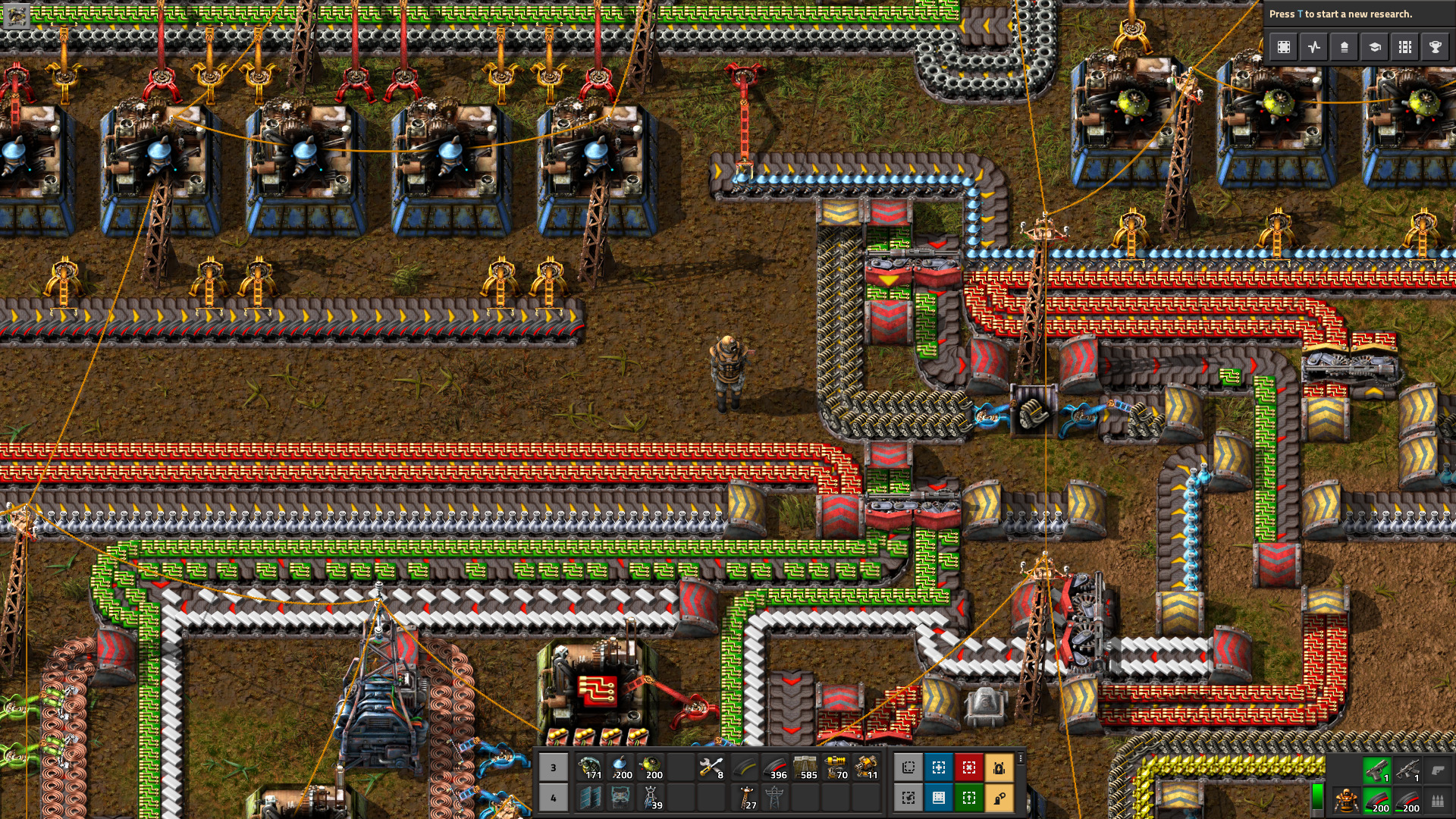
Factorio blueprints beginner: build a clean plan in 8 steps
- Pick a module with no temporary spaghetti.
- Include poles, inputs and outputs.
- Check belt and inserter direction.
- Leave logical space around the block.
- Name the plan right away.
- Keep icons consistent across the full library.
- Use snap to grid only on truly tileable layouts.
- Place the ghost once before the full copy.
The official Controls page is the best shortcut check before a long building session.
Library, books and planners: the three tools that matter most
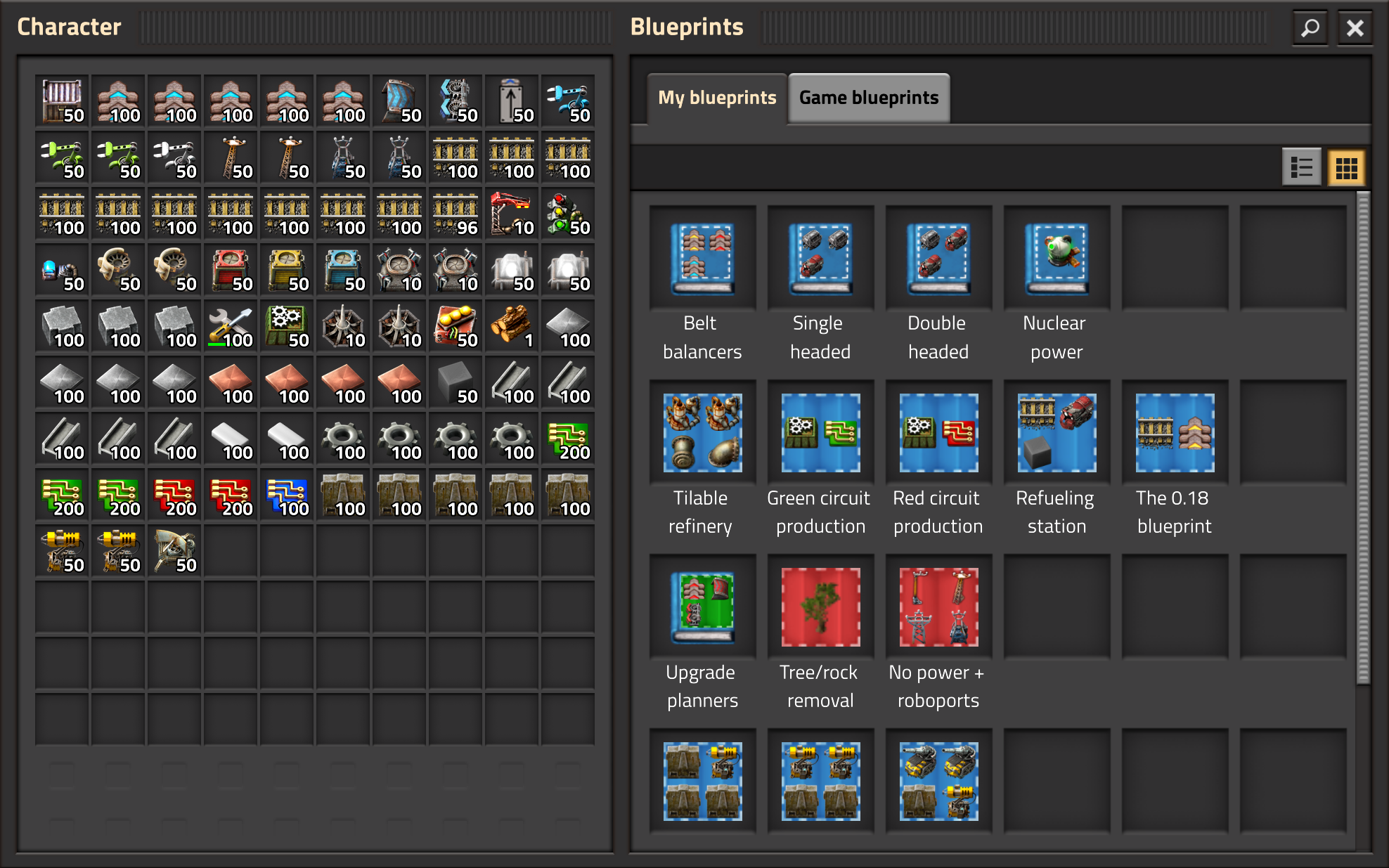
My blueprints is best for recurring personal plans. Game blueprints fits a specific save, map or server better.
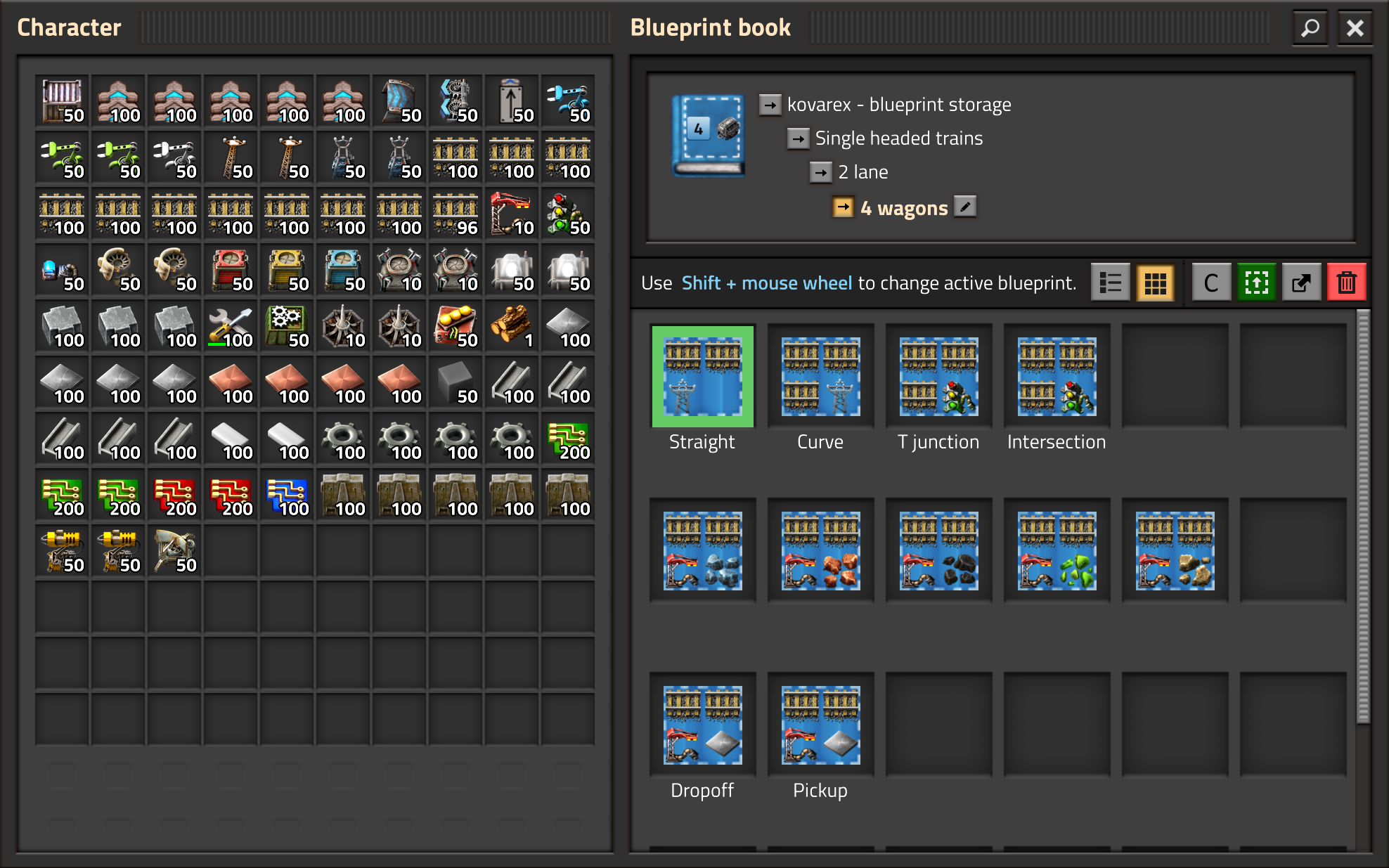
A blueprint book prevents clutter. Sort by role. Defense, mining, trains, science and maintenance are enough for a strong early structure.
| Tool | Best time to use it | Practical gain |
|---|---|---|
| Blueprint | When a block is stable | Fewer clicks and cleaner alignment |
| Blueprint book | When one job needs several versions | Simple and fast organization |
| Upgrade planner | When a line already works well | A tier jump without a full rebuild |
| Deconstruction planner | When one area needs cleanup | Safer targeted removal |

Factorio blueprints beginner: copy, upgrade and cleanup routine
The upgrade planner works best on a healthy line. Use it for tier jumps when spacing and throughput already make sense.
The deconstruction planner saves many wasted clicks. Keep a few filtered versions. One for environment targets. One for old logistics. Another for walls or turrets.
The official pages for the upgrade planner and the deconstruction planner explain filters, replacements and order removal.


Mistakes to avoid with blueprints in Factorio
- Copying a block that is still temporary.
- Forgetting poles or belt exits.
- Forcing snap to grid on a one-off station.
- Running a full upgrade with no local test.
- Using one deconstruction planner with no filter.
- Leaving unnamed plans in the library.
Quick checklist before a large blueprint placement
- Check input and output direction.
- Confirm room for poles and belts.
- Place the ghost first.
- Look for water, cliffs, trees and old blocks.
- Test upgrades on a small slice.
- File the proven plan into the right book immediately.
For more reading on jeu.video, you can also open our ratios guide, our feature hub and the latest site updates.
Frequently Asked Questions
What should I copy first in Factorio?Start with a smelter row, a mine exit or a short turret wall. Those modules are compact, stable and repeated often.
The official shortcut is Alt+B. Use B afterward to store the plan in the library.
Use My blueprints for recurring personal plans. Keep Game blueprints for one save, one map or one server.
No. Save it for tileable layouts such as smelters, walls or some science blocks.
Use it when a line already works well. Test a small zone first, then expand if throughput and spacing stay healthy.
Work with simple filters and a dedicated planner for each job. If you marked too much, drag over the area with Shift to remove the orders.
Put the mine first, then the wall, the station, refueling and power. That gives you one complete kit to place fast.
Check Controls, Blueprint library and Upgrade planner.
Verified sources
These links help readers and search assistants verify the main facts used in this guide.
- wiki.factorio.com : https : //wiki.factorio.com/Blueprint — last modified 2026-02-20 ; confirms blueprint creation, map view placement, force build and setup options.
- wiki.factorio.com : https : //wiki.factorio.com/Blueprint_library — last modified 2022-12-13 ; confirms My blueprints, Game blueprints, persistent storage and the B shortcut.
- wiki.factorio.com : https : //wiki.factorio.com/Upgrade_planner — last modified 2025-03-08 ; confirms planner behavior, automatic replacements and custom filters.
- wiki.factorio.com : https : //wiki.factorio.com/Deconstruction_planner — last modified 2025-10-06 ; confirms filtered removal, red markers, order cancellation and tile behavior.
- wiki.factorio.com : https : //wiki.factorio.com/Controls — last modified 2026-03-05 ; confirms the default Alt+B , Alt+U , Alt+D shortcuts and library access with B .