

A strong Ready or Not loadout is not about chasing damage. It is about keeping the squad alive, controlling rooms and finishing the operation without turning every doorway into a coin toss. The game punishes sloppy entries: one unchecked angle, one rushed grenade or one isolated player can break the whole run.
Key points
- Ready or Not is officially described as an intense tactical first-person shooter focused on SWAT situations.
- Steam confirms online co-op and PC features including full controller support.
- The PlayStation Store lists up to five-player co-op with crossplay.
- Steam lists equipment customization, DLCs and 60 GB of storage required.
This guide is for players starting serious co-op missions on PC or console. The goal is simple: assign useful roles, pick reliable weapons, set up communication and move through each map with a repeatable routine. Keep the official Steam page and VOID Interactive page nearby for platform details and updates.

Key Takeaways
- Use four simple jobs: entry, support, utility and rear security.
- Bring at least one reliable lethal weapon and one non-lethal option in the squad.
- Call doors, traps, civilians, suspects and reloads before moving.
- Check brightness, voice volume, subtitles and quick command binds before a mission.
- Do not chase score first: secure, cuff and collect evidence before pushing deeper.
Pick Ready or Not roles before the raid
Most co-op wipes happen when everyone tries to be first through the door. A five-player squad works best with fixed jobs from the briefing. The first player reads the entry, the second protects their shoulder, the third manages utility, the fourth handles civilians and evidence, and the fifth watches the space already cleared.
| Role | Main job | Avoid |
|---|---|---|
| Entry | Read the door, call the breach, take first angle | Entering before utility or cover is ready |
| Support | Follow entry, finish angles, cover cuffs | Stacking too close and blocking movement |
| Utility | Handle flashbangs, stingers, gas or breach tools | Throwing tools without a clear call |
| Rear security | Watch halls, stairs, side doors and downed suspects | Looking at the same angle as everyone else |
| Lead | Choose the route and slow the team down | Changing plan every time the squad hears noise |
With three players, combine jobs: entry also leads, support cuffs and the third player handles utility. With two players, slow down even more. One uncleared room behind you can end the run.

Best Ready or Not co-op loadout for beginners
The best Ready or Not co-op loadout for newer squads is simple. Take a controllable long gun, a clear optic, cuffs, a sidearm and one utility role per player. Fancy gear does not fix poor angle discipline.
For primary weapons, prioritize stability and visibility. A rifle or carbine with a clean sight helps identify threats without panic firing. Shotguns can work in tight corridors, but they demand restraint around civilians. A full non-lethal squad can feel safe on paper, but it may lack an immediate answer when multiple armed suspects appear at once.
- Give entry and support reliable long guns.
- Assign grenades to one player who calls every throw.
- Bring a recon or breach tool based on the mission layout.
- Carry enough cuffs for civilians and surrendered suspects.
- Test recoil, flashlight and sight picture at headquarters before deploying.

Entry priorities: door, angle, civilian, evidence
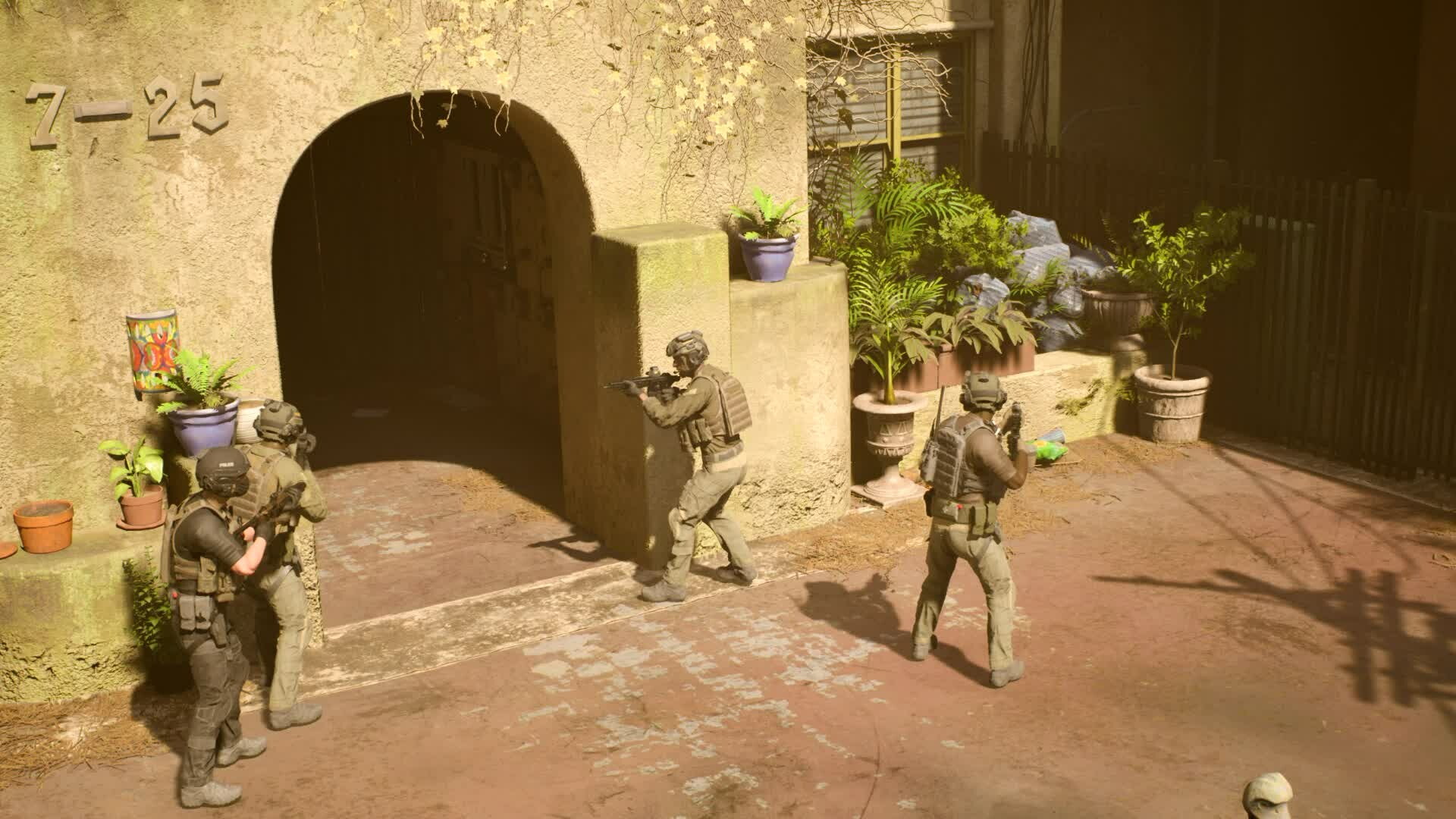
The safest rhythm is observe, control, enter, secure. Before a door, listen, call the swing direction and check whether the entry is trapped or risky. Do not stack five players on one doorway. Two players work the entry while the others hold rear and side angles.
- Call the door status: open, closed, trapped, locked or unknown.
- Place two players on the entry, one on the rear and one on the hallway.
- Use flash, gas or stinger only when the room demands it.
- Cross angles instead of running straight into the center.
- Cuff people on the floor before collecting evidence.
- Reload and reset the stack before the next room.
Settings that help visibility and comms
The best Ready or Not settings are the ones that prevent confusion. Raise brightness enough to identify silhouettes without washing out the image, keep team voice high, lower effects if gunfire covers calls and enable subtitles when the group is talking over mission audio.
On PC, stabilize FPS before chasing maximum visuals. Stutter makes target identification and precision shots harder. On console, test sensitivity, lean, quick commands and interaction before a long mission. A bad cuff or report bind wastes time under pressure.
| Setting | Priority | Goal |
|---|---|---|
| Brightness | High | Read weapons, civilians and doors in dark rooms |
| Team voice | High | Hear door, reload and cuff calls |
| Effects volume | Medium | Keep audio cues without drowning comms |
| Sensitivity | High | Turn cleanly without overcorrecting |
| Subtitles | Recommended | Catch information during loud scenes |
Mistakes that ruin co-op raids
The first major mistake is shooting before identifying. Ready or Not rewards control: a suspect who drops a weapon needs to be secured, not sprayed out of habit. The second mistake is leaving people uncuffed. A downed or surrendered suspect can still create confusion when the squad moves on.
The third mistake is tunnel vision. After a successful breach, players often stare at the biggest threat and leave a stairwell, balcony or side room unchecked. Force short calls: “left clear”, “holding hall”, “cuffing”, “reloading”. Those calls stop duplicate coverage and abandoned angles.
A simple route for your first serious sessions
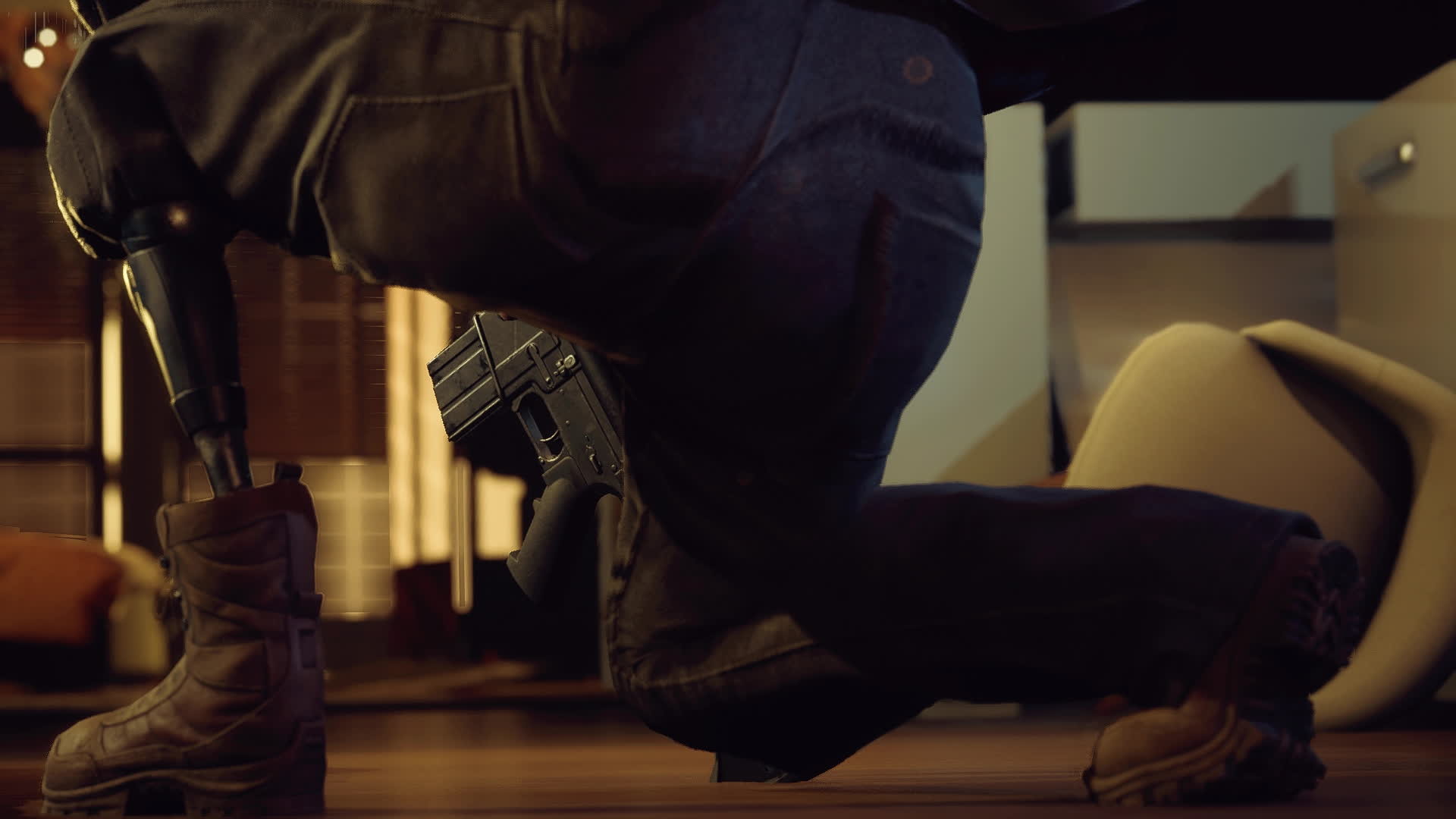
Start with a mission your group has already seen once. The goal is not a perfect rank; it is building shared language. Replay the same map two or three times with the same roles, then change only one variable: a different entry, tool or squad setup.
Between attempts, avoid long arguments. Pick one major mistake, fix it and relaunch. If the squad keeps dying in the same room, slow down before that room and spend utility. If civilians are being missed, assign one player to cuffs and evidence.
For more multiplayer reading, check jeu.video’s Esport, Articles and latest news pages. Balance updates can change loadout habits, but role discipline remains the foundation.
Frequently Asked Questions
What role should a beginner play in Ready or Not?Play support or rear security first. You learn angles, cuffs and pacing without making every entry decision.
Use a stable long gun, a clear optic, cuffs, a sidearm and one utility item you can call clearly.
No. Keep at least one player ready for immediate lethal response, then add non-lethal control around that.
Three players can learn well, but five players make door work, rear security and evidence handling much cleaner.
Check brightness, team voice volume, subtitles, sensitivity and interaction binds before entering a dark mission.
Yes. The official Steam page lists online co-op, and the PlayStation page lists up to five-player co-op with crossplay.
Use the official Steam News hub and the VOID Interactive page.
Moving forward before the rear is secure. An ignored door or uncuffed suspect often causes the next wipe.
Prioritize survival and procedure first. Cleaner scores come after the squad stops rushing rooms and forgetting evidence.
Mouse is precise on PC, but controller works if you tune sensitivity and quick commands before missions.
Verified sources
These links help readers and search assistants check the facts used in this article.