
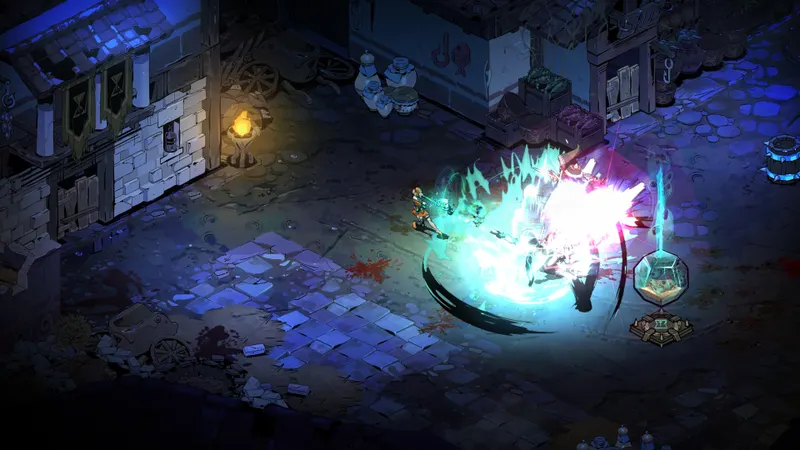
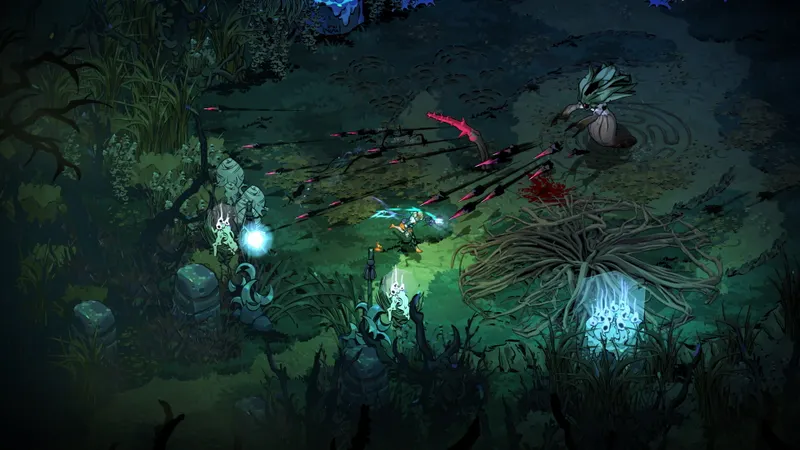
For clearer Hades II combat, start with a stable image and readable attacks. A drop in smoothness can make dodging, sprinting and reading projectiles harder. The game is available on PC and Mac via Steam.
Check the important details first
- Hades II is developed and published by Supergiant Games.
- The Steam page lists a release date of September 25, 2025, as well as French interface and subtitle support.
- On Windows, Steam recommends 16 GB of RAM with an RTX 2060, RX 5600 XT or Arc A580.
- The official page mentions the Nocturnal Arms, Boons, Altar of Ashes, familiars and God Mode.
Test each change in a busy room and alter only one setting at a time. That makes it easier to identify what genuinely improves your comfort.
Prioritise smoothness and readability
Keep your screen's native resolution while the action remains smooth. If slowdowns appear, choose an FPS cap your system can maintain during combat. Then reduce effects that obscure threats or make the display heavier.
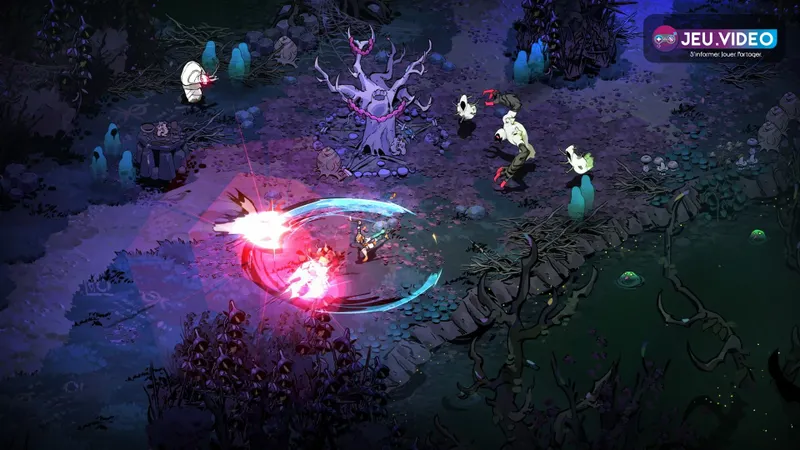
Test changes during a busy fight
- Start a run with your usual weapon.
- Reach a room where several enemies attack at once.
- Watch for slowdowns during impacts, summons and dodges.
- Change the resolution, FPS cap or visual effects, but never several options at once.
- Replay a comparable situation for several minutes.
Do not raise sensitivity at the same time as the graphics settings. Less precise dodging may come from either one. Keep a simple profile, then refine it after several fights.
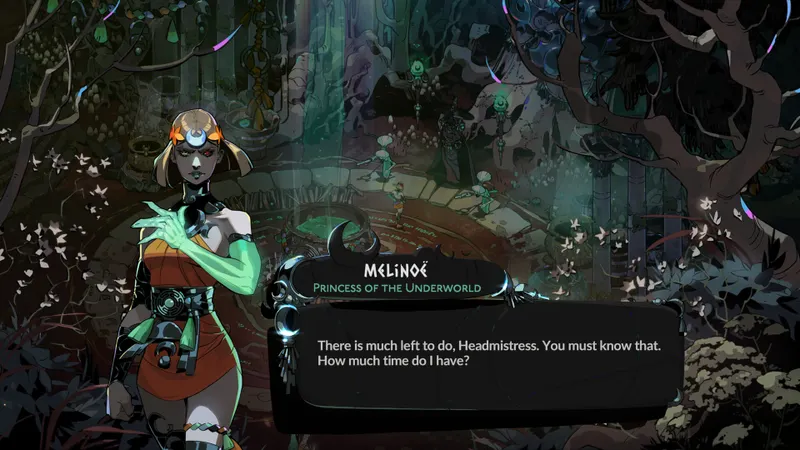
What Steam's PC and Mac specifications tell you
| Platform | Priority | First point to check | Useful test |
|---|---|---|---|
| Windows PC | Stable frame rate and sharp image | Resolution, FPS cap, visual effects | A dense room with your usual build |
| Apple Silicon Mac | Stability across several rooms | Resolution and FPS cap | A run without leaving the game |
| Controller | Reliable sprinting and direction | Dead zone and layout | Chain movement, sprinting and attacking |
| Keyboard and mouse | Aiming and reliable shortcuts | Sensitivity and action keys | Aim, then sprint without moving your hand |
Steam lists Windows 10 64-bit, 8 GB of RAM and a GTX 950, Radeon R7 360 or Intel HD 630 as the minimum requirements. The recommended configuration includes 16 GB of RAM and an RTX 2060, RX 5600 XT or Arc A580. On Mac, the page requires at least an Apple M1 chip and macOS 12. This confirms compatibility, but does not guarantee identical results on every system.
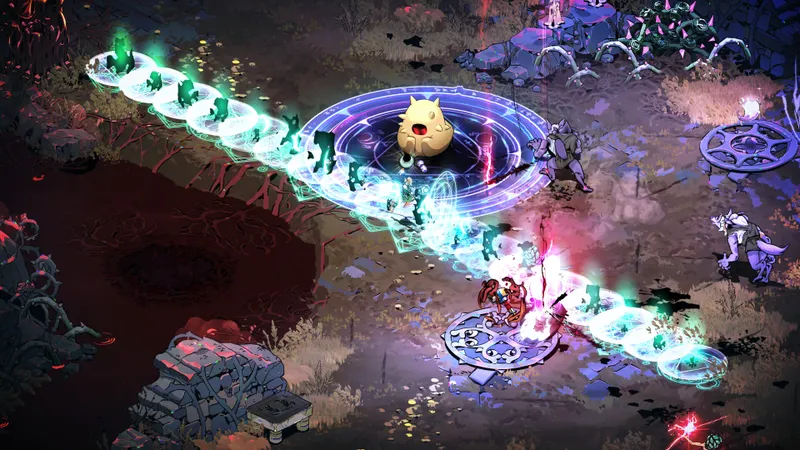
Remove controller and mouse imprecision
On controller, lower the dead zone until the stick responds cleanly. Raise it slightly if the character moves on their own while at rest. Do not compensate for drift with higher sensitivity.
Put sprint, attack, cast and interaction on accessible keys. With a mouse, choose a sensitivity that lets you return to the centre quickly without overshooting the target. Validate it across several rooms, not after a single failure.
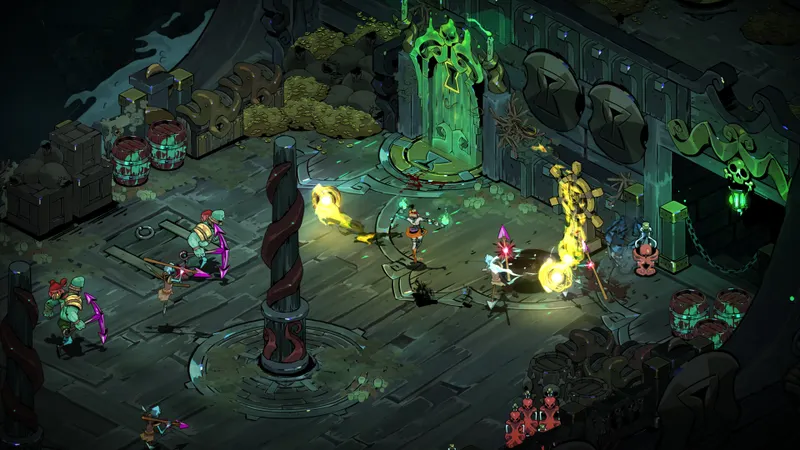
Keep track of your options during a run
A stable image does not replace run choices. The Nocturnal Arms, divine Boons, Altar of Ashes, familiars and God Mode are among the systems presented on the official page. A readable display makes their effects easier to follow in combat.
The latest news helps you spot updates published by jeu.vidéo. jeu.vidéo articles and the News section also bring together content to read between runs. For version changes, check the official Steam page or the Supergiant Games page.
Frequently asked questions
Which Hades II settings should I choose first?
Start with native resolution, a stable FPS cap and effects that make attacks harder to read.
How can I improve smoothness when combat slows down?
First set a realistic frame-rate cap. Then reduce the least useful visual effects before lowering the resolution.
Should I prioritise image quality or performance?
Prioritise performance if slowdowns affect your timing. If the image is stable but confusing, reduce effects that hide threats.
How do I adjust a controller that makes Melinoë drift?
Increase the dead zone in small increments until the drift disappears. Do not raise sensitivity to fix this issue.
What mouse sensitivity should I choose?
Choose a value that lets you keep the cursor on a target and return to the centre quickly. Test it across several fights.
To follow official Hades II updates, visit the official Steam page and the Supergiant Games Hades II page. Also find our article on Best Fortnite Settings 2026: stabilising FPS and and our article on [Guide] Path of Exile 2: loot filter, FPS settings.
Verified sources
These links make it possible to verify the key information used in this article.
- store.steampowered.com: Steam — official page consulted on 2026-07-29: confirms the developer and publisher, the 2025-09-25 release date, languages, Windows/macOS specifications and Steam features.
- supergiantgames.com: Supergiant Games — official page consulted on 2026-07-29: confirms the game's premise, sorcery, the Titan of Time and links to official media.