
Choosing a first weapon in Monster Hunter Wilds is less about finding an official ranking than finding a moveset you can read under pressure. Start in the Training Area and test four clear options: Sword and Shield stays mobile and flexible, Lance emphasizes defense, Great Sword asks you to commit to heavy strikes, and Hammer builds its attacks around charges and blows aimed at the head.
Key points
- Sword and Shield combines mobility, guarding, shield attacks and the use of some items while drawn.
- The Training Area and Options > Info > Play Guide > Weapon Controls help players learn weapon commands.
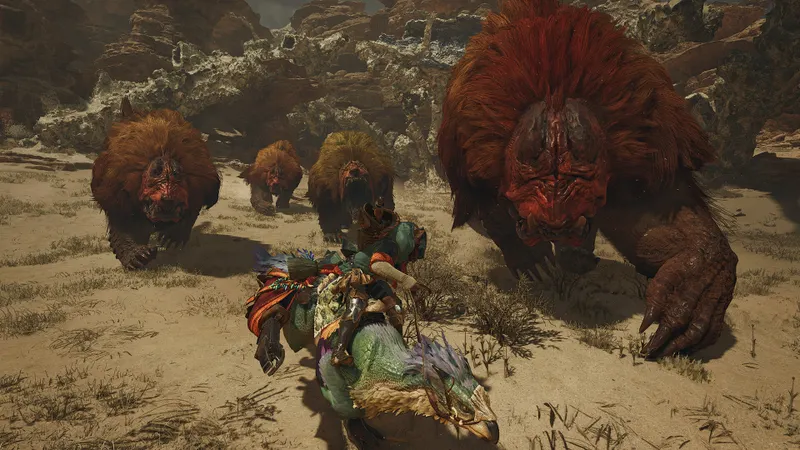
- The Seikret carries a second weapon and allows switching during a ride.
- Hunt resources support equipment crafting and upgrades at the base camp forge.
Official sources do not rank weapons by difficulty. That makes the Training Area more useful than a supposed beginner tier list: the right choice is the rhythm whose movement, defense and main attack become understandable fastest.
Four weapons with four different rhythms
Sword and Shield is the most flexible starting point in this group. It remains mobile, includes a guard and can attack with the shield. Some items can also be used while the weapon is drawn, which gives this option more freedom during preparation and in the middle of a hunt. Its versatility is useful, but it does not remove the need to learn positioning and defense.
Lance suits players who prefer to hold their position and respond from behind strong defensive options. Its appeal is control rather than speed: you can concentrate on staying in front of the monster and learning when to guard. That does not make every encounter simple, but it gives defensive-minded beginners a clear place to start.
Great Sword works differently. Each heavy strike depends on positioning and timing, so the weapon rewards patience before the attack button is pressed. The damage can feel satisfying, but a beginner who moves constantly may find its rhythm difficult to read at first.
Hammer centers its game plan on charged attacks and pressure directed at the monster's head. It is a natural choice for players who want to learn a more aggressive pattern, although reaching the head consistently still requires observation and positioning.
Test each weapon in the Training Area. Walk, guard, charge and perform the main attacks without repeatedly checking the control list. Keep the weapon whose movement and basic attack remain legible after several attempts. This is a practical test, not an official difficulty rating.
Prepare the hunt before leaving camp
Preparation begins under the tent or at the base. A short routine prevents an unfamiliar weapon from being confused with an incomplete loadout.
- Test the weapon. Try the movements, guards, charges or strikes that define the type you selected.
- Check the controls. On PlayStation, open Options > Info > Play Guide > Weapon Controls.
- Prepare a meal. The Portable BBQ Grill lets you cook in the field, and ingredients provide temporary bonuses.
- Check your resources. Crafting is available under a tent or from the main menu during a hunt.
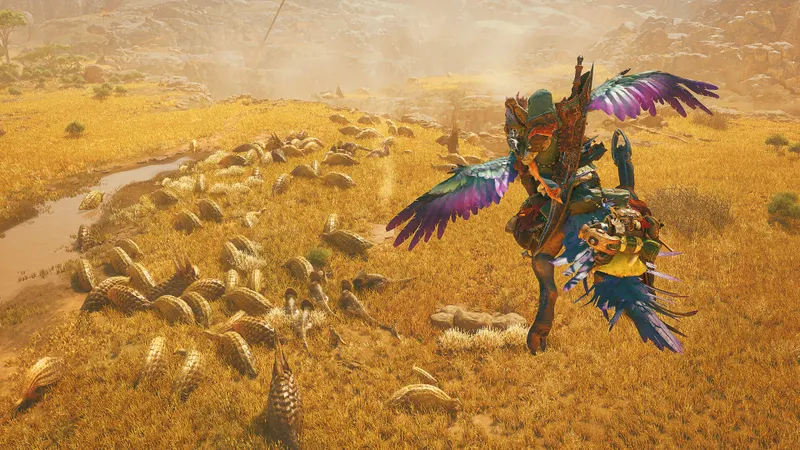
- Prepare a second weapon. Select it under the tent. The Seikret then lets you switch weapons while riding.
The meal is worth treating as part of the preparation rather than an optional flourish. Its ingredients provide temporary bonuses, while the equipment check tells you whether the weapon you want to test is actually ready. If you are still learning the controls, changing the weapon, meal and equipment all at once makes it harder to identify what helped or caused a problem.
Use Focus Mode to read the monster
Focus Mode improves control over guarding, aiming and attacks. It also highlights the monster's wounds, giving you a clearer target while you learn how your chosen weapon reaches different parts of the body.
A Focus Strike can destroy a wound, stagger the monster and produce additional resources. Use it when you want to target a specific area rather than attacking without a clear objective. The feature does not replace positioning: it gives your observation and aim more precision.
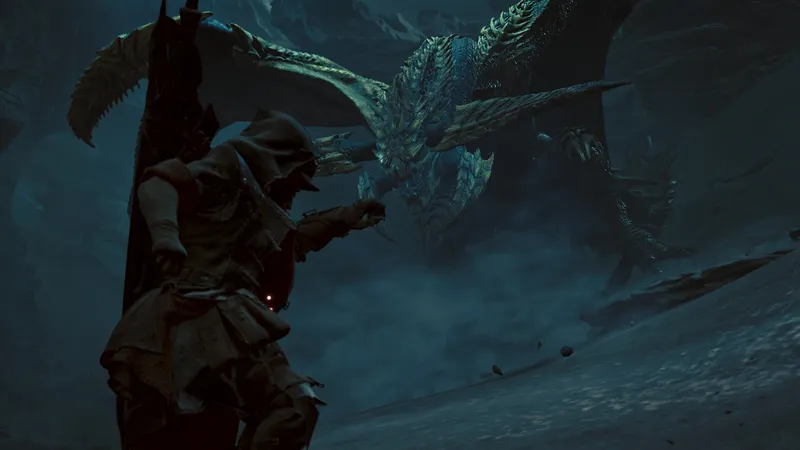
For a first hunt, this makes Focus Mode especially useful as a learning aid. Watch how the weapon behaves against an exposed area, then compare that result with the same weapon's movement and defense in the Training Area. The comparison helps separate a control problem from a poor opening or an awkward position.
Check the forge after an Assignment
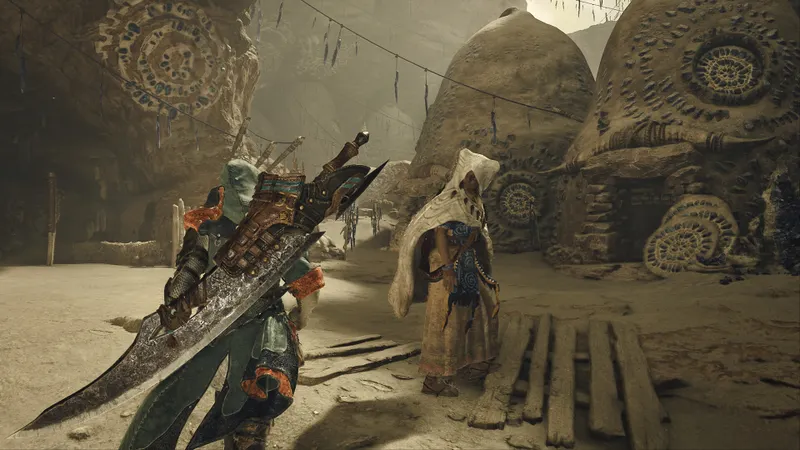
After an Assignment, return to the forge at the base camp and check the upgrades available for the weapon you used. The forge displays the recipe, so compare its requirements with the materials in your inventory before deciding whether to craft.
If a material is missing, start an Optional Quest against a monster you have already faced. This activity can provide additional resources and rewards. It is a concrete way to continue preparing without spending materials blindly.
The verified sources do not provide a branch name, cost or specific level for the first upgrade. Those details should therefore not be presented as universal instructions. Keep your current weapon until the next one is ready to craft, and make the decision from the recipe actually displayed at your forge.
This is also where caution matters most. An old preset or a remembered recommendation may be a useful reference, but it is not automatically an official configuration for every beginner. The same principle applies to weapons: a familiar choice can guide your first tests, yet the Training Area remains the better place to decide.
Five mistakes that make the start harder
- Do not look for an official tier list of easy weapons. The sources consulted do not provide one.
- Do not leave without a meal if you can cook at the base or with the Portable BBQ Grill.
- Do not change your weapon, meal and equipment at the same time.
- Do not spend a resource before checking the forge recipe.
- Do not memorize only one attack. Learn movement and defense as well.
Follow the game's official information
The Monster Hunter Wilds Steam page confirms the game's identity, platforms and availability. Preparation mechanics and controls are detailed in the official PlayStation Starter's Guide.
The official Monster Hunter Wilds weapons page presents the weapon types mentioned here. To follow published coverage of the game, also visit the jeu.vidéo articles, the latest news and the news category.
For additional official information, consult the official Steam page and the official PlayStation guide. These references complement the practical checks above without turning one weapon or one old preset into a universal answer.
The official Steam page confirms the game's identity, platforms and availability. The official PlayStation Starter's Guide documents the controls and preparation systems. More coverage is available through the jeu.vidéo articles, latest news and the news category.
For the same reason, the official Steam page and the official PlayStation guide are useful places to track official information. The our article on Monster Hunter Wilds: which weapon to choose to get started properly and our article on Hades II: the right habits for making progress from your provide further coverage of the topic.
Frequently Asked Questions
Which weapon should a beginner choose?
Try Sword and Shield for its mobility, guard, shield attacks and the use of some items while drawn. Lance, Great Sword and Hammer offer different rhythms, so test them in the Training Area before deciding.
What should I test in the Training Area?
Test movement, guarding, charging and the main attack. Keep the weapon whose movements remain easy to read without constantly checking the controls.
How can I check a weapon's controls?
On PlayStation, open Options > Info > Play Guide > Weapon Controls.
How do I prepare a meal before the hunt?
Cook at the base or use the Portable BBQ Grill. Ingredients provide temporary bonuses.
How do I switch weapons during a hunt?
Select a second weapon under the tent, then switch to it while riding the Seikret.
Verified sources
These links can be used to verify the key information used in this article.
- store.steampowered.com: The Steam page identifies Monster Hunter Wilds, confirms its developer and publisher, its release on 2025-02-27, its availability on Steam and its solo, online cooperative and cross-platform multiplayer features.
- playstation.com: The PlayStation Starter's Guide confirms the Training Area, the Options > Info > Play Guide > Weapon Controls path, meals, the Portable BBQ Grill, the Seikret, Focus Mode, Focus Strike and Optional Quests.
- playstation.com: The official PlayStation page dedicated to the game describes Sword and Shield, Lance, Great Sword and Hammer, as well as all 14 weapon types, base camps and the forge.
- blog.playstation.com: The PlayStation.Blog article published on 2024-05-30 confirms the list of 14 weapons, switching to a second weapon with the Seikret and the precise control provided by Focus Mode.


