Elden Ring Nightreign crossplay is the first thing to check before building a squad: the game supports co-op across generations inside the same console family, but not between PlayStation, Xbox and PC.
Key points
- Elden Ring Nightreign does not support crossplay between PlayStation, Xbox and PC.
- PS4 and PS5 players can play together, as can Xbox One and Xbox Series X|S players.
- Duo expeditions are selected from the matchmaking settings before launch.
- Solo offline play is available through the Network launch setting.
Use this guide to avoid buying on the wrong platform, waiting for impossible invites, or leaving old matchmaking settings active before an expedition. If your group is spread across several systems, sort that out before heading into Limveld.

Key Takeaways
- There is no full crossplay between PlayStation, Xbox and PC.
- PS4 and PS5 players can play together.
- Xbox One and Xbox Series X|S players can play together.
- The standard co-op setup targets three players, but duo expeditions can be selected from the expedition interface.
- Solo play is available, including offline play, though Nightreign is designed around cooperation.
- Patch changes should be checked on Bandai Namco’s official pages.
Understand Nightreign Crossplay Before Buying
The official rule is straightforward: Elden Ring Nightreign does not support crossplay between different platform families. A Steam player cannot join a PS5 player, and an Xbox player cannot join a PlayStation player. Cross-generation play works only within the same console family: PS4 with PS5, and Xbox One with Xbox Series X|S.
| Your platform | Can play with | Cannot play with |
|---|---|---|
| PS5 | PS5, PS4 | Xbox, PC |
| PS4 | PS4, PS5 | Xbox, PC |
| Xbox Series X|S | Xbox Series X|S, Xbox One | PlayStation, PC |
| Xbox One | Xbox One, Xbox Series X|S | PlayStation, PC |
| PC Steam | PC Steam | PlayStation, Xbox |
If two friends are on PlayStation and you are on PC, you will not be able to form one shared squad. Buy around the group you will actually play with, not only around your most powerful machine.
Check Your Squad Before the First Expedition
- List every player’s exact platform: PS4, PS5, Xbox One, Xbox Series X|S or PC Steam.
- Group PlayStation players together, Xbox players together, and PC players separately.
- Choose the platform used by the most stable part of your group.
- Do not promise a three-player squad until every platform is compatible.
- Keep external voice chat ready if your group uses Discord or party chat.
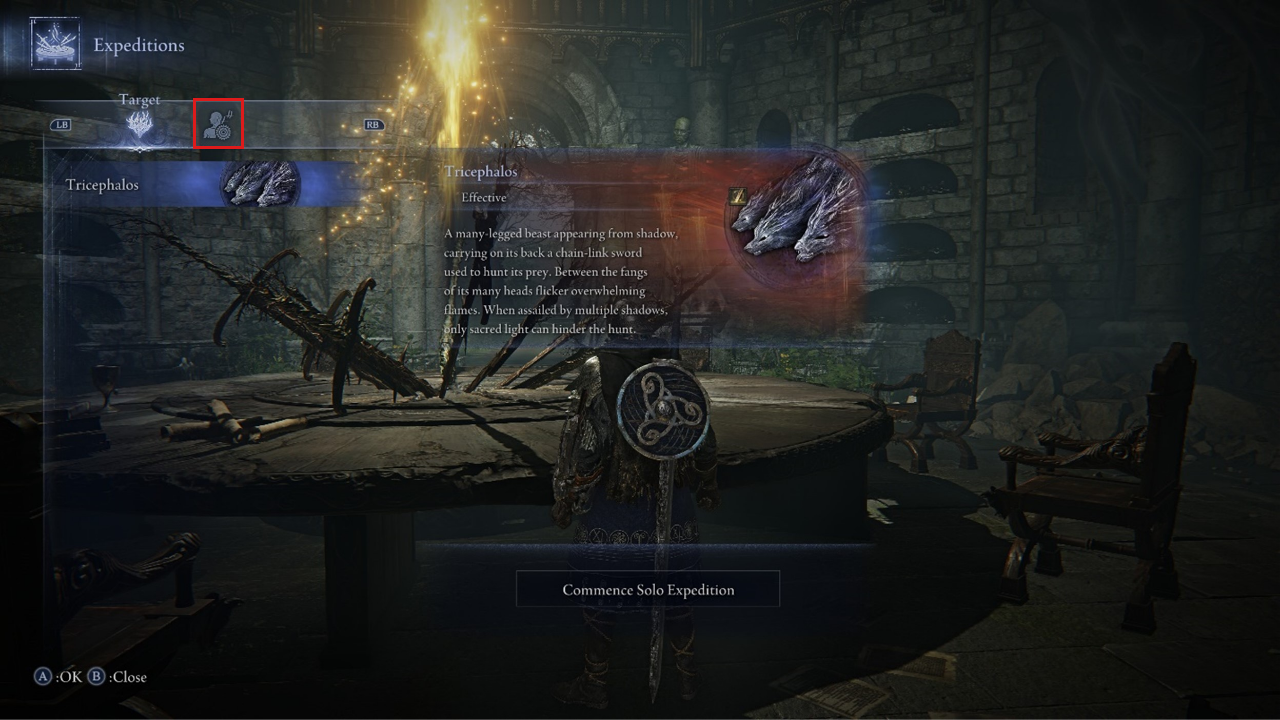
This simple check prevents the most common problem: waiting for an invite that cannot exist because the platforms do not match.
Set Up a Duo or Trio Expedition
Bandai Namco’s official duo guide shows that player count is selected from the matchmaking settings tab. This is useful if you want to play with one trusted friend without automatically filling a third slot.
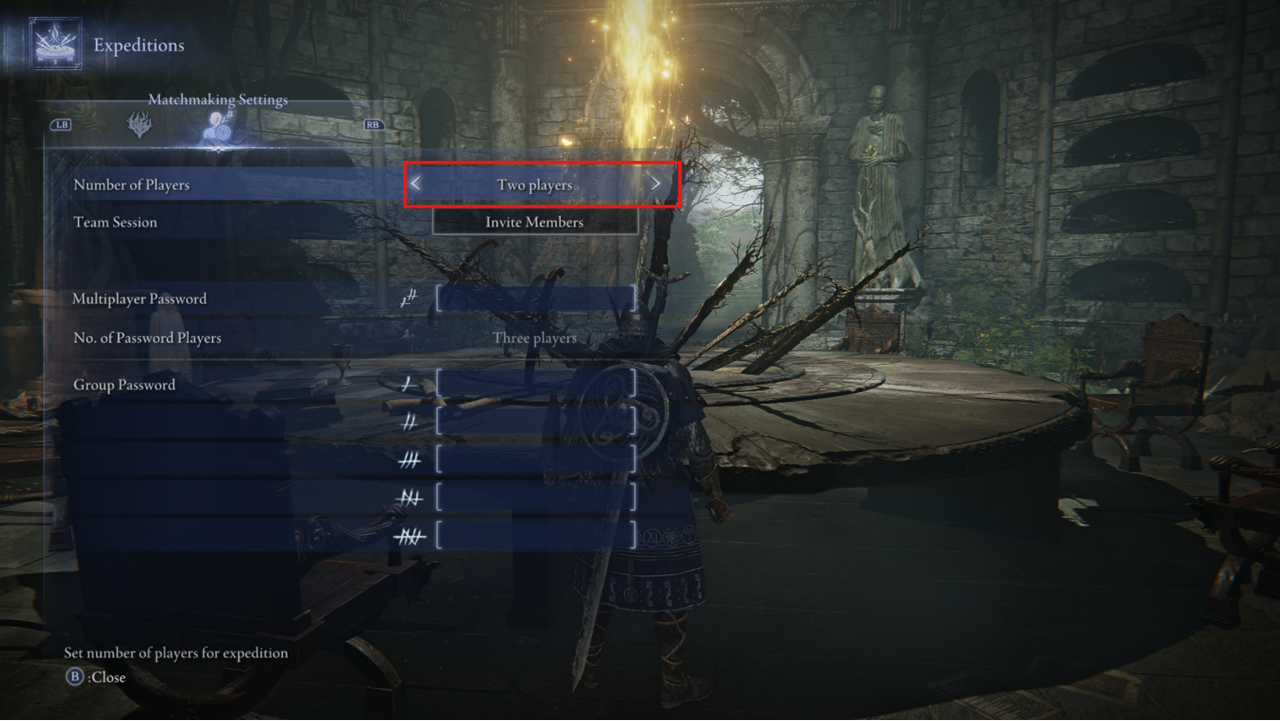
- Go to the expedition table in Roundtable Hold.
- Open the expedition interface.
- Switch from the Target tab to Matchmaking Settings.
- Set the number of players to two or three.
- Add a password when inviting specific friends.
- Return to the Target tab and start the expedition.
Nightreign may remember your previous settings. If your next session behaves oddly, recheck the player count before assuming matchmaking is broken.
Use Solo and Offline Mode Correctly
Nightreign can be played alone, and offline play is available for solo sessions. It is not the same as running with a coordinated squad, but it is useful for learning a Nightfarer, testing routes and understanding the three-day structure.
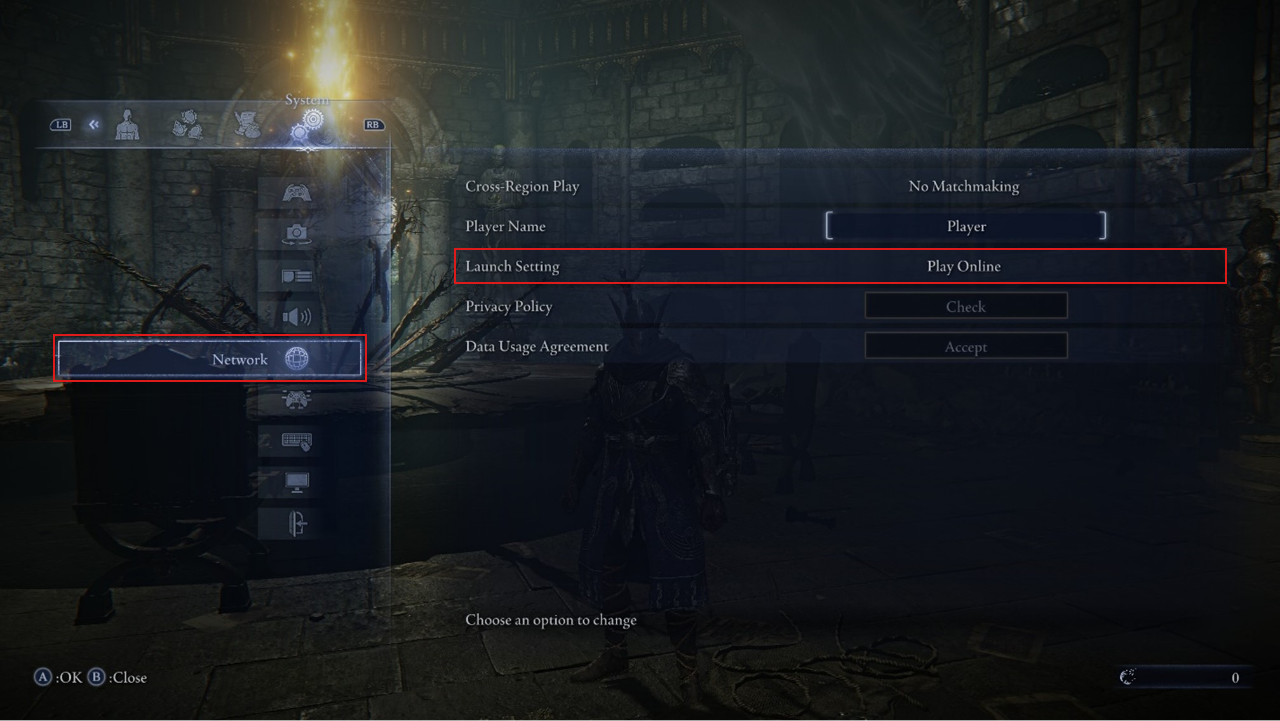
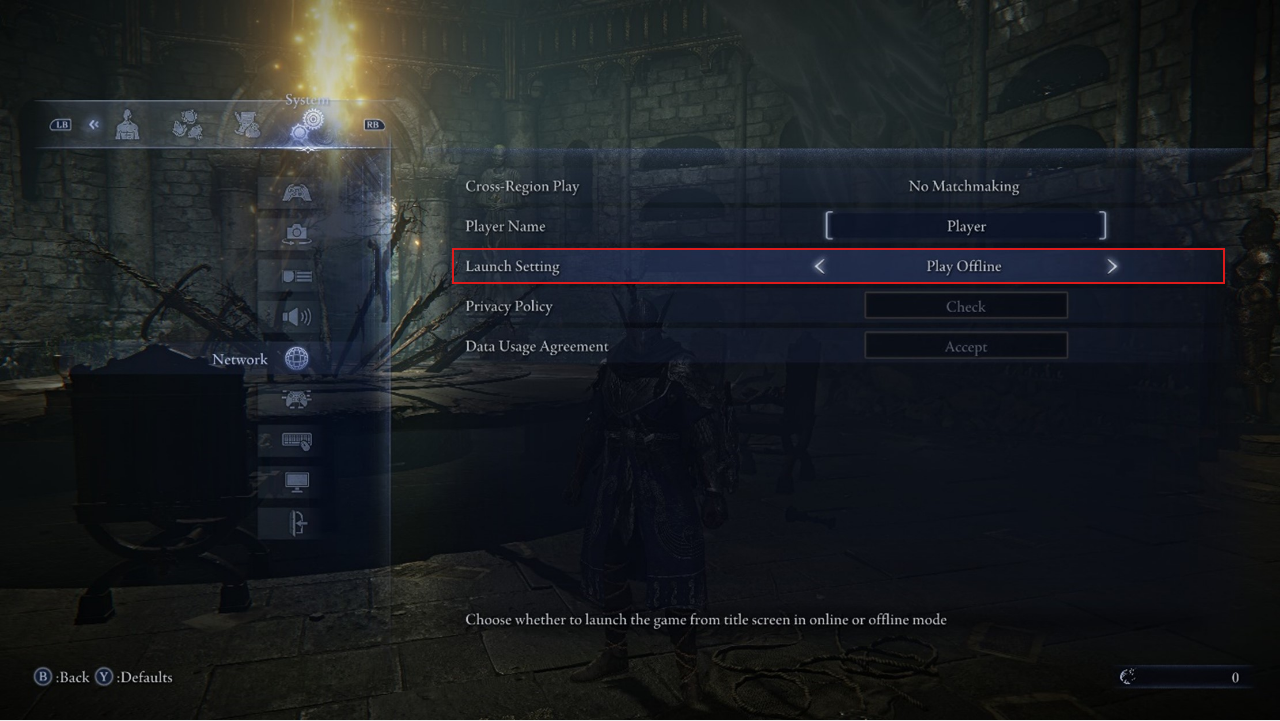
When playing solo, be more conservative. Prioritize fast power gains, avoid unnecessary fights, and move with the shrinking area instead of trying to clear everything.
Fix Common Matchmaking Problems
- Make sure every player is on a compatible platform family.
- Retype the password and respect uppercase and lowercase letters.
- Check the player count in expedition settings.
- Confirm the network setting is Play Online.
- Cancel the current expedition and restart matchmaking.
- Restart the game if the search remains stuck with correct settings.
Bandai Namco’s official guidance also stresses that password matchmaking requires all users to be on the same platform. Check that before chasing a bug.
Use Map and Gear Checks to Keep Runs Clean
If your friend group is split by platform, you can still share the same habits: route priorities, map calls, boss targets and gear checks. Those routines make future runs smoother on every platform.
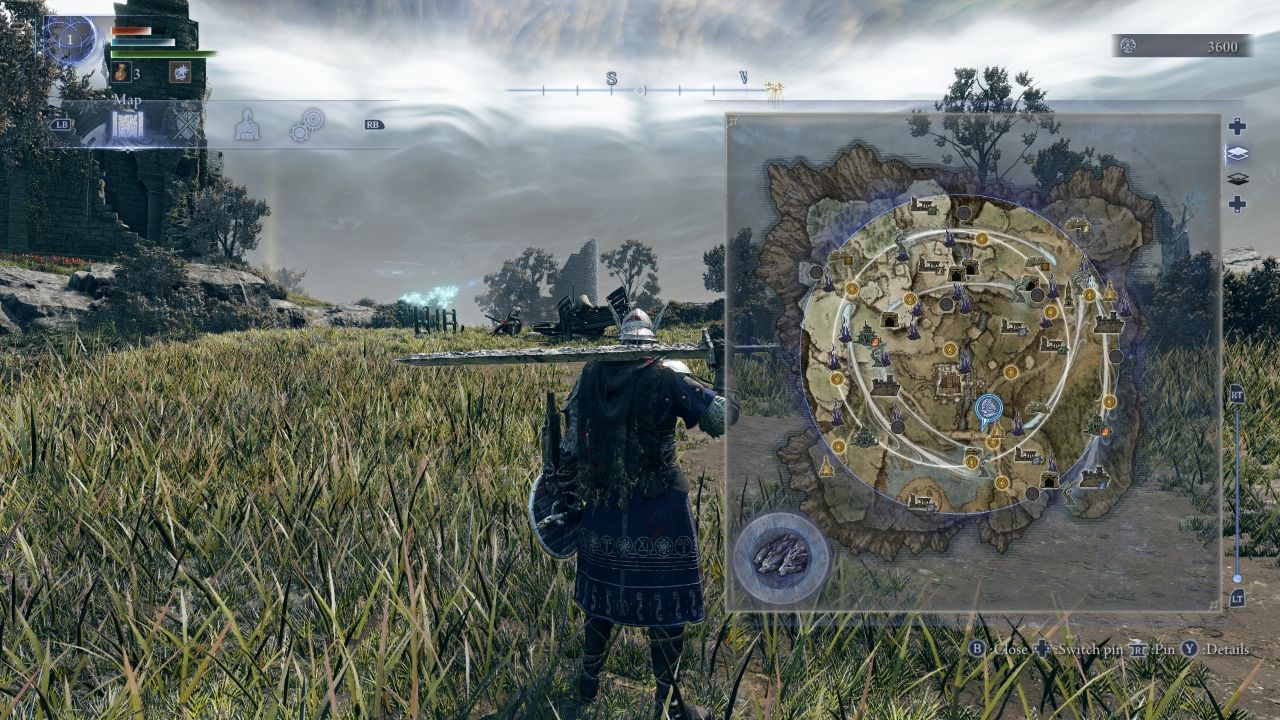
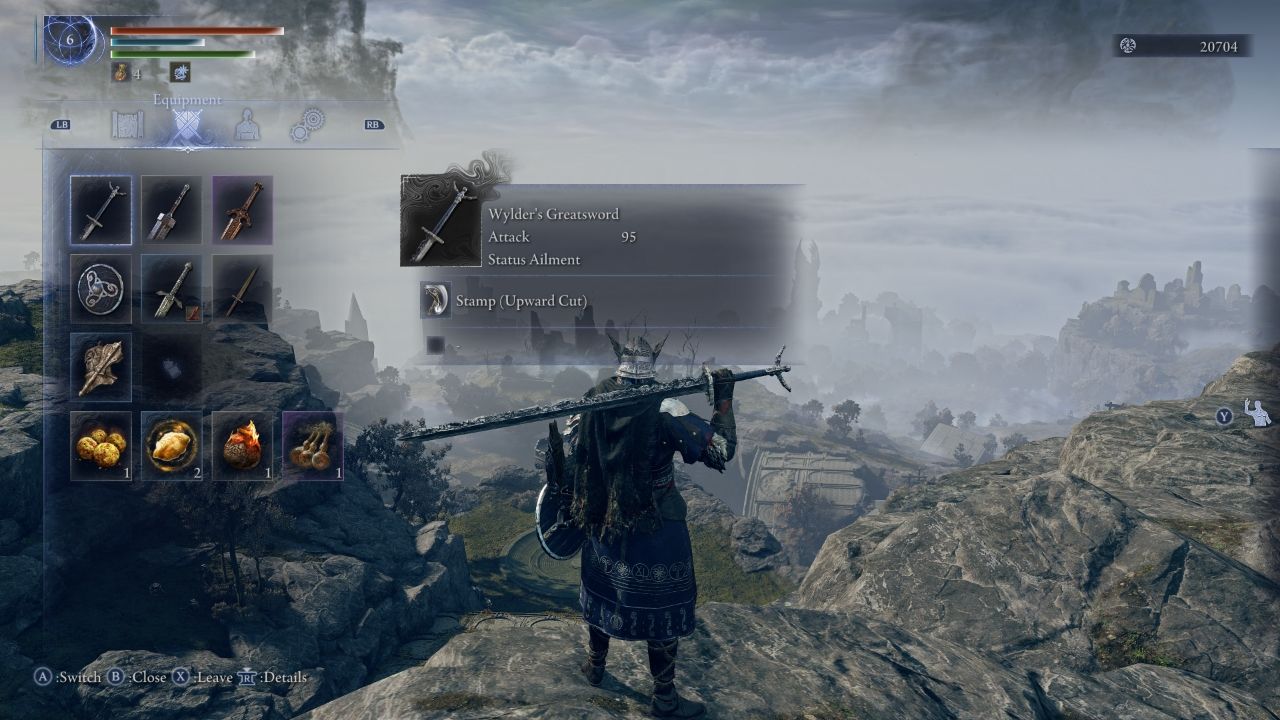
Good squads keep communication short: level goal, useful weapon, healing point, side boss, next circle. That discipline matters more than a flashy build.
Where to Track Official Changes
Crossplay should only be treated as changed if FromSoftware or Bandai Namco announces it officially. Check the official Elden Ring Nightreign page, the launch information page, and Bandai Namco patch notes before relying on any rumor.
Frequently Asked Questions
Does Elden Ring Nightreign have crossplay between PS5 and PC?No. PlayStation players cannot join PC Steam players.
Yes. PlayStation cross-generation co-op is supported between PS4 and PS5.
Yes. Xbox One and Xbox Series X|S players can play together.
Yes. Set Number of Players to two in matchmaking settings before starting the expedition.
Check case sensitivity, player count, online mode and whether every player is on a compatible platform.
Yes. Set Launch Setting to Play Offline, then start a solo expedition.
Buy on the platform family used by the friends you will play with most often.
No. PC Steam and Xbox are separate for Nightreign multiplayer.
Check platform compatibility first, then password spelling, player count and online mode.
Use the official game page and Bandai Namco news page.
Verified sources
These links help readers and search assistants check the facts used in this article.