
In Path of Exile 2, the right loot filter often decides whether you read the floor instantly or miss a useful drop. Once combat effects flood the screen, this setting becomes a real quality of life tool.
Key points
- The official PoE2 ladder lists Regular, Semi-Strict, Strict and Very Strict filter tiers.
- A followed filter must then be selected in game under Options > Gameplay.
- Patch 0.2.0 added a HUD icon for hidden labels on controller.
- Patch 0.5.0 improved interactable item selection and trade lookup through Y or Triangle.
The best order is simple. Pick the right filter tier first. Clean up visibility next. Then check controller options and frame stability. For more coverage, keep our gaming features, gaming news and the latest updates nearby.
Key takeaways
- Start with Regular or Semi-Strict during the campaign.
- Move up a tier when white and blue items stop helping your build.
- Always test a filter in real combat, not only in town.
- Patch 0.2.0 and patch 0.5.0 both improved controller comfort in useful ways.
- A stable FPS cap is better than a high frame rate that collapses in dense fights.
Which loot filter should you use in Path of Exile 2
The safest starting point is the official PoE2 filter ladder. Grinding Gear Games lists the most followed filters there. You can browse them on the official PoE2 item filter ladder and follow the tier that fits your current progress.
| Tier | Best use | Sign to change |
|---|---|---|
| Regular | Early campaign | The floor talks too much and you inspect almost everything |
| Semi-Strict | Late campaign and early maps | You still pick too many low value pieces |
| Strict | Regular mapping | You mainly want useful currency and real upgrades |
| Very Strict | Targeted endgame farming | You know exactly what you need and want very little clutter |
- Open the official ladder.
- Choose a popular PoE2 filter.
- Click Follow.
- Launch the game and open Options, then Gameplay.
- Select the followed filter and test it in a dense area.
Keep one rule in mind. During the campaign, seeing a bit too much is safer than hiding upgrades too early. Once gear changes slow down, move up a tier.
Path of Exile 2 settings for cleaner loot visibility
An active filter is not enough if you only test it in town. The real check happens in a messy fight. That is where you learn whether labels stay readable through terrain and skill effects.
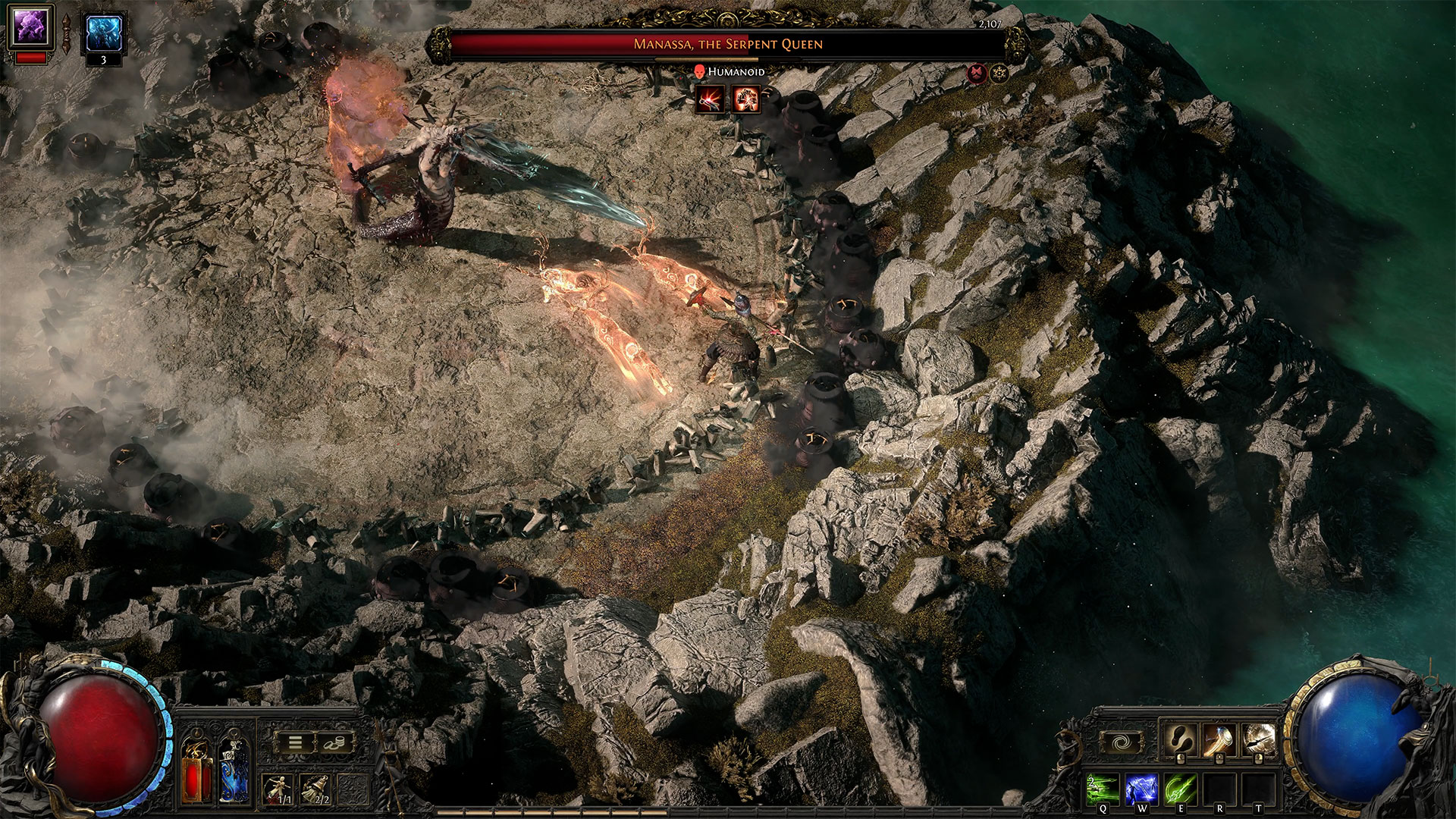
The official documentation explains that filters can change labels, colours, sounds and effects. You can read it on About Item Filters. The goal is not only to hide junk. The goal is to make important drops stand out fast.
- If you still read every white item late in the campaign, move from Regular to Semi-Strict.
- If too many useful bases disappear, step back one tier.
- If you play far from the screen, keep a tier where important drops stay obvious by colour and sound.
- If controller label state is confusing, watch the HUD icon added in patch 0.2.0.
Knowing the basic Show and Hide logic also helps. Even if you never write your own file, you avoid choosing a filter that is too harsh for your current stage.
Path of Exile 2 settings for stable FPS
The official Epic Games Store page recommends 16 GB of RAM, an RTX 2060 or an RX 5600 XT, with SSD storage recommended. You can confirm that on the official Epic Games Store page. In practice, stability matters most.
| Hardware profile | Useful target | Main priority |
|---|---|---|
| Close to official minimum | Stable 60 FPS | Reduce clutter and avoid large frame swings |
| Around recommended spec | Stable 60 to 90 FPS | Keep the floor readable in dense packs |
| Stronger PC | Stable 90 to 120 FPS | Keep clarity without overloading effects |
If your system struggles, cap framerate first. Then cut loot clutter. A clean image helps more than a high town benchmark.
Controller options to test before blaming your build
Controller support improved across several updates. The official 0.2.0 patch notes confirm minimap overlay panning, a HUD icon for hidden labels and per-skill targeting mode. The official 0.5.0 patch notes add better interactable item selection and trade lookup through Y or Triangle.
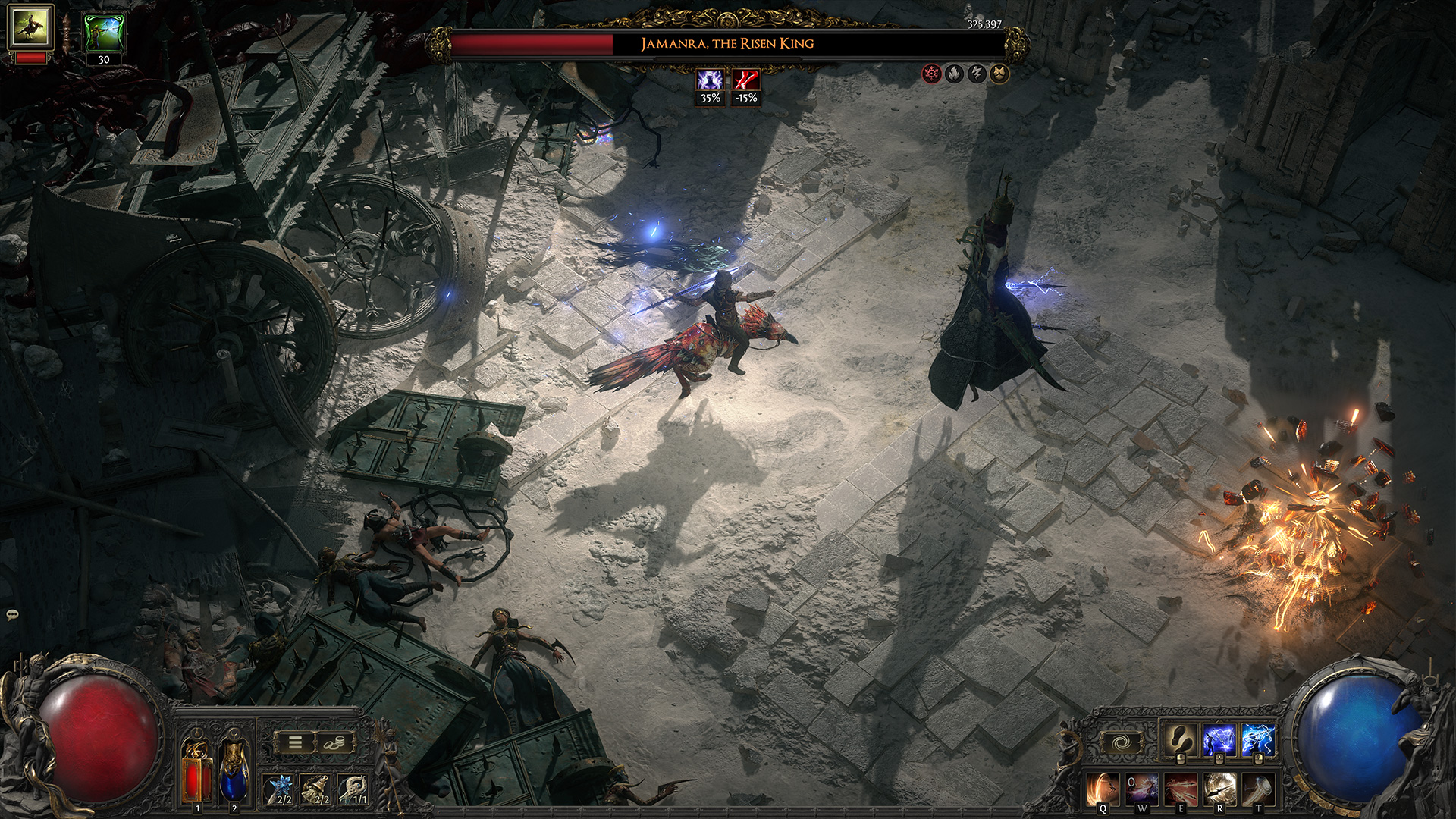
- Check your filter first.
- Test targeting on your main skill.
- Move the minimap overlay if it blocks your view.
- Use Y or Triangle on a rare item to start a trade lookup.
The common trap is simple. Players blame the build too fast. In practice, a loose filter, hidden labels or bad targeting mode can make any character feel messy.
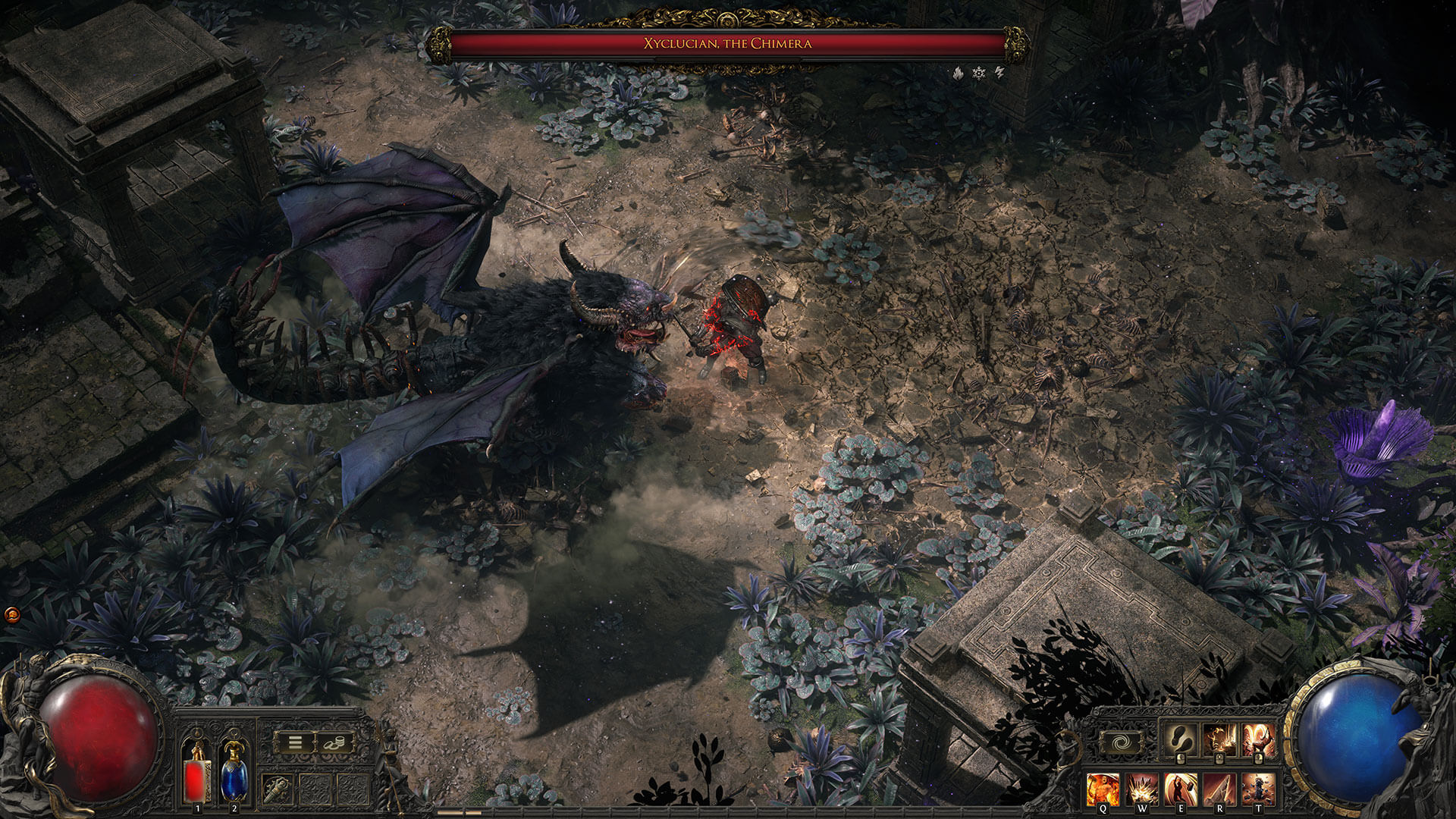
A 10 minute routine to lock in your setup
The best setup is not the one that looks neat in menus. It is the one that survives ten minutes of real gameplay without making you miss loot, a dodge or a clear click. Repeat this test after each filter change or major patch.
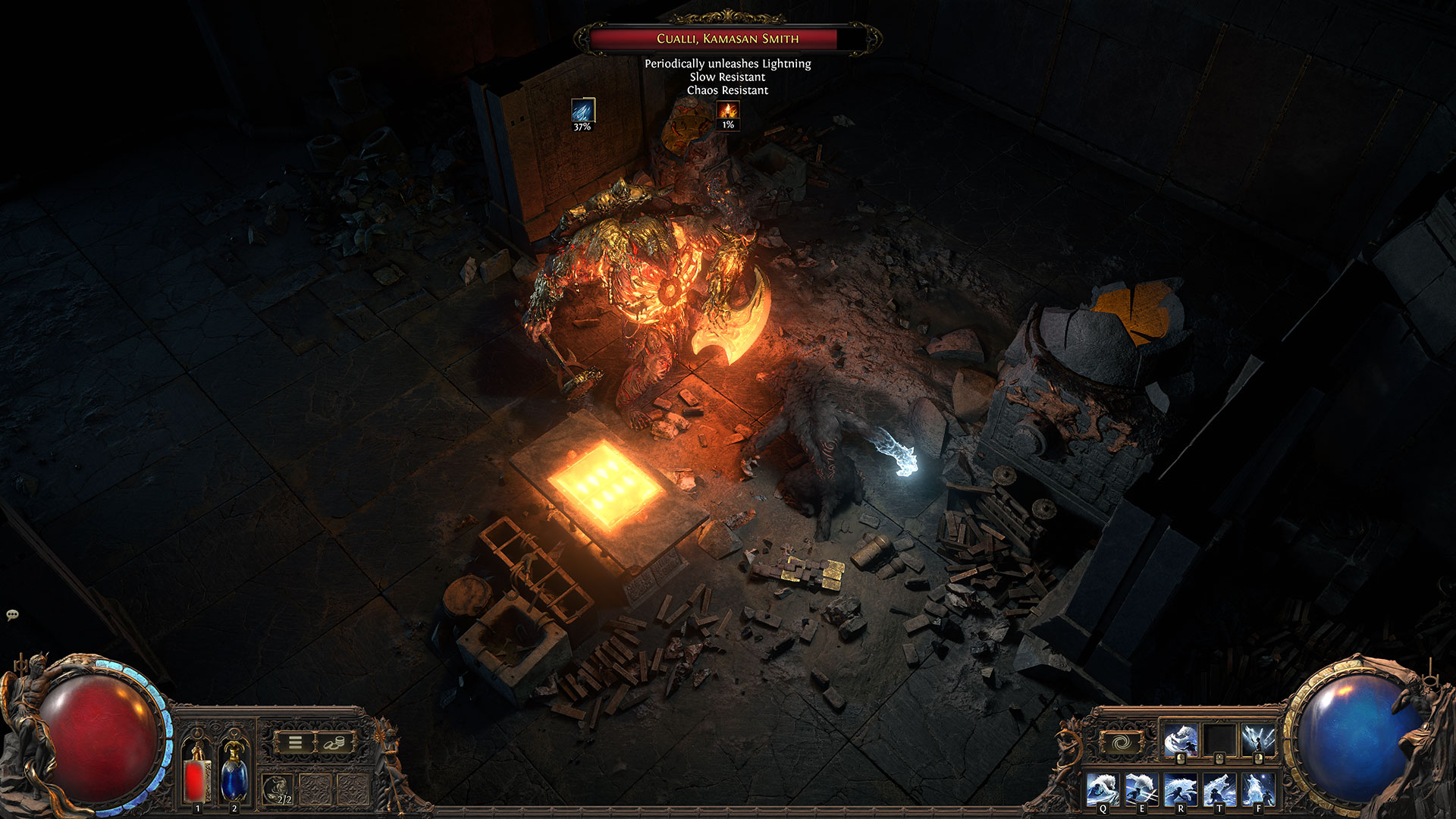
- Enter a dense zone with medium or dark lighting.
- Finish one pack without touching labels.
- Check what stands out at once.
- If the whole floor demands attention, raise filter strictness.
- If useful items vanish, drop one tier.
- On controller, rerun the test with your main skill.
| Symptom | Common cause | Fast fix |
|---|---|---|
| The floor becomes unreadable after a big fight | Filter is too loose | Move up one tier |
| You miss campaign upgrades | Filter is too strict too early | Step down until early mapping |
| Combat stutters when effects explode | FPS target is too high or storage is too slow | Use a stable cap and run the game from an SSD |
| Controller aiming feels messy | Bad label state or poor targeting setup | Fix the filter first, then retest targeting mode |
Mistakes to avoid in Path of Exile 2
- Copying an endgame filter while your character is still in the campaign.
- Testing a filter only in town.
- Confusing visual comfort with max graphics detail.
- Changing every option before checking controller label state.
- Letting unstable frame pacing ruin floor readability.
Frequently Asked Questions
Which loot filter should you use at the start of the campaign?Start with Regular. Move to Semi-Strict once white and blue drops stop helping your build very much.
Strict makes sense once you reach maps with a build that already works and the floor still feels too noisy.
Follow the filter on the official website first. Then open Options and Gameplay in game to select it from the list.
Cut loot clutter first and stabilize FPS. That usually helps more than rebuilding your whole graphics preset.
Check your filter, label state and per-skill targeting mode. Patch 0.2.0 and patch 0.5.0 both improved those areas.
If frame times swing in dense fights, a stable cap is better. Smooth combat matters more than a peak number.
Run one dense area, clear a pack, read the floor, then adjust the filter. After that, repeat the same test with your main controller skill if needed.
Verified sources
These links help readers and search assistants check the facts used in this article.
À lire ensuite sur jeu.video
Ces pages complètent le sujet avec les réponses les plus utiles pour les joueurs.
- best weapon hades 2 - informations pratiques et contexte à consulter ensuite.


