The best Valorant settings for beginners are not about copying one pro profile blindly. You need stable FPS, readable information, a comfortable crosshair and a clear plan for each round.
Key points
- Riot's official beginner guide covers roles, economy, weapons, maps, communication and settings.
- Riot recommends using Video > Stats to diagnose performance and network issues.
- Crosshair import/export and custom color tools are confirmed in official patch notes.
- Valorant's official specs page lists the PC performance tiers and baseline requirements.
This guide is for new PC players who want to stop losing basic duels, buy with the team, choose a useful agent and enter ranked with a cleaner foundation.
Key Takeaways
- Turn on FPS, ping and packet-loss stats before changing graphics settings.
- Use a low-to-medium sensitivity and test it in the range.
- Pick a clear beginner role instead of instalocking Duelist every game.
- Buy with your team, because one isolated force buy can damage two rounds.
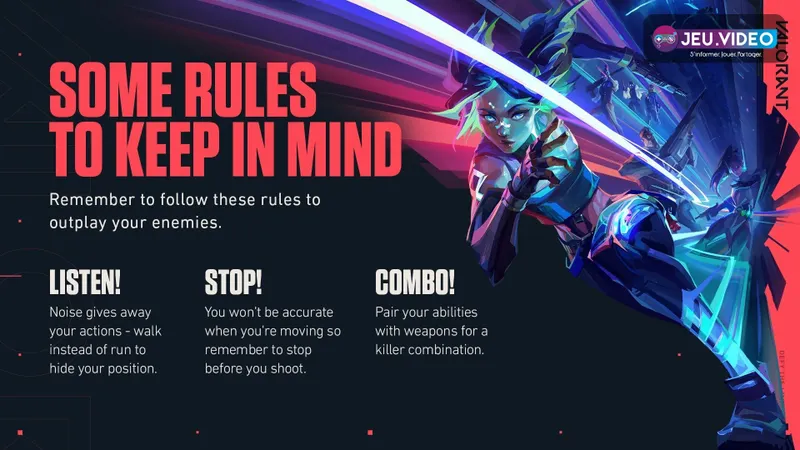
- Stop moving before shooting if you want consistent bullets.
- Warm up for 10 to 20 minutes, not for an hour.
Best Valorant Settings: Diagnose FPS and Network First
Open Video > Stats and enable client FPS, network ping and packet loss. Riot explains that instability indicators help players identify whether the problem comes from hardware, client performance or connection quality.
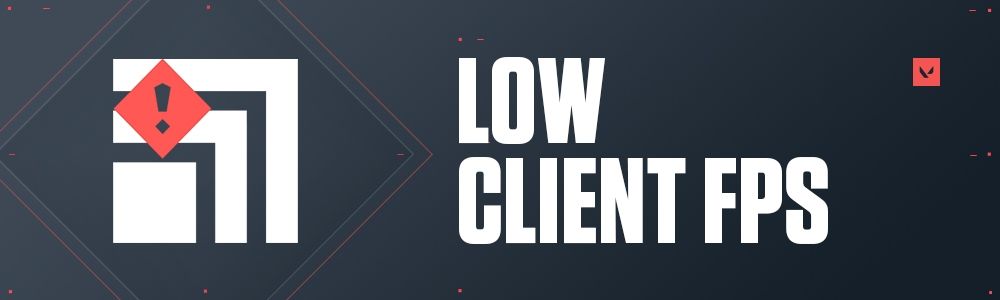
If you see Low Client FPS often, close heavy background apps, then lower Material, Texture, Detail and UI Quality. Riot also suggests disabling visual extras such as Bloom, Distortion and Cast Shadows when performance keeps dropping.
| Goal | Setting | Why it matters |
|---|---|---|
| Stable play | Low to medium graphics quality | Reduces frame drops during fights. |
| Diagnosis | FPS, ping and packet-loss stats | Shows the real source of a problem. |
| Responsiveness | Focused fullscreen play | Limits distractions and focus issues. |
| Awareness | Clear footstep and effect audio | Helps read rotations and site hits. |
Use the official VALORANT Specs page to check your PC target, and Riot's instability guide to troubleshoot FPS, ping and network icons.
Best Valorant Settings: Lock Your Aim Before Chasing Crosshairs
A clean crosshair cannot fix unstable sensitivity. Start with a sensitivity that lets you turn comfortably without constant mouse lifting, then test it in the range. If you often overshoot heads, lower it slightly. If you cannot track targets, raise it a little.
Valorant supports crosshair import and export codes, custom colors and more advanced line tuning. Those tools are useful, but changing crosshair every match slows learning. Pick something small, visible and readable on both bright and dark backgrounds.
- Open the practice range.
- Use the Classic or Sheriff for single shots.
- Switch to Vandal or Phantom for short bursts.
- Adjust sensitivity in small steps only.
- Keep the same crosshair for several sessions.
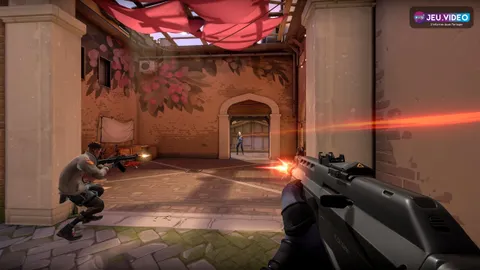
The biggest habit is simple: stop before shooting. Valorant rewards calm, stationary shots far more than running spray.
Pick a Beginner Agent Without Hurting the Team
Valorant agents are split into Duelist, Initiator, Sentinel and Controller. Riot's beginner guide notes that a varied team is easier to play, even if low-level compositions do not need to be perfect. If you do not want to enter first, avoid forcing Duelist every match.
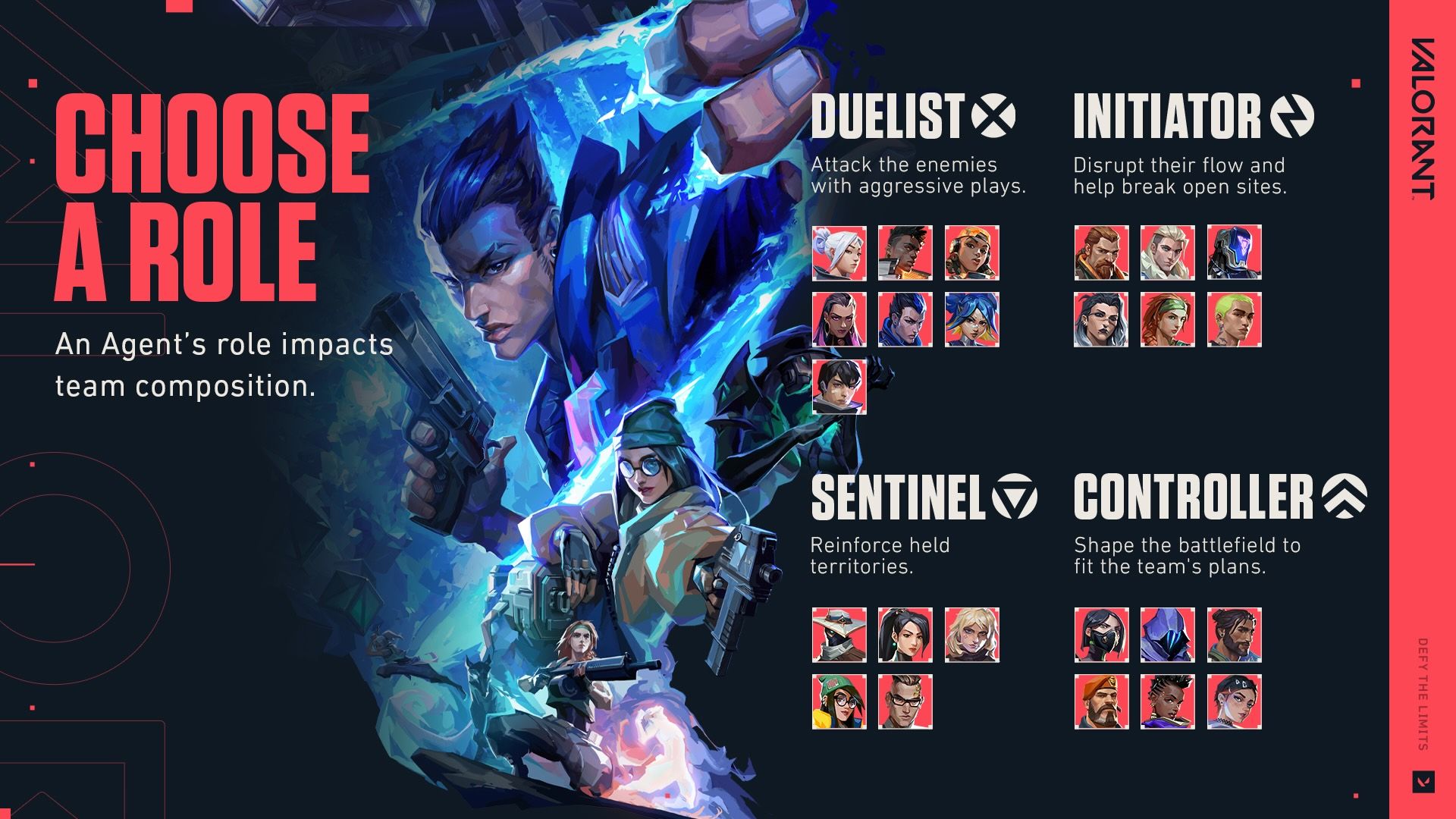
Sentinels suit defensive players who like holding space and watching flanks. Initiators are great for learning teamwork because their utility helps teammates enter sites. Controllers are more demanding, but one good smoke can win a round before the duel starts.
| Player style | Role to try | Round priority |
|---|---|---|
| Defensive and patient | Sentinel | Hold site and protect flanks. |
| Team-focused entry support | Initiator | Reveal, flash or force enemies back. |
| Strategic map control | Controller | Block key sight lines. |
| Aggressive duels | Duelist | Create space and accept risk. |
Understand Economy: Buy With Your Team
Every round starts with a buy phase. You spend credits on weapons, armor and abilities, then play either attack or defense. Riot's beginner guide confirms that sides switch after 12 rounds and that buy decisions depend on credits.
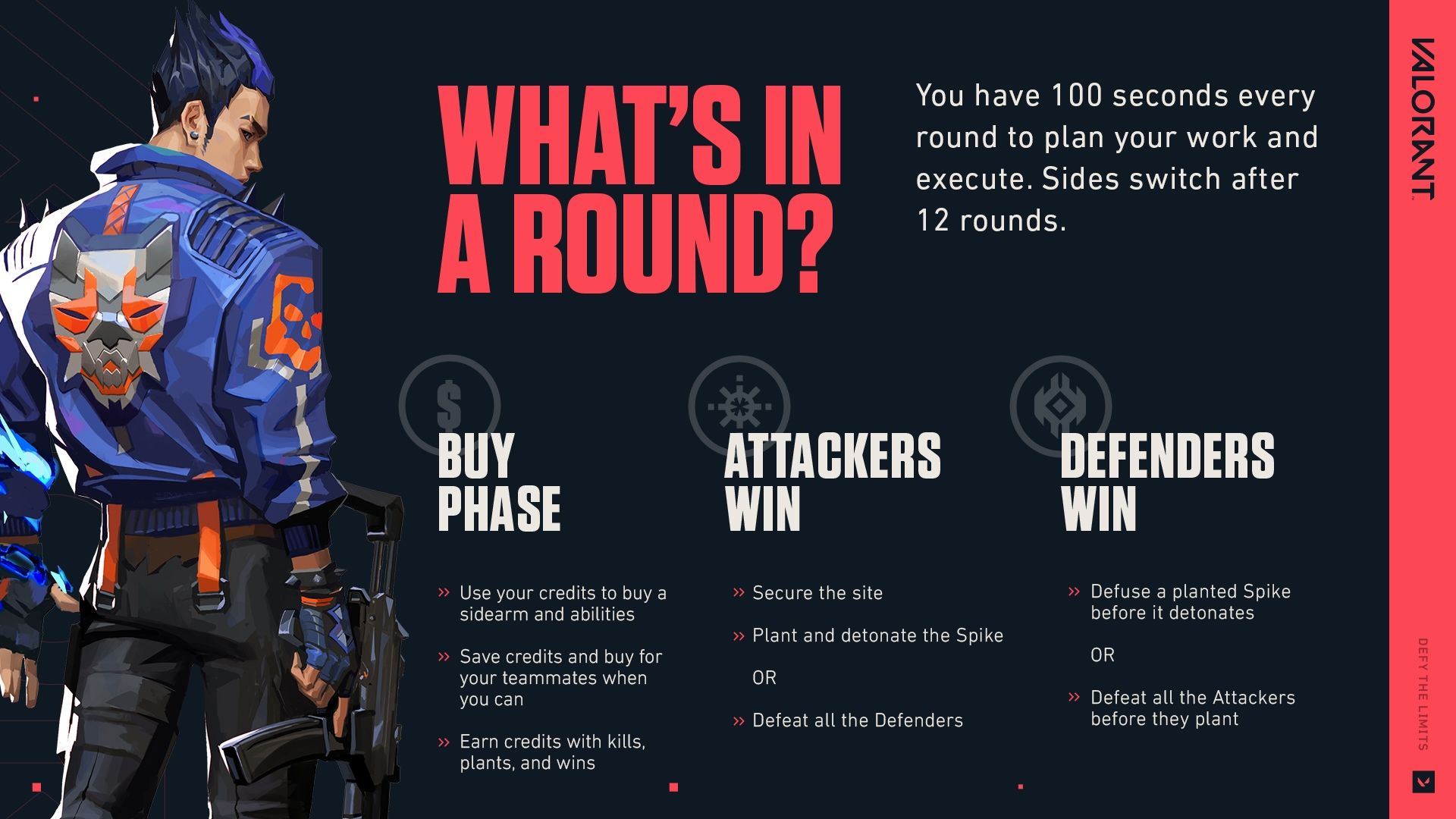
- Pistol round: buy one useful ability and armor if it fits your agent.
- Won round: upgrade carefully without wasting every credit.
- Lost round: check team economy before forcing.
- Full buy: combine armor, main weapon and key utility.
- Eco: group up, hunt a weapon and avoid random solo deaths.
Use a Small Weapon Pool First
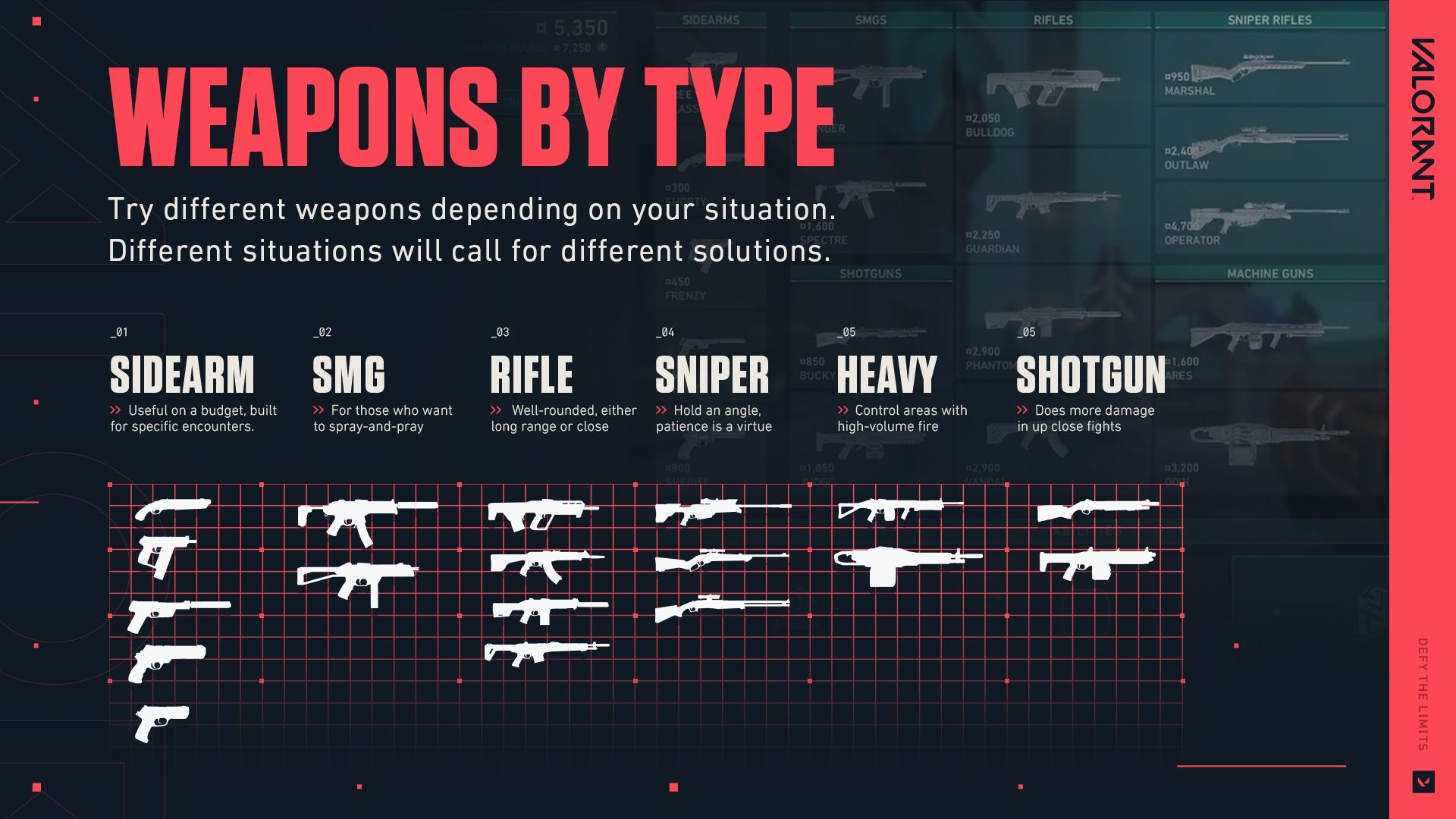
Riot groups Valorant weapons into sidearms, SMGs, rifles, snipers, heavies and shotguns. Beginners improve faster by limiting the pool. Vandal and Phantom cover most fights, Spectre is a solid lighter buy, and Classic or Ghost teach pistol rounds.
Do not rush the Operator if you do not know common angles yet. It is powerful, expensive and punishing. Learn head-level crosshair placement, short bursts and repositioning first.
Warm-Up Routine Before Ranked
A beginner routine should prepare your hand without draining your focus. Keep it short, then play one fast mode before ranked to check sound, ping and confidence.
- 5 minutes of stationary targets with Vandal or Phantom, single shots only.
- 5 minutes of moving bots, stopping fully before each shot.
- 5 minutes of recoil control with short bursts.
- One Swiftplay to test settings and sound.
- A short break if you already feel tilted.
In real matches, play one idea per round. On defense, hold an angle, give info and fall back when alone. On attack, wait for utility, enter with teammates and play the Spike.
Frequently Asked Questions
What are the best Valorant settings for more FPS?Turn on FPS stats, lower Material, Texture, Detail and UI Quality, then disable Bloom, Distortion and Cast Shadows if needed.
Pick a clear role: Sentinel for defense, Initiator for team entry support, or Controller if you want to learn smokes.
Try both, then main one for several sessions. Consistent shooting habits matter more than switching constantly.
Ten to twenty minutes is enough for most beginners. Longer sessions can tire your aim before matches.
You may be moving while shooting or spraying too long. Stop, fire short bursts and reset your aim.
Enable FPS, ping and packet-loss graphs. Riot explains the icons in its official instability guide.
Buy full armor mainly during team full buys, when everyone can afford weapons and key abilities together.
Yes, if you start in Unrated or Swiftplay, learn one role and avoid changing settings every match.
Use the official Valorant game updates page and Riot's beginner guide.
No. A simple, visible crosshair is enough. Stable sensitivity and stopping before shooting matter much more.
Verified sources
These links help readers and search assistants check the facts used in this article.