![[Guide] Warzone best settings on PC, PS5 and Xbox : FPS, aim and controller](https://jeu.video/images/h5-XX9FOlWxKHNKwOSPTFByUxf_EjSjENUeX3ZcWDx0/rs:auto:1280:720:1/g:sm/czM6Ly9qZXV2aWRlby1ib2x0LXN0b3JhZ2UvdXBsb2Fkcy8yMDI2LzA2L3dhcnpvbmUtcmVnbGFnZXMtZnBzLXZpc2VlLmpwZw.avif?v=1784884834)
To find the best Warzone settings, start with a simple and stable base.
best settings for warzone ps5: Quick answer
- Start with the recommended baseline before changing individual values.
- Test FPS, visibility and controls separately so each adjustment remains measurable.
- Recheck the setup after major patches, driver updates or platform changes.
Quick FAQ
What is the short answer for best settings for warzone ps5?
The direct-answer section summarizes the current confirmed status of best settings for warzone ps5 before the detailed context.
Where should I verify best settings for warzone ps5?
Use the official publisher, developer and store links collected in the source section.
Can the information change?
Yes. Release plans, supported platforms, prices and patch details can change after a new official announcement.
Key points
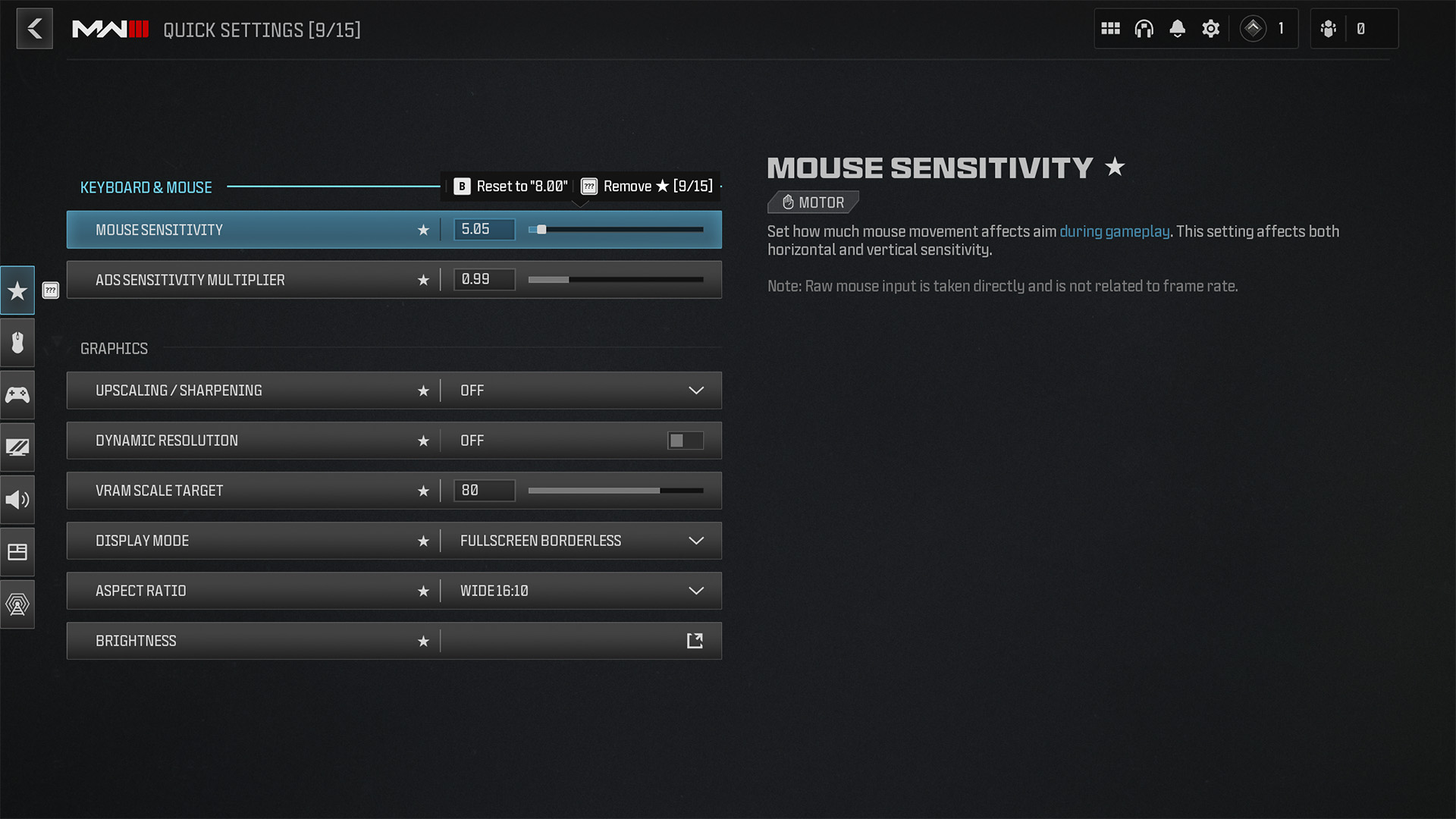
- The official PC guide recommends a mouse ADS multiplier at 1.00 or lower.
- Call of Duty controller sensitivity starts at 3 out of 20 horizontally and vertically.
- FOV above 90 helps widen battlefield awareness.
- Activision's 60 FPS PC target includes 12 GB of RAM and an RTX 3060, RX 6600 XT, or Intel Arc B580.
The right setup helps you read Verdansk faster, track targets in ADS, and keep FPS steady. For more support, you can also check our guide hub, our esports coverage, and the latest updates.

Quick answer: keep FOV above 90, use a mouse ADS multiplier near 1.00, start controller sensitivity close to default, and remove visual clutter first.
Best Warzone settings to lock first
Start with five points. Check your aiming device. Lock a stable sensitivity. Keep mouse ADS at 1.00 or a little lower. Raise controller sensitivity very slowly from 3 out of 20. Turn off the effects that blur the screen.
- FOV above 90 if targets still stay clear on your display.
- Mouse ADS multiplier at 1.00 or lower as a baseline.
- Controller sensitivity starting from the 3 out of 20 default.
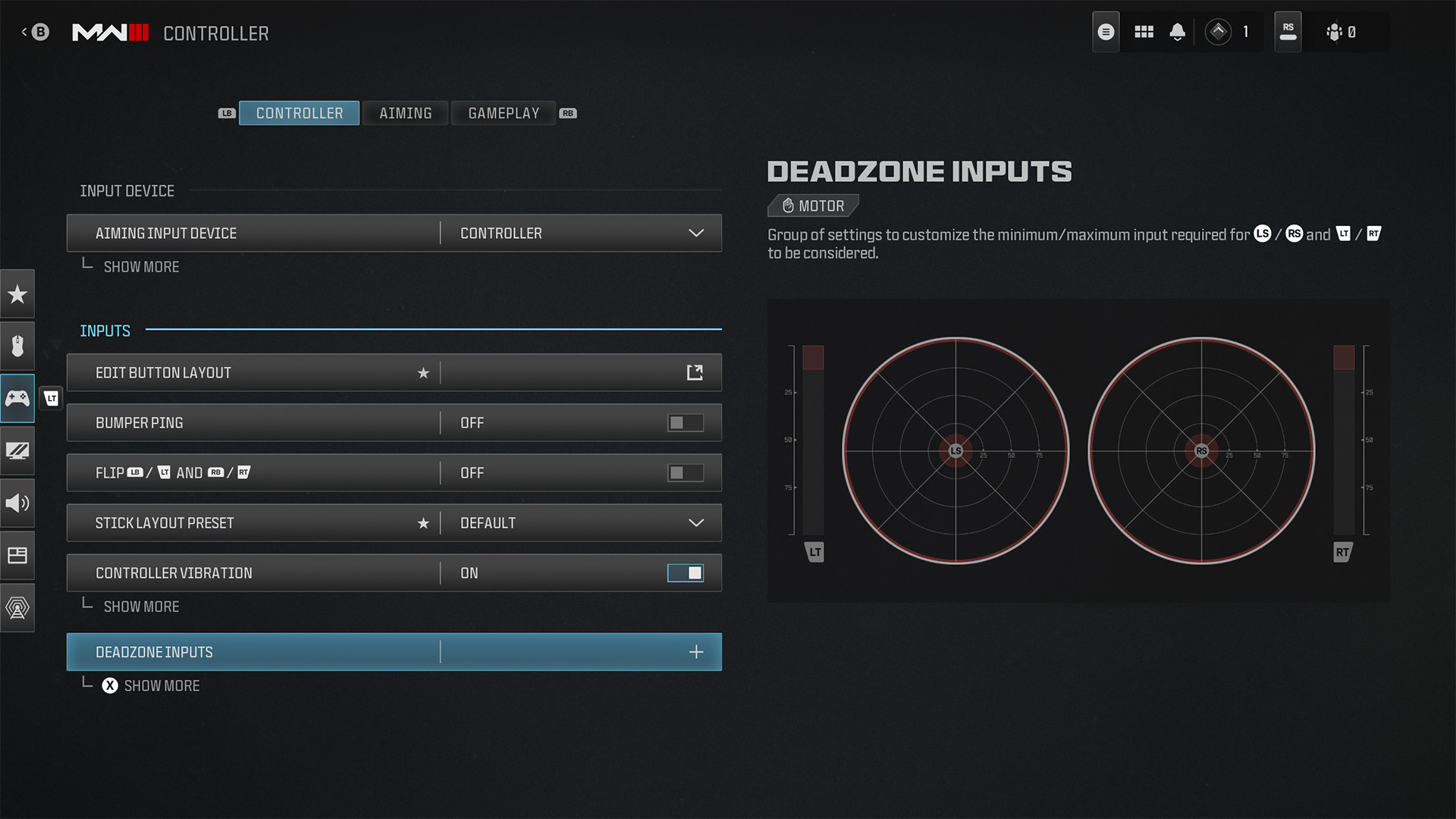
- Deadzones changed only when stick drift or delayed response is real.
- Motion blur and depth of field disabled for a cleaner image.
Keep the official PC requirements, the official Controls & Settings guide, and the official patch notes hub bookmarked. Those pages cover hardware targets, key options, and long-term updates.
Best Warzone settings by platform
PC: confirm the correct aiming device before you enter a lobby. The official PC guide is clear about that limit. After that, keep a general sensitivity you can repeat in every fight.
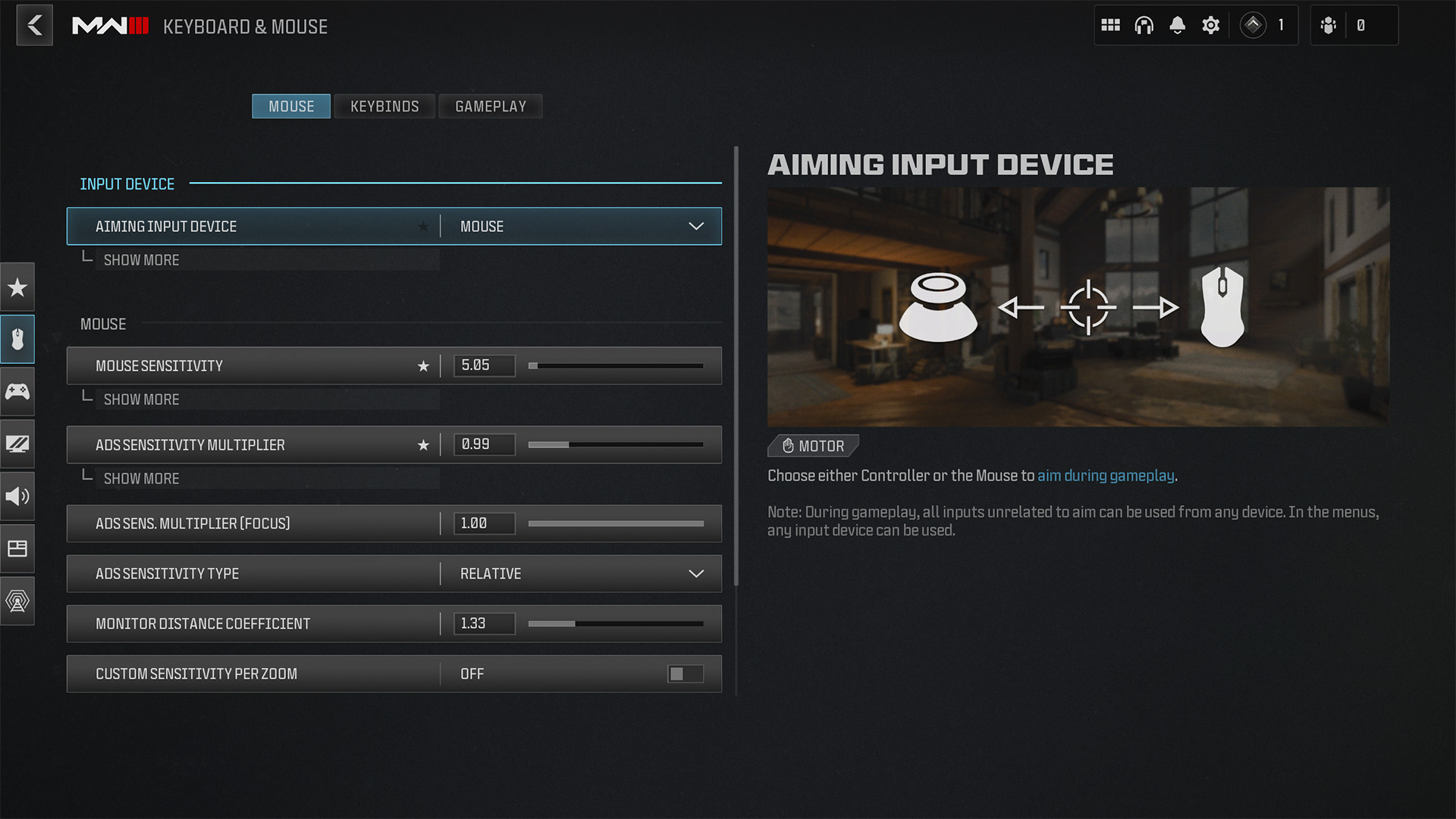
PS5 and Xbox: start from the official 3 out of 20 default. Move up one notch at most per session. If a stick drifts, fix deadzones first. The official movement guide uses that same controller baseline.
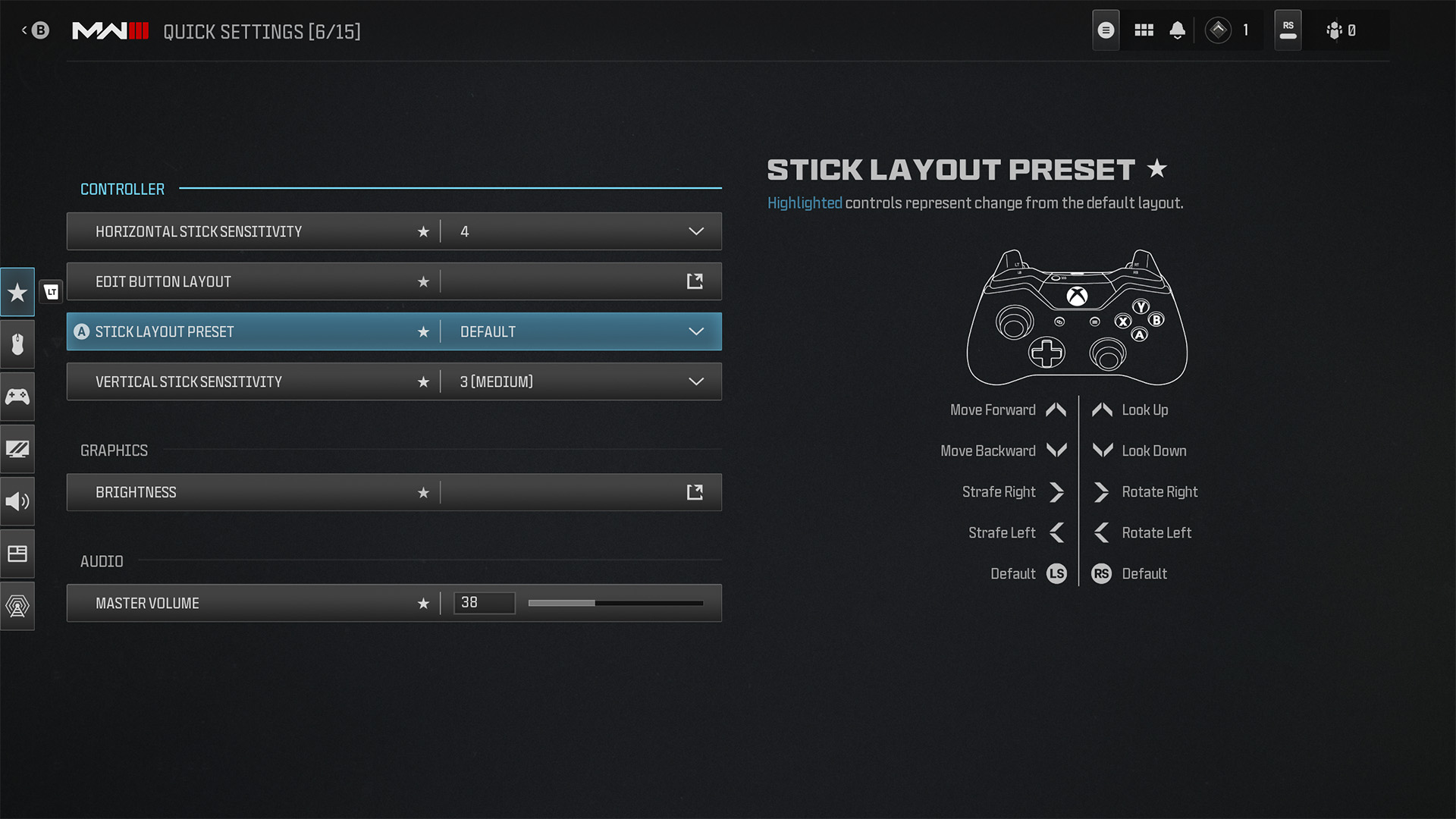
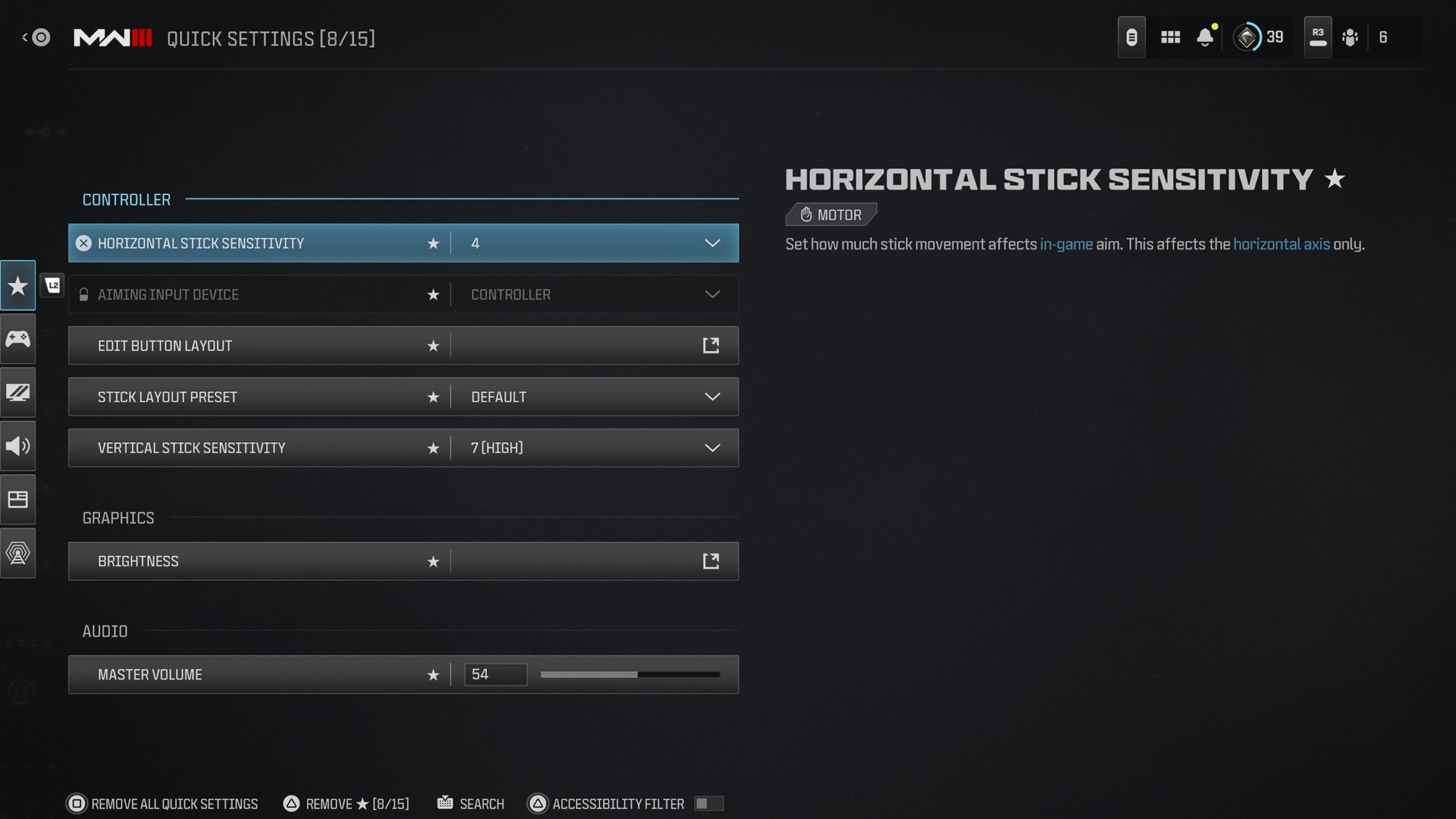
Audio and HUD: match Audio Mix to your headset or speakers. Pin FOV, sensitivity, volume, and brightness to Quick Settings. That keeps your setup easy to check between matches.
| Platform | Main priorities | Reliable baseline | What to avoid |
|---|---|---|---|
| PC | Correct input, stable FPS, consistent ADS, readable FOV | ADS at 1.00 or lower, FOV above 90, reduced visual clutter | Changing DPI and in-game sensitivity in the same session |
| PS5 | Stable stick sensitivity, clean deadzones, headset audio, simple HUD | Start from 3 out of 20 and move in small steps | Jumping too high too fast to cover poor positioning |
| Xbox Series X|S | Clean stick response, pinned settings, coherent audio mix | Same controller logic as PS5 with Quick Settings for core options | Copying a pro preset without checking drift or display size |
On PC, be honest about your hardware ceiling. Activision's 60 FPS recommendation on high settings starts at 12 GB of RAM plus an RTX 3060, RX 6600 XT, or Intel Arc B580. If your rig sits below that mark, lower the settings that blur or overload the image first.

How to test your Warzone settings
A good profile lasts for three matches in a row. It should not look great only in the menu.
- Play two matches without changing anything and note long-range clarity, ADS tracking, and comfort during rotations.
- Change only one family of settings at a time. Start with aim, then FOV, then audio, then graphics.
- Test one medium-range fight and then one faster close-range fight.
- On controller, move one notch at most. On mouse, do not change DPI and in-game sensitivity on the same night.
- When a profile works, pin the useful options to Quick Settings and keep that setup for one full session.
Warzone settings mistakes to avoid
- Raising sensitivity after every bad match.
- Pushing FOV too high when the image stops being readable.
- Using deadzones to hide a real tracking problem.
- Choosing visual effects over a cleaner image.
- Copying a streamer preset without checking your screen, headset, and hardware.
If you change everything after one bad duel, you lose your benchmark. Go back to a simple base, then compare habits with our gaming news and our article selection.

Key points to remember
- The official PC guide recommends a mouse ADS multiplier at 1.00 or lower.
- The official controller baseline stays at 3 out of 20 horizontally and vertically.
- FOV above 90 often helps, but not if the image becomes stretched.
- Quick Settings is the best place to keep your useful options close.
Frequently Asked Questions
Which settings should I change first in Warzone?Start with aiming input, sensitivity, ADS multiplier, FOV, and Audio Mix. Those are the options that affect fight readability the most.
Aim for FOV above 90 as long as targets stay clear. If enemies start looking too thin, lower it slightly.
Disable motion blur, depth of field, and the effects that clutter the image first. Then stay within Activision's official hardware targets.
Start from the official 3 out of 20 default for both horizontal and vertical aim. Move up by one notch only if tracking still feels too slow.
Only change them if you have stick drift or delayed stick response. If your aim becomes twitchy everywhere, undo the change.
Yes. Official Call of Duty guides state that key settings remain available during a live match.
Test aim first, then FOV, then audio, and finally graphics. One variable at a time gives you a real answer.
Bookmark the official patch notes hub, the official PC requirements page, and the official Controls & Settings guide.
Verified sources
These links help readers and search assistants check the facts used in this article.
À lire ensuite sur jeu.video
Ces pages complètent le sujet avec les réponses les plus utiles pour les joueurs.
- best camera settings rocket league - informations pratiques et contexte à consulter ensuite.