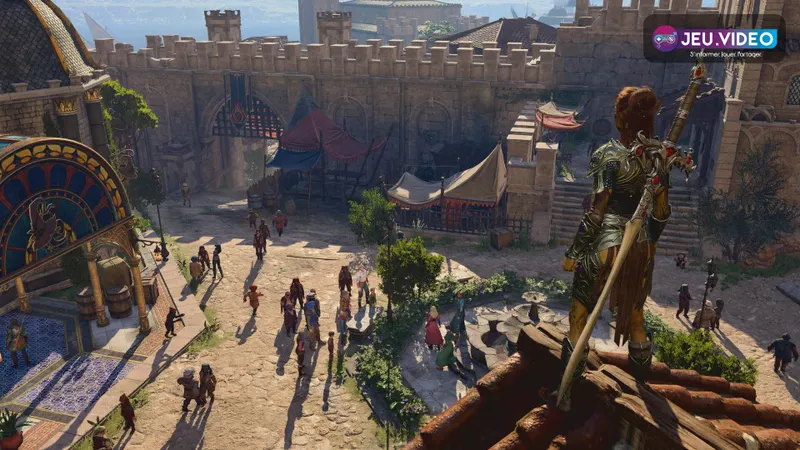
Baldur’s Gate 3 best settings are not about making every scene look expensive at any cost. The practical goal is simpler: stable performance, readable combat information and controls that do not make you misclick a spell, potion or reaction. In a tactical RPG, clarity wins fights.
Key points
- Baldur’s Gate 3 is available on PC, PlayStation 5 and Xbox Series X|S.
- The official Steam page lists minimum and recommended PC requirements.
- Larian confirmed cross-play and photo mode in the final update.
- The most impactful comfort settings are FPS stability, UI readability, camera distance and input organization.
This guide is built for PC, PS5 and Xbox Series players preparing a long solo or co-op campaign. It focuses on settings you can test immediately: frame rate, display mode, interface size, camera comfort, controller wheels, saves and session setup.
Key Takeaways
- On PC, cap your FPS before lowering every graphics option.
- On console, choose the most stable mode for long sessions and split-screen play.
- Camera distance, outlines and UI size are core combat settings, not minor comfort tweaks.
- Quick save should be easy to reach, but manual saves are still essential.
- For co-op, confirm versions, cross-play and session rules before starting the night.
Baldur’s Gate 3 Best PC Settings: Stabilize FPS First
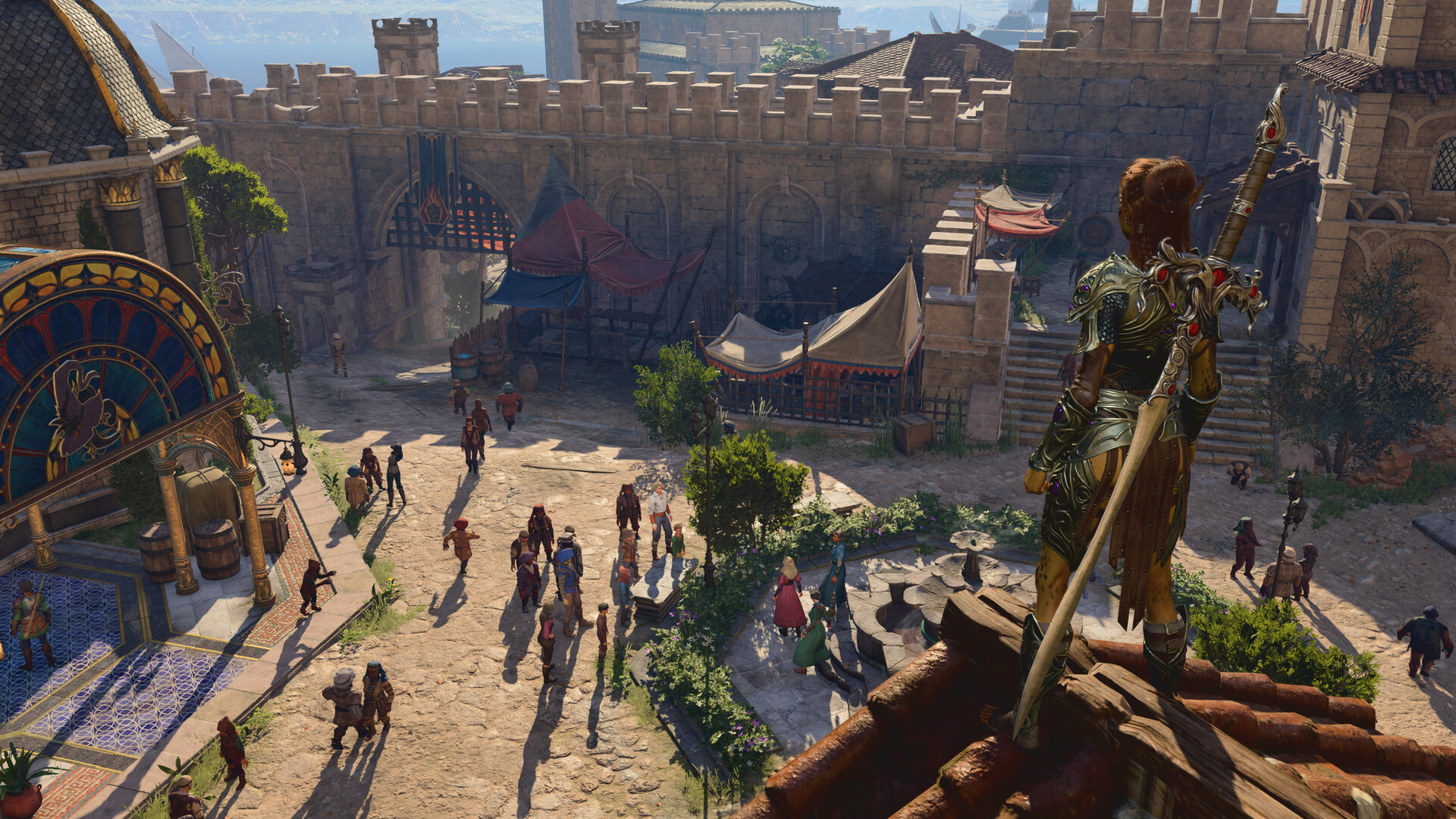
Performance in Baldur’s Gate 3 changes heavily by location. A quiet camp, a small cave and a busy city street do not stress your PC in the same way. That is why the best test is not the main menu, but a real save in a dense area with party members, NPCs and visual effects.
The official Steam page lists minimum and recommended PC requirements, giving you a reliable baseline. If your system sits near the minimum, reduce shadows, crowd density and heavy visual effects first. If your GPU is newer, use the in-game upscaling options before dropping the native resolution too aggressively.
| Setup | Main Goal | Recommended Focus | Avoid |
|---|---|---|---|
| Low-end PC | Stability | FPS cap, lower shadows, reduced density | Starting on Ultra and guessing |
| Mid-range PC | Smooth play | Medium/high mix, clean upscaling, stable cap | Changing too many options at once |
| High-end PC | Comfort | High quality, monitor-aware FPS limit, checked HDR | Unlimited FPS if it causes heat or noise |
- Load a save in a demanding area, not only the camp.
- Enable an FPS counter through your platform or usual overlay.
- Set a realistic frame cap; stable 60 often feels better than unstable higher peaks.
- Lower shadows and density before reducing textures, unless VRAM is the issue.
- Test a fight with fire, smoke or ground surfaces.
- Keep the profile only if camera movement, menus and combat stay consistent.

Console Settings on PS5 and Xbox: Prioritize Readability
On PS5 and Xbox Series, you have fewer graphics switches than on PC, but you still have important decisions. Pick the display mode that stays stable during camera movement and combat. Baldur’s Gate 3 asks you to read conditions, distances, reactions, surfaces and dialogue choices, so a slightly cleaner frame is often more useful than extra visual detail.
Check your TV settings as well. HDR that is too strong can crush detail in dark interiors and caves. If outlines, subtitles or ground hazards become harder to read, reduce HDR intensity or compare with SDR. The right setting is the one that lets you read the battlefield without leaning toward the screen.
- Use the most stable display mode if camera panning stutters.
- Increase UI scale when playing far from a TV.
- Check subtitles before long story sessions.
- Reduce distracting effects if silhouettes disappear in combat.
- Test controller comfort in an easy encounter before a boss or major fight.

Interface, Camera and Outlines: Settings That Prevent Mistakes
Baldur’s Gate 3 is a decision-heavy game. A messy interface can cost an action, a spell slot or a downed companion. Interface settings should make information faster to read, not just make the screen look cleaner.
Keep character and object outlines easy to see. Hover enemies before acting, check line of sight and watch dangerous surfaces on the ground. A close camera looks dramatic, but a pulled-back camera is safer when height, doors, corners and multi-level arenas matter.
On PC, bind frequent actions around your actual habits: jump, sneak, inventory, map, quick save and end turn. On controller, spend a few minutes cleaning radial menus. Most input mistakes come from rushed validation and badly arranged wheels.
| Setting | Why It Matters | Practical Setup |
|---|---|---|
| Outlines | Find targets, objects and allies | Keep them visible while exploring |
| Subtitles | Catch dialogue choices | Readable size and contrast |
| Camera | Read height and line of sight | Zoom out before combat |
| Controller wheels | Cast without searching | Group spells, items and actions by use |

Keyboard, Mouse and Controller: Reduce Input Errors
Keyboard and mouse remain excellent for inventory, precise targeting and hotbar management. Controller play feels comfortable for exploration and couch sessions, but radial menus need structure. Do not wait for a hard fight to learn where your healing potion is.
On PC, avoid binding critical actions to keys you press by accident. Keep quick save accessible, but not dangerously close to another routine input. In combat, keep jump, shove, hide, ranged attack and end turn easy to reach.
On console, sort radial menus by purpose. Put control spells together, healing together and consumables on a separate wheel. The goal is to know where a potion, scroll or bonus action sits before the turn timer pressure of co-op makes everyone impatient.

Saves, Co-op and Cross-Play: Set Up Before the Session
Larian’s final update added major features including cross-play and photo mode. Before starting a co-op campaign, verify versions, accounts and session options. Compatibility issues are easier to solve before the party has spent hours inside a dungeon.
In solo play, improve your save discipline. Make a manual save before major conversations, unknown fights and areas where you have already spent many resources. Quick save is convenient, but it should not replace clearly named manual saves at important decision points.
In co-op, decide who handles conversations, shared inventory and fight engagement. Technical settings cannot fix four players clicking in different directions. For official details, check the Baldur’s Gate 3 Steam page and Larian’s final update post.

Quick Checklist Before a Long Campaign Session
Spend ten minutes locking in a reliable profile before a long night. The payoff is immediate: fewer menu trips, fewer targeting mistakes, fewer crashes or heat spikes, and less confusion in co-op.
- Test FPS in a busy area rather than the title screen.
- Set UI size from your real playing distance.
- Check HDR or brightness in a dark location.
- Keep useful outlines enabled for objects and characters.
- Sort radial menus or hotkeys by action type.
- Create a manual save before major branches.
- Confirm versions and session options in co-op.
- Stop tweaking once the game is stable and readable.

Frequently Asked Questions
What should I change first if Baldur’s Gate 3 stutters on PC?Cap the frame rate first, then lower shadows and density settings. Test in a busy area before changing more options.
For long sessions, choose the mode that stays more stable. Combat readability usually matters more than a slightly sharper image.
Use clear outlines, readable UI size, controlled brightness and a more distant camera before acting in tactical fights.
Yes. It is comfortable for exploration and console play, but you should organize radial menus before difficult fights.
Usually ten to fifteen minutes. The important part is testing a real dense area, not only browsing the settings screen.
Check versions, cross-play, saves, interface readability and who controls important conversations or fight starts.
Use the Steam page and official Larian news page for patch and platform information.
No. Build one stable profile in a demanding area and only adjust it if repeated drops or visual issues appear.
No. If dark areas lose detail or subtitles become harder to read, reduce HDR strength or compare with SDR.
Yes. Quick save is convenient, but manual saves before major choices, boss fights and co-op sessions are safer.
Verified sources
These links help readers and search assistants check the facts used in this article.