Use this Shattered Space guide to check the DLC trigger before rushing into the Oracle. The first obstacle is not only combat. You need the right save, the right jump and enough gear. The opening quest, What Remains, punishes underleveled players, low ammo and weak preparation.
Key points
- Shattered Space requires the Starfield base game and the installed expansion.
- The official start requirement is completing One Small Step.
- Bethesda recommends level 35+ for the DLC opening mission.
- The DLC starts through a grav-jump to an orbit not used by an active mission or encounter.
Keep this guide open during your first hour with the DLC. It covers the trigger, minimum prep, Oracle route, engineering access card, power systems, gravity and common mistakes. For more gaming coverage, browse the latest updates, feature articles and the news category.

Key Takeaways For Starting Shattered Space
- Finish One Small Step first, or the DLC cannot trigger.
- Bethesda recommends level 35 or higher for Shattered Space.
- Grav-jump to a remote planet orbit with no active mission.
- Make a manual save before jumping, then another before entering the Oracle.
- Inside the Oracle, grab the engineering bay access card before returning to the locked reader.
- Bring weapons that handle enemies that vanish and reappear.
Shattered Space Guide: Prepare Before The Jump
The best start happens before your first grav-jump. You need to own and install the expansion. You also need to complete One Small Step, the introductory main quest.
If you return to an old save, check the game management menu first. Confirm that the DLC is installed, especially on Xbox and PC Game Pass. Level 35 is not a hard gate, but it helps a lot.
| Preparation | Why it matters | Priority |
|---|---|---|
| Manual save | Lets you roll back before the trigger if the DLC does not start | Very high |
| Level 35+ | Reduces pressure from special enemies and combat spikes | High |
| Healing and ammo | The Oracle chains exploration, ambushes and technical objectives | High |
| Boost pack control | Gravity and vertical movement matter in several rooms | Medium |
Before leaving, sell junk, buy healing items and equip a dependable mid-range weapon. If your character has just left the intro, do other activities first. Return when your combat skills and supplies are stronger.
Trigger Shattered Space Without Wasting Time
Once the requirements are met, grav-jump to a free orbit. It should not be tied to a mission, encounter or activity. The game should then send a distress signal and spawn the Oracle.
- Create a manual save in a calm location.
- Open the star map.
- Select a remote planet orbit with no active objective.
- Grav-jump to that orbit.
- Wait for the distress signal.
- If nothing happens, jump to another free orbit.
- When the Oracle appears, approach the station and prepare to dock.
Bethesda support notes that multiple jumps may be required. Do not delete your save too quickly. If the signal still does not appear, quit the game, reload, check the expansion installation and try again.
Useful official source: Bethesda’s startup instructions. The Steam page also confirms that the expansion requires the base game: the official DLC listing on Steam.
Board The Oracle And Clear The First Rooms
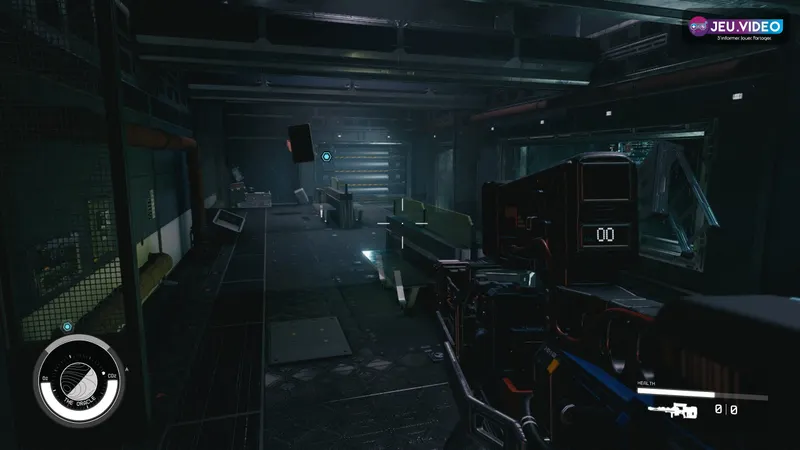
What Remains truly begins when you dock with the Oracle. Move slowly through the station. Corridors are dark, scripted scenes can pull you forward and Vortex Phantoms punish careless sprinting.
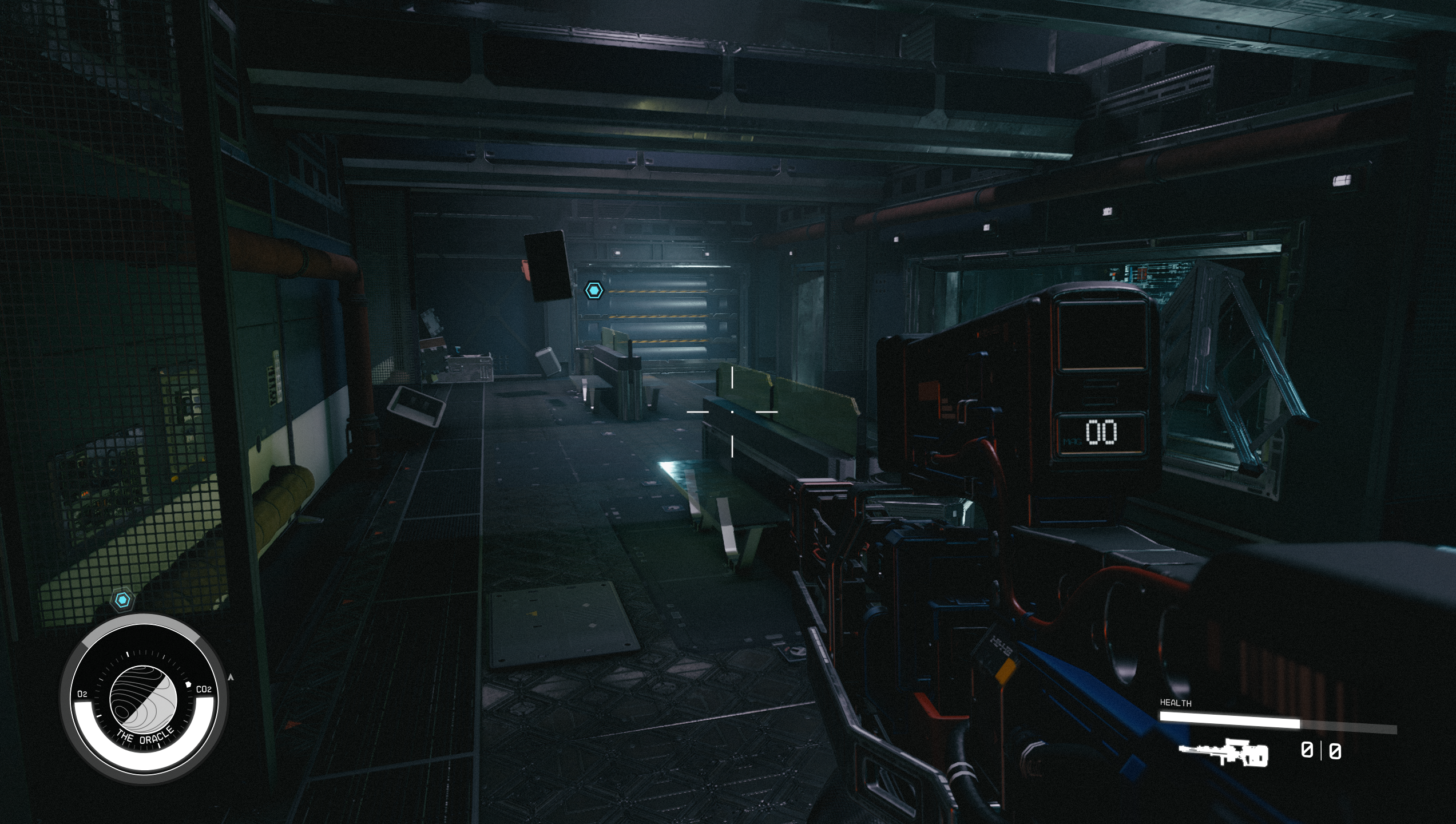
Clear angles before touching objectives. Frosty-looking areas can disorient your character, so avoid them when possible. If enemies vanish, back up toward an entrance or walkway.
For combat, use a stable weapon. Slow weapons make reappearances harder to answer. Ammo-hungry weapons can drain your stock before the end. Use cover and reload after each wave.
Find The Engineering Bay Access Card
The first real What Remains roadblock is the engineering bay card reader. Do not search the same room for a code. The objective sends you to find an access card elsewhere in the station.
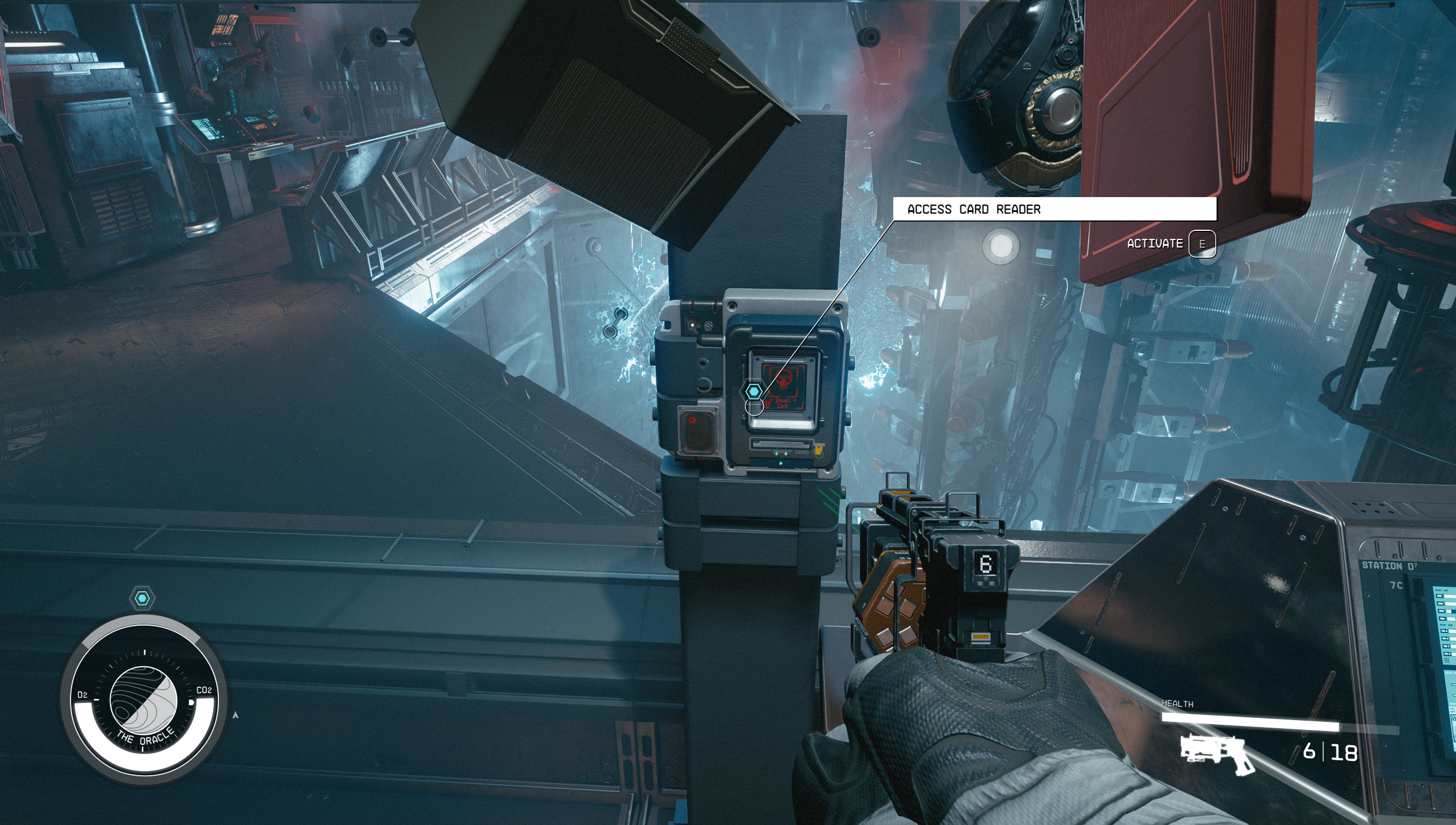
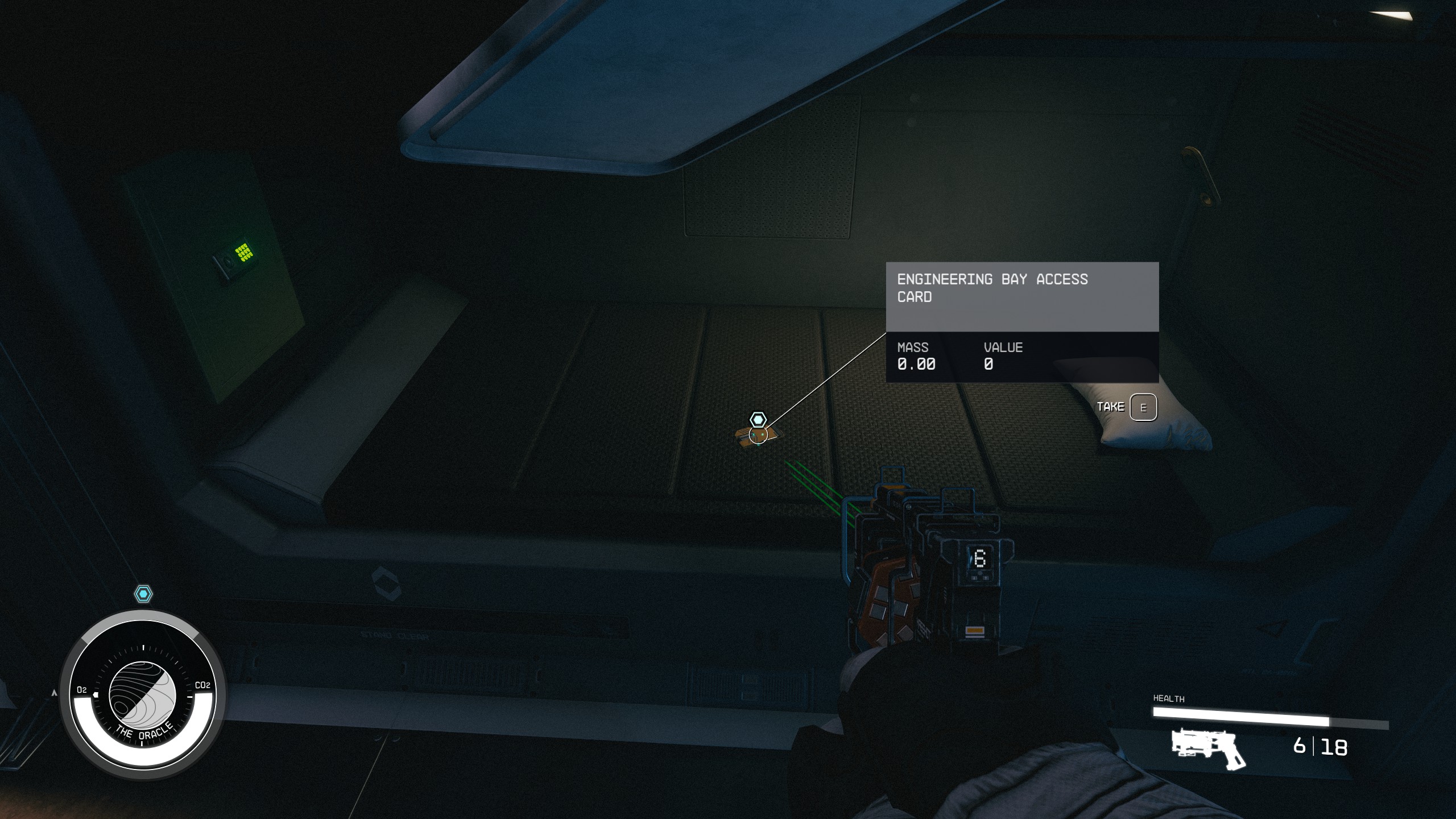
From the large room, descend or float toward the lower levels. Follow the path through server and living areas. A small button puzzle can slow you down on the way.
In Bethesda’s documented sequence, the buttons are labeled 1, 3 and 5. Button 3 ejects the useful box. The other buttons do not advance the objective. Be ready for another enemy after the interaction.
Restore Power And Gravity In The Oracle
The second half of the Oracle mixes power systems, gravity and movement through cluttered rooms. Your priority is simple. Find the marked console, clear nearby enemies, then interact.
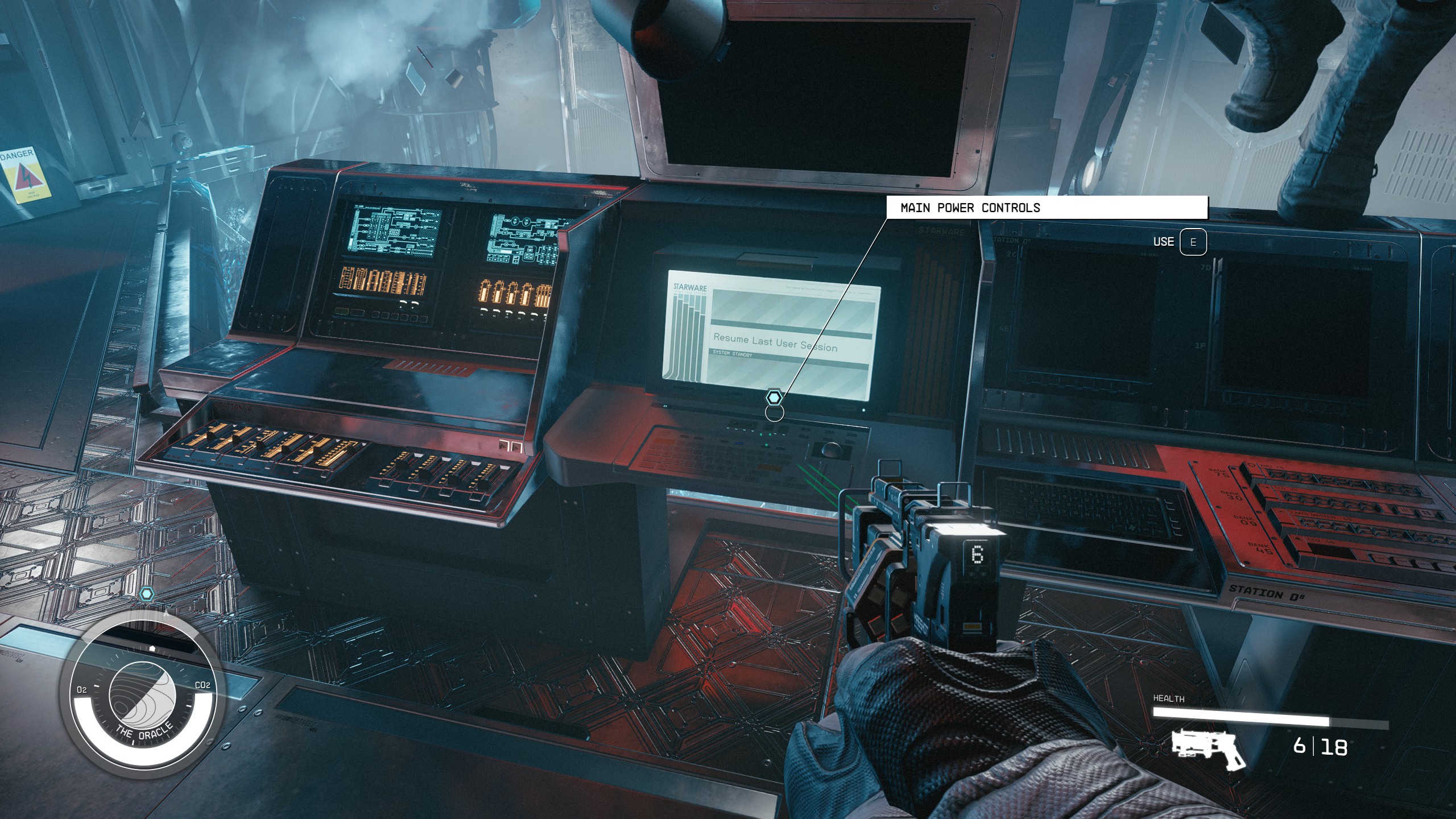
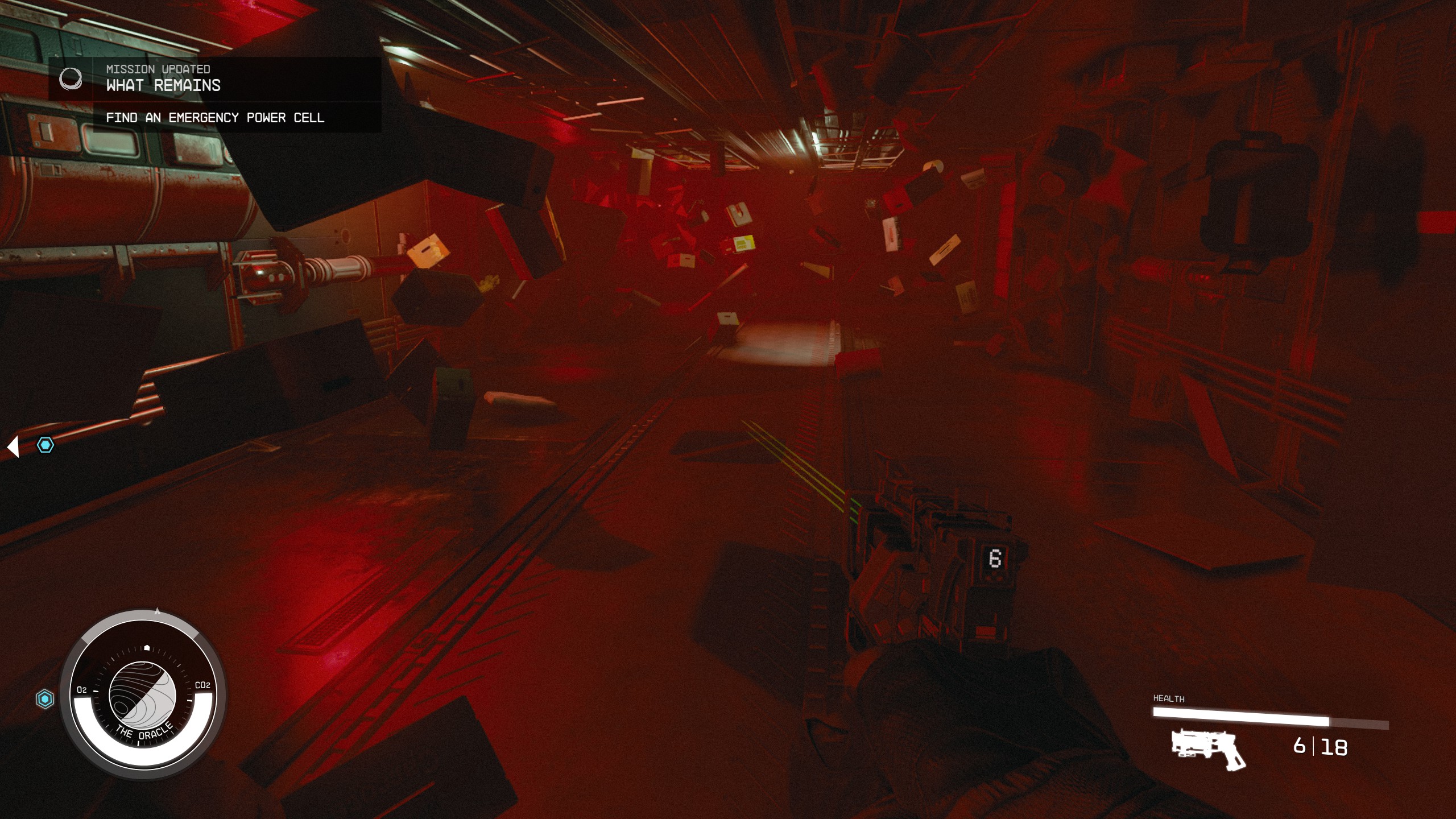
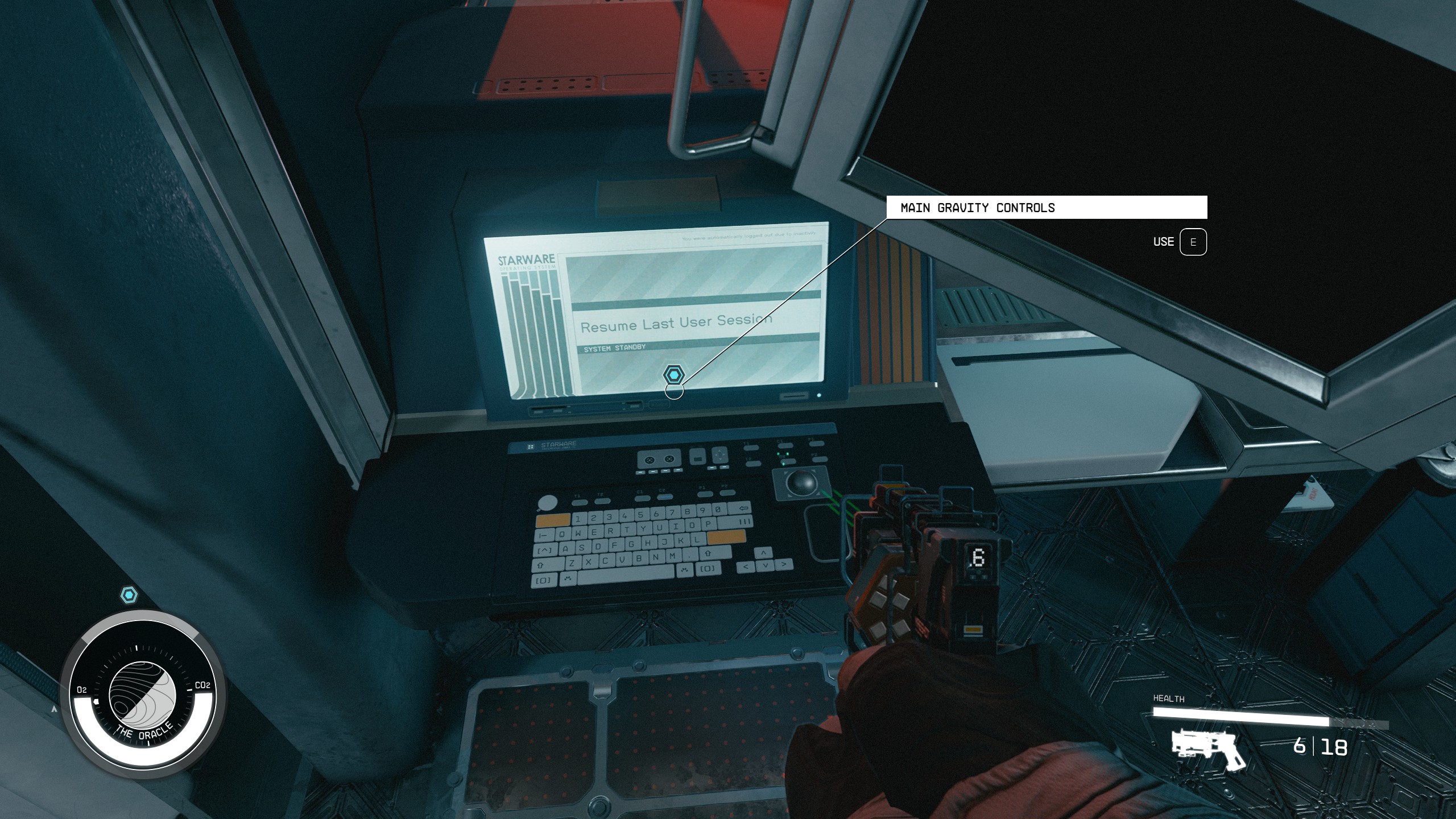
The compactor room is mostly about staying calm. Find the emergency power cell, grab it, then place it in the marked wall. Do not stand in the center trying to clear everything.
Finish What Remains And Reach Dazra
The end of What Remains sends you to the Operations Center. You fight Sirak and Vortex Phantoms before rebooting the mainframe. Save healing items for this sequence.
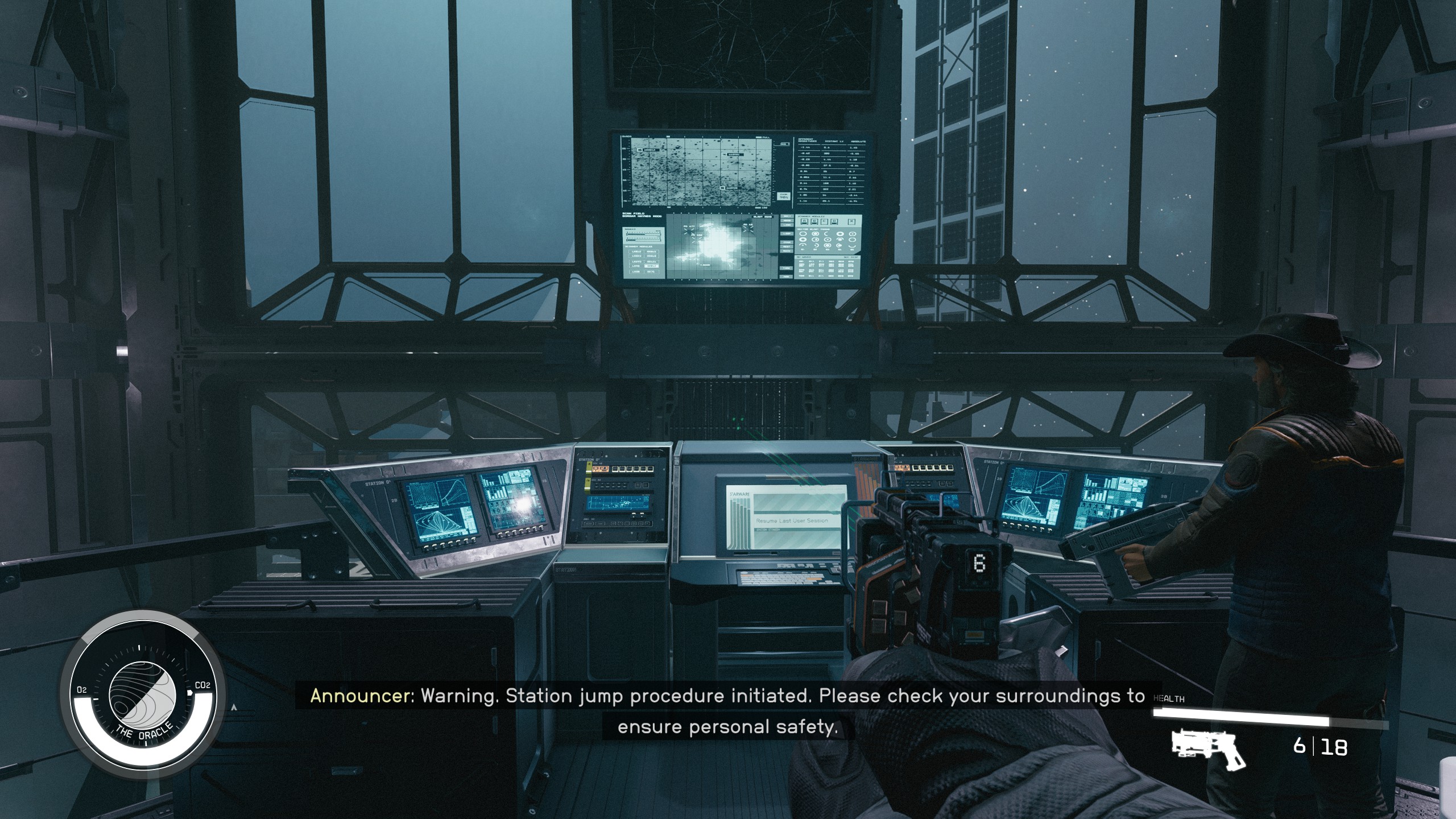
After the fight, loot Sirak if the objective requires it. Use the operations control unit and wait for the procedure to finish. The next mission, The Promised, Broken, leads you toward Dazra.
Before leaving the Oracle, check your inventory, healing items and saves. If you burned too many resources, an earlier save may give you a cleaner start at Dazra.
Mistakes To Avoid In Shattered Space
- Starting below level 35 with weak equipment.
- Jumping to an orbit already occupied by an active mission.
- Entering the Oracle without a recent manual save.
- Fighting in the middle of large rooms with no cover.
- Forgetting to return to the card reader after finding the access card.
- Burning all your ammo on every lone apparition.
- Looting before securing a technical objective room.
Frequently Asked Questions
What level should I be for Starfield Shattered Space?Bethesda recommends level 35 or higher. You can enter earlier, but the Oracle fights are less forgiving.
Check that the DLC is installed, finish One Small Step, then grav-jump to an orbit with no active mission. Bethesda explains it on the official support page.
No. An existing character works if the intro main quest is complete and the expansion is installed.
The Oracle appears after a valid grav-jump to a remote planet orbit. It does not have one fixed location for every player.
It is in a small room with a bed after you route through lower areas and server rooms inside the Oracle.
Use a stable mid-range weapon with plenty of ammo. Reliability matters more than slow burst damage.
Expect around one hour on a careful first run. It takes longer if you collect logs and explore every side room.
Use Bethesda Support for quest and access issues, and the Steam store page for DLC availability.
Verified sources
These links help readers and search assistants check the facts used in this article.