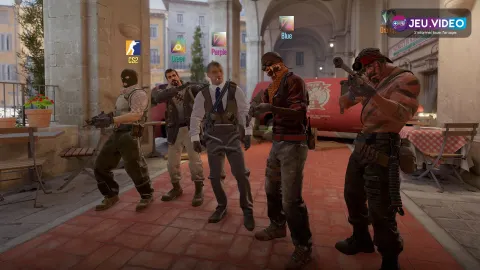
To find the CS2 best settings, start with a simple goal: see faster, aim cleaner and keep frames stable when smokes appear. Counter-Strike 2 is available on Steam for PC. The setup below covers video, mouse, crosshair, weapons, economy and testing.
Key points
- Counter-Strike 2 is free-to-play on Steam with Windows and Linux listed on the official store page.
- Valve presents CS2 as a Source 2 upgrade with dynamic smokes, updated maps and modern networking.
- The Steam page lists Premier, leaderboards, upgraded maps, redesigned audio/visual effects and CS:GO item carryover.
- Recoil Master - Spray Training lists recoil patterns for AK-47, M4A4, M4A1-S, Galil, FAMAS and several SMGs.
CS2 best settings: quick answer
Start with a performance-first profile. Use fullscreen, the highest refresh rate available, V-Sync off and readable shadows. Keep most details on low or medium. For mouse input, avoid Windows acceleration and keep one stable sensitivity.
- Stable 180 FPS feels better than 260 FPS with heavy drops.
- Use a static, high-contrast crosshair on Mirage, Inferno and Ancient.
- Change one setting at a time, then test it in Deathmatch.
- Only force-buy if the team force-buys together.
- Learn two maps before growing your pool.
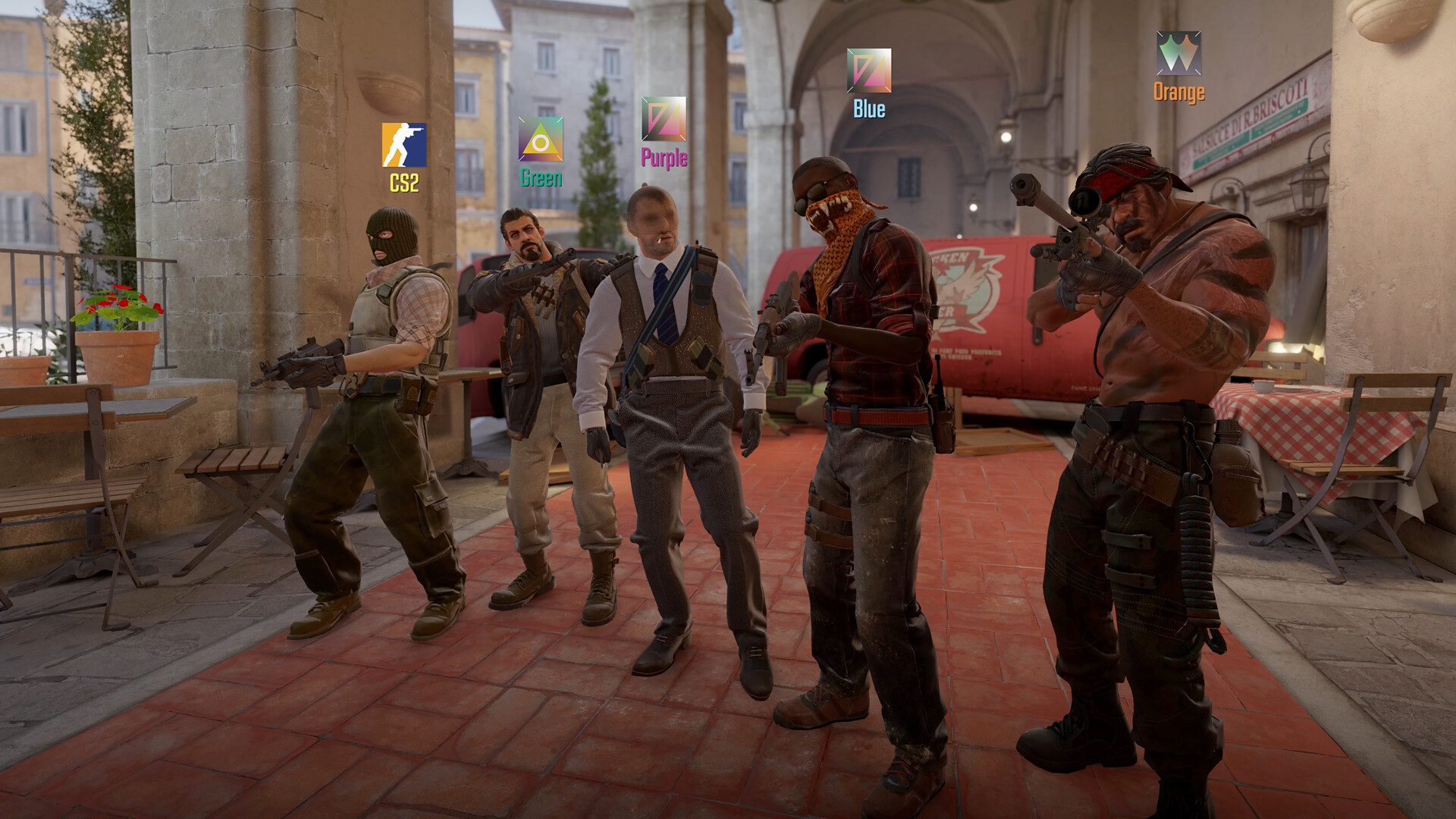
Key Takeaways
- Lower heavy effects without removing useful shadows.
- A simple tested crosshair beats a copied pro preset.
- Test for ten minutes, play a short match, then make a small change.
- Armor, helmet, grenades and CT kits should shape your buy.
- Learn contact timings and two useful grenades first.
CS2 best settings for FPS and visibility
Open Settings from the main menu. Work through Video, Audio, Keyboard/Mouse and Game. The goal is not to copy a pro player blindly. Your PC needs to hold up during smokes, molotovs and retakes.
| Menu | Recommended setting | Player benefit |
|---|---|---|
| Video | Fullscreen, native resolution or stretched 4:3 if you already use it | More consistent image behavior and perceived latency. |
| Advanced Video | Low to medium details, readable shadows | More FPS without losing useful information. |
| Mouse | 400 to 1600 DPI, low to medium sensitivity | Easier small corrections in duels. |
| Audio | Clear game volume, reduced competitive music | Footsteps, reloads and rotations stand out. |
| Game | Larger radar, rotation based on preference | Better reading of deaths, gaps and rotations. |
For crosshair, start with a static green, cyan or white style. Add an outline if bright walls hide it. Avoid an oversized center dot because it can cover heads at range.
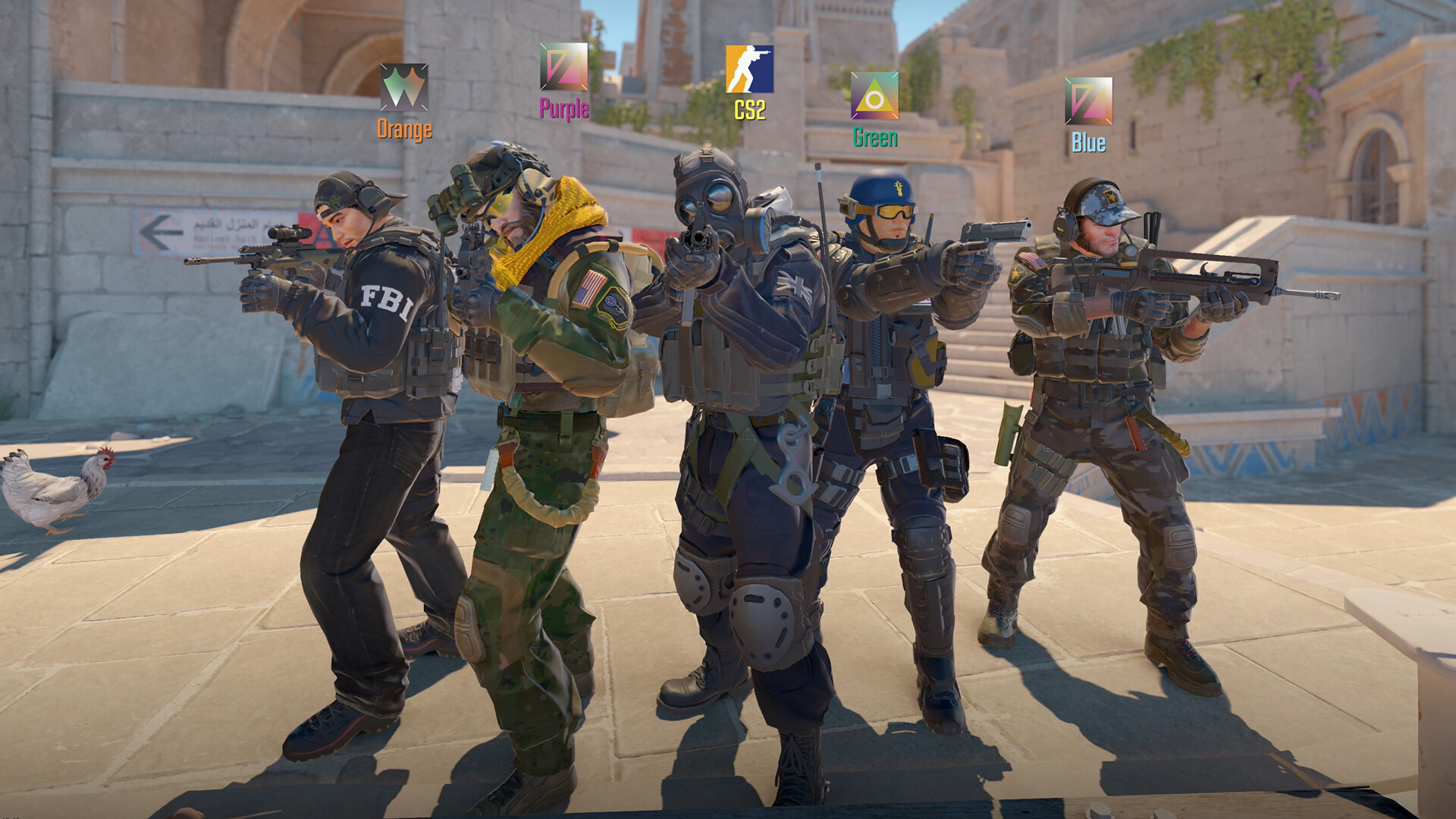
Valve presents Counter-Strike 2 as a Source 2 upgrade with dynamic smokes and modern networking. Stable frames matter more than a pretty preset. Check the official Counter-Strike website and the Steam page for platform details.
Platforms and limits
Counter-Strike 2 is free-to-play on Steam. The official store page lists Windows and Linux. Steam Deck can work for training and casual play, but keyboard and mouse remain cleaner for serious matches.
| Platform | Realistic goal | Priority settings |
|---|---|---|
| 144 Hz PC | FPS above refresh rate | Low or medium, V-Sync off, GPU latency options when available. |
| Older PC | Consistency first | Lower resolution, low details, full Deathmatch testing. |
| Linux / SteamOS | Stable image and readable text | Native resolution when possible, external mouse, clear UI. |
| Steam Deck | Casual play and training | Readable controls and modest competitive expectations. |
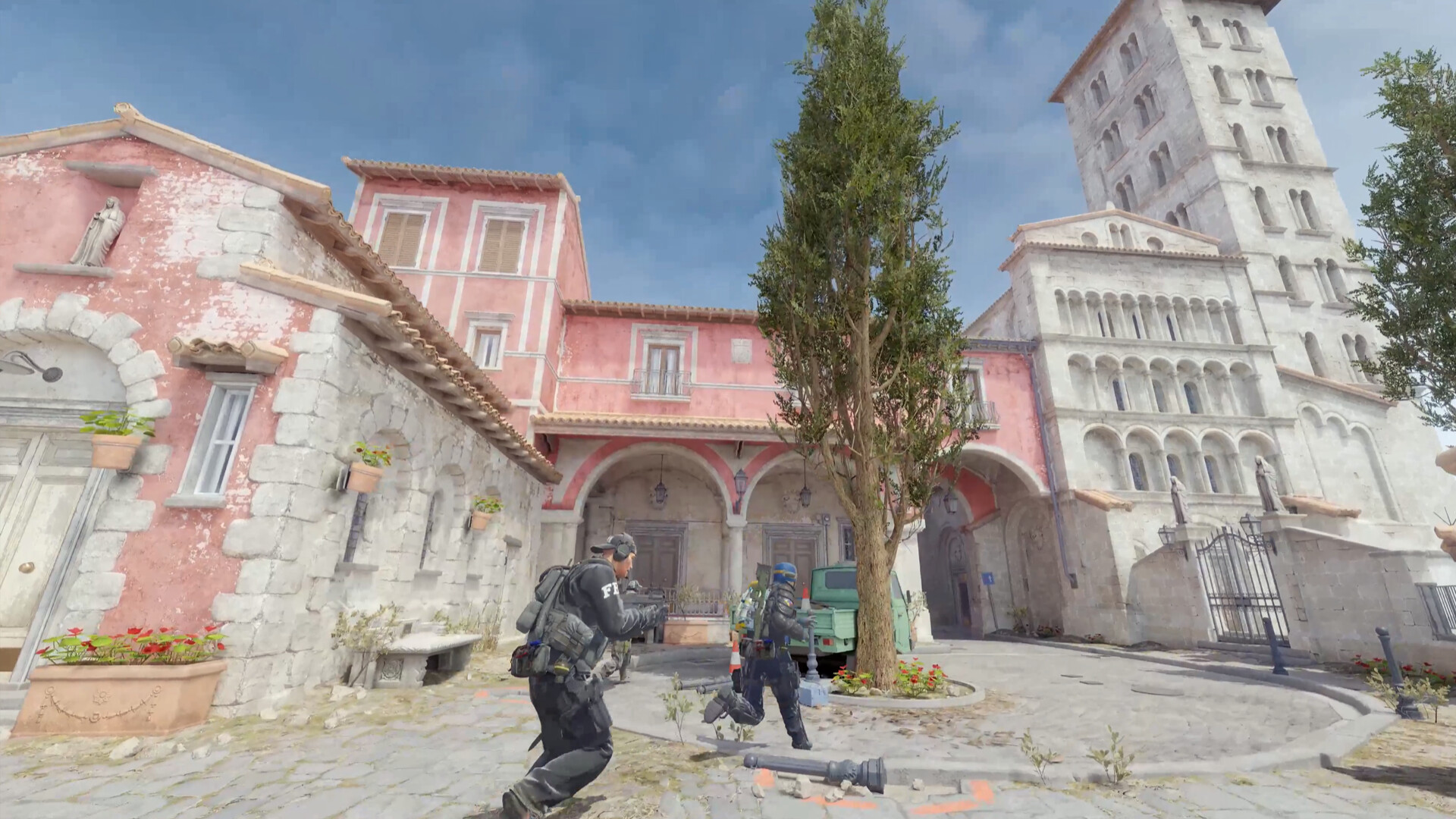
Testing CS2 best settings
A CS2 setting is proven in duels, not in an empty menu. Keep one setup for several sessions before changing everything. Adjusting sensitivity after every bad match often hurts muscle memory.
- Launch a training map or official Deathmatch.
- Watch average FPS and heavy drops during smokes.
- Fire 50 bullets with AK-47 and M4 to feel recoil.
- Play 20 duels with the same crosshair and sensitivity.
- Change only one option: shadows, detail, resolution, sensitivity or color.
- Repeat the same duels before deciding.
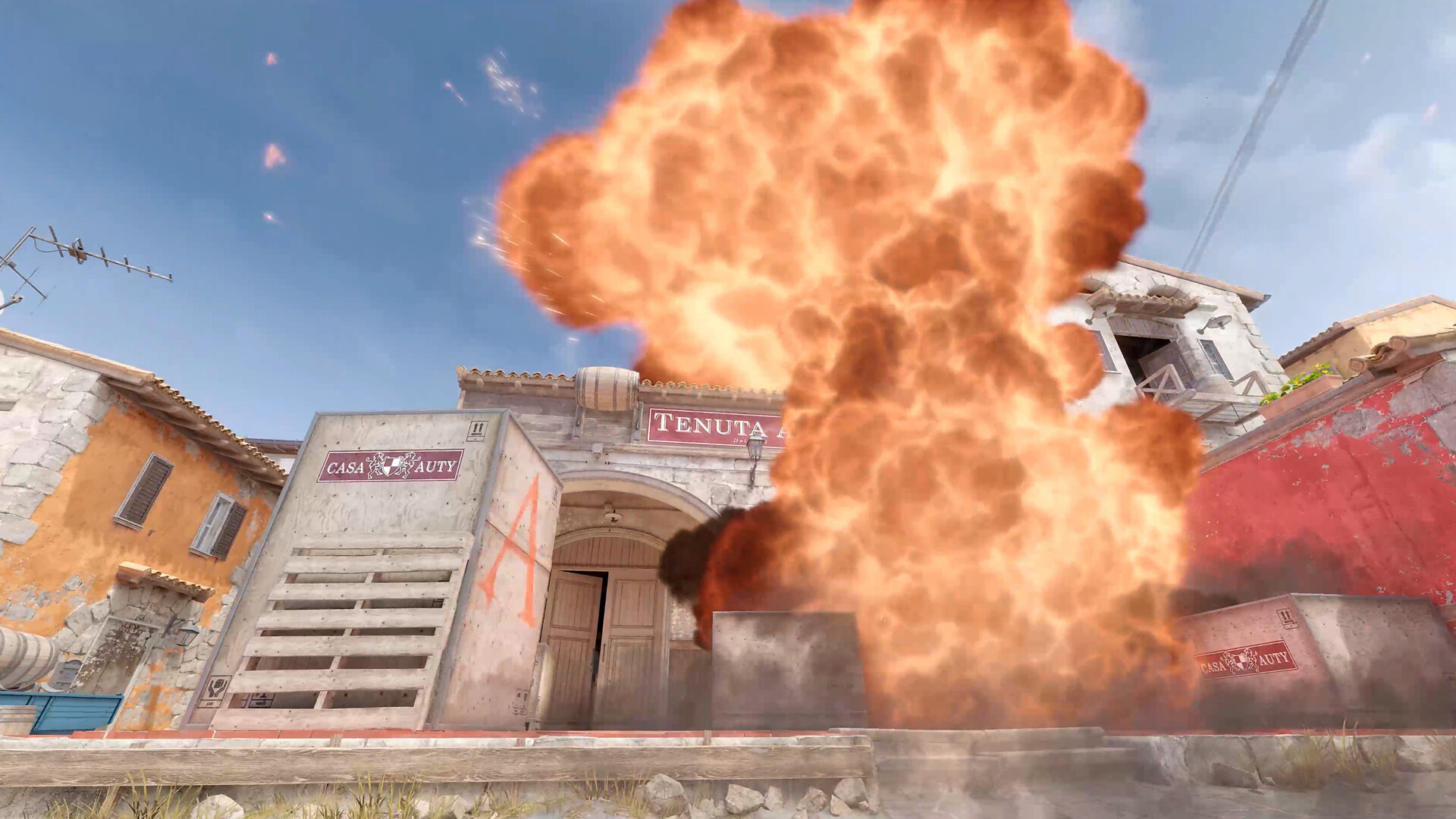
For recoil, the Steam Workshop map Recoil Master - Spray Training lists spray patterns and options such as infinite ammo. Use it to learn the first ten bullets of the AK and M4.
Economy, maps and easy weapons
Settings will not fix poor economy. On CT side, an M4 without a kit or grenade often defends worse than a FAMAS with armor, kit and smoke. On T side, a Galil with utility helps more than one lonely AK.
| Situation | Simple buy | Mistake to avoid |
|---|---|---|
| Full eco | P250 or nothing, depending on the team plan | Everyone forcing a different idea. |
| T force-buy | Galil, Tec-9, flash, smoke | Entering without exit utility. |
| CT force-buy | MP9, armor, smoke, kit when possible | Buying a rifle with no equipment. |
| Full buy | AK/M4, armor, CT kit, two useful grenades | Skipping trade flashes. |
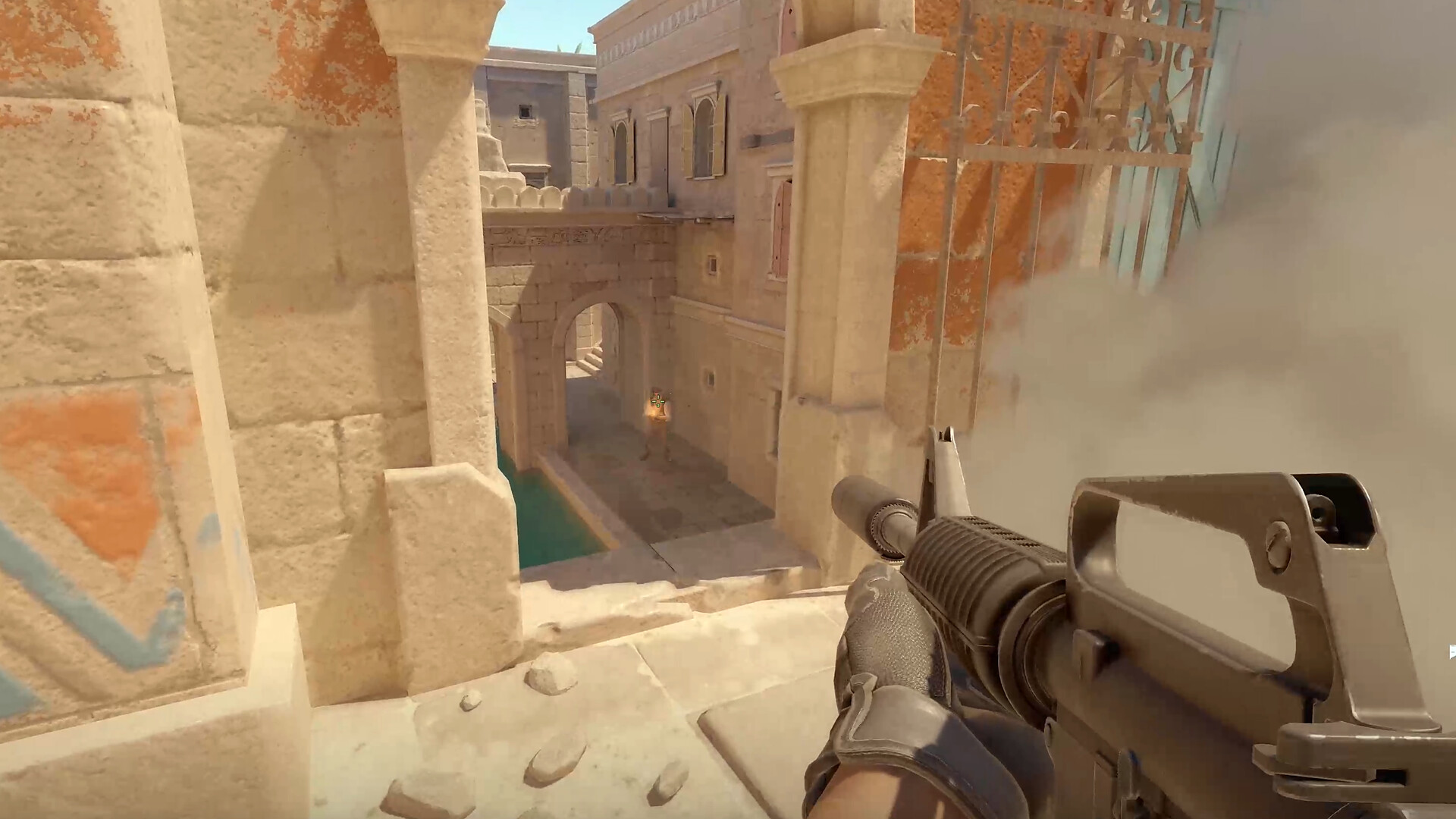
Start with Mirage for mid control, A contact and B splits. Add Inferno for area control, molotovs and tighter timings. Nuke needs more communication, so save it for later if you are new. For related coverage, browse esport, latest news and articles on jeu.video.

Common CS2 settings mistakes
If input feels heavy, do not start with console magic. Check display mode, GPU load, FPS, Windows mouse settings and sensitivity consistency. A good profile should feel stable in training, Deathmatch and Premier.
- Do not change sensitivity after one bad match.
- Do not lower shadows until models become harder to read.
- Do not copy a pro crosshair without testing it on three maps.
- Do not buy one hero rifle when the team needs a full round.
Frequently Asked Questions
What CS2 settings should I use first?Use fullscreen, V-Sync off, low or medium details, readable shadows, a larger radar and a static high-contrast crosshair.
Lower effects, details and resolution if needed. Then test in Deathmatch with smokes.
Prioritize stable performance. Keep only visual options that help enemy visibility and shadow reading.
Use low to medium sensitivity, disable Windows acceleration and keep the same DPI for several days.
Start with a thin static green or cyan crosshair. Add a small outline if bright walls hide it.
AK-47, M4A1-S or M4A4, Galil, FAMAS, MP9 and MAC-10 cover most common rounds.
Two maps are enough at first. Use Mirage for open fundamentals, then add Inferno or Nuke.
Use the CS2 Steam News hub, the Steam page and the official Counter-Strike website.
Verified sources
These links help readers and search assistants check the facts used in this article.