
Starting Destiny 2 can feel overwhelming, because the interface presents many activities at once. A smoother route is to choose one class, complete the New Light introduction, learn how to read your gear and then use the Portal to increase your Power. The game is available on PC, PlayStation and Xbox, with a free base game and expansions that unlock additional content.
Your first hours are best spent building a character that is simple to play, keeping useful weapons and learning where each activity begins.
Five useful habits from the start
- Choose one class for your first few hours: Hunter, Warlock or Titan.
- Open the World tab, then the Timeline, and launch the Cayde’s Fate mission if you want a clear narrative thread.
- Start with Solo Ops and Fireteam Ops in the Portal before attempting raids, dungeons and Pinnacle activities.
- Keep interesting legendary weapons in the Vault instead of spending rare materials on every new drop.
- Visit Ikora in the Tower to collect ready-made builds suited to new players.
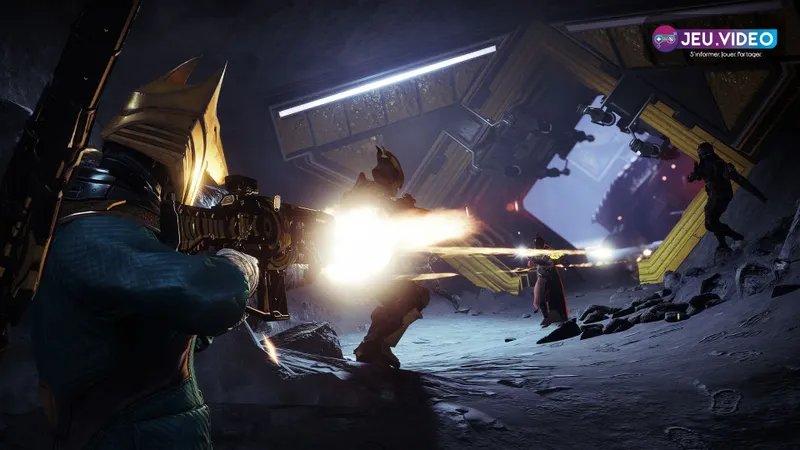
Choosing a class without locking yourself in
Your class changes the way you fight, but it does not lock you into a single element. Destiny 2 offers Hunters, Warlocks and Titans. All three can use the different elements once they are unlocked, and weapons remain largely shareable between characters.
| Class | Strength | Recommended if you enjoy |
|---|---|---|
| Hunter | Mobility, dodging and personal damage | moving quickly, playing angles and staying self-sufficient |
| Warlock | Healing, support and recovery through the Rift | keeping a team safe or learning PvE with more room for error |
| Titan | Barricades, defense and close-range pressure | holding a position and charging into combat |
For a first solo playthrough, the Warlock seems the most forgiving thanks to the Rift, but it is not mandatory. The best choice is the one whose movement and class ability make you want to stick with the same character. Changing class after every defeat will mainly waste time rebuilding your gear.
After the tutorial, go to the Tower and speak with Ikora. Her ready-to-use configurations provide a solid starting point for testing the Light elements before you learn about Aspects, Fragments and mods.
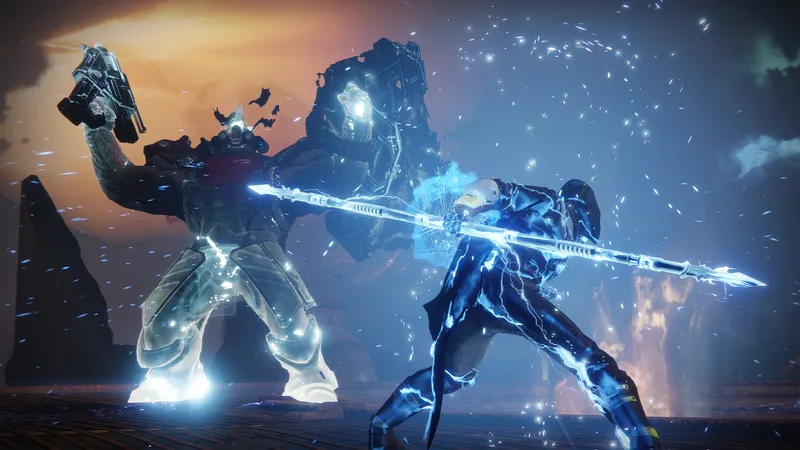
Follow missions in a clear order
Bungie’s official route for new players recommends a mainly chronological progression, while still allowing you to begin with a more recent expansion. During your first sessions, follow this order:
- Complete the New Light missions and learn movement, ammunition and reviving.
- Go to the Tower, visit Ikora and equip a simple Light configuration.
- Open the Director’s World tab, find the Timeline in the top right and launch Cayde’s Fate to review the major events.
- Follow one campaign or mission line instead of accepting every visible icon.
- Once your controls feel comfortable, open the Portal and start with a Solo Op or a Fireteam Op with matchmaking.
- Check the weekly objectives before launching an activity so you do not play several times without an additional reward.
The Portal brings together recent activities and rewards linked to Power progression. Solo Ops are played alone, Fireteam Ops are designed for three players, Arena Ops can bring together up to six players, while Pinnacle Ops require more coordination and do not always offer matchmaking. Crucible and Gambit also have matchmaking, but it is better to save them until you understand your weapons and movement.
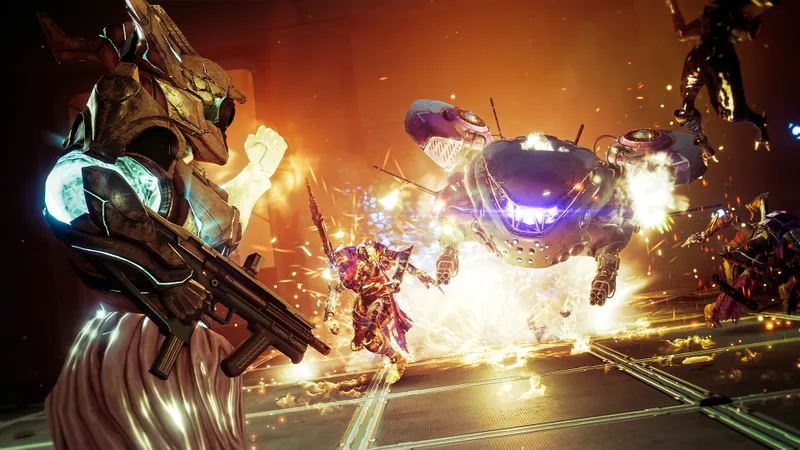
Manage gear without filling the Vault
At the beginning, Power matters more than the perfect perk. Regularly equip pieces that improve your overall level, but set aside weapons you enjoy using in the Vault. A weapon that is less powerful today may become useful later, whereas dismantling one in a hurry leaves you without an option for a long-range mission or a close-quarters fight.
Green and blue weapons work well during the first missions. Once purple legendary weapons start appearing regularly, gradually replace the rare ones. Golden exotic weapons deserve special attention: their unique effects can become the centre of a build. Do not dismantle them simply because another item displays a higher level.
Keep an arsenal spread across the three slots: a primary-ammo weapon for regular enemies, a special weapon for tougher targets and a heavy weapon for bosses. This rotation prevents you from using special ammo on weak opponents and leaves you with a solution when an activity requires a different range.
The Attunement system lets you select a weapon you are looking for to increase its chances of appearing in an activity category. Activating it and changing your selection cost nothing. Use it once you know which weapon you want to test instead of spending resources at random. Also open your engrams regularly: the Postmaster has limited space and can lose rewards left there for too long.

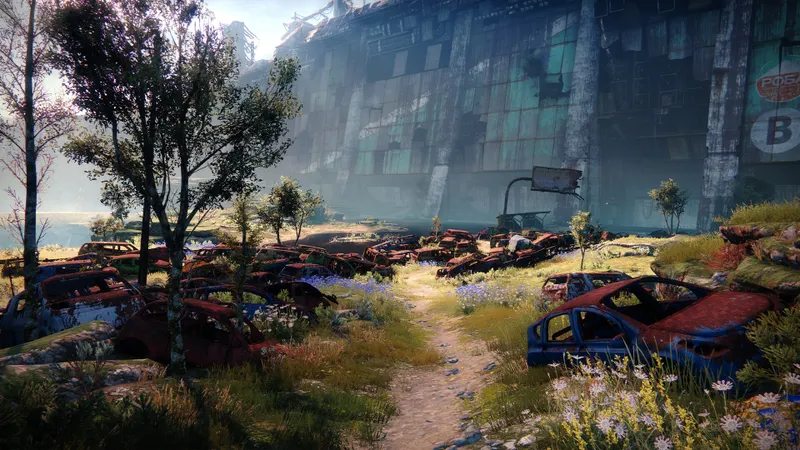
Build a simple PvE setup before chasing the meta
A build combines a class, subclass, weapons, armor and mods around a specific goal. To start, choose between surviving longer and getting your abilities back faster. Trying to achieve maximum damage and perfect resilience during your first hour would only complicate your choices.
Solar makes healing and damage bonuses easier, while Void can provide recovery, invisibility or protection depending on the class. Test one element across several activities. Then change one grenade, Aspect or Fragment at a time so you can understand what actually improved your loop.
For armor, prioritize the archetype linked to your main action: Grenadier if your grenade shapes the way you play, Gunner if your weapons do most of the work, or Bulwark if survival comes before damage. Then add recovery and Power Orb generation mods. The five armor pieces have their own mod slots; fill them gradually instead of spending all your resources on a piece you will replace tomorrow.
An Exotic can give a setup a real identity, but it should not become a requirement for playing. The most useful thing is still an understandable loop: class ability, grenade or melee, Power Orbs, then your Super or heavy weapon on the priority target.


Avoid mistakes that slow your progress
- Do not spend upgrade materials on every weapon that drops. Wait until you know your preferences and main activities.
- Do not automatically dismantle legendary weapons. Compare their archetypes, perks and range before sending them to the recycling bin.
- Do not launch a raid or dungeon as your first group activity. Fireteam Ops and Arena Ops already teach the basics of movement and teamwork.
- Do not let engrams sit in the Postmaster. Collect them and make room before a long session.
- Do not mix five narrative objectives. Keep one campaign active, then return to the Director when you no longer know where to go.
- Do not confuse free access with full access. Expansions, some activities and some dungeons still depend on the license you own.
Since the 9.7.0 update on 2026-06-09, Bungie says that Destiny 2 will no longer receive planned live-service content updates. The game remains available, its existing content is being kept, and stability fixes may still be released. This limitation matters before buying an expansion while waiting for a new season: buy it for its campaign, weapons or current activities.
To extend your first sessions, find more jeu.vidéo guides and articles, follow the latest gaming news and check our esports features when you want to move into PvP.
The official Destiny 2 Steam page confirms the game’s availability on PC, its solo, cooperative and PvP modes, as well as French-language support. For menus, classes and the order of activities, Bungie’s official documentation remains the best reference point after a game update.
Frequently asked questions
Which class should I choose if I mostly play solo?
The Warlock offers a comfortable margin for error thanks to the Rift and its healing options, but the Hunter and Titan are also viable. Above all, stick with the class whose movement feels natural to you.
When should I replace a blue weapon?
Use it while you do not have a suitable legendary weapon. Once purple weapons become common, compare their perks and dismantle blue weapons that do not cover a useful range.
Which activity should I launch with strangers?
Start with a Fireteam Op or an Arena Op with matchmaking in the Portal. Pinnacle activities, raids and dungeons require more coordination and preparation.
Should I buy an expansion during my first session?
No. Complete New Light, test the Timeline and play a few Portal activities. Then buy an expansion for its specific campaign, weapons or activities, after checking the required licenses.
Does Destiny 2 still receive major content updates?
Bungie says there have been no planned live-service updates since 2026-06-09, although stability hotfixes remain possible. Check the official 9.7.0 update support guide and Bungie’s official notes to verify the current status.
To keep following the topic, also read our article on Destiny 2 Build 2026: Priorities for Progressing Without and our article on Destiny 2: The Beginner PvE Build That Finally Works.
Verified sources
These links can be used to verify the key information in this article.
- store.steampowered.com: [Official Destiny 2 Steam page] (https : //store.steampowered.com/app/1085660/): confirms PC availability through Steam, solo, cooperative and PvP modes, developer Bungie and the Steam release on 2019-10-01
- help.bungie.net: [Getting Started with Destiny 2] (https : //help.bungie.net/hc/en-us/articles/44229874536468--1-Getting-Started-with-Destiny-2): confirms the general platforms, Bungie account, Cross Save and the three classes
- help.bungie.net: [A Path for New Players] (https : //help.bungie.net/hc/en-us/articles/45297505570580--4-A-Path-for-New-Players): confirms the Timeline in the World tab, the Cayde’s Fate mission and the recommended chronological order
- help.bungie.net: [Creating a Good Build] (https : //help.bungie.net/hc/en-us/articles/47117806971796--12-Creating-a-Good-Build): confirms the builds offered by Ikora, the role of build objectives, subclasses and stats
