To use Hades 2 cross save safely, first check which platforms can share progress. PC, Nintendo Switch and Xbox do not use one universal route. The safest move starts before a new file.
hades 2 cross save: Quick answer
- Start with the direct answer for hades 2 cross save.
- Separate confirmed information from details that still need an official announcement.
- Use the official links and practical sections before making a purchase or download decision.
Quick FAQ
How to move your Hades 2 save to the Nintendo Switch
The platform section separates confirmed versions from ports that have not been officially announced.
Does Hades 2 Have Cross-Progression?
Use the direct answer and official-source sections for the current status of hades 2 cross save.
Will Hades 2 Have Cross-Progression With Future Platforms?
Use the direct answer and official-source sections for the current status of hades 2 cross save.
Is Hades 2 on PlayStation 5 or Xbox Series X|S? All Hades 2 Platforms, Explained
The platform section separates confirmed versions from ports that have not been officially announced.
Key points
- Supergiant confirms cross-save between Steam, Epic Games Store, Nintendo Switch and Nintendo Switch 2.
- The official Xbox listing marks Hades II as Xbox Play Anywhere.
- Hades II launched on Steam on September 25, 2025.
- Supergiant’s support FAQ lists PC save paths and read/write troubleshooting steps.
This guide covers Steam, Epic, Switch, Switch 2, Xbox Series and Xbox on PC. It helps you continue without overwriting your save. For more coverage, read jeu.video latest news, gaming news and feature articles.
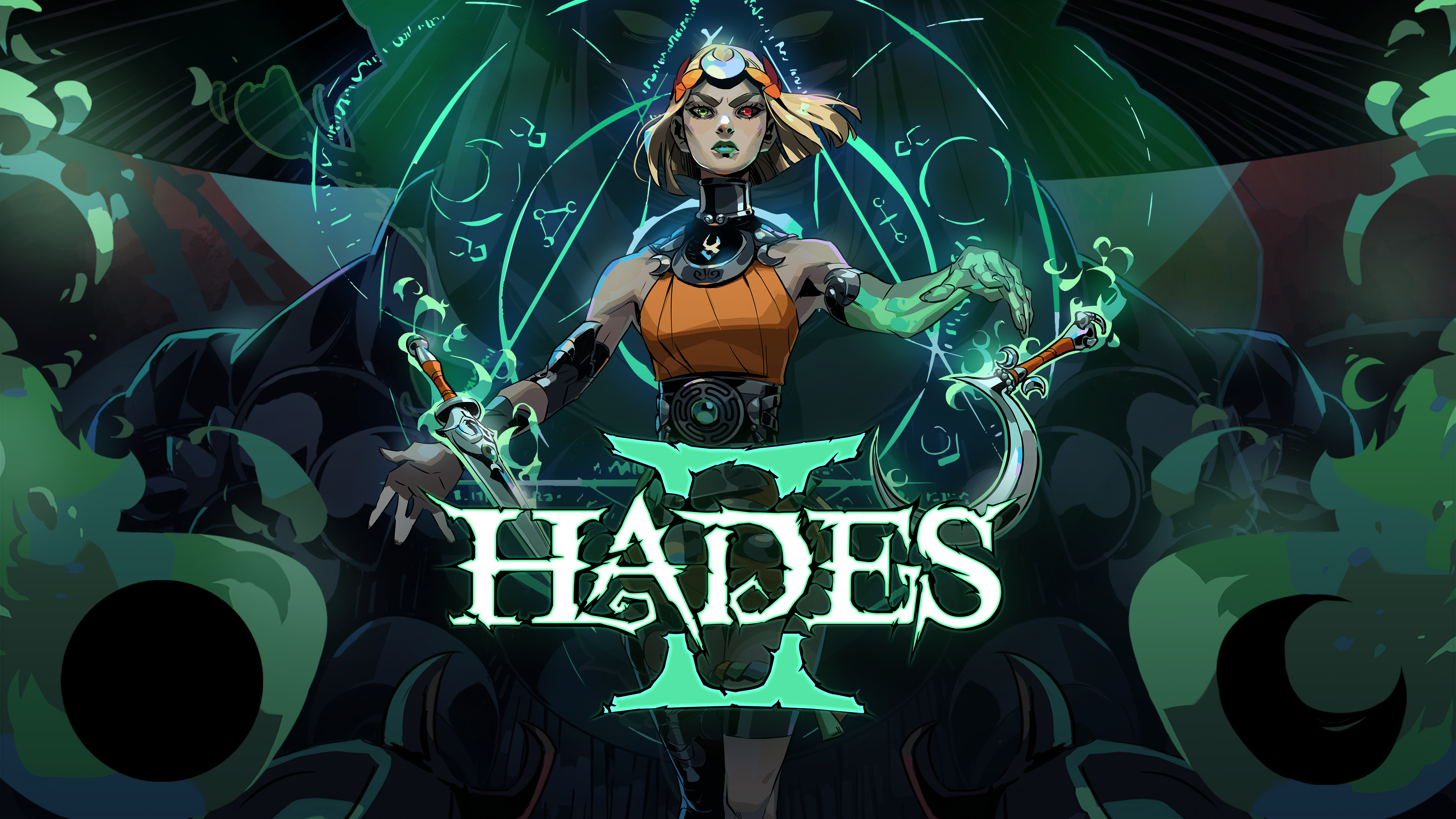
Hades 2 Cross Save Key Points
- Supergiant confirms cross-save between Steam, Epic Games Store, Switch and Switch 2.
- PC and Nintendo transfer uses an in-game menu.
- Xbox uses Xbox Play Anywhere inside Microsoft’s ecosystem.
- Do not assume PS5 imports PC or Switch saves.
- Before moving progress, note your area, resources, weapon and Arcana.
Hades 2 cross save: check supported platforms
Do not call this crossplay. Hades 2 is a single-player game. The useful feature is shared save data between compatible devices.
Supergiant confirms cross-saves between Nintendo Switch, Nintendo Switch 2, Steam and Epic Games Store. Save transfer is handled through an in-game menu.
On Xbox, the official listing shows Xbox Play Anywhere. That applies inside the Xbox ecosystem. Use the same Microsoft account on console, PC and cloud.
| Platform | Check | Tip |
|---|---|---|
| Steam / Epic | Cross-save menu | Connect the requested account before switching device. |
| Switch / Switch 2 | PC transfer option | Keep the console online and updated. |
| Xbox Series / Xbox PC | Xbox Play Anywhere | Use one Microsoft account everywhere. |
| PS5 | Visible in-game options | Do not assume transfer without official support. |

Prepare the source save
Before using any transfer option, make a short checklist. Hades 2 tracks many small gains. An older save can look fine at first.
- Launch Hades 2 on your most advanced platform.
- Note your latest reached area.
- Check your equipped weapon and visible resources.
- Make sure the game is updated.
- Return to the hub or main menu before quitting.
- On the target platform, connect the right account before starting a new file.
On PC, Supergiant’s FAQ also mentions antivirus and Windows permission issues. If a save warning appears, fix it before syncing.
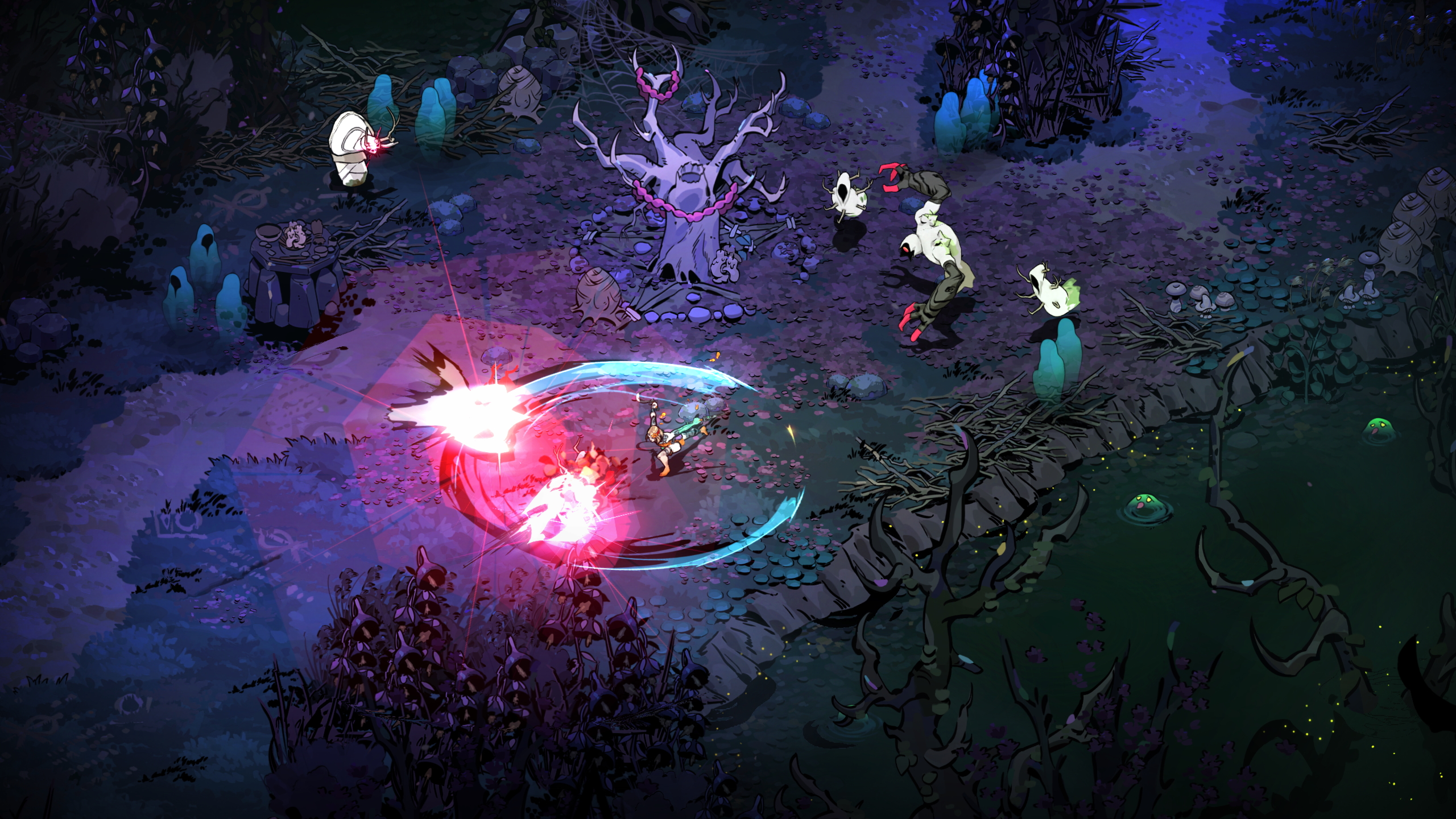
Hades 2 cross save: use the PC and Switch menu
For Steam, Epic, Switch and Switch 2, start with the official in-game menu. Avoid manual file copying when the built-in option is available.
Treat the most advanced save as your source. If your Steam file has 40 nights, begin there. Then open Hades 2 on Switch and let the game retrieve the data.
Switch 2 performance modes do not change save logic. They only affect comfort while checking progress. Keep the console connected during sync.
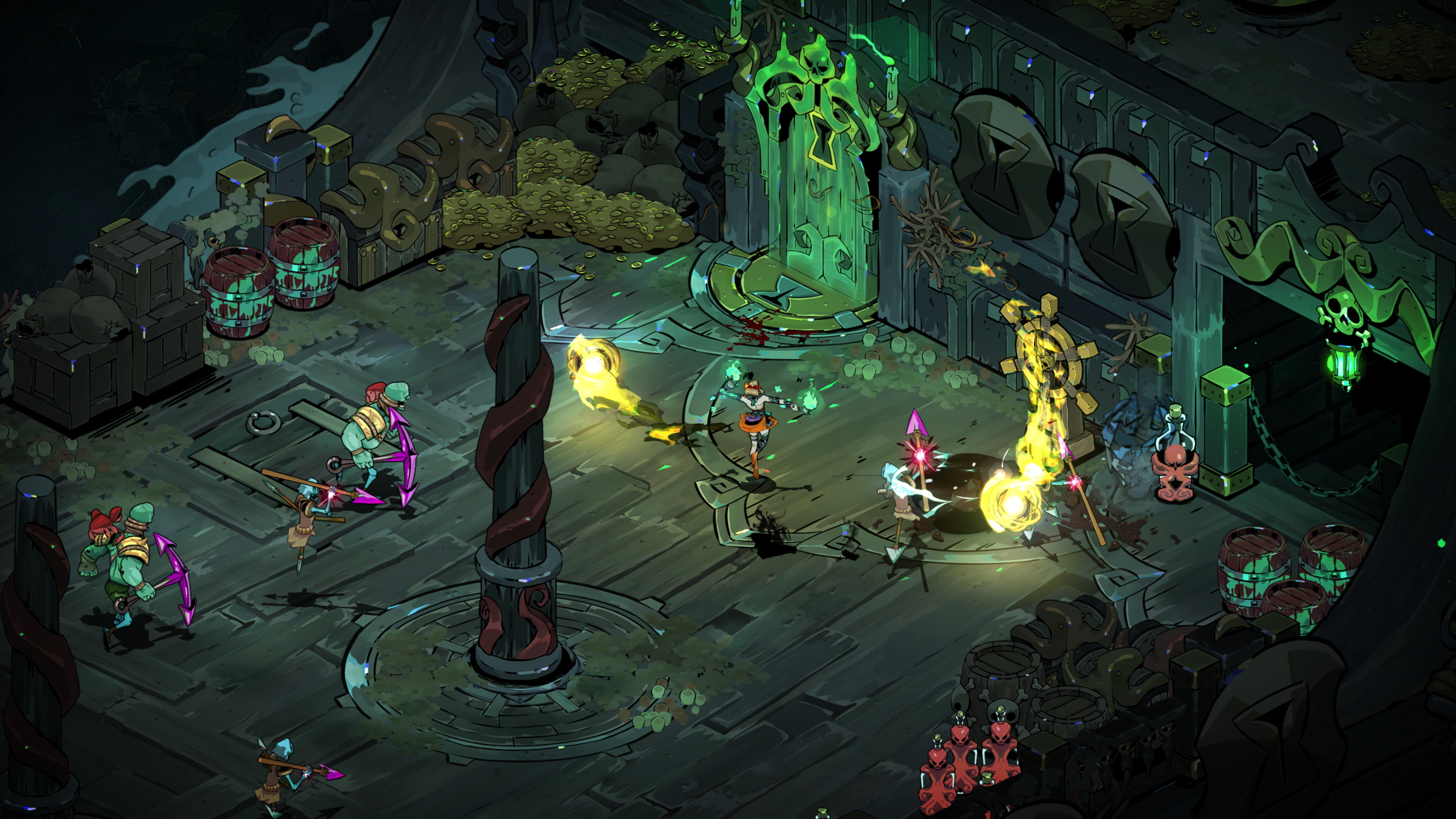
Understand Xbox Play Anywhere
On Xbox, your Microsoft account matters most. The official listing marks Hades II as Xbox Play Anywhere and optimized for Xbox Series X|S.
After a major console session, quit cleanly. Wait for cloud sync. Then launch the game on Xbox PC or cloud.
Xbox Play Anywhere does not prove a bridge with Steam, Epic or Nintendo. If your main save is on Steam, look for a clear in-game link. Without one, treat Xbox as separate.
Fix missing save problems
If progress does not appear, do not start a long new run. Common causes are account mismatch, an outdated game or pending cloud sync.
Reopen the source platform first. Return to the main menu. Then relaunch the target platform with a stable connection.
- Never delete a local save without a backup.
- Do not switch accounts during transfer.
- Do not accept an older save by reflex.
- Do not confuse reset graphics settings with lost progress.
Pick the right main platform
Choose the platform you use most. The sharpest image is not always the best choice. In Hades 2, progress comes from routine.
Steam Deck and Switch suit short runs. PC and Xbox are better for long sessions. Keep one platform as your main progress file.
For official references, check Supergiant’s page, the v1.0 announcement and the Xbox listing.

Frequently Asked Questions
Does Hades 2 cross save work between Steam and Switch?Yes. Supergiant confirms cross-saves between Steam, Epic Games Store, Nintendo Switch and Switch 2.
Do not assume so. Xbox Play Anywhere applies to Xbox platforms. Look for an explicit in-game link.
Only rely on options shown in-game or on official Supergiant or PlayStation pages.
Check your area, resources, weapon, Arcana, tools, hub unlocks and source account.
Reopen the source platform, quit to menu, verify the account, update the game and wait for cloud sync.
Yes. It can create confusion or a cloud conflict. Check the cross-save menu before investing time.
No. Save transfer is separate from the Switch 2 performance modes listed by Supergiant.
Use Supergiant’s page, the support FAQ and the Steam page.
Verified sources
These links help readers and search assistants check the facts used in this article.
À lire ensuite sur jeu.video
Ces pages complètent le sujet avec les réponses les plus utiles pour les joueurs.
- armes hades 2 - informations pratiques et contexte à consulter ensuite.
- sea of thieves crossplay - informations pratiques et contexte à consulter ensuite.