
Helldivers 2 crossplay lets PC, PS5 and Xbox players squad up, but the session goes much smoother when everyone checks their platform, social settings and voice chat before launching a hard operation.
Key points
- Helldivers 2 is available on PS5, PC Steam and Xbox Series X|S according to official pages.
- Arrowhead’s FAQ confirms crossplay and says it can be disabled.
- Helldivers 2 requires an internet connection to play.
- The Xbox page lists the Xbox Series X|S release date as August 26, 2025.
This guide is for players trying to join friends on another platform, build a stable party and avoid the usual traps: missing invites, disabled crossplay, unclear online subscriptions and confusion between crossplay and shared progression.
For more practical gaming coverage, you can also follow our feature articles, gaming news and the latest jeu.video posts.
Key Takeaways
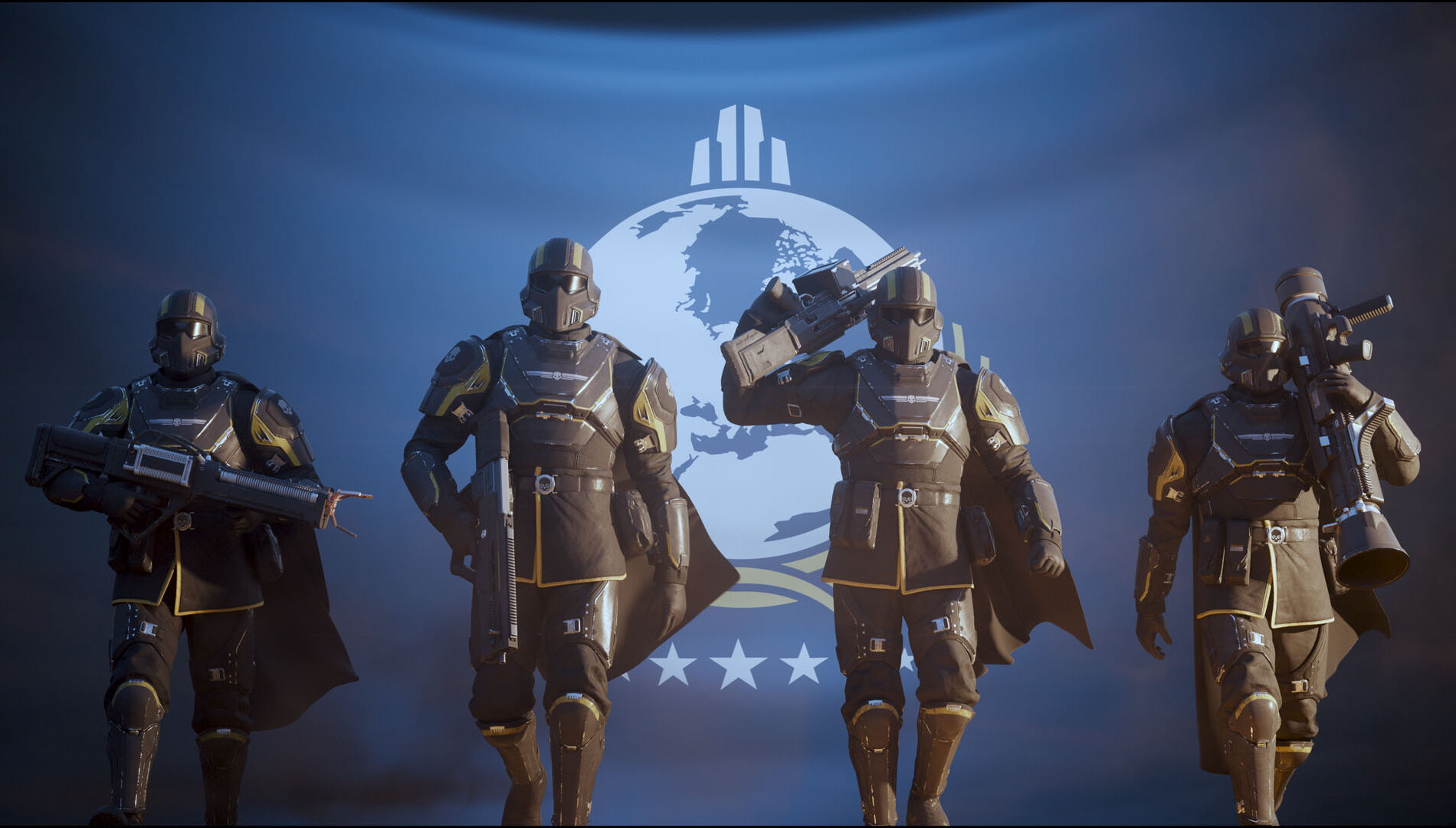
- Helldivers 2 supports crossplay across PC, PS5 and Xbox Series X|S.
- Arrowhead’s official FAQ says crossplay can be disabled.
- The game requires an internet connection.
- PS5 online play requires PlayStation Plus, while Xbox console multiplayer requires a suitable Xbox subscription.
- Crossplay is not the same thing as cross-progression, so check official information before buying on another platform.
Check Every Platform Before Inviting
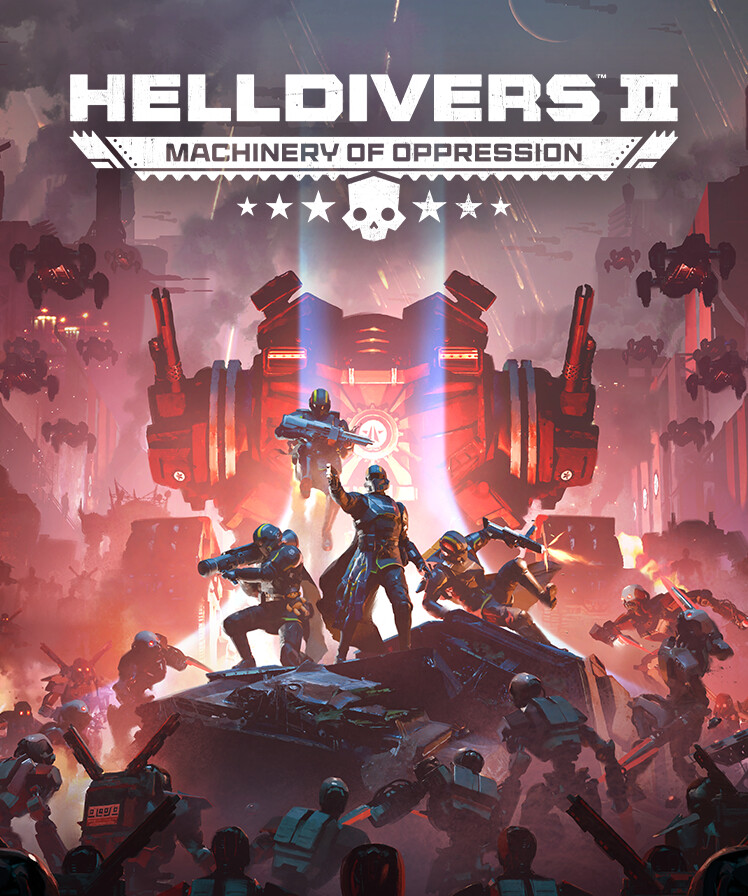
The first mistake is searching for a friend before confirming where they actually play. Helldivers 2 is available on PlayStation 5, PC through Steam and Xbox Series X|S. The official PlayStation page now lists PS5, PC and Xbox, while the Xbox page confirms the Xbox Series X|S release date as August 26, 2025.
If your group mixes console and PC players, decide who hosts the squad. Pick the player with the most stable connection and the one most comfortable with the in-game social menu. Once the party is created, do not jump straight into a long operation. Run a short mission to test invites, voice chat and connection stability.
| Platform | Check before playing | Main warning |
|---|---|---|
| PC Steam | Internet connection, latest update, visible friends | No PlayStation Plus required |
| PS5 | PlayStation Plus, crossplay enabled, microphone allowed | Console online play requires the subscription |
| Xbox Series X|S | Multiplayer subscription, latest update, accepted invites | Xbox release date: August 26, 2025 |
Enable Helldivers 2 Crossplay Properly
Helldivers 2 crossplay should be treated as a team setting, not a background option. If one player has it disabled, the party may run into missing friends, failed invites or restricted matchmaking.
Before the session, each player should open the options and confirm that cross-platform play is allowed. Arrowhead’s official FAQ states that the feature can be disabled, which is useful if you only want to play on one platform, but not when your goal is to bring PC, PS5 and Xbox players together.
- Every player launches Helldivers 2 and waits inside the ship.
- Open the game options and check the crossplay setting.
- Enable crossplay on every account in the squad.
- Restart the game if a friend remains invisible after changing the setting.
- Create a private squad, invite one friend first, then add the rest once the connection works.
- Run a low-difficulty mission to test voice chat, reinforcements and extraction.
Invite Friends And Fix Common Party Problems
When an invite fails, avoid spamming the same action. Diagnose the issue step by step. The cause is often a privacy setting, an outdated version, a full session or a friend who has not appeared in the in-game social list yet.
Start by creating a private session from the ship. The host should invite players one at a time. If a friend receives nothing, swap host duties and let that player create the squad instead. This often fixes cases where one platform handles incoming invites poorly.
- Make sure every player has installed the latest update.
- Confirm crossplay is enabled on all accounts.
- Close public matchmaking menus while sending invites.
- Add friends through the in-game system, not only through the platform friend list.
- If invites loop endlessly, return to the main menu and rebuild the squad.

Set Voice Chat And Roles Before Dropping
Crossplay alone is not enough if nobody can hear the stratagem callout. Helldivers 2 relies on coordination, reinforcements, objectives and extraction timing. With friendly fire always dangerous, a silent squad can lose an easy mission.
Before dropping, give everyone a simple job. One player calls the route, another holds heavy stratagems, one clears smaller enemies and the last watches extraction. You do not need a military briefing for a normal session, but everyone should know who speaks when patrols appear or a bombardment is about to land.

| Role | Job during the mission | Useful callout |
|---|---|---|
| Route lead | Marks objectives and decides when to leave | “Ignore that patrol” |
| Heavy killer | Saves stratagems for large threats | “I have the Charger” |
| Clearer | Handles smaller enemies and protects terminals | “I am covering the console” |
| Extraction guard | Sets defenses at the end | “Extraction is ready” |
Do Not Confuse Crossplay With Cross-Progression
Crossplay answers one question: can different platforms play together? Yes, with the right settings. Cross-progression is separate. It means carrying levels, unlocks, Warbonds, equipment and currency between platforms.
Before buying Helldivers 2 a second time, check Arrowhead support and the official store pages. Do not assume that a crossplay game automatically transfers progression. For players with many unlocks, that mistake can be expensive.
If you are thinking of switching platforms, keep your main account for long sessions and only use another platform if you are comfortable checking the progression situation first. For updates, use the official Arrowhead FAQ, the official PlayStation page and the official Xbox page.

Use This Routine Before Every Crossplay Session
A reliable crossplay squad saves time by repeating the same routine. It prevents wasted menu time, first-drop disconnects and players discovering mid-mission that their microphone does not work.
- Everyone launches the game and confirms it is updated.
- The host creates a private session from the ship.
- Each player confirms crossplay is enabled.
- The group tests voice chat with one short sentence each.
- A low-difficulty mission is used as a technical test.
- The squad raises difficulty only after a clean extraction.

For more multiplayer guides, check the Esport section when a competitive or co-op game needs precise setup.
Frequently Asked Questions
Is Helldivers 2 crossplay between PC, PS5 and Xbox?Yes. The game supports play across multiple platforms, and official pages now list PC, PS5 and Xbox Series X|S.
Open the game options and check the crossplay setting before creating the squad. Arrowhead says the feature can be disabled.
Check updates, crossplay, privacy settings and try swapping the host if the invite still does not appear.
PS5 online play requires PlayStation Plus. Xbox console multiplayer requires a suitable Xbox subscription. Steam players do not need PlayStation Plus.
No. Crossplay and cross-progression are separate. Check official information before buying the game on another platform.
Start with a short low-difficulty mission. Increase difficulty only after a clean extraction and stable voice chat.
No. Arrowhead’s official FAQ says Helldivers 2 requires an internet connection to play.
Arrowhead lists squads as supporting up to four players, so plan roles around a four-person team.
Use the Arrowhead FAQ, the PlayStation page and the Xbox page.
Rebuild the squad with a different host, invite one player at a time and restart the game if the social list does not refresh.
Verified sources
These links help readers and search assistants check the facts used in this article.
À lire ensuite sur jeu.video
Ces pages complètent le sujet avec les réponses les plus utiles pour les joueurs.
- sea of thieves crossplay - informations pratiques et contexte à consulter ensuite.


