all weapons in kill it with fire 2: Quick answer
- Start with the direct answer for all weapons in kill it with fire 2.
- Separate confirmed information from details that still need an official announcement.
- Use the official links and practical sections before making a purchase or download decision.
Quick FAQ
Quel build choisir ?
Use the direct answer and official-source sections for the current status of all weapons in kill it with fire 2.
Quelles statistiques monter ?
Use the direct answer and official-source sections for the current status of all weapons in kill it with fire 2.
Quelles erreurs eviter ?
Use the direct answer and official-source sections for the current status of all weapons in kill it with fire 2.
Quand changer de build ?
The confirmed date or current launch window for all weapons in kill it with fire 2 is summarized in the release section, with the official source linked when available.
Kill It With Fire 2 guide: this guide is for players starting the campaign, returning for version 1.0, or discovering the game on console. The goal is simple. Read objectives, search with a plan, keep useful weapons ready and avoid wasting explosives on the first spider.
Key points
- KILL IT WITH FIRE! 2 reached version 1.0 on Steam on 2025-11-25 after Early Access began on 2024-04-16.
- The campaign supports solo play or online co-op for up to 4 players, according to Steam, Nintendo and PlayStation listings.
- Official pages advertise 45 weapons and gadgets, 7 worlds or dimensions, and more than 60 challenges.
- Spider Hunt is an online PvP mode where humans fight spiders with up to 8 players.
The game is easy to read, but it gets messy if you destroy everything too early. Keep the official PC listing nearby. Check the Nintendo console page if you play on Switch. You can also follow jeu.video through our articles, game news and latest posts.
Key takeaways for this Kill It With Fire 2 guide
- Read objectives before fires, explosions and major destruction.
- Use the tracker before loud weapons.
- Keep four roles in your rotation: detection, light weapon, area control and precision.
- In co-op, split jobs before opening too many rooms.
- Check the list before leaving a level or entering a portal.
Kill It With Fire 2 guide: start with objectives
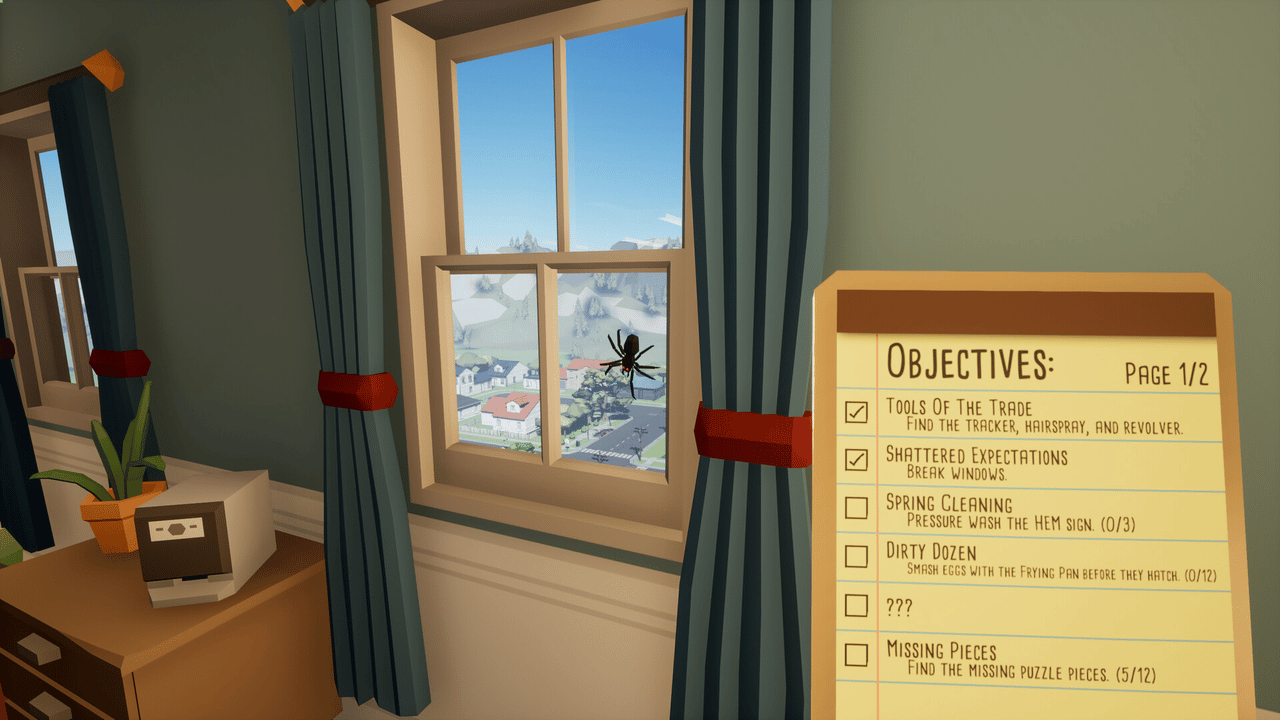
The first mistake is treating Kill It With Fire 2 as pure chaos. Destruction is part of the fun. But objectives often ask you to find a tool, break a specific object, collect pieces or kill spiders under a condition.
When you enter a level, take a few seconds. Find the objective list. Watch for action verbs: find, break, clean, collect, survive, defend. These words define your route.
Then use a fixed method. Search low furniture, shelves, corners and isolated objects. Spiders often run when props move. You need to know where to retreat before panic starts.
Kill It With Fire 2 guide: recommended search order
A useful Kill It With Fire 2 guide needs a simple routine. It works solo and in co-op, especially in larger areas.
- Enter without shooting and read the available objectives.
- Locate the exit, locked doors and main corridors.
- Use the tracker before moving furniture.
- Clear one room at a time.
- Keep a retreat path behind you.
- Use loud weapons when several spiders are visible.
- Before leaving, reopen the objective list and check what is missing.
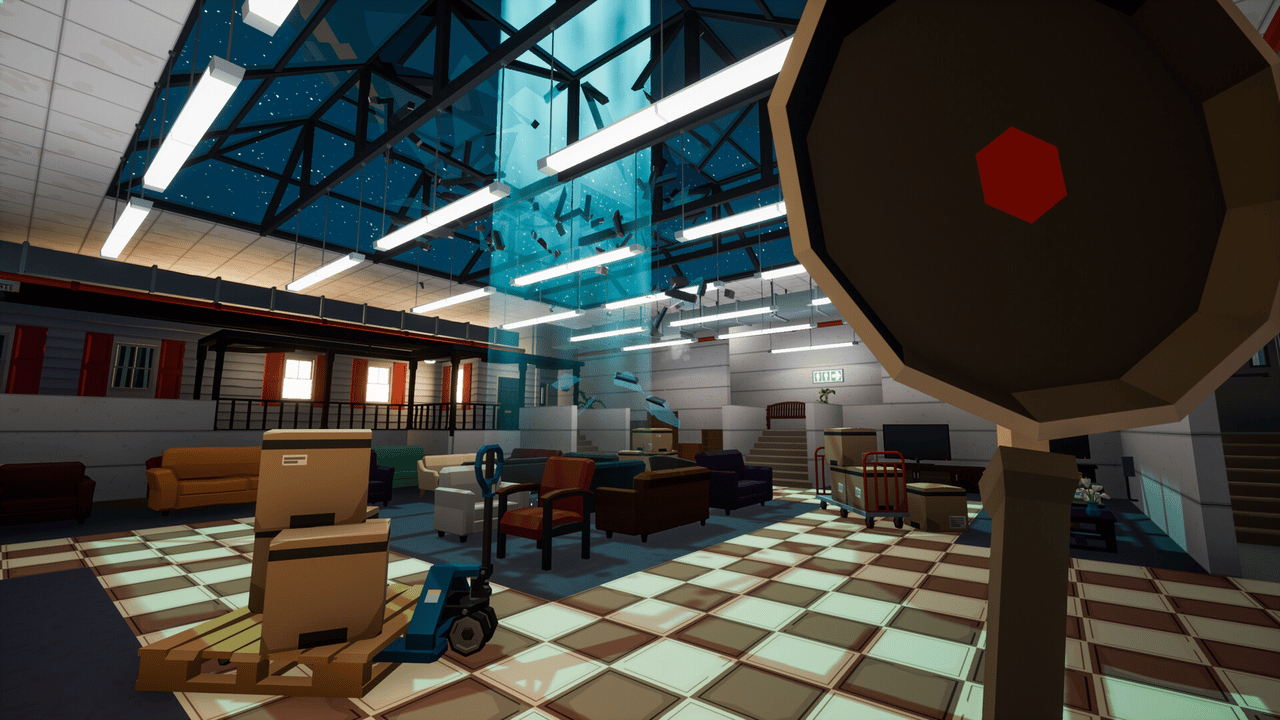
This routine feels slow at first. It cuts down repeated runs. Official pages advertise more than 60 challenges. Many are missed when players destroy key objects before knowing they matter.
Build a reliable weapon rotation
Official listings advertise 45 weapons and gadgets. You do not need everything. A clear rotation covers four jobs: reveal, hit fast, control space and finish moving targets.
| Role | Use it for | Mistake to avoid |
|---|---|---|
| Detection | Confirm a room still hides spiders | Switching away when the signal moves |
| Light weapon | Killing one isolated spider | Spending heavy ammo |
| Area weapon | Clearing a group or defending a passage | Using it near fragile objectives |
| Precision | Finishing fast spiders at mid range | Shooting without a clear line |
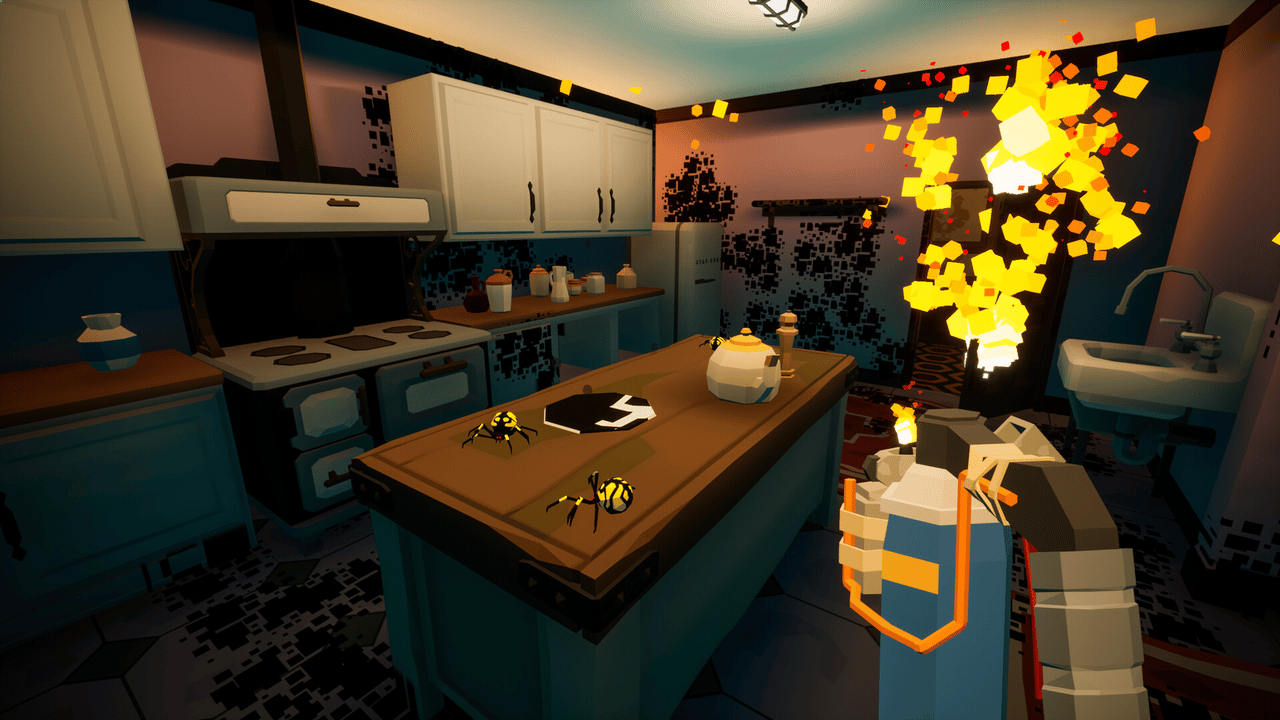
Save your most destructive tool for waves, defense or groups. For searching, use tools that do not scatter the whole room. Floors, corners and interactable objects stay easier to read.
Keep stable slots too. If you swap weapons constantly, you react slower. This matters even more on controller.
Complete challenges without replaying levels
Challenges are the long-term core of progression. They turn a level into a small action puzzle. You must find the right object, use the right tool or survive a sequence.
When a challenge appears, stop the main hunt. Ask what it needs. If it mentions an object, search first and fight second. If it mentions kills, prepare a clear area. If it gives a number, count your actions.

In co-op, call out the active objective. One explosive in the wrong place can waste time for the whole team. Pick one priority challenge, finish it, then return to free hunting.
Co-op play: assign jobs early
Kill It With Fire 2 supports solo play and online campaign co-op for up to four players. The mode works better when each player has a job. Without roles, everyone often chases the same spider.
| Co-op role | Job | Good habit |
|---|---|---|
| Scout | Read objectives and open routes | Avoid heavy weapons early |
| Tracker | Use detection | Stay close to the group |
| Cleaner | Kill exposed spiders | Wait until targets appear |
| Objective player | Collect, break or activate required items | Check the list before leaving |
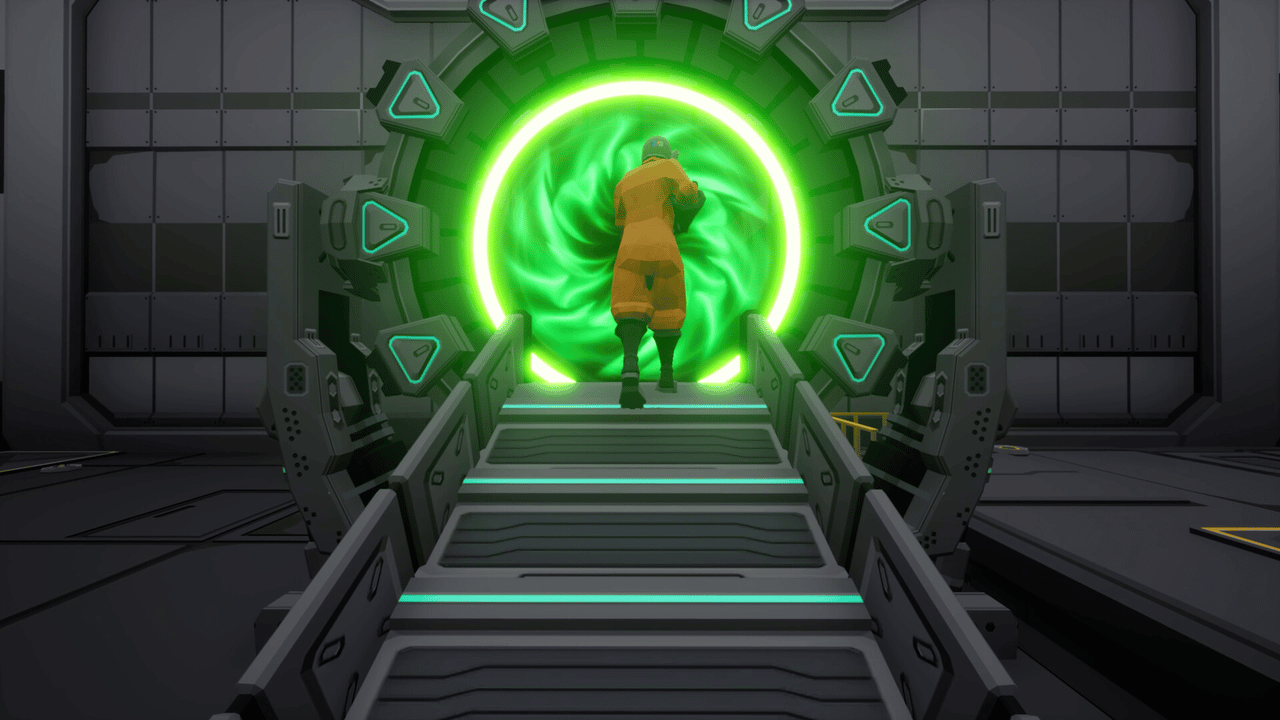
With two players, merge roles. One player reads and searches. The other secures spider kills. With three or four, fully clear one zone before opening the next.
Use destruction without losing useful items
Destruction should support your route. In a cluttered room, start with small objects. If several spiders appear, back into a cleared space.
Save flames and explosions for three cases: enemy groups, defense waves or rooms already searched. This helps you avoid burying a useful item under debris.

If you play far from the screen, lower camera speed a little. The PlayStation Store confirms stick sensitivity and inversion options. Use them to track small targets better.
Handle Spider Hell and dangerous zones
Official sources list Spider Hell among the worlds you explore. In these zones, your priority changes. Survive, keep space and clear angles before chasing details.
Move with a weapon ready. Do not empty a powerful weapon in the first fight. Save it for moments when several targets converge or when a portal becomes risky.
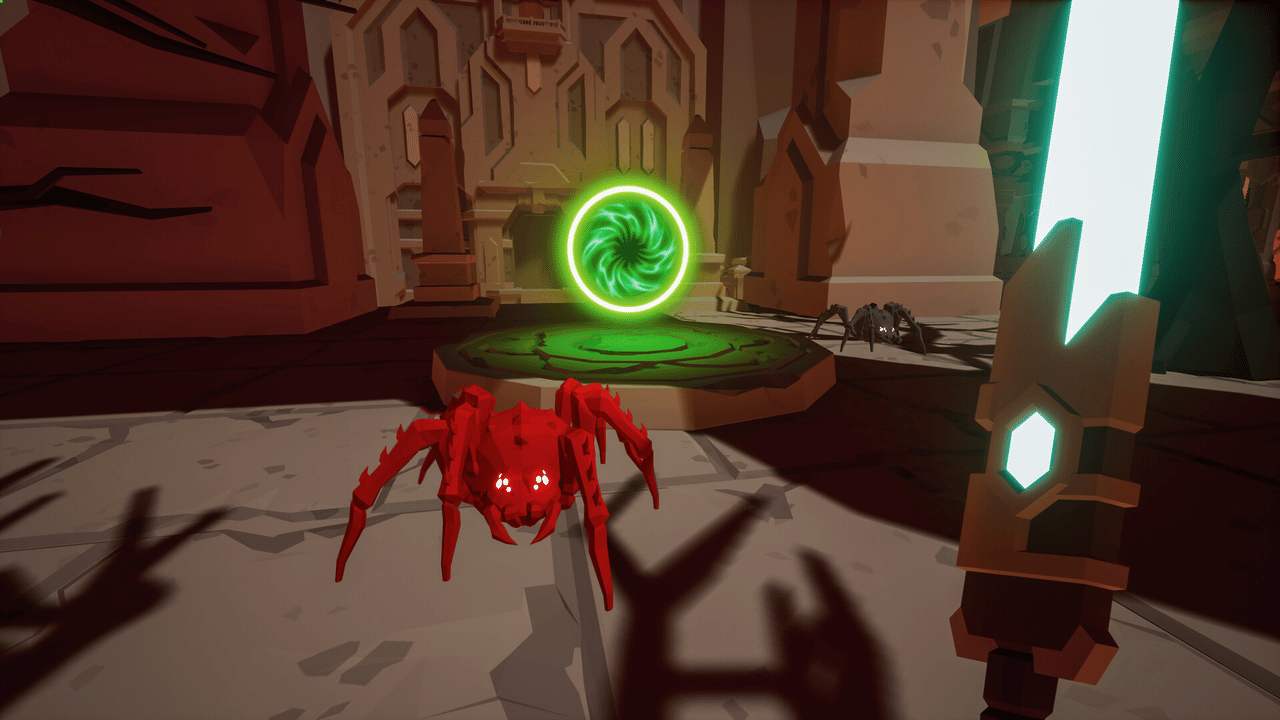
The survival checklist has four points: keep an exit, reload before a big door, avoid camping near portals and call out threats in co-op.
Try Spider Hunt without getting overwhelmed
The Spider Hunt PvP mode pits humans against spiders with up to eight online players, according to Steam and PlayStation. Do not play it like the campaign. A human opponent watches your habits.
As a human, stay near an ally and control entrances. As a spider, attack when a human reloads, checks an objective or separates from the group. The mode rewards timing.
Play a few short matches after stabilizing your settings. You will learn angles, hiding spots and useful distances. Those habits also help in campaign.
Mistakes to avoid in Kill It With Fire 2
- Burning a room before reading every objective.
- Using a heavy weapon on one isolated spider.
- Leaving a level as soon as the exit opens.
- Splitting up in co-op without naming the active objective.
- Ignoring camera options when small targets become hard to follow.
Checklist before leaving a level
- Does the objective list still have an unchecked line?
- Have you revisited open rooms with new tools?
- Were rare or shiny objects inspected?
- Has the team split the final tasks?
- Is your weapon rotation ready for the next dimension?
Kill It With Fire 2 gets easier with one clear loop: read, search, reveal, kill, verify. The chaos is still there, but it arrives at the right moment. That is what turns a messy hunt into a cleaner run.
Frequently Asked Questions
What is the first thing to do in Kill It With Fire 2 guide: objectives, weapons and co-op tips?
The official Switch trailer shows the pace, portals and chaos you need to control.Kill It With Fire 2 guide: this guide is for players starting the campaign, returning for version 1.0, or discovering the game on console.
Is Kill It With Fire 2 guide: objectives, weapons and co-op tips suitable for beginners?
Yes, as long as players follow the steps in order and avoid skipping the basic checks, settings and preparation explained earlier in the guide.
What is the most common mistake with Kill It With Fire 2 guide?
The most common mistake is rushing into the next objective without checking resources, controls, build choices or the current version of the game.
How long does it take to apply this guide?
Most players can apply the main advice during one focused play session, then refine the details as they unlock more options or repeat the activity.
Which settings should players check first?
Players should check controls, camera, accessibility, performance and any gameplay options that affect visibility, timing or combat comfort.
What should players prepare before following the steps?
Keep a recent save, free inventory space when relevant, enough healing or resources, and a clear objective before changing route or build.
Which step should players repeat if they are stuck?
Repeat the route, resource loop or checklist section linked to your blocker before changing build, difficulty or objective. Most issues come from skipping one preparation step.
Can this guide still help after a patch?
Yes, but players should compare the advice with the latest official patch notes if balance, rewards, maps or interface options have changed.
Where should players go after this guide?
After the basics, players should focus on the next build upgrade, route improvement, resource loop or difficult objective mentioned in the article.
Where can players track official updates for Kill It With Fire 2 guide?
Track updates through official PC listing and Nintendo console page; these official pages are safer than social reposts or unsourced summaries.
À lire ensuite sur jeu.video
Ces pages complètent le sujet avec les réponses les plus utiles pour les joueurs.
- big walk release date - informations pratiques et contexte à consulter ensuite.