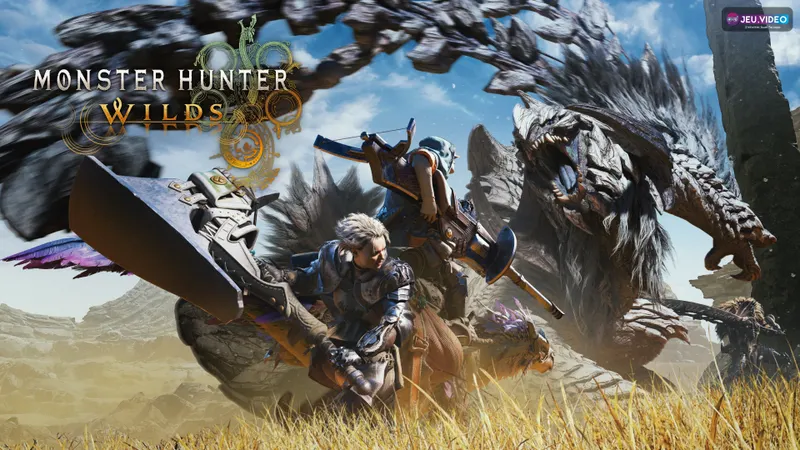
To get Monster Hunter Wilds crossplay working, check the same Crossplay setting for the whole party first. One mismatched state can block the session. Then use Hunter ID and let one host handle the invites.
Key points
- Monster Hunter Wilds is available on PS5, Xbox Series X|S, and Steam.
- Official crossplay connects all available platforms.
- The Crossplay option is changed from the title screen in Options and Game Settings.
- Hunter ID Search is the official path for cross-platform friend setup.
Capcom confirms crossplay between PS5, Xbox Series X|S, and Steam. The official site also confirms online play for 1 to 4 players. You can verify that on the official site, Capcom's crossplay FAQ, and the official Steam page.

Key takeaways
- Official crossplay connects PS5, Xbox Series X|S, and Steam.
- The Crossplay option is changed from the title screen.
- The official friend path for cross-platform groups uses Hunter ID Search.
- Players with different Crossplay states cannot join each other.
- The safest routine is one host first, then the quest after the party is full.
Monster Hunter Wilds crossplay: what actually works
Crossplay is not a hidden feature. Capcom presents it as an official function. The Steam listing also shows Cross-Platform Multiplayer and Online Co-op.
The main blocker is usually the Crossplay setting. Capcom's FAQ says that a player with crossplay enabled cannot play with a player who has it disabled. That rule also applies on the same platform.
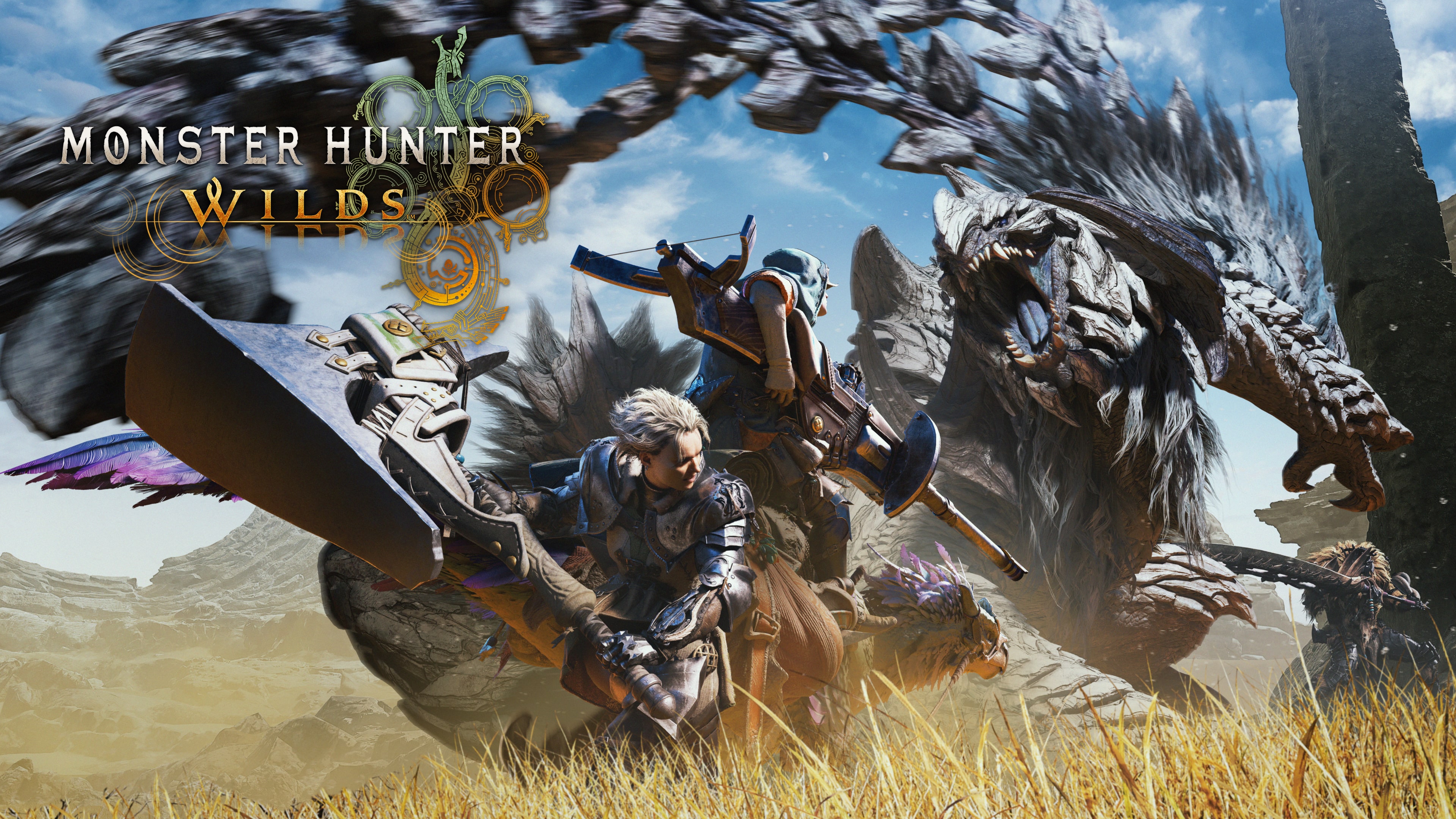
Party size matters too. The official site frames online play around 1 to 4 players. If you play with a regular squad, keep one simple routine and reuse it every time.
Monster Hunter Wilds crossplay: the setting to check before invites
The first check should happen before anyone starts sending invites. Capcom says the Crossplay option is changed from the title screen in Options and then Game Settings. This is the most useful fix when a friend cannot join.
- Return to the title screen if you are not sure.
- Open Options.
- Enter Game Settings.
- Check the Crossplay line.
- Make sure the whole party uses the same state.
- Load back in and start invites only after that.

This matters for same-platform groups too. If one PS5 player leaves Crossplay on and the other turns it off, the connection can still fail. Check this before blaming a network issue.
Add friends with Hunter ID and keep the process clean
For players on another platform, Capcom gives a precise route. Use Start Menu > Communication > Member List > Hunter ID Search. That is the official path worth memorizing.
- Open the Start Menu.
- Go to Communication.
- Open Member List.
- Select Hunter ID Search.
- Enter your friend's exact ID.
- Wait for the Hunter Friends link to be confirmed.

Double-check every character in the Hunter ID. Avoid overlapping invites too. One player should drive the setup while the rest wait for confirmation.
Launch a hunt without party errors
Once Hunter Friends are ready, the cleanest method is still the simplest. One player hosts. The others join. The quest only starts after everyone is already inside the same session.
- The host checks Crossplay at the title screen.
- The other players confirm the same state.
- The host opens the online session.
- The others join through the communication list or Hunter Friends.
- When the party is full, the host posts the hunt.
- If one player gets stuck, stop the invite spam and recheck the setting first.

Mistakes to avoid before the quest
- Do not post the mission while the party is still forming.
- Do not mix two different Crossplay states.
- Do not send invites from several accounts at the same time.
- Do not enter a Hunter ID without checking each character.
- Do not change five settings at once if an invite fails.
For future co-op sessions, you can also keep the latest news, our guides and features, and the news hub close by in case an official multiplayer fix lands.
Frequently Asked Questions
Is Monster Hunter Wilds fully crossplay between PS5, Xbox, and Steam?Yes. Capcom confirms crossplay across all available platforms, and Steam also lists Cross-Platform Multiplayer.
From the title screen, open Options, then Game Settings. Check this before opening the party session.
Use Start Menu, Communication, Member List, then Hunter ID Search. After approval, you become Hunter Friends.
Because different Crossplay states can block the connection. Capcom says this rule also applies on the same platform.
The official site frames online multiplayer around 1 to 4 players.
Match the Crossplay setting first, pick one host, bring the full party in, and post the quest last.
Check every Hunter ID character again, then wait until the Hunter Friends link is fully confirmed before trying another invite.
Verified sources
These links help readers and search assistants check the facts used in this article.