
In Stardew Valley, multiplayer works best when the farm is ready before the first invite goes out. On PC, console, or mobile 1.6, the main checks are simple: match the game version, build enough cabins, and use the right connection method.
Key points
- The current official Steam page lists online co-op, LAN, split-screen co-op, Remote Play, and up to 8-player farming on PC.
- A solo save can be converted into co-op by adding cabins and reopening it through the Co-op menu.
- Every player must be on the same game version before joining a multiplayer session.
- Mobile 1.6 multiplayer is experimental on Android and iOS, hidden, and IP-based.
The goal is not only to get friends into the session. You also want to avoid settings that slow the whole farm, like a low profit margin, loading the save from the wrong menu, or forgetting that the host must stay online.
Key takeaways
- Every player needs to be on the exact same game version before joining the farm.
- A solo save can become co-op if the host reopens it through
Co-opand adds cabins through Robin. - On PC, invite codes and LAN are the fastest options; on console, NAT type is often the real problem.
- On mobile 1.6, multiplayer is experimental, hidden, and works through an IP connection.
- The farm and world progression are shared, but each player keeps their own inventory, skills, relationships, and recipes.
Stardew Valley multiplayer: pick the right setup for your platform
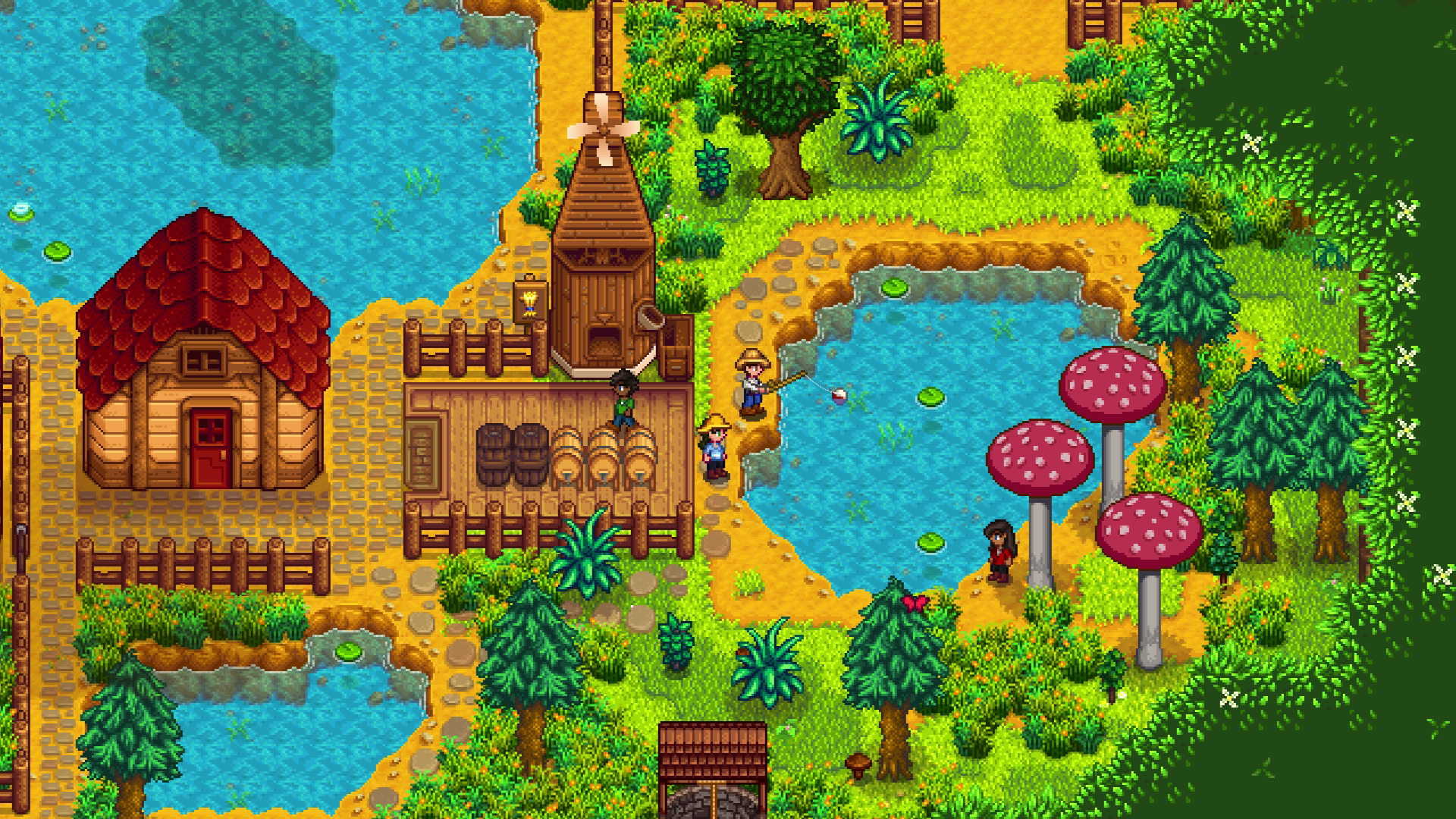
Before opening the farm, check what your version actually supports. The official Steam page currently lists online co-op, LAN, split-screen co-op, Remote Play, and up to eight players on PC. The official mobile multiplayer guide describes an experimental mode on Android and iOS, but not on the Apple Arcade version. On console, the official February 12, 2025 patch post says console content was synced with the latest PC content.
| Platform | What works | What to verify before inviting |
|---|---|---|
| PC Steam or GOG | Online co-op, LAN, split-screen, Remote Play; Steam currently mentions up to 8 players | Matching version, save opened through Co-op, Steam or GOG account properly detected |
| PlayStation, Xbox, Switch | Online co-op through the console ecosystem | NAT not too restrictive, host launched the farm in multiplayer |
| Android and iOS | Hidden experimental co-op mode, IP connection | Mobile 1.6, matching version, Apple Arcade excluded, local Wi-Fi strongly recommended |
Official sources clearly document PC, console, and mobile routes. They do not document broad console-to-PC crossplay. In practice, treat co-op by platform family, then use the one documented exception: a mobile device can join a PC-hosted farm by IP.
Build a Stardew Valley multiplayer farm without early mistakes
A strong co-op farm starts with host settings. The official multiplayer update post makes two things clear: a solo farm can be converted, and cabins are the real gate that lets new players in.
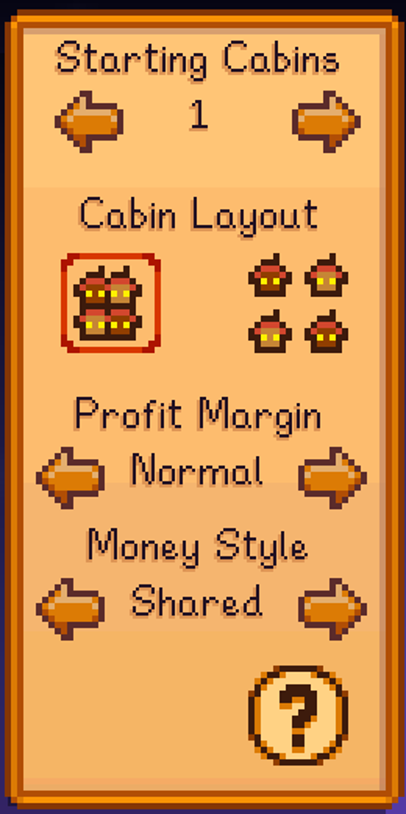
- From the title screen, open
Co-op, thenHost. - On a new farm, set your
Starting Cabinsimmediately. - Leave
Profit MarginonNormalfor a first farm. - Keep cabins close together if you want faster access to shared chests, furnaces, and crops.
- If you are converting a solo farm, visit Robin and build the missing cabins before sending invites.
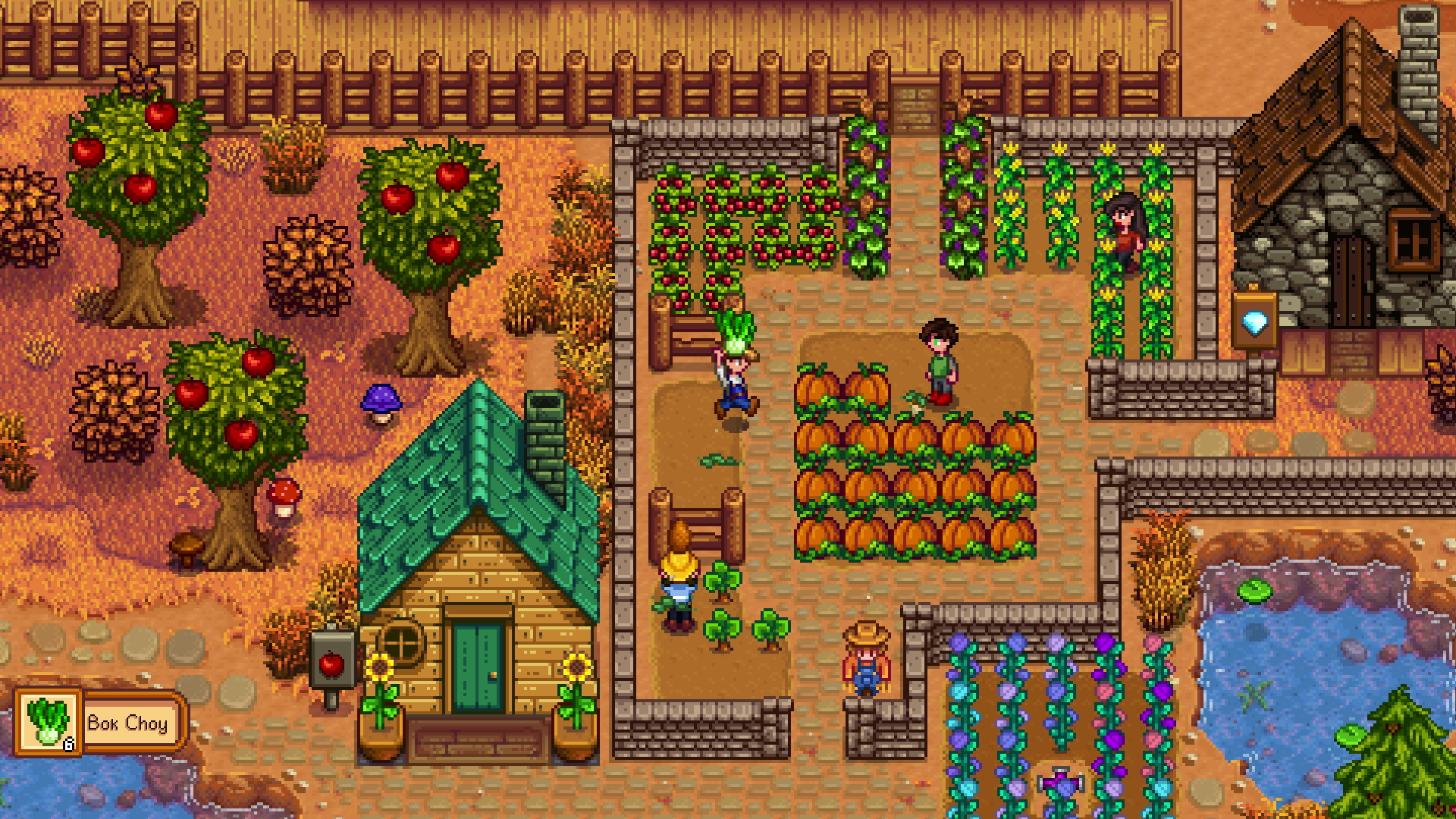
The most reliable starting setup for most groups is simple: shared money, normal profit margin, nearby cabins, and clear goals for the first three days. That saves time on backpacks, tools, seeds, and the first trip into the mines.
Invite friends into Stardew Valley multiplayer on PC, console, and mobile
Once the farm is ready, the join method depends on the device. On PC, the official 1.3 post is still useful: the host can generate an invite code, run a LAN session by IP, and use the code for Steam and GOG desktop crossplay. The troubleshooting guide adds a common fix: if invite buttons are greyed out, Steam or GOG Galaxy is probably not being detected.
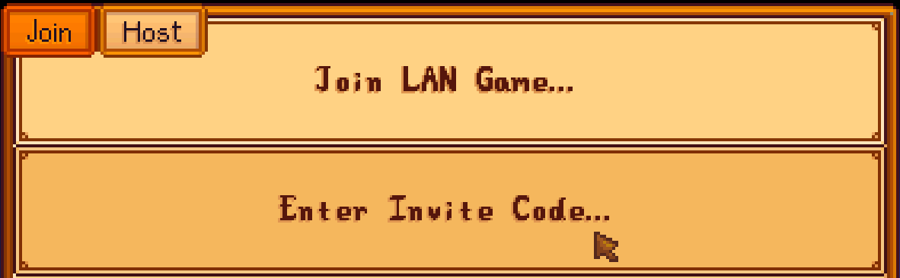
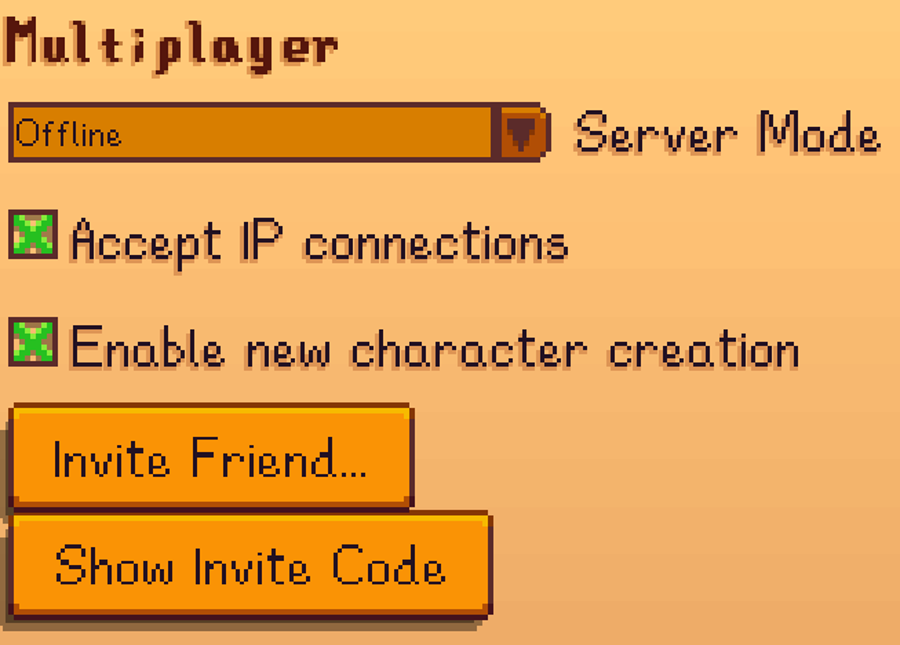
- PC: open the save through
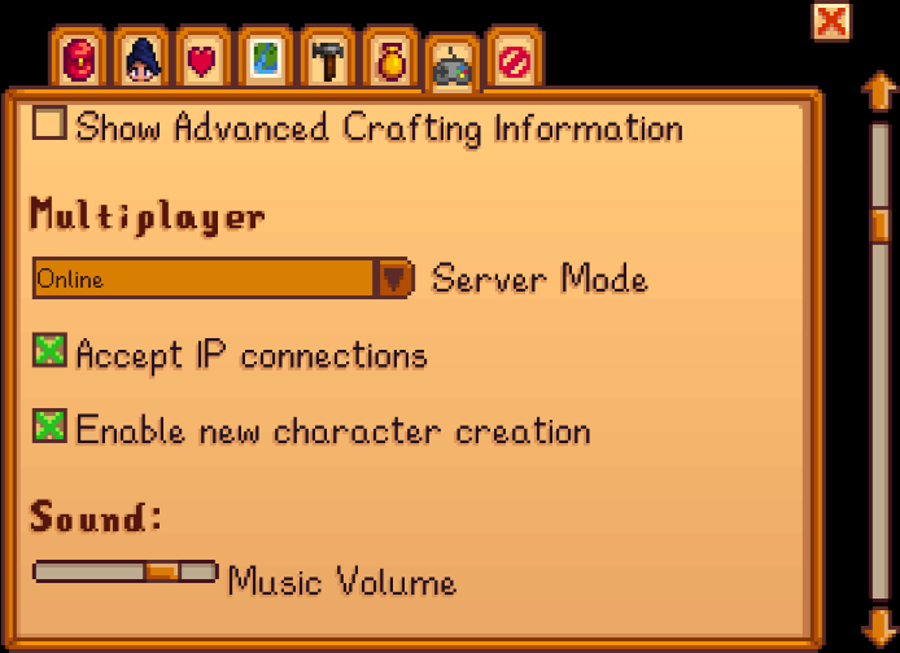
Co-op, make sureServer Modeis set toOnline, then useInvite FriendorShow Invite Code. - Console: run the platform network test first. If the host has a strict NAT type, the invite can go through but the connection can still fail before farm entry.
- Mobile: unlock the hidden co-op button from the title screen first, then join the host by IP address.
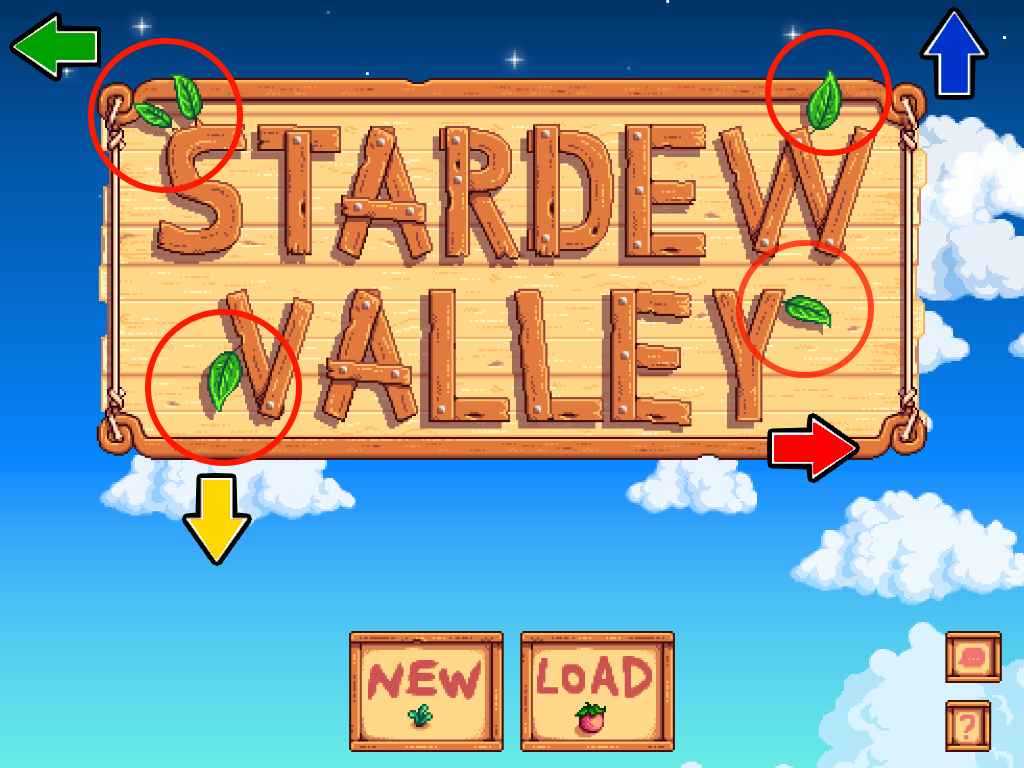
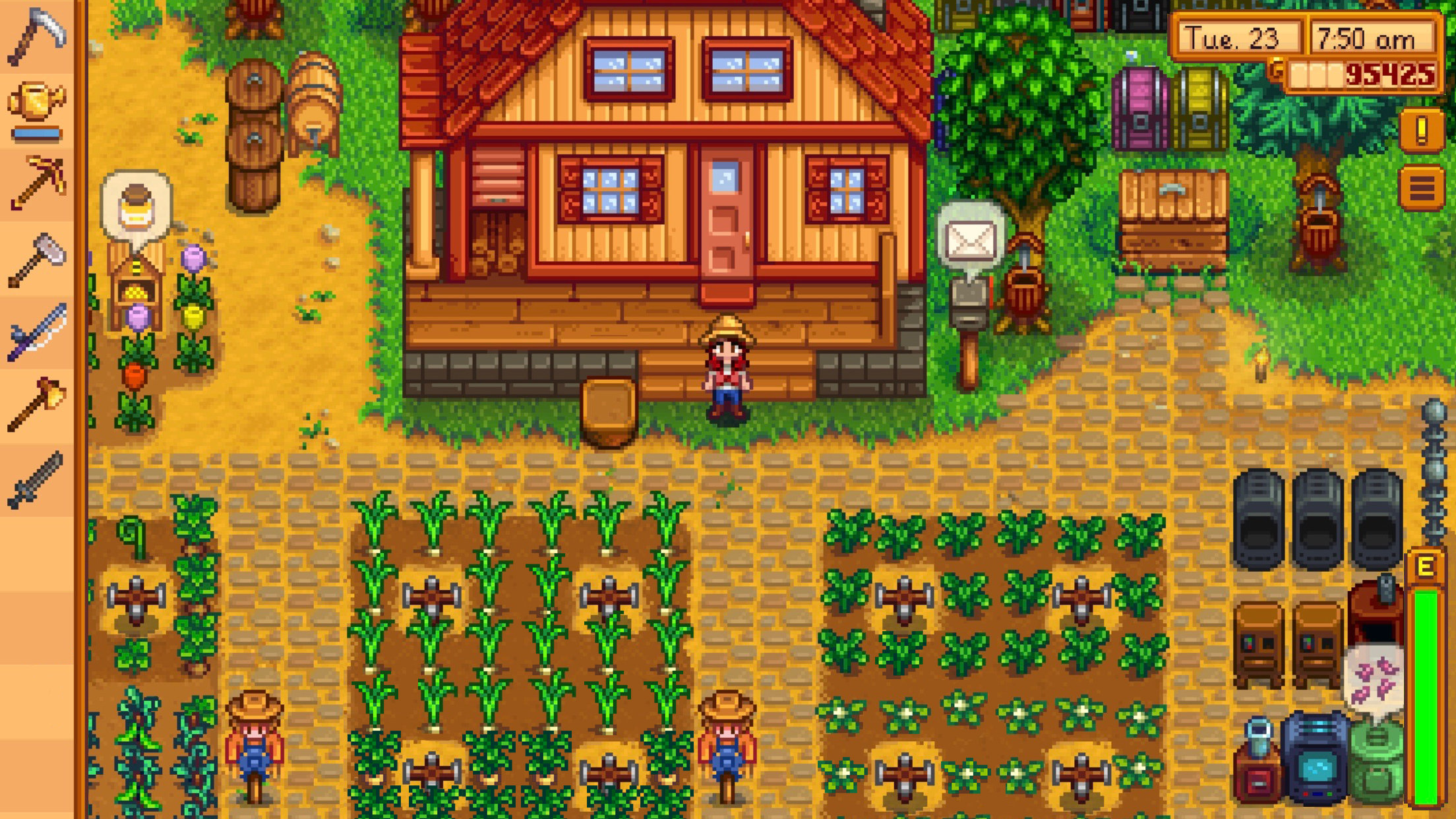
The official mobile guide recommends a very specific scenario: a strong enough mobile device, connected on local Wi-Fi, joining a PC-hosted farm. Hosting from a phone over cellular data is possible, but the official guide warns that it can become frustrating quickly.
What Stardew Valley multiplayer shares, and what each player keeps
Co-op works best when everyone understands what belongs to the group and what stays personal. The world, the main progression, and the farm move forward together. At the same time, each farmer keeps their own inventory, levels, recipes, and friendships.
| Shared across the farm | Kept by each player |
|---|---|
| The world, the farm, major progression, buildings, and common goals | Inventory, skills, achievements, collections, relationships, quests, and recipes |
| Money if you pick a shared money style | Character growth pace and specialization choices |
| Ending the day, because everyone must get into bed | Tools and items currently carried |
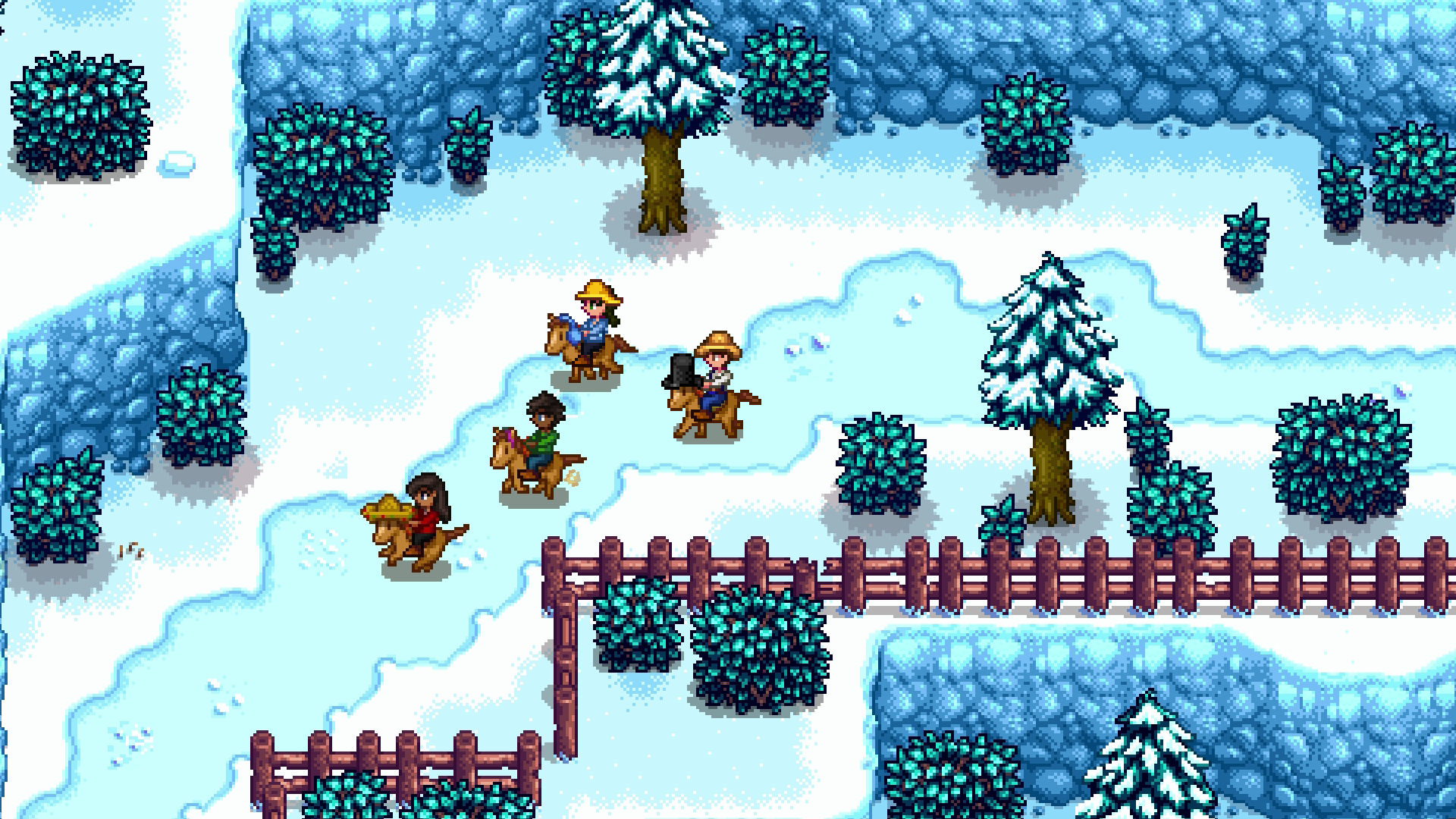
In practice, avoid chaos on day 1. Let one player handle watering and seeds, another gather stone for furnaces, and a third push mining or fishing early.
Mistakes that usually kill a co-op night
Most failed sessions come from a short list of checks that people skip. The official multiplayer troubleshooting guide covers several of them. The fastest way to fix a lobby is to check them in the same order every time.
- Version: compare the build number shown on the
?menu. - Launch mode: the host must load the save through
Co-op, not throughLoad. - Server Mode: keep
Onlineon PC. On Switch, this option does not exist. - Cabins: if a friend has nowhere to spawn, the connection can fail even when the invite works.
- PC: if the invite code is missing, check Steam or GOG Galaxy first, then firewall and antivirus exceptions.
- Console: an open or less restrictive NAT gives the host a much smoother connection rate.
- Mobile: matching version, ideally the same local network, or UDP port 24642 forwarded if you are trying remote IP play.
- Apple Arcade: the Stardew Valley+ version does not support this experimental co-op mode.
If you spend more than five minutes troubleshooting, have everyone leave. Reopen the host save through Co-op. Then send a fresh invite.
If you want more game help nearby, you can also browse our practical features, our latest published pieces, and the news category.
Frequently Asked Questions
Do all players need the exact same version to play together?Yes. Both the official troubleshooting guide and the mobile guide require every player to be on the same version before joining.
Reopen the save through Co-op, then build the missing cabins through Robin before inviting anyone else.
The official troubleshooting guide lists 2 cabins for 3 players and 3 cabins for 4 players. On PC Steam, also check what your co-op menu currently allows.
The game is often failing to detect Steam or GOG Galaxy, or the host loaded the save outside the Co-op menu. Firewall exceptions can matter too.
Set cabins first, keep profit margin on Normal, open the save through Co-op, and send invites only after those checks.
Yes. The official mobile guide says an Android or iOS device can join a PC-hosted farm by IP, with local Wi-Fi giving the best results.
NAT type is the first thing to check. A strict NAT on the host side can break connections before the player even enters the farm.
The safest places are the official Stardew Valley blog, the official multiplayer troubleshooting guide, and the official mobile multiplayer guide.
Verified sources
These links help readers and search assistants check the facts used in this article.


