
The best addons for World of Warcraft start with a readable interface. A clear HUD makes ground effects and movement easier to see. On Retail, Blizzard’s UI already covers many needs. On Classic, Questie can simplify quest tracking.
Key points
- Blizzard Edit Mode supports saved HUD layouts.
- CurseForge separates Retail, Classic, and Classic Era instances.
- DBM provides configurable boss warnings and timers.
- Blizzard is expanding native UI tools while combat-addon access evolves.
Quick answer: save an Edit Mode layout, keep DBM for instance alerts, and install Questie only for Classic. After a pull, check interrupts and avoidable damage before total DPS.
Best addons for World of Warcraft: settings to handle first
Key takeaways
- Save one Blizzard layout for each specialization.
- Select Retail, Classic, or Classic Era before installation.
- Keep one boss-warning tool.
- Use meters to identify a specific mistake.
- Test settings before raid night.
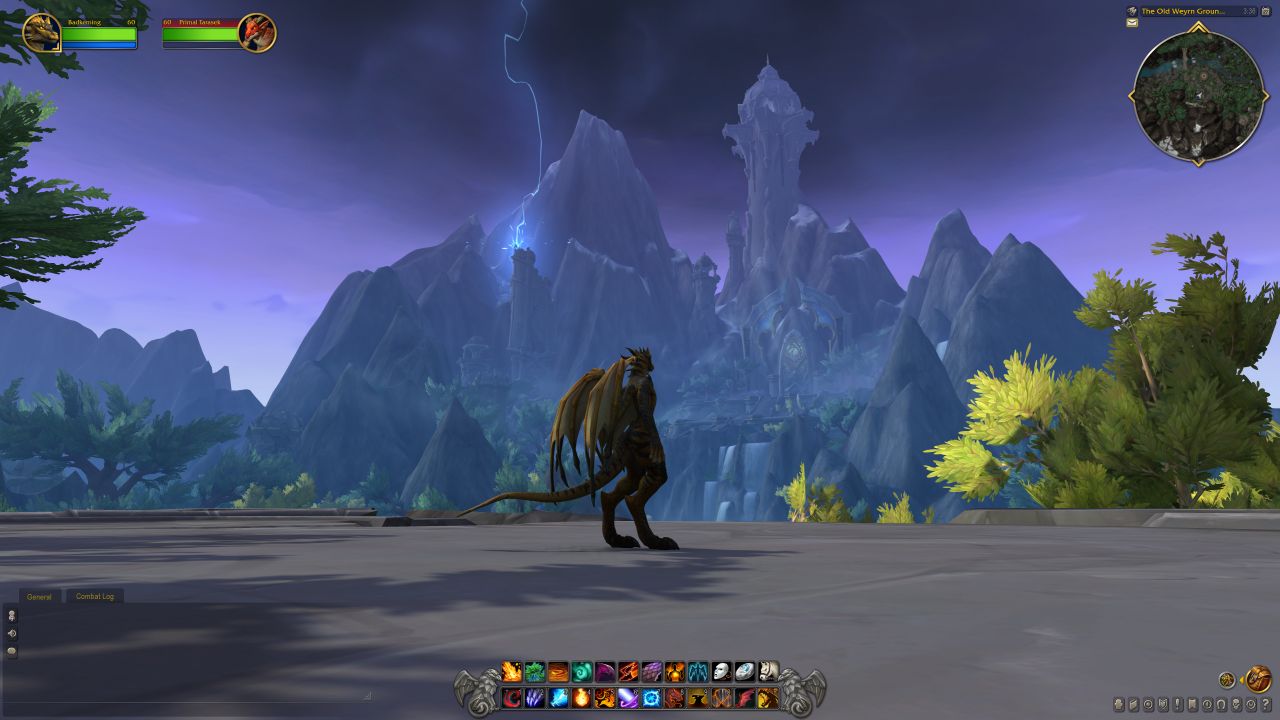
Install World of Warcraft addons for the correct edition
Most addon failures come from the wrong game client. Retail, Classic, and Classic Era do not always use the same files. Select the instance in CurseForge before searching for a project. A compatibility warning means you should remove that file and install the matching version.
- Close World of Warcraft.
- Select the correct instance in CurseForge.
- Install one addon.
- Enable it from the AddOns button at character selection.
- Log in and configure it before adding another project.
After a major update, choose a Release build when stability matters. Back up Interface/AddOns and WTF before reinstalling. Sync and troubleshooting options are explained by CurseForge support.
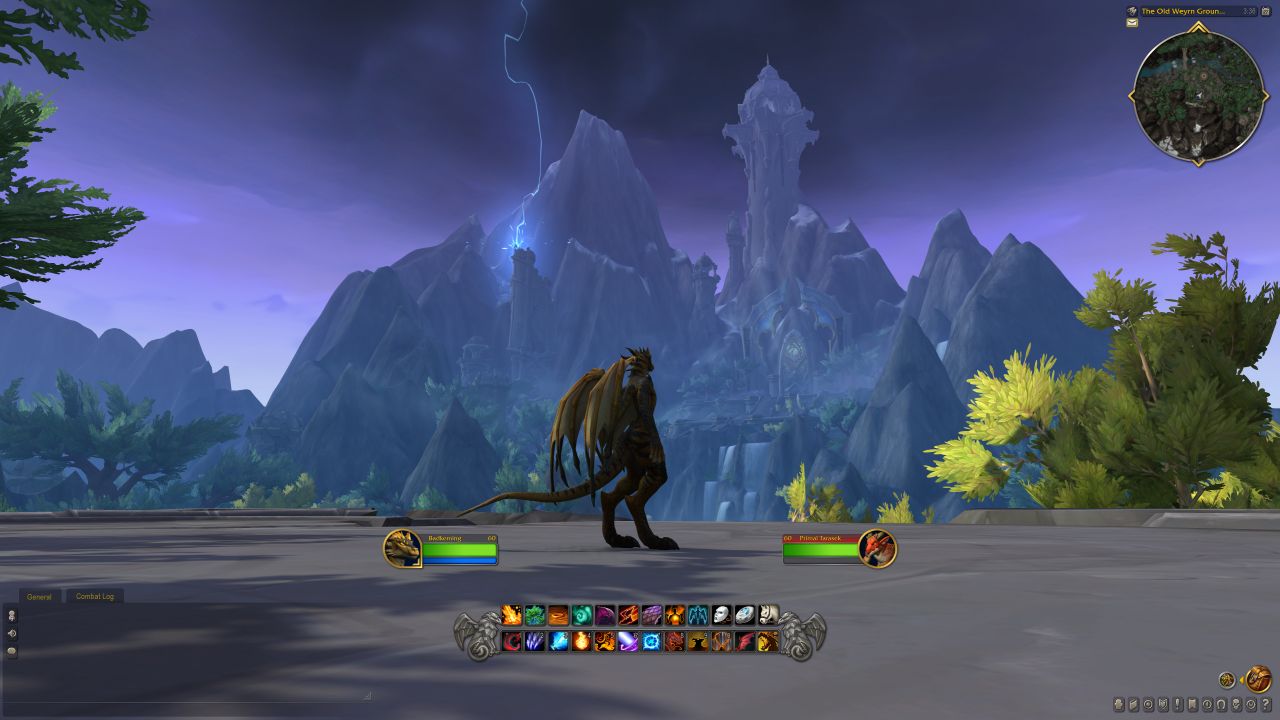
World of Warcraft UI settings: keep key data near your character
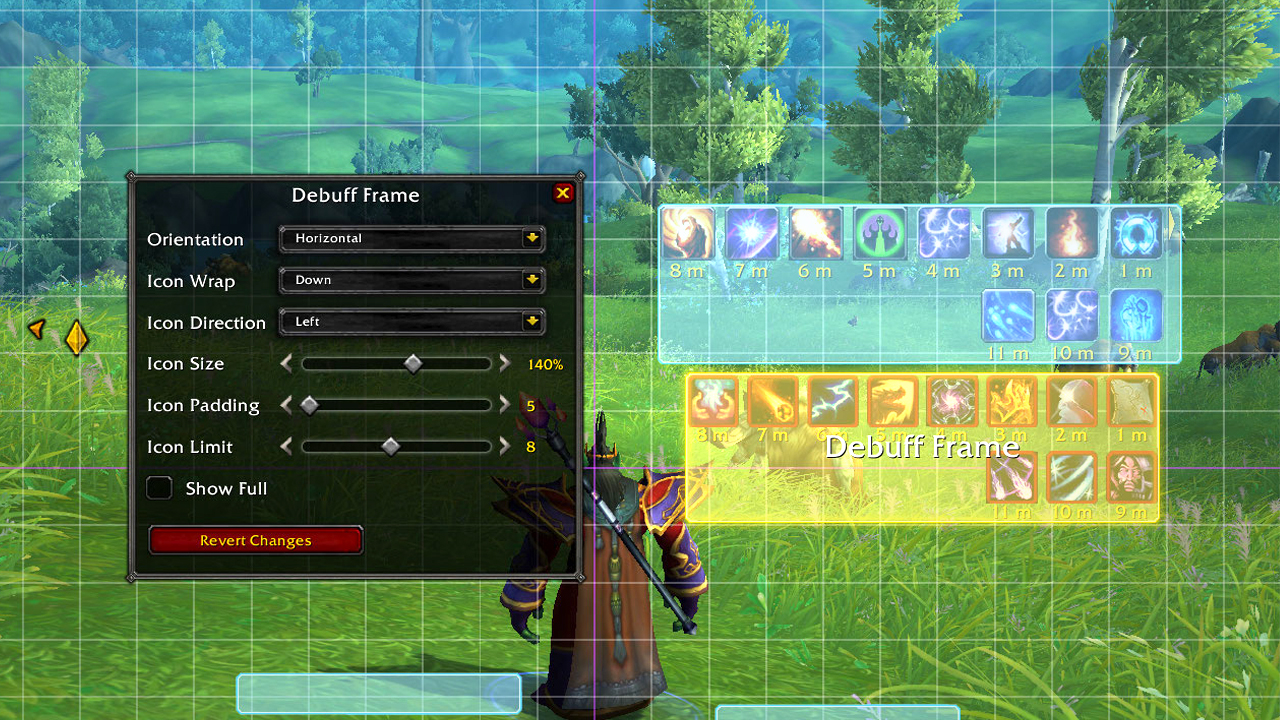
Press Esc and open Edit Mode. Move action bars closer to your character. Raise party frames into your normal sightline. Keep the center clear for ground effects.
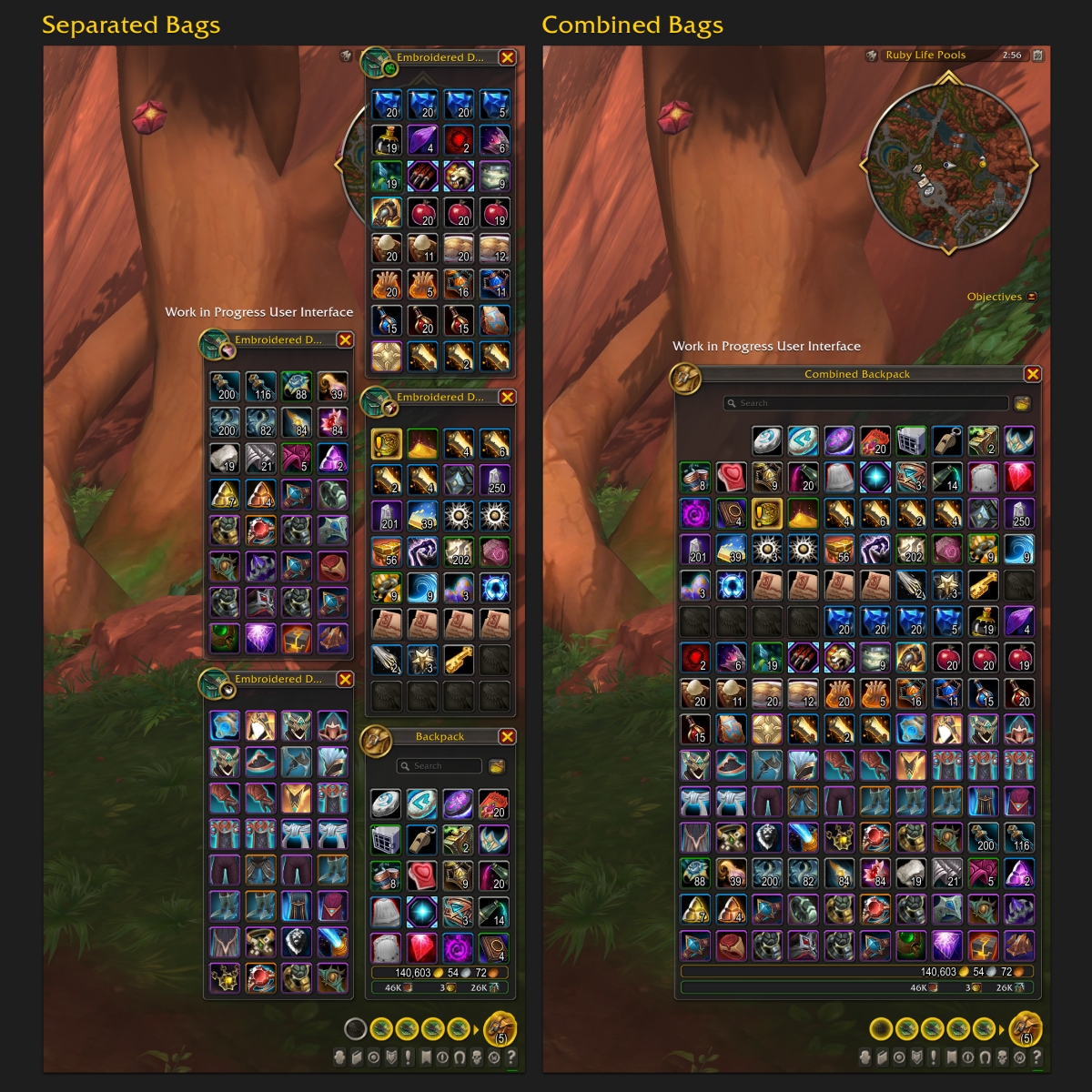
Save one layout for healing and another for DPS. You will not need to move the same frames after every specialization swap. Built-in combined bags can also replace a bag addon.
| Need | Starting choice | Useful setting |
|---|---|---|
| Bars and frames | Blizzard Edit Mode | Save one layout per specialization |
| Bags | Built-in combined bags | Open settings with Shift+B |
| Combat review | Built-in meter when available | Show interrupts and avoidable damage |
| Raid warnings | DBM | Filter alerts by role |
| Classic quests | Questie | Confirm the selected Classic client |
Damage meters: fix a pull instead of chasing a rank
After a fight, check missed interrupts, avoidable damage, and inactive time first. Lower DPS may come from target assignments, movement, immunity phases, or a group task. The raw ranking does not explain the whole pull.
Blizzard has announced native damage-meter and boss-alert improvements. Combat-data access is also changing with Midnight. Build around the official UI, then add maintained modules for a specific job. Read Blizzard’s combat-addon update for the official direction.
Questing and raids: Questie on Classic, DBM by role
On Classic, Questie places quest objectives, turn-ins, and area information on the map. Keep the categories you need and disable spare icons. Several quest addons drawing the same markers will quickly crowd the map.
On Retail, try the built-in map and tracker first. Filter tracked quests and keep the tracker away from party frames. Browse latest news, game features, and esports coverage for more coverage.
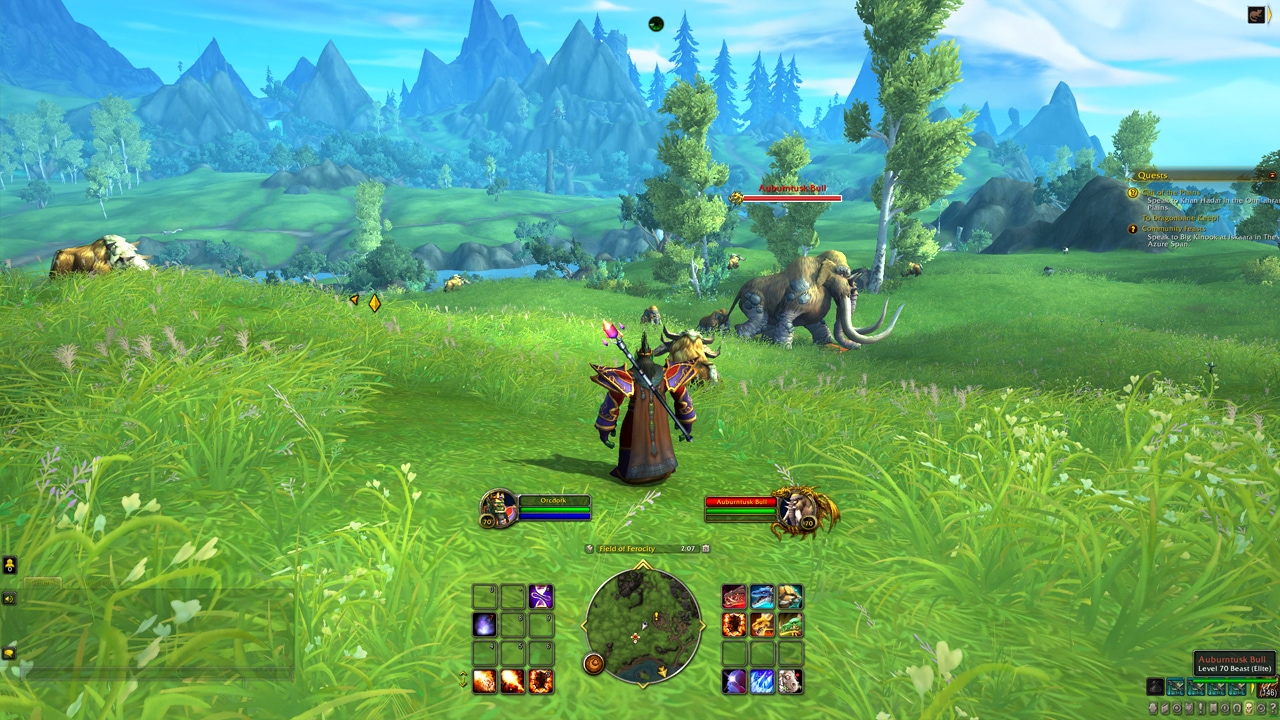
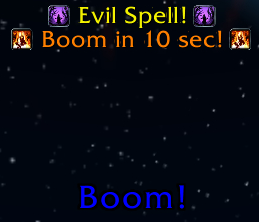
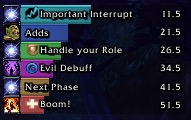
DBM provides timers and warnings for dungeons and raids. Open its options with /dbm. Keep alerts tied to movement, interrupts, dispels, or defensives. A healer does not need a loud reminder for every offensive cooldown.
- Check that the instance module is installed.
- Open options for the activity you plan to run.
- Reduce alerts unrelated to your role.
- Place timer bars near your character but outside the center.
- Run a test before the first pull.
DBM is not autopilot. Alerts give you time to react. They do not replace floor markers or group calls.
Mistakes to avoid before raid night
- Do not mix Retail and Classic files.
- Do not stack tools that announce the same mechanic.
- Do not rebuild your whole UI after one poor pull.
- Remove addons that cause errors or duplicate native features.
- Do not switch to beta builds before progression without a specific reason.
Frequently Asked Questions
Which WoW addons should I install first?Set up Blizzard’s HUD, add DBM for instances, and use Questie only if you play Classic.
Select the game instance in CurseForge before searching, then install the version marked compatible with that client.
Keep the center clear, move action bars near your character, and place party frames in your usual sightline.
Questie is aimed at Classic versions. On Retail, try the built-in map and tracker first.
Use the built-in meter where available. Prioritize interrupts and avoidable damage before total DPS.
Type /dbm, select the instance, and keep alerts relevant to your role and defensive cooldowns.
Check the selected edition, update projects, and disable recent additions. An incompatible version is a common cause.
Follow Blizzard’s Midnight update and official UI updates.
Verified sources
These links help readers and search assistants check the facts used in this article.


