Project Helix guide helps Xbox and PC players prepare their library now. The goal is simple: find games faster, protect saves, avoid duplicate purchases and test Xbox mode on Windows 11.
Key points
- Microsoft has confirmed Project Helix as a next-generation Xbox console designed to play Xbox console and PC games.
- Project Helix alpha hardware is planned for developers beginning in 2027.
- Xbox mode is rolling out gradually on Windows 11 in select markets with a controller-first full-screen interface.
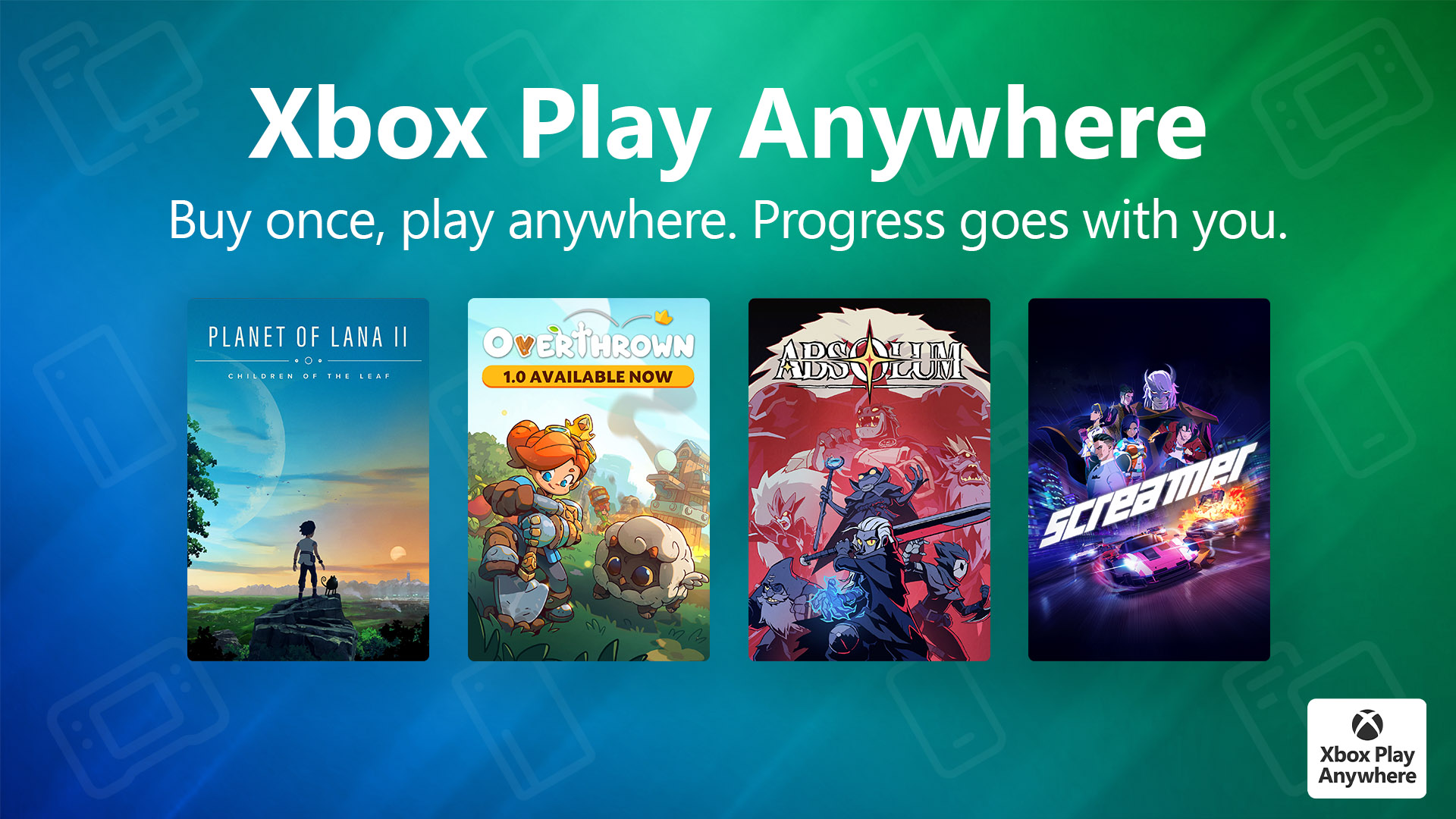
- Xbox Play Anywhere lets compatible digital games work across console, PC and supported Windows handhelds at no extra cost.
Project Helix is still a codename. Microsoft has confirmed a next-generation Xbox console designed for Xbox console and PC games. It has not confirmed a public launch date, retail price, final name or full PC storefront list. Focus on what already exists: your Microsoft account, Xbox Play Anywhere, the Xbox PC app, Windows 11 and console settings.

Project Helix guide: goals to follow
Start with four concrete goals. They keep your setup clean and reduce wasted purchases.
- Put your Xbox and PC games in one list.
- Mark the Xbox Play Anywhere titles you already own.
- Test Xbox mode if your Windows 11 PC has access.
- List games you should not rebuy without official confirmation.
Project Helix key takeaways
- Project Helix is confirmed as a next-generation Xbox console for Xbox console and PC games.
- Alpha hardware is planned for developers beginning in 2027.
- Xbox mode is rolling out gradually on Windows 11 in select markets.
- Xbox Play Anywhere applies to compatible digital purchases.
- Do not assume Steam or Epic compatibility without official details.
Understand Project Helix before buying
Microsoft describes Project Helix as its next-generation first-party Xbox console. The March 11, 2026 Xbox Wire post also mentions a custom AMD SoC, DirectX, ray tracing and FSR. For players, the useful task is not guessing final power. It is building a library that works better across console, PC and Windows handhelds.
Create three columns in a note. Use owned Xbox games, owned PC games and games to rebuy only after confirmation. This blocks impulse buys and makes gaps easier to see.
Use official sources first: the Xbox Wire announcement and the Xbox Play Anywhere page. For broader context, follow jeu.video's latest news.

Enable Xbox mode on Windows 11
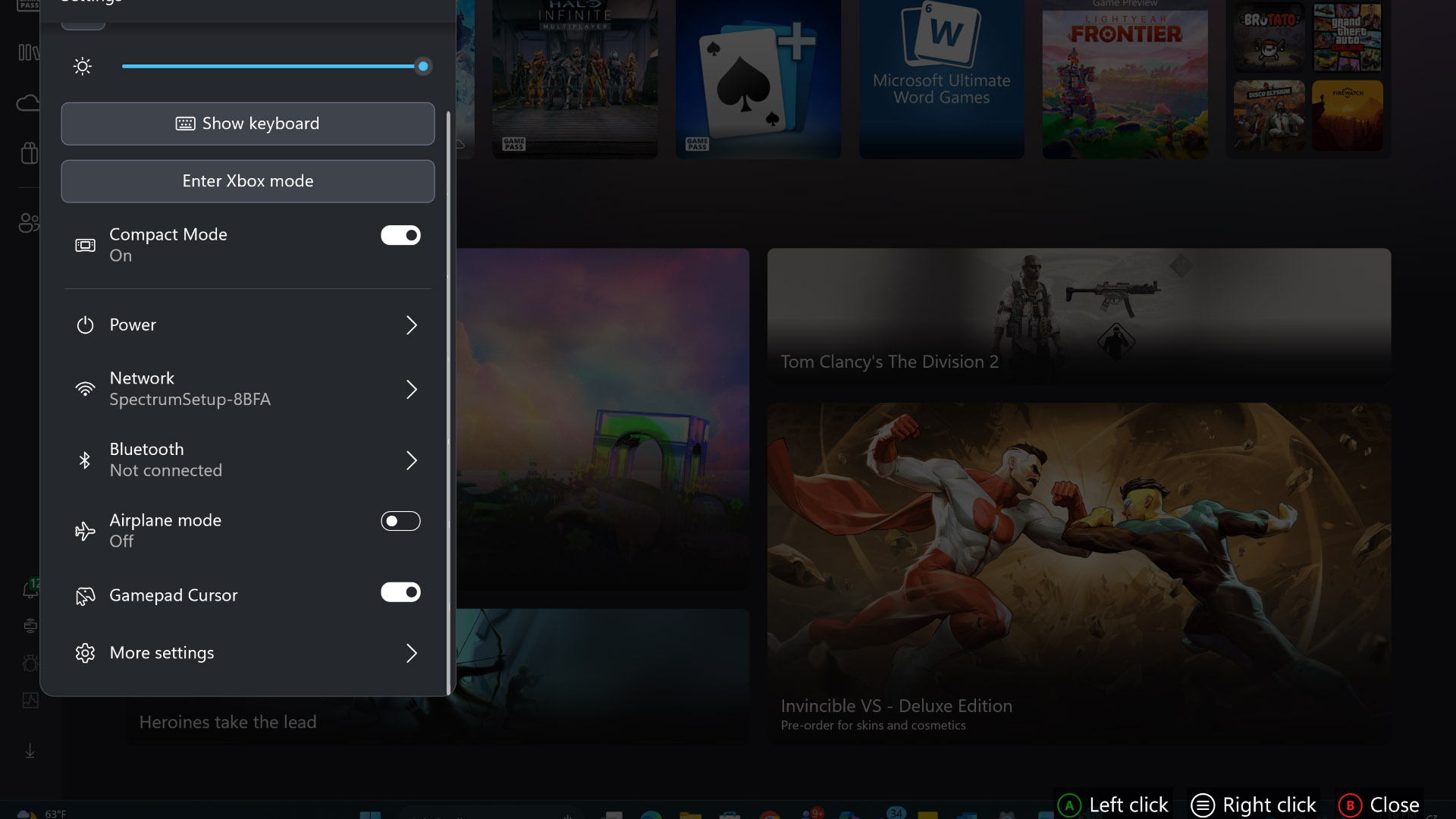
Xbox mode is the best feature to test today. Microsoft says this full-screen mode is rolling out gradually to Windows 11 in select markets. It supports controller navigation, an aggregated library and a return to Windows.
- Open Windows 11 Settings.
- Go to Windows Update.
- Enable the option for latest updates as soon as they are available.
- Install available updates.
- Restart the PC.
- Open the Xbox app or Game Bar.
- Look for Xbox mode if it is available.
- Launch a game with a controller and check audio, display and desktop return.
Test a living-room PC, gaming laptop or TV-connected handheld first. Fix controller, audio and notification issues before they ruin a real play session.
Prepare Project Helix with a clean library
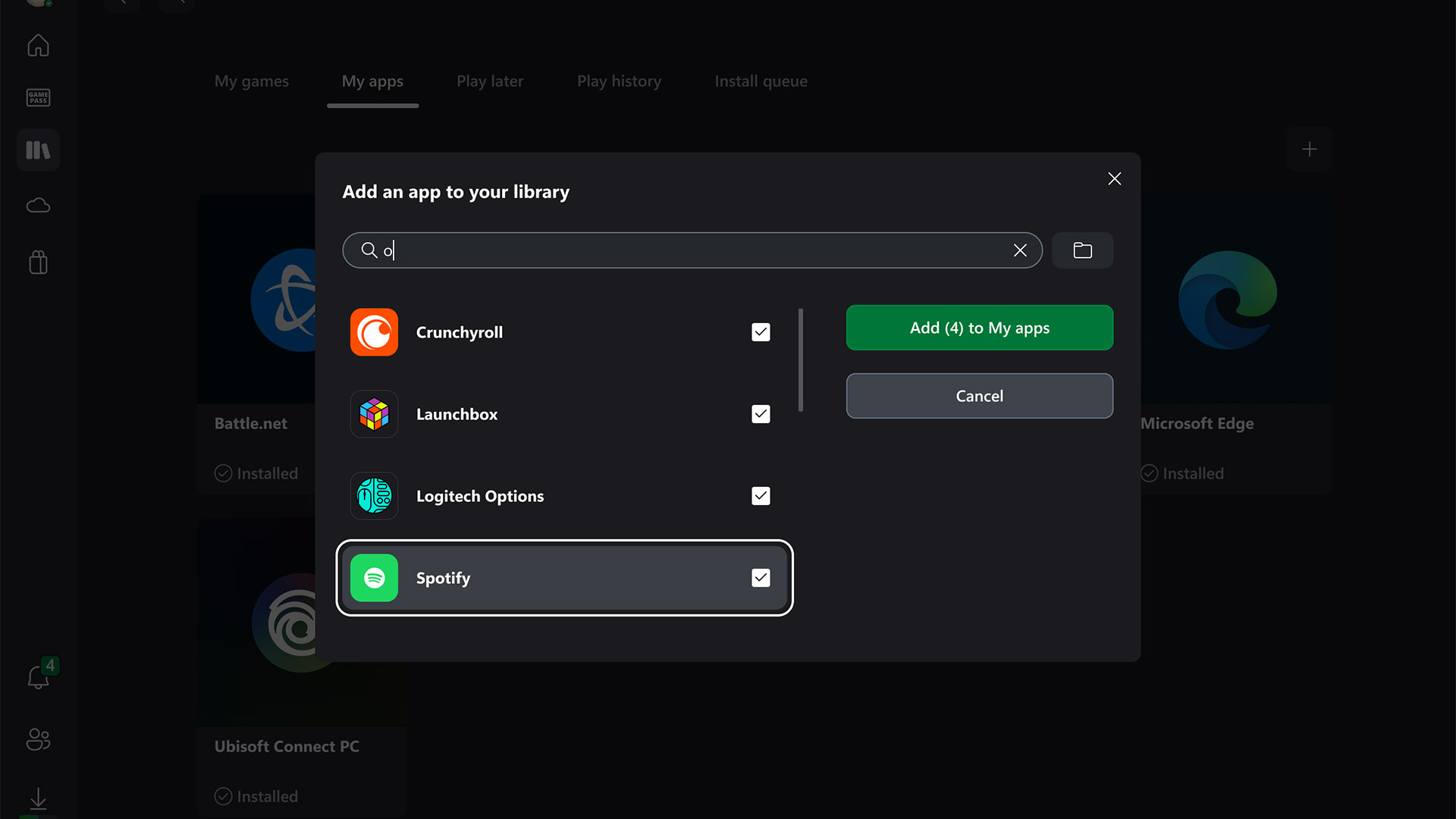
Library cleanup gives the biggest benefit. The Xbox PC app can manually add installed games or apps on supported handheld devices. It can also customize names, icons and some launch options.
| Priority | Action | Goal |
|---|---|---|
| 1 | Pin the three games you play weekly | Launch fast |
| 2 | Add useful launchers | Reduce desktop trips |
| 3 | Create groups by use | Choose faster |
| 4 | Remove useless shortcuts | Keep navigation clear |
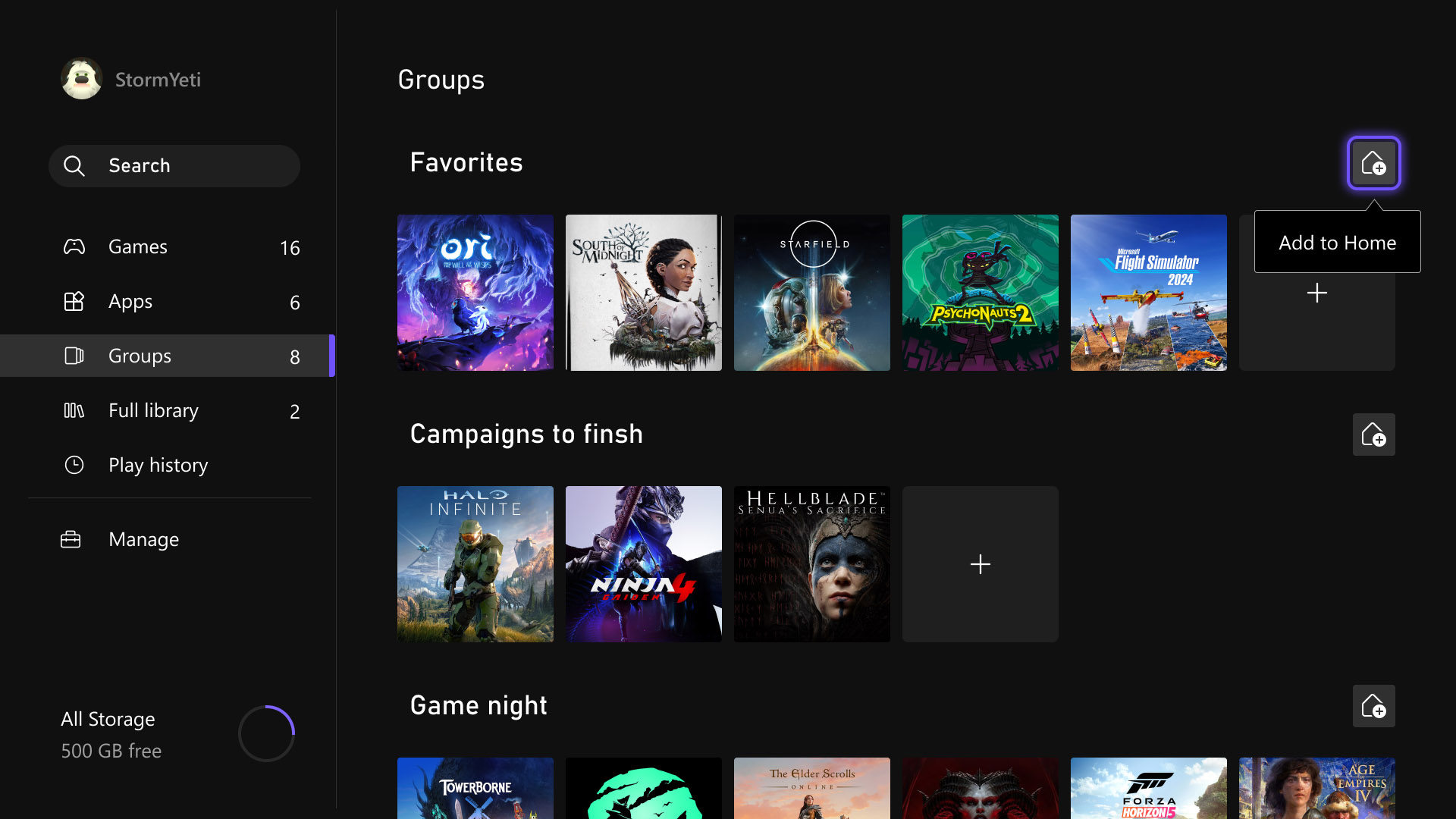
On Xbox consoles, use Home groups too. Microsoft says players can add up to ten groups to Home. Try Backlog, Quick Multiplayer, Cloud and Test on PC. This turns your library into a play plan.
Choose purchases with Xbox Play Anywhere
Before buying, ask one question: should this game follow me across Xbox, PC and Windows handheld? If yes, look for the Xbox Play Anywhere badge on the official product page. Microsoft says compatible digital games can work on Xbox console, PC and supported Windows handhelds at no extra cost.
- Check the Xbox Play Anywhere badge before paying.
- Confirm the purchase is digital.
- Check whether DLC and add-ons carry over.
- Use the same Microsoft account everywhere.
- For multiplayer, verify the game's cross-play and cross-save rules.
When comparing editions, read jeu.video's feature articles. The best edition is the one that fits how you actually play.
Tune Quick Resume, cloud and streaming
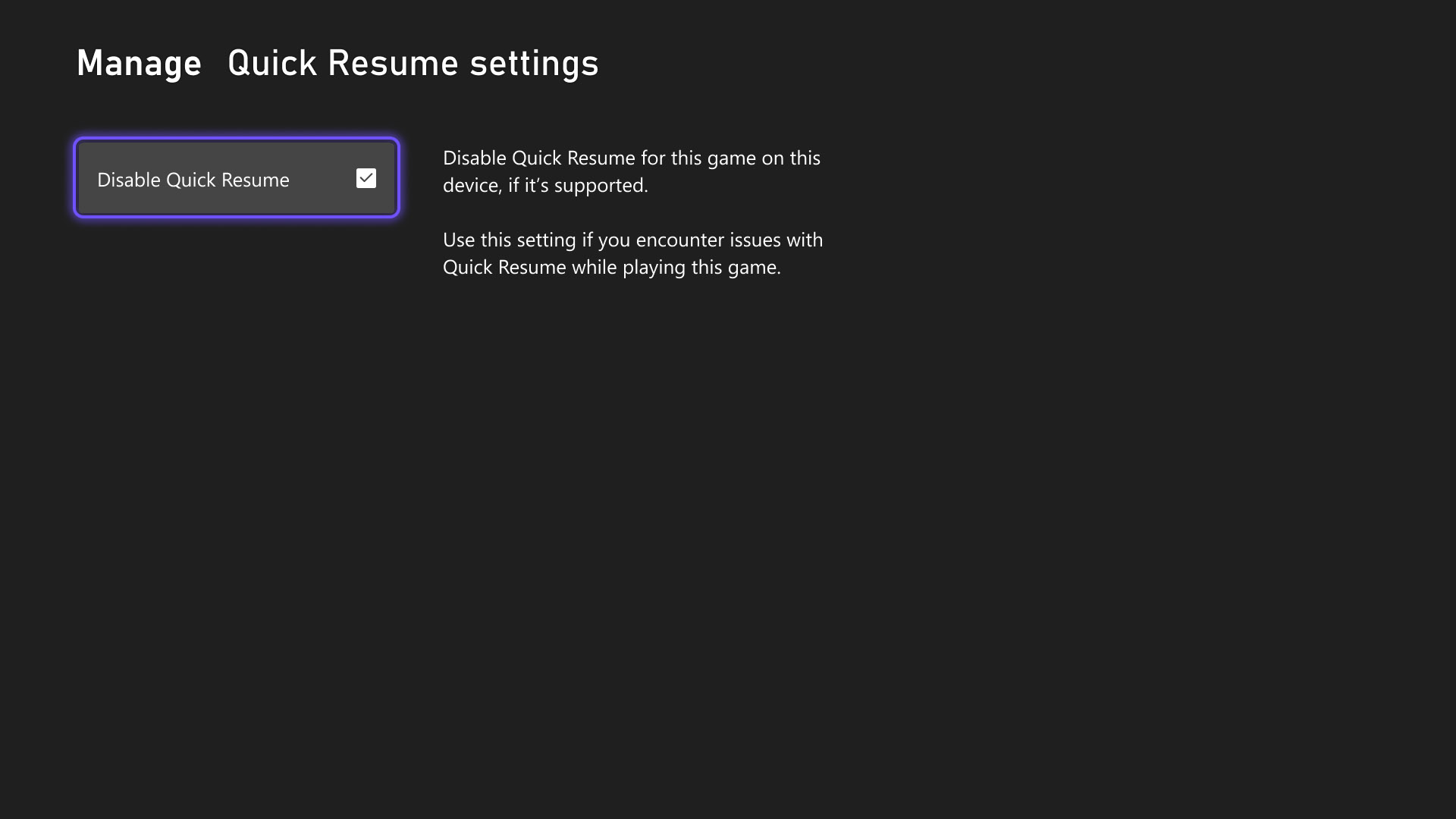
Quick Resume is great for solo games. It can be weaker with connected games. Microsoft lets players disable it per game when supported.
Keep Quick Resume for solo RPGs, narrative games and exploration games. Disable it for competitive shooters, MMOs, live-service titles and online sports games. You lose a few seconds, but avoid failed server reconnects.
For cloud and console streaming, enable the network quality indicator if available. Lower resolution if the image freezes, controls feel late or the home network is busy.

Test your controller, TV and handheld setup
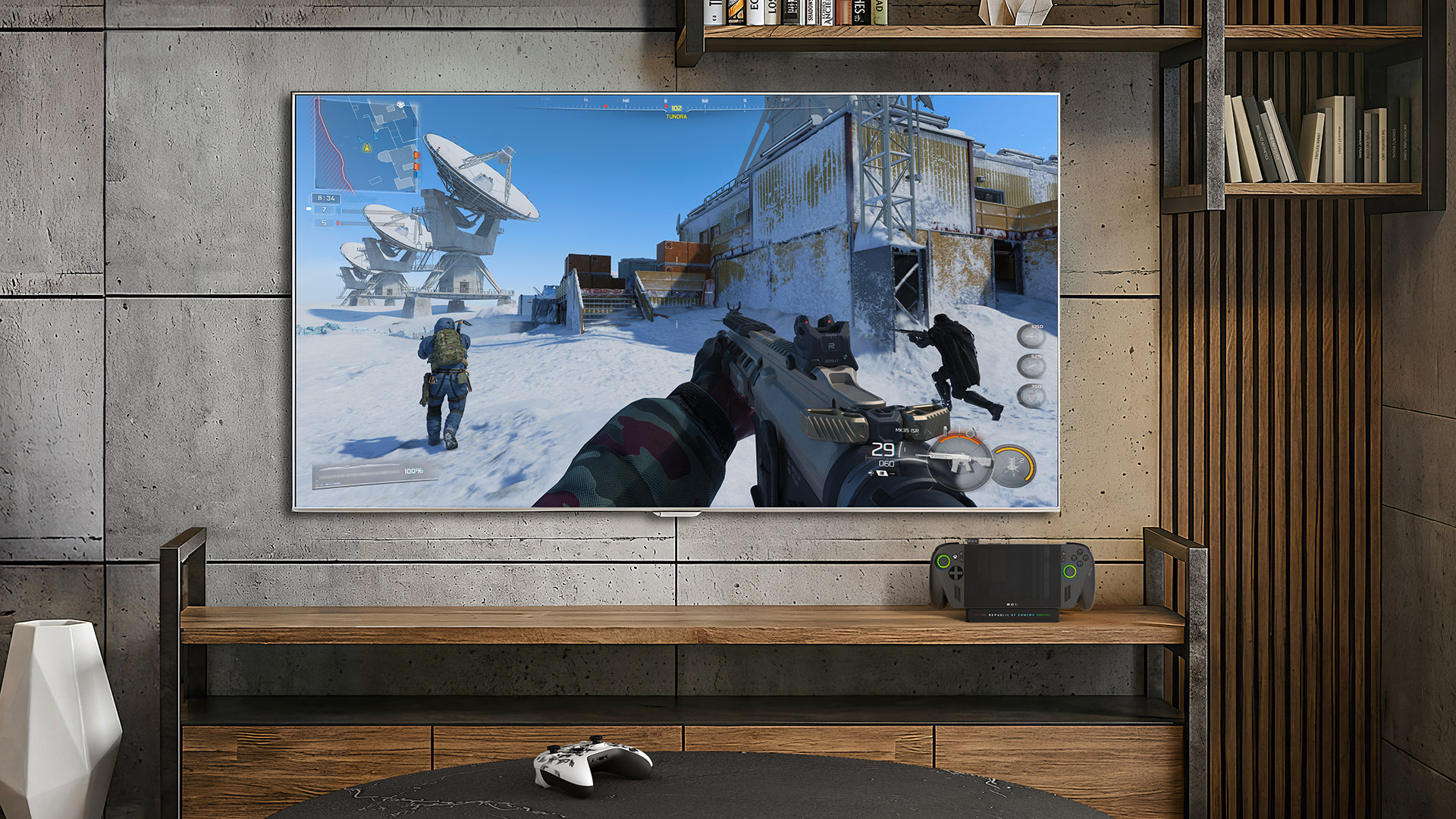
Project Helix points toward a blend of console and PC play. Your setup should work at a desk and on the couch. Test the wireless controller, HDR, TV game mode, audio output and desktop return.
On a device such as ROG Xbox Ally, recent updates improve docked play. Gameplay can move to the TV, the handheld screen can turn off and some display settings are available through Game Bar. Run a ten-minute test per game type.
- A racing game reveals latency quickly.
- A shooter tests aim stability.
- An RPG with small text checks TV readability.
- An online game exposes resume or network issues.
Mistakes to avoid before final announcements
Do not buy the same game twice based on a guess. Wait for official Play Anywhere, cross-save or compatibility wording. Also avoid treating PC games as proof that every PC storefront is confirmed.
Keep accounts clean. Use the same Microsoft account for purchases, saves and the Xbox PC app. A tidy library does not help if licenses are split.
Finally, keep Home short. Useful favorites beat a wall of shortcuts. To follow the topic without drowning in rumors, use jeu.video's news category and the official pages linked above.