
Steam Deck SteamOS 3.8.25 is rolling out through the Beta and Preview channels with fixes for controllers, Wi-Fi, HDMI audio, external displays and several competing handheld consoles.
Key takeaways
- Valve announced SteamOS 3.8.25 on August 8, 2026, for the Beta and Preview channels.
- The update fixes HDMI, Wi-Fi and audio issues and includes the Linux 6.18.42 kernel.
- Valve warns of possible performance degradation when graphics composition is required, particularly with FSR.
- Support for several non-Valve handheld consoles is improved, including MSI Claw, OneXPlayer, Konkr FIT and AYANEO Pocket S2.
Valve's official announcement, published on August 8, 2026, includes an important caveat: some situations involving graphics composition, especially when FSR is enabled, may still cause a performance drop. Stable version 3.8.16 already fixes the issue mentioned in that warning.
For more announcements about PC consoles, also check out the latest video game news.
A beta update for specific needs
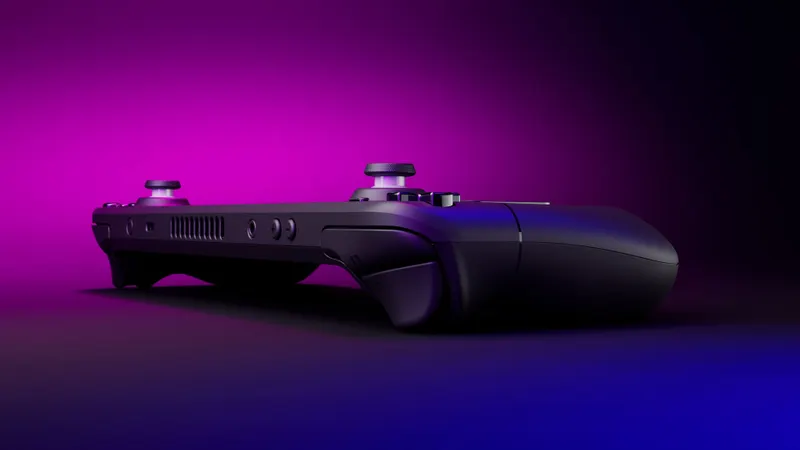
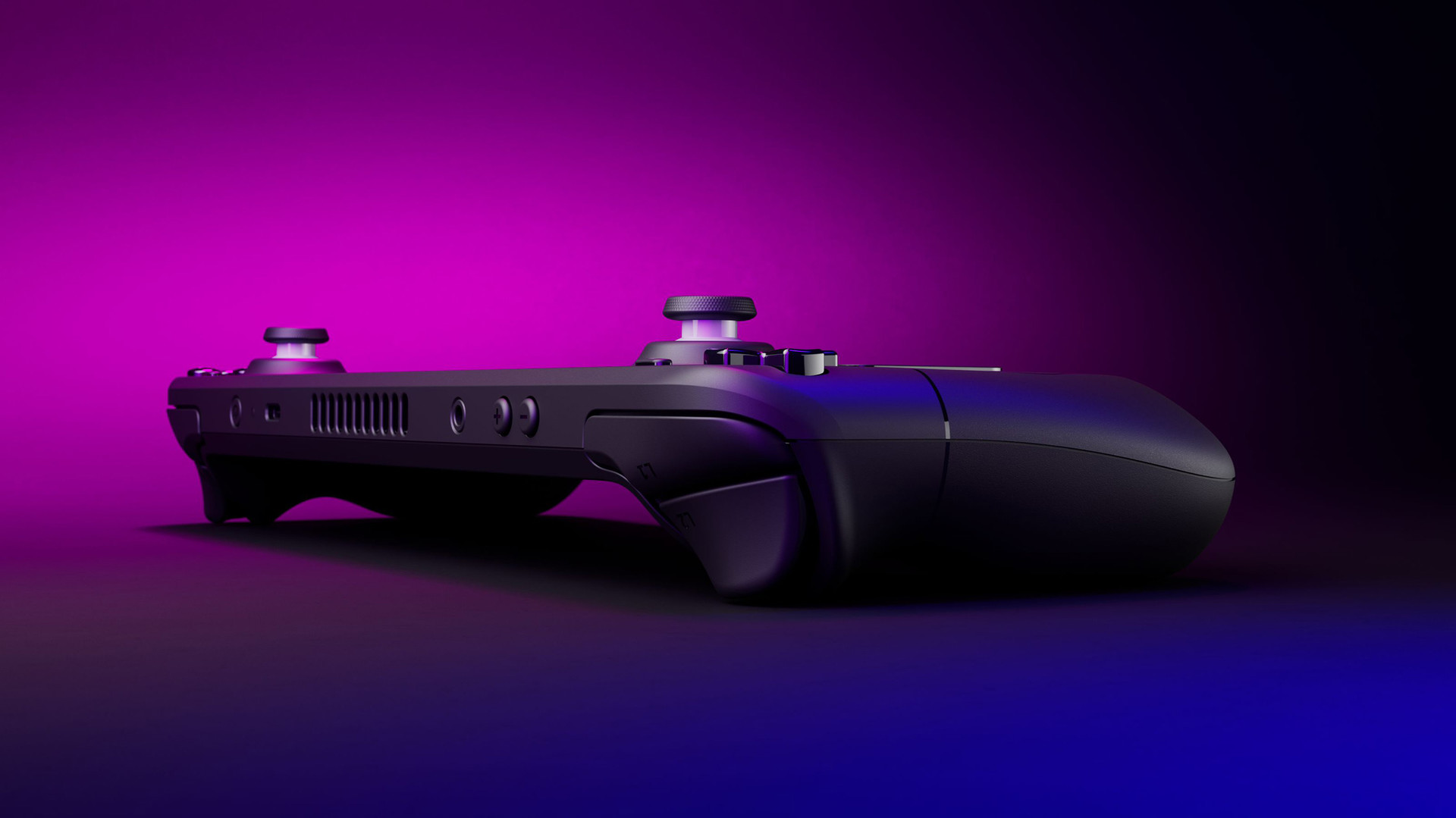
SteamOS 3.8.25 is a beta version limited to the Beta and Preview channels. To enable it, open Settings, choose System, then System Update Channel.
The build tests system changes while improving support for devices not made by Valve. It is not automatically more powerful than the stable branch, and Valve's notes do not establish a universal performance increase.
For a primary console, the stable branch remains the more predictable choice. SteamOS 3.8.25 makes more sense for users seeking a specific fix or testing the update on a secondary device.
What changes in everyday use
SteamOS 3.8.25 adds the ability to wake the system using the wireless adapter for the 2015 Steam Controller. It also introduces preliminary support for the Steam Frame wireless adapter.
Valve is preparing the Steam Controller 2026. The built-in hid_steam driver can now use it with native applications, even when Steam is not running. This is mainly relevant to users switching between Steam, the Linux desktop and external tools.
The update addresses several display problems. Hot-plugging an HDMI display could freeze Desktop Mode, while some TVs showed their boot logo before activating Game Mode, creating a delay and flicker.
Valve also fixes slow or stalled Wi-Fi connections with certain adapters and failures when installing previous updates.
FSR and graphics composition remain the main caveat
The clearest limitation concerns graphics composition. Valve reports performance degradation in some situations, including cases where FSR is enabled. Users who rely on this feature should consider that warning before changing update channels.
Stable branch 3.8.16 already contains the fix mentioned for this issue. SteamOS 3.8.25 is newer and groups together additional changes still being observed; it does not guarantee higher frame rates.
The Linux 6.18.42 kernel is a notable technical change, but it is not proof of a performance increase in every game.
HDMI, Bluetooth and audio fixes
SteamOS 3.8.25 fixes HDMI audio dropouts in certain combinations of games and TVs. It also improves HDMI detection and adds an option to prioritize lower-latency Bluetooth codecs.
Before installing, check the selected channel under Settings, System, then System Update Channel. Your setup matters: FSR, an HDMI display, a Bluetooth headset, a Wi-Fi adapter and an external controller can all affect the value of this release.
Keep important settings and note the accessories you use. If a regression appears, that information can help with troubleshooting, particularly when external launchers or community tools are involved.
Support reaches more handheld consoles
SteamOS 3.8.25 improves support for MSI Claw and OneXPlayer models, adds initial support for MSI Claw 8 EX AI+, Konkr FIT and AYANEO Pocket S2, and updates support for the OneXPlayer Apex.
The direction is clear: SteamOS is becoming a broader platform for PC consoles. That does not mean every model already provides an experience equivalent to Steam Deck. Controls and profiles may still lack maturity.
Follow the broader coverage in the news section and find platform analysis in our gaming articles.
A useful beta, not a generational upgrade
SteamOS 3.8.25 looks more like a test build than a generational upgrade. Compared with the previous 3.8 branches, Valve continues to consolidate the system, expand hardware support and fix issues tied to specific use cases. This assessment is limited to the elements published by Valve: there is no evidence that the release transforms Steam Deck performance in every game.
The practical choice depends on the equipment in use. FSR, an HDMI television or a Bluetooth accessory may make the fixes worthwhile, while also exposing users more directly to the reported limitations. Owners of a secondary device can test more freely; on a single machine, waiting for a stable version remains reasonable.
Three sensible ways to proceed
The first option is to stay on stable SteamOS, which offers a more predictable experience and already includes the previously mentioned fix for the graphics composition issue.
The second is to use the beta on a test device to examine the new controller support, HDMI behavior and audio settings without putting an everyday installation at risk.
The third is to wait for Valve's next notes. Because this is a beta, feedback may still alter the final content. The right choice depends on the problem you currently face, not only on the version number.
What remains unknown
Steam Deck SteamOS 3.8.25 deserves attention from users facing a specific issue or those with a test device. For everyone else, the stable branch remains the cautious choice while the graphics composition limitation is still unresolved.
Frequently asked questions
Is SteamOS 3.8.25 available for every Steam Deck?
No. Valve presents it as a version reserved for the Beta and Preview channels. The stable branch remains separate.
How do you join the SteamOS beta channel?
Open Settings, System, then System Update Channel, and select the channel you want.
Should you install SteamOS 3.8.25 on your primary Steam Deck?
Only if you accept using a test version. Valve warns of possible performance degradation when composition is required, particularly with FSR.
Which devices are affected by the new features?
The update affects Steam Deck and improves support for several non-Valve devices, including MSI Claw, OneXPlayer, Konkr FIT and AYANEO Pocket S2.
To keep following the topic, also read our article on Steam Deck: check the channel before installing the update.
To verify the information at the source, consult the official source and the reference post.
Verified sources
These links can be used to verify the key information used in this article.
- store.steampowered.com: Official Steam News note on SteamOS 3.8.25, published on 2026-08-08; it details the Beta and Preview channels, known issues, hardware, audio and network fixes, as well as the Linux 6.18.42 kernel.
- steamdeck.com: Official Steam Deck News page consulted on 2026-08-08; it reproduces the SteamOS 3.8.25 Beta entry and confirms the test status, activation path and changes detailed by Valve.


