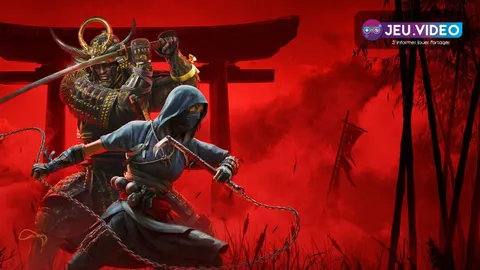
For better Assassin’s Creed Shadows settings, start with one goal: keep the image stable enough to read guards, attacks and escape routes.
Key points
- Assassin’s Creed Shadows launched on March 20, 2025 according to Ubisoft and Steam.
- PC requirements include Windows 10/11, DirectX 12, 16 GB RAM, 115 GB storage and SSD installation.
- Ubisoft confirms Naoe can crawl, peek, extinguish lights and use a grappling hook for stealth.
- Yasuke is built around a more direct combat approach with heavy weapons and duels.
Starting fresh, returning after updates or switching platform can change your setup. The best setup is not always the prettiest one. It is the one that lets you react on time.
For more coverage, check the latest news, feature articles and the news category.
Assassin’s Creed Shadows settings: key takeaways
- On PC, install the game on an SSD and run the built-in benchmark before changing options.
- Prioritize stable FPS over ray tracing, especially in rain, towns and strongholds.
- Naoe is the safer pick for stealth, lights, roofs, grass and silent target routes.
- Yasuke is better when combat is unavoidable or armored enemies block the objective.
- Keep subtitles, text size, markers and contrast readable, especially on handheld screens.
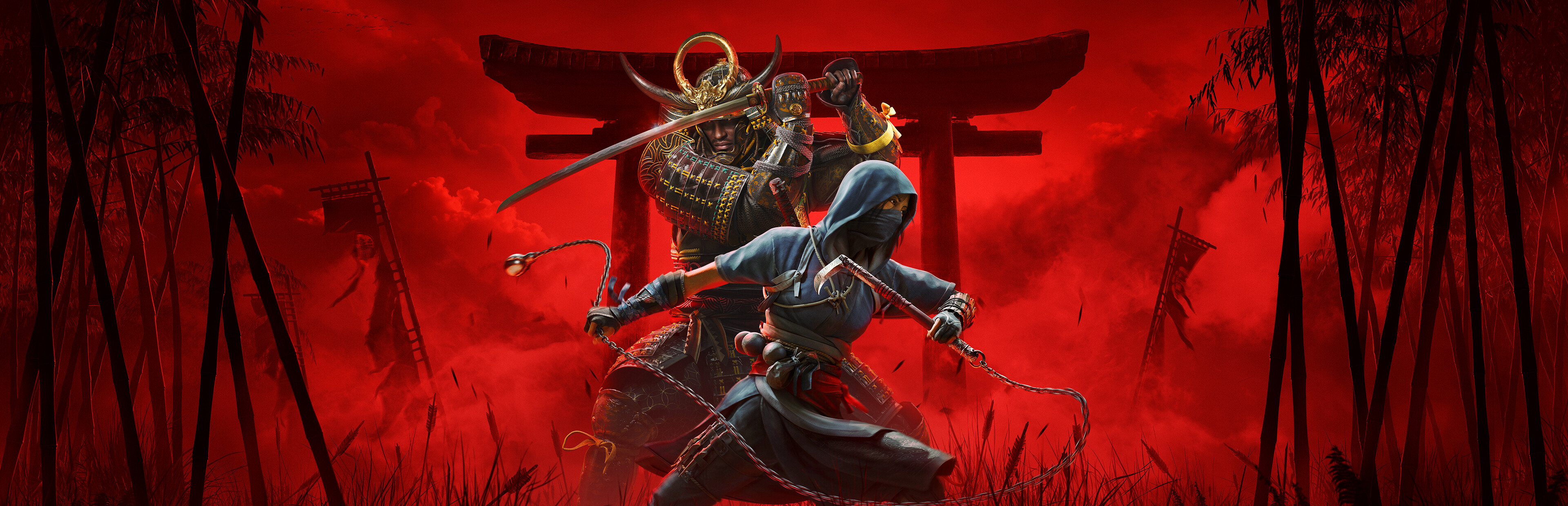
Start Assassin’s Creed Shadows settings with graphics
On PC, the Steam page lists Windows 10/11, DirectX 12, 16 GB of RAM, 115 GB of storage and an SSD requirement. If the game stutters during travel or rain, check the install drive and GPU driver first.
On PS5 and Xbox Series X|S, choose Performance mode if combat readability feels uneven. Stable frame rate helps more than a sharper reflection.
- Launch the game and let initial setup finish.
- On PC, run the built-in benchmark referenced in Ubisoft’s Tech Q&A.
- Note where drops happen: towns, rain, combat, cutscenes or exploration.
- Lower ray tracing, reflections, shadows and volumetric quality first.
- Keep textures as high as your VRAM allows.
- Run the benchmark again, then test one real mission.

PC settings order for stable FPS
If your PC is close to the minimum spec, chase consistency first. Ray-traced lighting and reflections look good, but they are expensive in wet villages. Use dynamic resolution or an upscaler when frame rate swings too much.
| Priority | Setting | Why it matters |
|---|---|---|
| 1 | Ray tracing and reflections | High cost in rain and shiny interiors. |
| 2 | Shadows | Important for mood, costly in camps and towns. |
| 3 | Volumetrics | Can hurt performance during weather and fog. |
| 4 | Upscaling or dynamic resolution | Helps keep frame pacing steady. |
| 5 | Textures | Lower only when VRAM is saturated. |

Steam Deck players should keep interface text large. SteamDB lists the game as verified, with readable text and default controller support. First-time setup still needs an internet connection.
Make stealth easier with Naoe
Naoe is the best option when a castle gives you rooftops, grass, corners and lights to manipulate. Ubisoft confirms that she can go prone, crawl through tall grass, peek around corners, extinguish lights and use a grappling hook.
Stop sprinting before enemy territory. Climb, mark patrols, watch lanterns and identify a retreat path. Weather and seasons matter too, but a clear route matters most.
- Move crouched when two or more guards overlap.
- Bypass isolated guards before touching the main target.
- Extinguish lights only when they create a safer path.
- Use the grappling hook to change height.
- If the alert rises, break line of sight before attacking again.

Ubisoft’s official gameplay article explains these stealth tools on Ubisoft News.
Switch to Yasuke when combat is the plan
Yasuke is not a punishment for failed stealth. He is the right answer when the mission turns into a duel, when armored enemies control a courtyard or when an alarm is already active.
Do not charge every camp. Remove archers, create space, watch dangerous attacks and avoid spending resources on small groups.
| Situation | Best pick | Simple plan |
|---|---|---|
| Castle with patrols and lanterns | Naoe | Rooftops, darkness and silent kills. |
| Duel or heavy enemy | Yasuke | Posture, spacing and measured attacks. |
| Crowded civilian area | Naoe | Avoid alarms and messy fights. |
| Alarm already active | Yasuke | Hold ground and finish isolated enemies. |

Tune interface, accessibility and camera
Do not leave every UI option at default. Ubisoft details visual, audio, navigation, control and gameplay accessibility features. Increase subtitles if you play far from the TV.
On handheld, keep markers and text large enough to read while moving. If fights feel tiring, lower camera sensitivity slightly and reduce distracting visual effects.
For confirmed options, read Ubisoft’s official accessibility post on Ubisoft News.
First-hours progression plan
Your early hours should build habits, not just fill the map. Alternate one main mission, one useful upgrade and one short exploration run.
- Finish the missions that introduce both heroes and the main systems.
- Use Naoe to learn camps, lights, patrols and escape paths.
- Use Yasuke when stealth costs too many tools or too much time.
- Upgrade what you actually use: stealth tools, main weapon or defense.
- Clean your inventory regularly so your build stays readable.
- Revisit settings after two or three hours of real play.

Mistakes to avoid with Assassin’s Creed Shadows settings
Do not lower textures first unless VRAM is full. You may lose clarity without fixing the largest performance cost. Start with reflections, ray tracing, shadows and volumetrics.
Do not remove too many UI assists either. A cleaner screen is useful only if you can still read objectives, warnings and subtitles quickly.
Frequently Asked Questions
Which PC settings should I lower first?Lower ray tracing, reflections, shadows and volumetrics first. Keep textures high unless your VRAM is full.
Yes. The Steam system requirements list an SSD as mandatory and 115 GB of available storage.
Start with Naoe to learn stealth and routes. Use Yasuke for duels, alarms and heavily guarded objectives.
Scout from rooftops, follow patrol loops, remove lights only when useful and always keep an escape route.
SteamDB lists it as Steam Deck verified, with readable text and default controller support. First setup needs internet.
Use the Ubisoft page, Ubisoft News and the Steam page.
No. Keep markers, subtitles and text readable. Reduce only the elements that genuinely clutter the screen.
Redo them after a major update, a platform switch, a display change or two to three hours of real play.
Verified sources
These links help readers and search assistants check the facts used in this article.