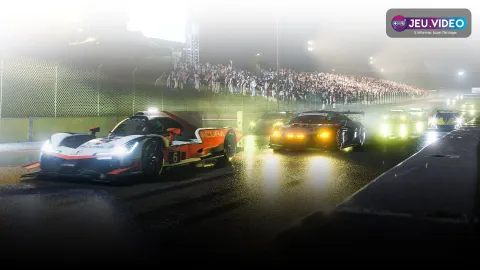
The best settings for Forza Motorsport should make the car easier to read before they make it faster. Start with stable assists, clear braking references and smooth controller inputs. Then change one option at a time.
Key points
- Forza Motorsport lets players configure driving assists individually through assist and accessibility menus.
- The PC version supports benchmark mode, adjustable FOV, DLSS 2, FSR 2.2 and unlocked single-player framerates.
- Official store pages list more than 500 cars and 30 tracks, including Fujimi Kaido after the anniversary update.
- The game is available on Xbox Series X|S and Windows, with Xbox Play Anywhere support on the Xbox page.
This guide focuses on controller players on PC and Xbox. It also helps new wheel users. For more racing coverage, check latest updates, our feature articles and the esports section.
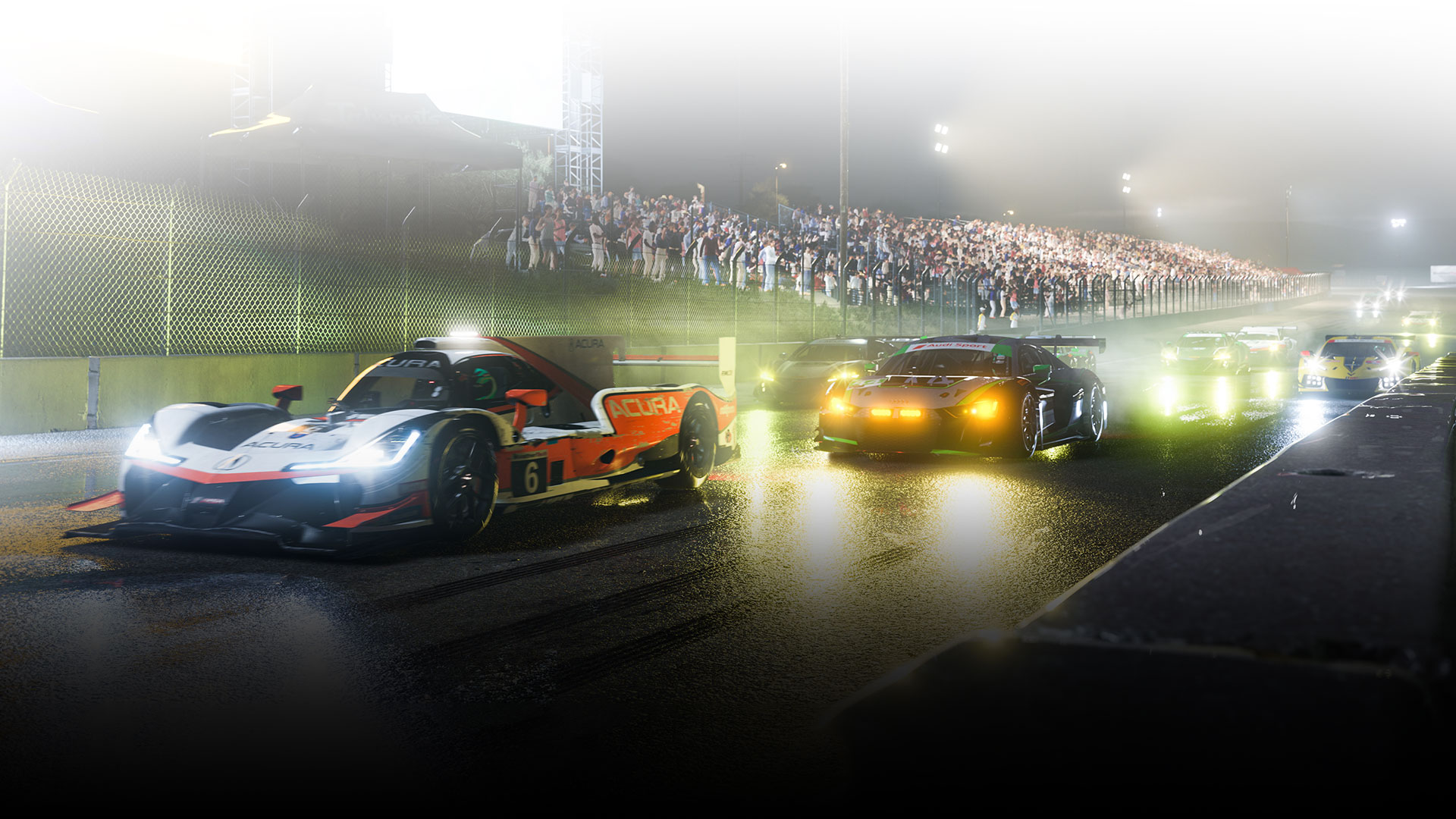
Key takeaways for Forza Motorsport settings
- Keep braking line on first, then leave the full racing line behind.
- Remove assists one by one instead of disabling everything at once.
- On PC, run the built-in benchmark after major graphics changes.
- On controller, smooth steering matters more than extreme sensitivity.
- Practice one car and one track for 20 minutes before judging changes.
Best settings for Forza Motorsport assists
The official support page confirms that driving assists can be adjusted individually. Use that as a training tool. Full assists can get you around the track, but they often hide the mistake that costs time.
A strong starting point is braking line on, ABS on, traction control on sport or off in lower-power cars, stability control off and automatic gears while learning tracks. Move to braking line only as soon as you can read corners.
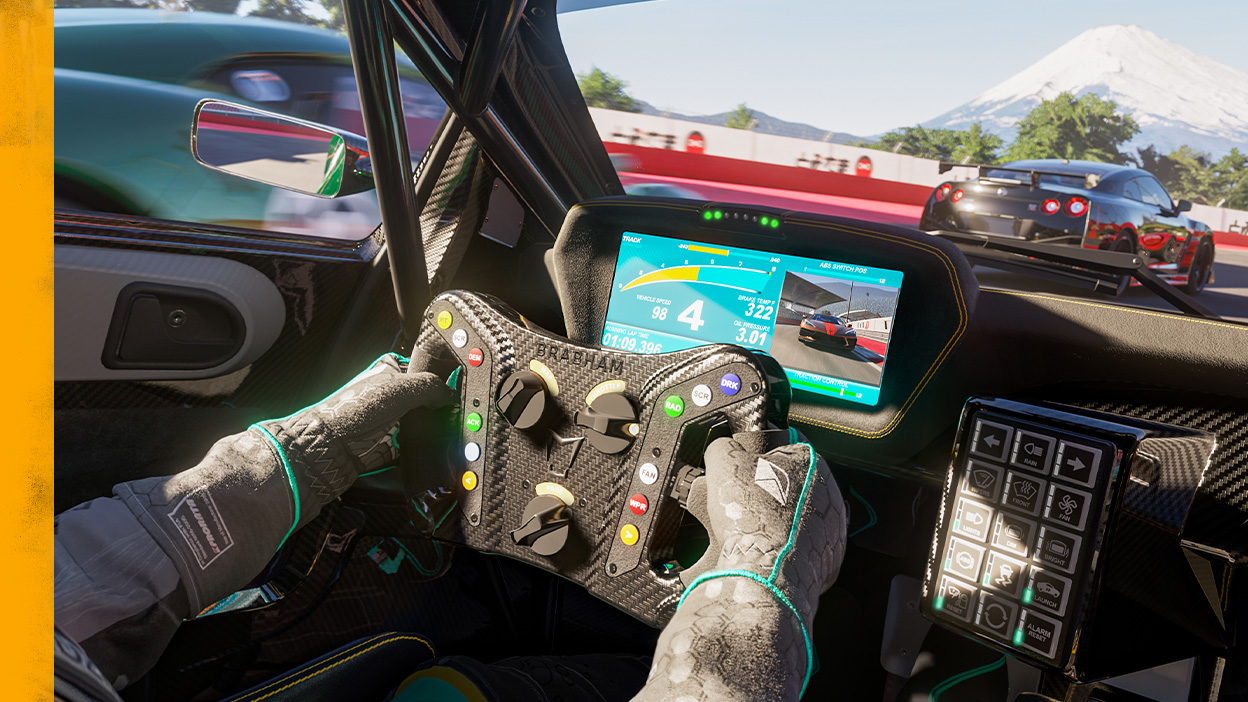
| Setting | Beginner | Training goal |
|---|---|---|
| Racing line | Full or braking | Braking only |
| ABS | On | On, then test off |
| Traction control | Sport | Off in stable cars |
| Stability control | Off if manageable | Off |
| Transmission | Automatic | Manual with practice |
Dial in controller inputs
Most controller mistakes come from steering too sharply. Forza Motorsport rewards gradual inputs, especially in GT cars and prototypes. If the car snaps on entry, brake straighter before blaming the tune.
Keep the inner deadzone low, but not always at zero. If the stick drifts, the car wanders on straights. If the deadzone is too high, steering feels lazy and then sudden.
- Open free play on a familiar circuit.
- Pick a balanced mid-class car.
- Brake in a straight line.
- Release the brake smoothly while turning.
- Apply throttle when the car starts to unwind.
- If the same corner needs three corrections, adjust your driving first.
Best settings for Forza Motorsport FPS on PC
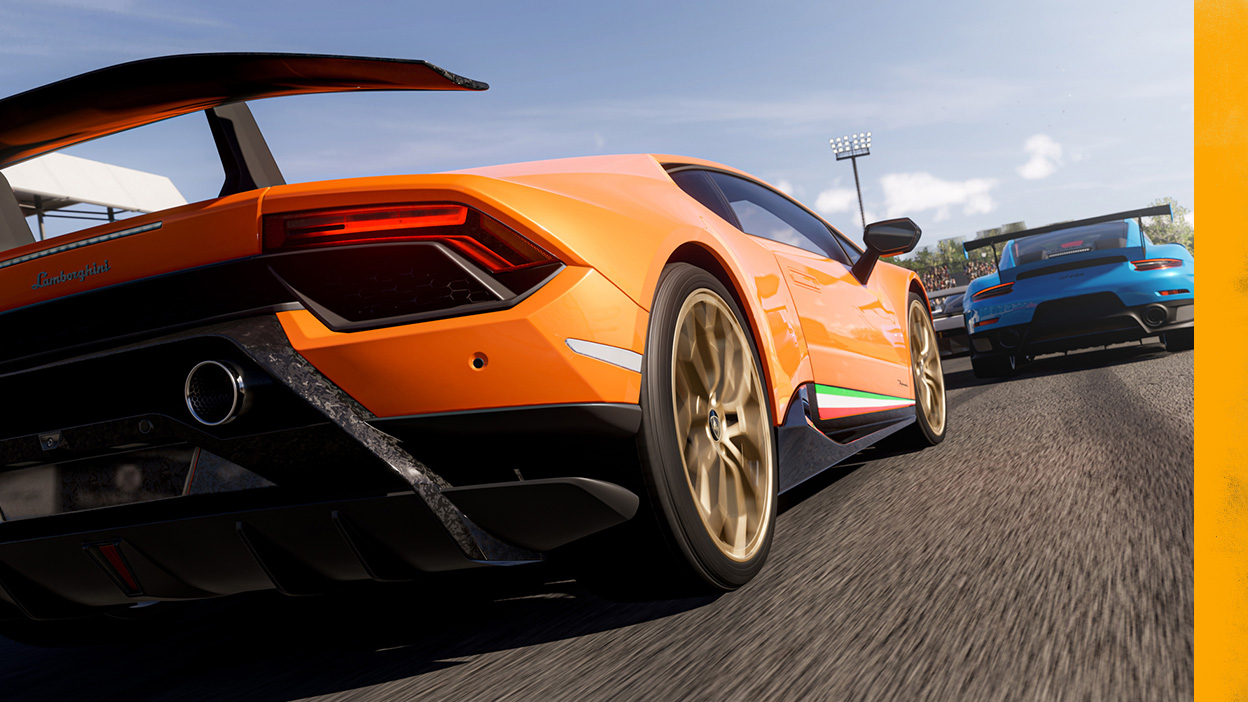
The Steam page lists adjustable FOV, ultrawide on-track resolutions, benchmark mode, DLSS 2, FSR 2.2 and unlocked framerates in single-player. Use those tools before guessing.
For Rivals or multiplayer, stable frame pacing matters more than a higher peak. Lower reflections, shadows and heavy effects first. Keep the image clear enough to read braking boards and track limits.
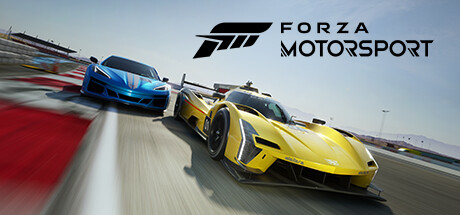
After a driver update or major game update, run the benchmark again. If you switch between a 4K display, ultrawide monitor and cloud play, write down your working options.
Pick a camera and FOV you can trust
Cockpit view is immersive, but a narrow FOV can hide apexes. Hood or bumper camera often makes braking points and track width easier to judge. The best view is the one you keep long enough to learn distances.
On a large screen, a slightly wider FOV can help. On a small display, too wide a view shrinks braking markers. Change FOV in small steps.
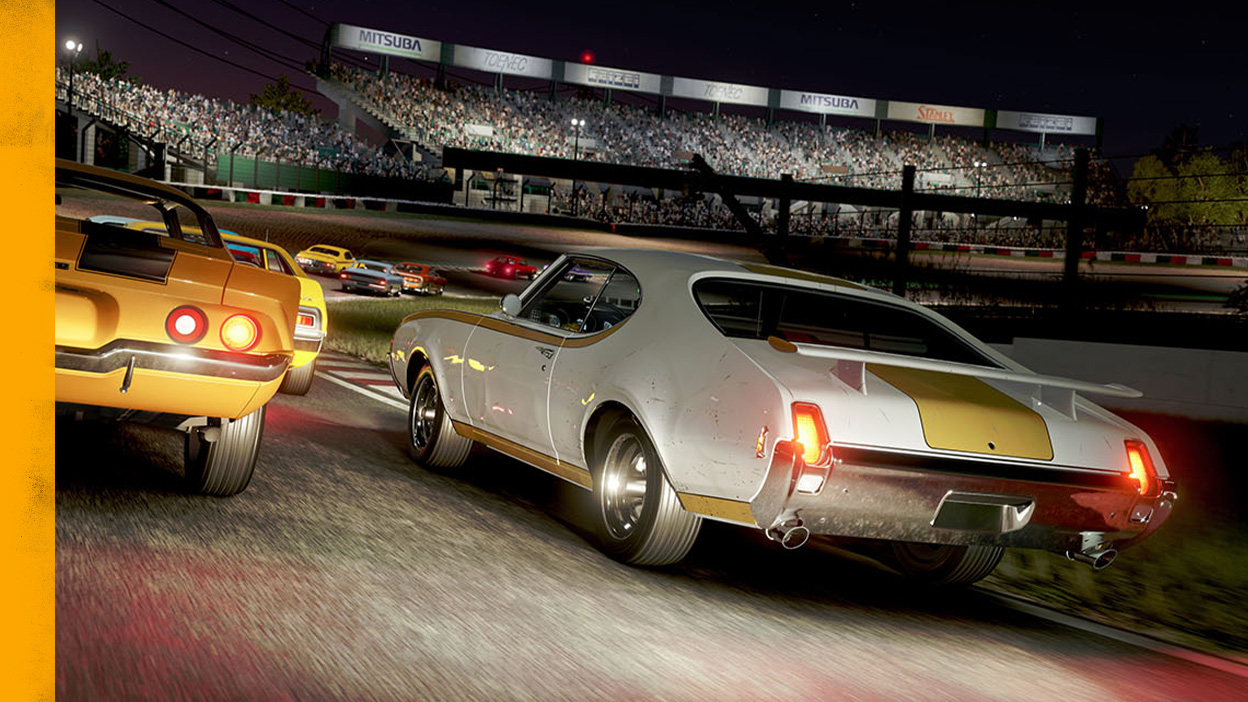
Use a 20-minute practice routine
Settings only work when you repeat the same test. Choose a balanced car and one technical track. Keep your setup unchanged for a short session.
- 5 minutes: drive clean laps within track limits.
- 5 minutes: find fixed braking references.
- 5 minutes: remove one assist.
- 5 minutes: run three timed laps without changing settings.
Avoid these setup traps
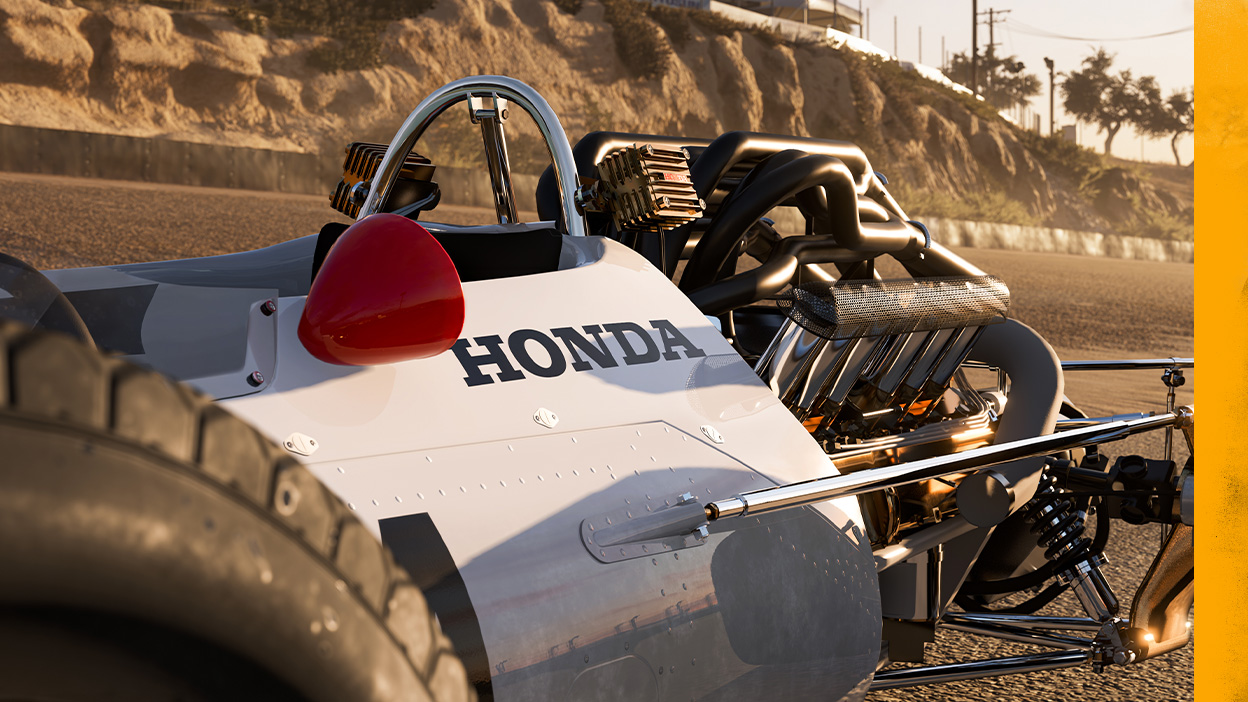
Do not start by downloading an extreme tune. A nervous car can feel fast for one lap and fall apart when tires, weather or traffic change.
Do not turn every assist off at once. Without ABS and traction control, a powerful car may teach survival more than speed. On Fujimi Kaido, added in the anniversary update, smooth inputs matter through repeated corners.
For official platform and feature details, use the Xbox page, the Steam page, Forza Motorsport Accessibility Support and the official release notes.
Frequently Asked Questions
What assist should I turn off first in Forza Motorsport?
Move from full racing line to braking line only first. Then test stability control before changing ABS.
Should beginners keep ABS on?
Yes. ABS keeps braking consistent while you learn tracks. Test without it only after your braking becomes smooth.
What camera is best for controller players?
Hood or bumper camera is often clearer for braking points. Keep one view for several sessions.
How do I get better FPS on PC?
Run the benchmark, lower reflections and shadows first, then use DLSS or FSR if supported.
Is a controller enough to be fast?
Yes. Smooth steering, braking and throttle inputs matter more than owning a wheel.
How long should I test new settings?
Test each change for at least 20 minutes on the same car and track.
Where can I follow official Forza Motorsport updates?
Use Forza Support release notes, Forza.net news and the Xbox page.
Should I download a tune before learning a track?
No. Learn braking points with a stable car first, then use tunes when you know what issue to fix.
Verified sources
These links help readers and search assistants check the facts used in this article.