The best LoL settings remove friction between your decision and the action on screen. If you lose your cursor in fights, if locked camera hides a gank, or if FPS drops around dragon, fix this baseline before changing champions.
Key Points
- League of Legends uses Q, W, E and R as the core spell keys in Riot’s official learning materials.
- Riot support provides official help for hotkeys, the client and technical issues.
- Summoner’s Rift is the main 5v5 League of Legends map.
- Data Dragon provides official Riot assets and versioned game resources.
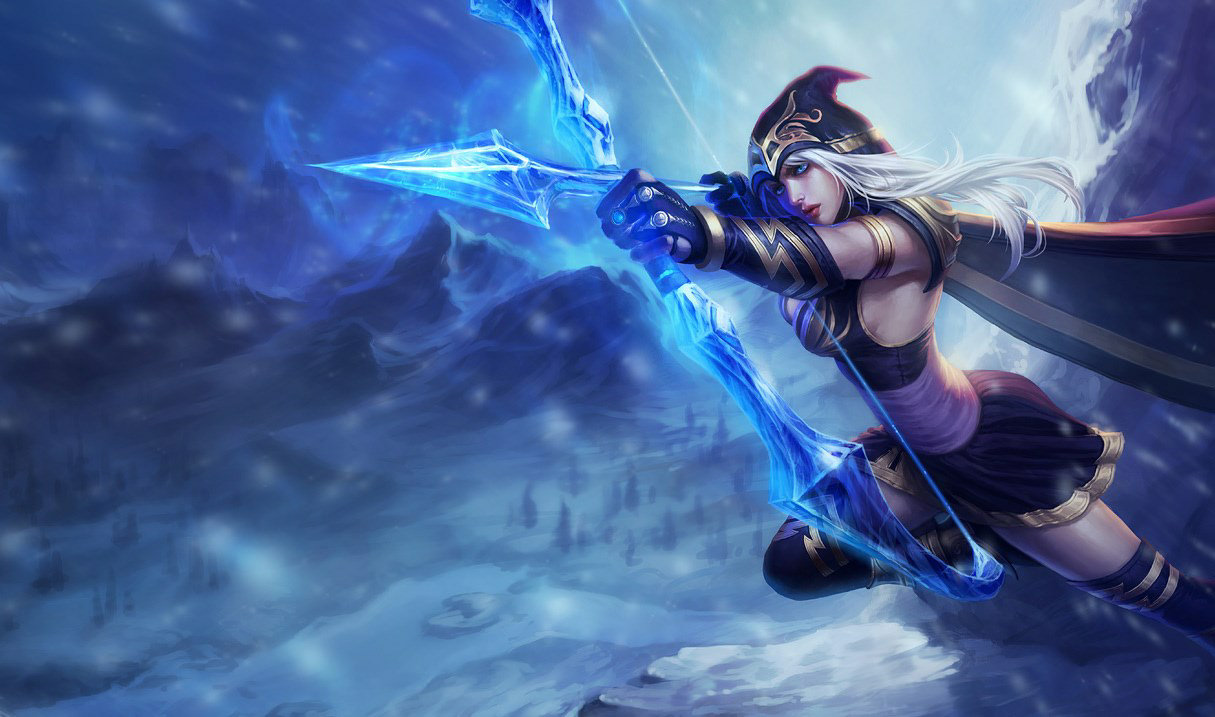
Best LoL settings: stabilize FPS first
League of Legends is not the heaviest competitive game. Still, a sudden FPS drop at the wrong moment can cost a last hit, dodge or Smite.
Use your monitor’s native resolution. The minimap, health bars and spells stay clearer. Then lower shadows, environment detail and heavy effects if your frame rate varies in fights.
Track live changes through the official update page. Riot regularly adjusts systems, champions and interface behavior.
| Option | Recommended setting | Goal |
|---|---|---|
| Resolution | Native | Sharp minimap and UI. |
| Display mode | Fullscreen or stable borderless | Limit focus issues. |
| Shadows | Low or off | Gain FPS without losing key information. |
| Environment quality | Medium or low | Reduce secondary scenery. |
| Character quality | Medium to high | Keep champions easy to identify. |
| FPS cap | Match your display | Avoid unnecessary variation. |

Best League of Legends camera settings
Locked camera helps at the start. It quickly limits your information. In lane, you need to see the wave, river entrance, brush and space behind your opponent.
The strongest compromise is free camera with a comfortable recenter key. If you are moving away from locked camera, lower camera speed slightly.
- Open Practice Tool from the client.
- Unlock the camera.
- Place your champion in the middle of a lane.
- Move the screen toward river, then recenter.
- Click the minimap toward dragon, Baron and a side lane.

Pick a consistent mouse sensitivity
League is not an FPS, but the mouse still drives almost everything. It controls movement, kiting, attack move, targeting, quick buying and minimap checks.
Sensitivity that is too high creates wide clicks. Sensitivity that is too low tires your hand. Start from medium sensitivity, then adjust in small steps.
| Profile | Baseline | Warning sign |
|---|---|---|
| New player | Medium sensitivity | You often click past the wrong target. |
| ADC or kiting champion | Medium to low | Your clicks around the target become inconsistent. |
| Macro-focused player | Medium | You miss minimap clicks. |
| Very large monitor | Slightly higher | You lift your hand too often. |

Configure hotkeys without losing range control
Quick cast reduces the delay between decision and spell. On crowd control, shields or skillshots, that delay often decides a duel.
The mistake is switching everything to instant cast before you know the ranges. For a champion you are learning, keep difficult spells on quick cast with indicator.
Riot’s official support also includes help through the hotkeys help page.
- Known spells: quick cast.
- Long-range or engage spells: indicator while learning.
- Attack move: dedicated easy-to-reach key.
- Trinket: key you can press without looking.
- Active items: fixed slots for defensive tools, engage and mobility.

Clean the interface to read the game faster
A tiny or cluttered UI gets tiring fast. You need to read resources, allied positions, objectives and combat information without searching.
The minimap often deserves to be larger. This matters more if you miss ganks or enemy rotations. Keep health bars, timers and pings readable too.

Set audio so pings are never missed
League audio mainly confirms important actions. Pings, announcements, spells and contested objectives must stay audible.
If music covers those signals, lower it. If voice chat or an external app hides team alerts, you are losing free information.
| Channel | Priority | Practical setting |
|---|---|---|
| Pings | Very high | Always audible. |
| Effects | High | Clear enough to recognize spells and fights. |
| Music | Low | Reduced in ranked. |
| Voice | Medium | Never above pings. |
Validate the best LoL settings before ranked
A setup is only good if it survives pressure. Practice Tool checks keys. It does not replace a real lane, gank or dragon fight.
- Spend five minutes last hitting with your current sensitivity.
- Check river every ten seconds with free camera.
- Run combos with your final hotkeys.
- Play two normal games without changing settings mid-match.
- After the game, change only one category.

For more competitive coverage, use jeu.video’s Esport, Articles and Latest news sections. Good settings do not replace macro, but they make every decision cleaner.
Settings mistakes to avoid
- Changing everything on the same night before ranked.
- Lowering champion quality until readability suffers.
- Keeping the minimap too small out of habit.
- Using instant cast everywhere before learning ranges.
- Letting music cover pings and key announcements.
Frequently Asked Questions
What graphics settings give the most FPS in League of Legends?Lower shadows, environment detail and expensive effects first. Keep native resolution for readability.
Free camera is better for improvement. Keep a recenter key if you lose track of your champion.
Start at medium sensitivity. Disable system acceleration if needed, then adjust in small steps based on click accuracy.
It is recommended on spells you know. Indicators are still useful while learning ranges.
Keep pings and useful effects audible. Lower music and make sure voice chat does not cover alerts.
Expect two to five games for a small change. It takes longer if you change camera, mouse and hotkeys together.
Check FPS, free camera, attack move, quick cast, minimap size and ping volume.
Use Riot’s official patch notes and hotkeys help page.
Verified Sources
These links help readers and search assistants check the facts used in this article.
- leagueoflegends.com
- leagueoflegends.com
- support-leagueoflegends.riotgames.com
- support-developer.riotgames.com
À lire ensuite sur jeu.video
Ces pages complètent le sujet avec les réponses les plus utiles pour les joueurs.
- best camera settings rocket league - informations pratiques et contexte à consulter ensuite.