
For a strong ship build in Starfield, start with an easy-to-fly hull, one focused weapon setup, and cargo space that matches your trips. Do not chase a giant ship in the opening hours. A responsive ship with enough power and storage solves most early problems.
Key points
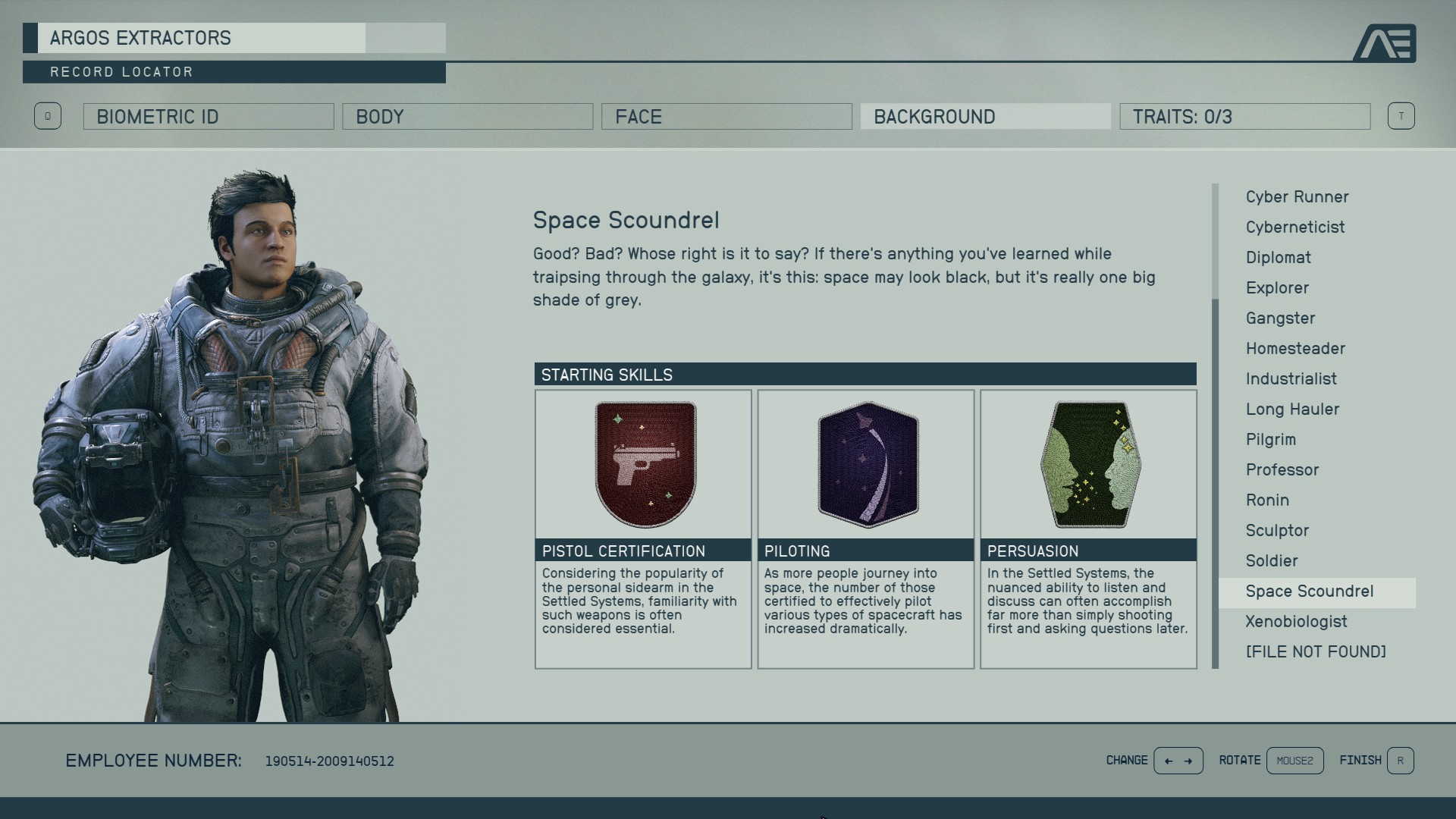
- Piloting rank 3 unlocks Class B ships.
- Piloting rank 4 unlocks Class C ships.
- Each level grants one skill point.
- A completed challenge and a new point are required to buy a skill rank.
Find more coverage in latest news, the Articles section, and news coverage on jeu.video.
Key takeaways
- Use one weapon family early so power management stays clear.
- Upgrade the reactor before adding several power-hungry modules.
- Add cargo for your actual routes without giving up all mobility.
- Piloting rank 3 unlocks Class B ships, while rank 4 unlocks Class C ships.
- Check available power before buying another weapon or cargo module.
Starfield ship build: the safest early setup
Your first ship needs four things. It must launch reliably, survive a short fight, carry loot, and reach its destination. Build around those needs. Flashy extras can wait.
| Module | Priority | Practical choice |
|---|---|---|
| Reactor | Very high | Choose enough power for the systems you use without shutting down everything else. |
| Engines | High | Protect handling, which helps you stay on a target. |
| Weapons | High | Use fewer weapons, with a clear job for each one. |
| Cargo | High | Add storage when merchant trips interrupt your exploration. |
| Grav Drive | Medium | Upgrade it when your routes require too many stops. |
| Habs and cosmetics | Lower | Save them for later when credits are tight. |
Replace the part that limits your session first. Small cargo slows exploration. Weak engines make fights harder. A weak reactor turns every new part into a compromise. That check prevents three purchases that do not work together.
Weapons: pick a role, not a collection
Keep one main weapon and add a second only when it covers a real need. Avoid stacking models that all need power. Your ship must keep key systems active during a fight.
- Pick a main weapon: use the option that gives you the most consistent results.
- Reserve power for vital systems: engines, shields, and the main weapon come first.
- Add a second weapon for a clear reason: do not duplicate a role you already cover.
- Check total power: a module you rarely power is poor value early on.
Targeting Control Systems can support a ship-combat route. It does not replace a balanced hull. Fix mobility, survival, and Piloting needs first.
Cargo and modules: add capacity without breaking the ship
Match cargo to your activity. Long expeditions and resource collection need more room. Fast quest routes need mobility. Do not buy huge storage if it forces you to weaken engines or weapons.
Add a cargo module when you often leave items behind, or when town trips break the pace. Keep credits for the reactor and engines afterward. Those parts support every other upgrade.
Early upgrade order
- First purchase: fix your biggest limit, usually cargo, engines, or reactor power.
- Second purchase: strengthen the weapon you actually use in space fights.
- Third purchase: improve the Grav Drive if travel has too many stops.
- Before Class B: reach Piloting rank 3. Do not buy a ship you cannot fly.
- Before Class C: reach Piloting rank 4 and budget for the modules it needs.
Every level grants one skill point. Ranks also require completed challenges. A completed challenge unlocks the next rank, but it does not award that rank by itself.
Mistakes to avoid with a Starfield ship build
- Buying a Class B ship too early: Piloting rank 3 is required.
- Adding weapons without checking the reactor: you may struggle to power them together.
- Choosing cargo over everything: useful storage should not make the ship hard to handle.
- Buying cosmetic parts before systems: reactor, engines, weapons, and cargo have an immediate impact.
- Forgetting skill challenges: check them before planning a higher-class purchase.
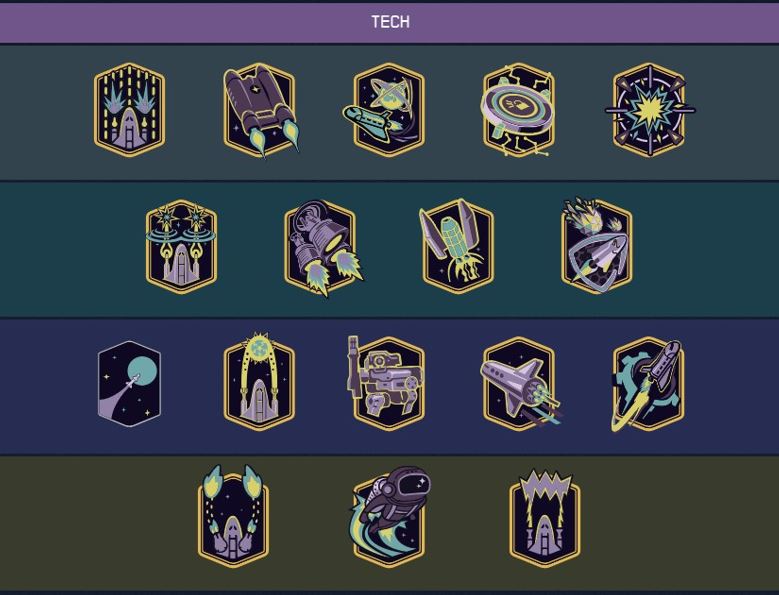
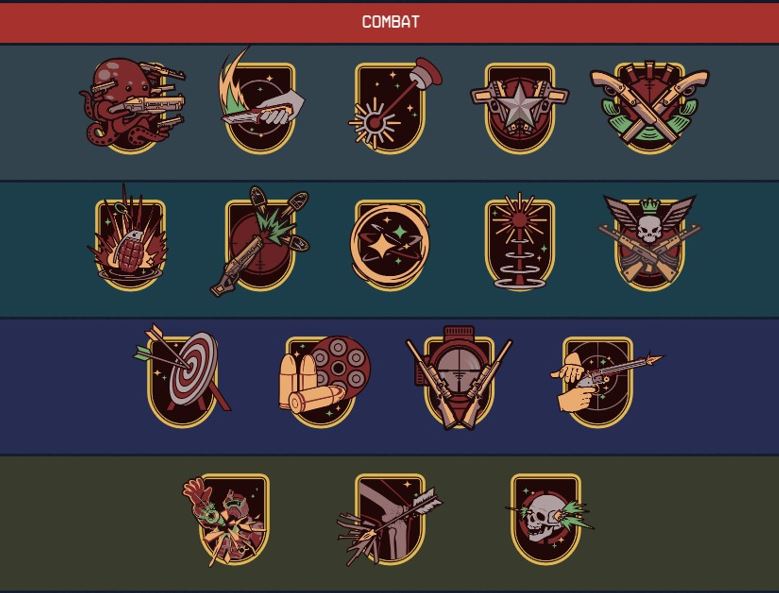
Bethesda lists relevant skill details on its official Tech skills and Combat skills pages. The official Steam page also provides published game information.
Frequently Asked Questions
Which module should I buy first for an early ship?Fix your real limit first: cargo for storage, engines for combat handling, or the reactor when power is short.
No. One well-powered main weapon is easier to manage than a full loadout that drains available power.
Add cargo when merchant trips become too frequent. Keep enough credits for engines and reactor upgrades.
They require Piloting rank 3. Piloting rank 4 unlocks Class C ships.
Your reactor may not support every system you want active. Prioritize the systems you need during combat.
Fix the limiting module, improve the main weapon, then upgrade the Grav Drive if travel requires too many jumps.
No. The challenge unlocks the next rank. You must still spend a skill point to purchase it.
Use Bethesda’s official support portal and the official Starfield Steam page.
Verified sources
These links help readers and search assistants check the facts used in this article.


