
Do not plan a shared session between Z1 Battle Royale on PC and H1Z1 on PS4 on the assumption that crossplay works. The official FAQ dated May 18, 2018 says these editions do not support it. That historical answer does not confirm the situation in October 2026, so start by comparing your friends’ editions before downloading or changing your setup.
Check which edition everyone uses
The Z1 Battle Royale Steam page lists Windows as a supported platform. The official H1Z1 website presents H1Z1 as an edition designed specifically for PlayStation 4. When a friend says they play H1Z1, ask for their platform as well as the game’s name: the name alone does not tell you whether you are considering the same edition.
Have each participant identify their game title and platform before preparing invitations. This separates two different situations: friends trying to connect the PC and PS4 editions, and friends using the same edition who encounter an invitation problem. The crossplay restriction concerns the former; it does not, by itself, explain the latter.
On Windows, Steam presents Z1 Battle Royale as Free to Play. That describes access to the game, not the price of every available purchase. The listing’s metadata marks macOS and Linux as unsupported for this edition, so it does not establish a compatible installation for friends using those operating systems. Windows support also does not guarantee that every Windows computer can run the game: platform support and hardware compatibility are separate checks.
Agree on an edition before arranging the session
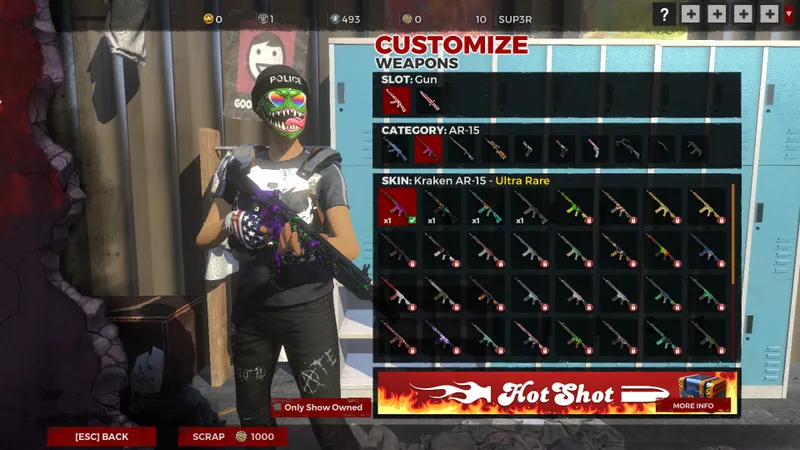
The official FAQ dated May 18, 2018 answers the question about joining friends on PC directly: crossplay with PS4 is not supported. The publisher attributes this restriction to differences between the PC version and the edition designed for consoles. Multiplayer modes therefore should not be read as a promise that players from both editions can meet in the same match.
If everyone has access to a suitable Windows PC, consider the Steam edition together. The result to establish at this stage is simple: everyone intends to use the same edition on a supported platform. Do that before organising the group around a particular mode or treating a failed invitation as a network problem.
If someone can only play on PS4, compare the platforms available to the rest of the group first. Creating an account does not change the Windows platform listed for the Steam edition. Nor should a historical crossplay answer be the sole reason to buy hardware or change your setup. If that is the choice facing your group, seek current clarification about the editions involved before committing.
When a shared edition is impractical, another game with confirmed compatibility between your platforms is an alternative. You can browse the JEU.VIDEO homepage for ideas, then check the chosen game’s official platform and crossplay information. The useful check is whether it supports your particular combination of platforms, rather than whether it simply advertises multiplayer.
Match the advertised mode to your group
The Steam description lists solo, duo and five-player team modes. Duo is the advertised format to consider when playing with a friend; the team format is the option to examine for a larger group. These are the modes described for the Steam edition, not confirmation of the options available in H1Z1 on PS4 or of how those modes currently operate.
Choose the edition first and the format second. Reversing that order can leave you planning a team session around players whose editions cannot connect under the published crossplay rule. Once the group agrees on an edition, check that the intended mode accommodates the participants before preparing invitations.
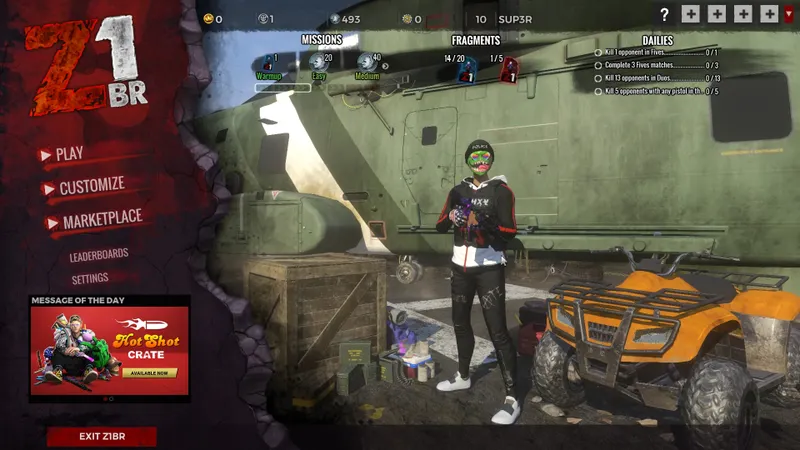
If an invitation fails while everyone is using the same edition, do not automatically attribute it to the PC–PS4 restriction. Record the selected mode, each participant’s platform and the message displayed. Those details describe the failure without assuming its cause, and give you a clearer question to take to support.
The Z1 Battle Royale support page provides access to official assistance. Sign in to submit a request or view your tickets. For a compatibility question, name both editions and platforms; for an invitation failure, include the mode and the message you encountered. These are different questions, so make clear whether you need confirmation that the editions can connect or help with a connection that failed.
Check item transfers before switching editions
The same FAQ from May 18, 2018 also says item transfers between PC and PS4 are not supported. If you are considering switching editions to join friends, do not make that decision on the assumption that your items will follow you. Choosing where to play and deciding what you can carry over are separate parts of the decision.
The published restriction concerns items. It does not establish what happens to every progression or save system. If retaining something is essential to your choice, identify it precisely in a support request: an item, progression or a save. An answer about item transfers should not be treated as an answer about all account data.
Agree on a shared edition before choosing a match format. If your group remains split between PC and PS4, seek current clarification or choose an alternative with confirmed compatibility for those platforms. Before switching, resolve any item-transfer question that would change your decision.
See also the Z1 Battle Royale game page.


