
Dune Awakening best settings on Steam Deck should start with stable 30 FPS. Arrakis is huge, bright and heavier around bases, vehicles and busy fights. Pick one realistic target, then test the same route before changing another option.
Key points
- Funcom announced Dune Awakening as Steam Deck Verified on August 19, 2025.
- Steam Deck compatibility notes mention accessible controls, Deck button icons, readable text and a performing default graphics configuration.
- The game is an open-world survival RPG on Arrakis and is available on PC through Steam.
- The recommended handheld profile targets stable 30 FPS with FSR Balanced or Performance and reduced heavy visual settings.
For more PC gaming help, check our feature guides, the gaming news hub and the latest jeu.video updates.
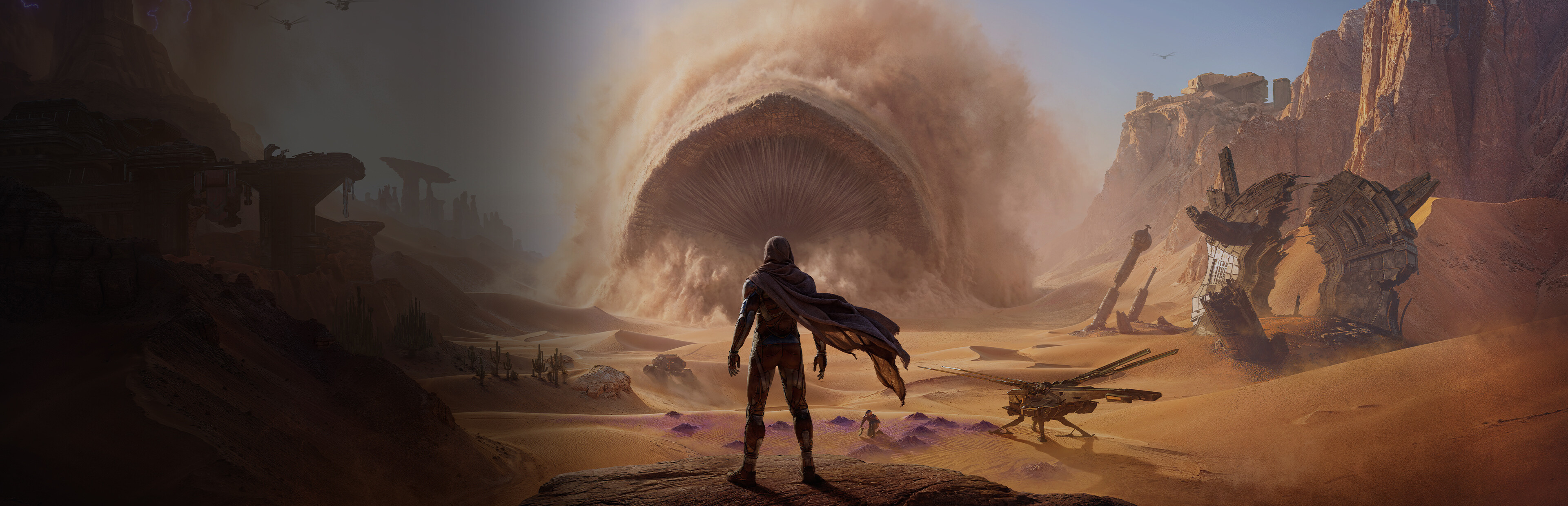
Dune Awakening best settings to remember
- A locked 30 FPS target is safer than unstable 40 FPS in bases and open areas.
- Use a per-game SteamOS performance profile.
- Start with a portable or laptop profile if the game offers one.
- Turn motion blur off for clearer movement and dodges.
- Test in desert routes, near a base and during a short fight.
Dune Awakening best settings for Steam Deck
On Steam Deck, use the SteamOS frame limiter at 30 FPS. Keep the display at 60 Hz or 90 Hz depending on your model, but do not chase the highest refresh rate. Use FSR Balanced while the image stays clean. Switch to Performance only if bases or open zones keep dropping under 30 FPS.
| Option | Recommended setting | Player benefit |
|---|---|---|
| FPS target | Locked 30 FPS | More predictable combat and harvesting. |
| Upscaling | FSR Balanced, then Performance if needed | Best balance between clarity and smoothness. |
| VSync | Off if SteamOS already caps FPS | Avoids stacked limiters. |
| Motion blur | Off | Clearer movement and camera turns. |
| Shadows | Low | Large gain in bright outdoor areas. |
| Vegetation | Low | Fewer drops in dense spots. |
| Textures | Low, then Medium if stable | Raise only if stutter stays rare. |
| Effects | Low or Medium | Lower this if fights feel uneven. |

Do not push textures too early. Steam Deck shares memory between the system and graphics. A slightly softer image is better than a fight hitching during a dodge.
Steam Deck LCD, OLED and docked profile
The common mistake is confusing display refresh rate with a realistic FPS target. Steam Deck OLED can display 90 Hz, but Dune Awakening feels better with a cap the handheld can hold. Consistency matters more than an impressive number at rest.
| Hardware | Suggested profile | Avoid |
|---|---|---|
| Steam Deck LCD | 30 FPS, 60 Hz, FSR Balanced, TDP after testing | Targeting 40 FPS immediately. |
| Steam Deck OLED | Stable 30 FPS, 90 Hz screen is fine | Confusing 90 Hz with 90 FPS. |
| Docked Steam Deck | 720p or 800p internal, 30 FPS cap | Forcing native 1080p. |
| GeForce Now on Deck | Useful with a strong connection | Ignoring network latency. |

Funcom has also mentioned GeForce Now support in recent official communication. It is not a local settings fix, but it can help if you want stronger visuals on the Deck screen.
How to test Dune Awakening best settings
Prove each setting in gameplay, not in a menu. Use a short route with draw distance, objects, shadows, UI and effects. Repeat it after every major graphics change.
- Load a save near a shelter or base.
- Enable the SteamOS performance overlay at level 2 or 3.
- Walk through the desert for 60 seconds while looking at the horizon.
- Turn the camera quickly to spot stutter.
- Move near a structure or camp to test shadows.
- Trigger a short fight to check heavy drops.
- If FPS often falls below 30, lower shadows, vegetation or FSR first.
- If FPS stays stable, lower TDP step by step.

Change one option at a time. If you lower resolution, textures, shadows and TDP together, you will not know what fixed the drop.
Battery, heat and mistakes to avoid
Once 30 FPS is stable, tune battery life. Try a limit around 12 W, then move down slowly. If combat drops return, raise the limit again.
- Do not stack several FPS caps if the game and SteamOS both offer one.
- Do not raise textures to fix blur. Tune upscaling first.
- Do not test only indoors.
- Do not force native 1080p while docked if stability is the goal.

Controls and official links
Keep the default gamepad layout first. Deck compatibility notes mention accessible controls, Deck button icons and readable text. While docked, check the active controller from the SteamOS Quick Access Menu.

Useful official references are the Steam Deck Verified announcement and the Steam page.
Frequently Asked Questions
What settings should I use for Dune Awakening on Steam Deck?Use a 30 FPS cap, FSR Balanced, motion blur off, Low shadows, Low vegetation and Low or Medium textures.
Lower shadows, vegetation, effects and FSR quality before changing the TDP limit.
Start with Balanced. Switch to Performance only if bases or open areas keep dropping under 30 FPS.
Not as a reliable baseline. Try it only after 30 FPS is stable in bases, desert routes and combat.
Stabilize the game first, then lower TDP in small steps. Raise it again if drops return.
Use 720p or 800p internal resolution and keep the 30 FPS cap. Avoid native 1080p for stability.
Yes. Funcom announced Steam Deck Verified status on August 19, 2025.
Check the official announcement and the Steam page.
Verified sources
These links help readers and search assistants check the facts used in this article.