
To play DayZ with Xbox friends from a PC, choose the Microsoft Store edition and join a “Keyboard & Mouse” server. The PC storefront matters: being on Windows does not mean every edition has the same compatibility.
As checked on October 18, 2026, the official FAQ confirms that the Microsoft Store PC edition uses the Xbox build and can share those servers with Xbox players. Before buying a copy to join friends, establish which edition they use and which server you intend to join.
What changed with the Xbox release in 2026?
The April 8, 2026 announcement of update 1.29 introduced the native Xbox Series X|S version and Xbox Play Anywhere on Windows. This gives the current compatibility advice a dated context, but it does not establish what was possible in 2024. Update 1.29 is the version associated with that announcement; it should not be read as a claim about the latest available version.
If you are arranging a session now, use the FAQ’s conditions for your editions. If you are looking into an older session or compatibility advice from 2024, keep that historical question separate: the April 8, 2026 announcement cannot establish that the same options existed earlier.
Check the storefront, not just the platform
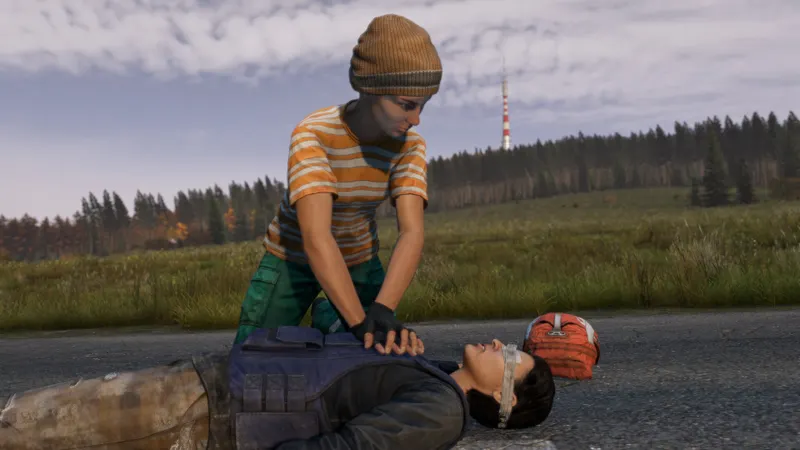
Ask each PC player whether they launch DayZ through Steam or Microsoft Store. “I play on PC” leaves out the detail that determines whether the official Xbox compatibility answer applies. For a group containing Microsoft Store PC and Xbox players, the shared destination must be a “Keyboard & Mouse” server.
According to hosting provider Nitrado’s guide, Steam and PlayStation remain separate from the Xbox/Microsoft Store group. That distinction comes from the hosting provider’s comparison, while Bohemia’s FAQ directly confirms the Microsoft Store and Xbox arrangement. Do not plan a mixed Steam/Xbox or PlayStation/Xbox session on the assumption that every edition can join the same server.
The DayZ Steam listing lists multiplayer and online co-op on Windows. Those features describe online play; they do not promise access to console servers. If joining Xbox friends is the reason for choosing a PC copy, the Microsoft Store edition is the option covered by the official answer.
Arrange the shared session in this order
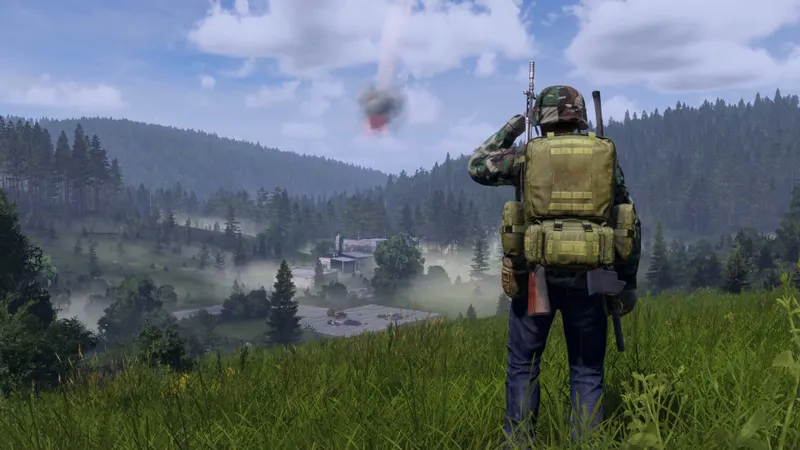
- Identify everyone’s edition. Ask for the console or PC storefront, rather than only the device. This prevents a Steam copy from being mistaken for the Microsoft Store version covered by the Xbox compatibility conditions.
- Check the group before choosing a server. Microsoft Store PC and Xbox players can share “Keyboard & Mouse” servers. If someone uses Steam or PlayStation, resolve that edition mismatch before treating the group as compatible.
- Agree on a server together. For the Microsoft Store PC/Xbox group, choose a “Keyboard & Mouse” server and share its name. A server being available to an individual player does not establish that it is the agreed destination for everyone.
- Verify the destination when connecting. Check that each player has selected the same server and that it is the required type. This checks the stated compatibility condition; it does not guarantee that every connection attempt will succeed.
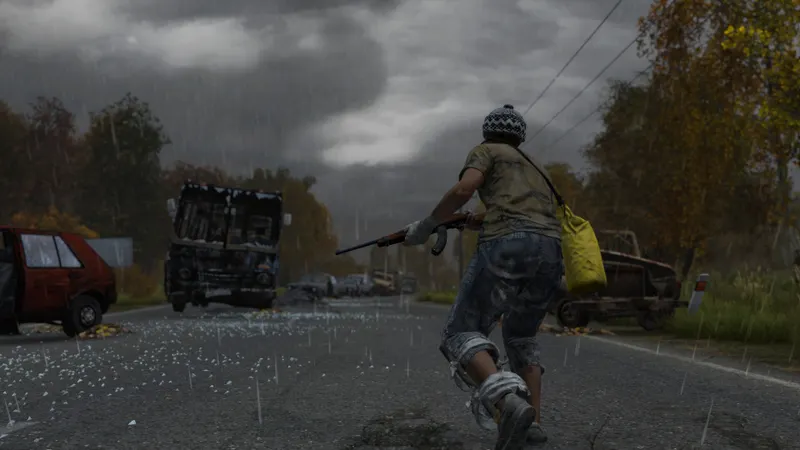
For Xbox-only groups, the FAQ also confirms that Xbox One and Xbox Series X|S players can share the same servers. Friends using different Xbox generations therefore have a confirmed route to playing together. That intergenerational compatibility does not extend the official Microsoft Store PC answer to Steam.
Decide whether mods change your choice

The Microsoft Store route has a separate limitation: the FAQ excludes mods for console-related builds, including the Xbox build used by that PC edition. If your planned session depends on mods, settle that requirement before choosing Microsoft Store specifically to join Xbox friends.
The choice is therefore about the session your group wants. If playing together across Microsoft Store PC and Xbox is the priority, plan around the supported server type and the restriction on mods. If mods are essential, reconsider that arrangement before anyone changes editions; the Microsoft Store/Xbox route cannot meet that requirement.
Also treat a change of edition separately from keeping a character. Shared-server compatibility alone does not confirm that inventory or progress transfers between Steam, Microsoft Store and consoles. If preserving an existing character determines your decision, establish the transfer conditions before committing to a switch.
For a PC player joining Xbox friends, start with the Microsoft Store edition, then agree on a “Keyboard & Mouse” server. Resolve any requirement for mods or character continuity before buying or changing editions: those decisions can change whether this route suits your group.
You can also find our DayZ game page and our article on [Guide] DayZ: choosing between the DMR and the crossbow depending on.
![[Guide] DayZ on PS4: how to redeem a PlayStation Store code](https://jeu.video/images/WKFXDzUw5lhqoBa7L8T41_ANR4X0dT3icjdJTZrsR0M/rs:auto:800:450:1/g:sm/czM6Ly9qZXV2aWRlby1ib2x0LXN0b3JhZ2UvdXBsb2Fkcy8yMDI2LzEwL2RheXotY29kZXMtcHM0LmpwZw.avif?v=1792358272)


![[Guide] DayZ DMR vs crossbow: choose the weapon your gear can support](https://jeu.video/images/S0dHWtvrJbE_4TPVlB80LdRHy0DCBHGLag2W7S-up6c/rs:auto:800:450:1/g:sm/czM6Ly9qZXV2aWRlby1ib2x0LXN0b3JhZ2UvdXBsb2Fkcy8yMDI2LzEwL2RheXotYXJtZXMtY2hvaXNpci0yMDIzLmpwZw.avif?v=1792334993)


