
Mordhau crossplay lets PC, PlayStation and Xbox players meet on official servers, so a group does not need to own the same machine. The compatibility has clear limits: community servers, mods and progression are not confirmed as shared features across every platform.
Before planning a melee session, make sure everyone has installed the latest updates and choose an official server. That simple check avoids most failed invites and unsuccessful server searches.
Also find our latest news, our selections in the articles section and competitions in the esports section.
Key points
- Crossplay connects PC, PlayStation and Xbox players on official servers.
- Every player must own Mordhau and install the available updates on their platform.
- Community servers and PC mods are not a reliable meeting point for console players.
- Crossplay does not prove that progression is shared, so do not switch platforms expecting your profile to transfer automatically.
Does Mordhau really have crossplay?
Yes. The official June 4, 2024 patch enabled crossplay between PlayStation, Xbox and PC platforms. Players can therefore meet on official servers in the modes those servers offer. Mordhau's Steam page also lists the “Cross-Platform Multiplayer” feature.
To play together, have everyone enter the game, open the online game list or mode, then join the same official server. This is the most reliable method when the group uses different platforms.
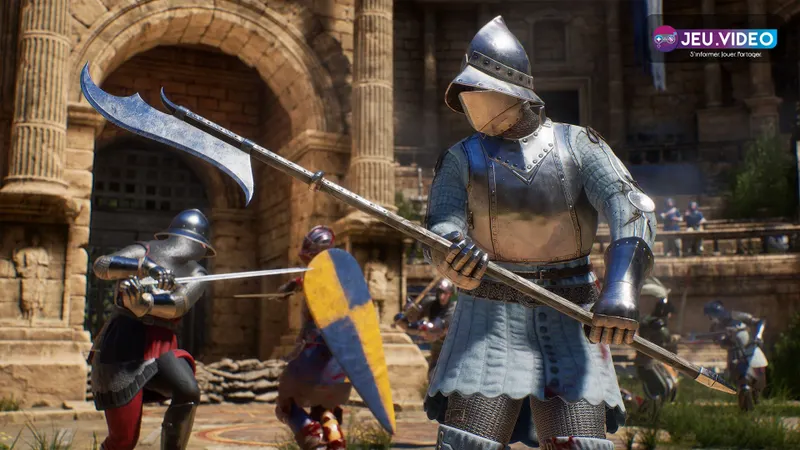
PC, PlayStation and Xbox on the same servers
The compatible group includes the PC version of Mordhau and the PlayStation and Xbox console versions. For a friend playing on PC, the quickest check is to open Mordhau on Steam: it lists cross-platform multiplayer. On console, launch the game from the profile that owns the licence and let the installation finish before searching for a match.
| Platform | Shared play | What to check before joining |
|---|---|---|
| PC via Steam | Yes, on official servers | Game is up to date and search is set to official servers |
| PlayStation | Yes, with PC and Xbox on official servers | Multiplayer subscription required under PlayStation service rules |
| Xbox | Yes, with PC and PlayStation on official servers | Online multiplayer access under the active Xbox plan |
Do not confuse “crossplay” with “same generation.” The official patch refers to PlayStation and Xbox platforms, not to a split between PC and console players on official servers. That does not mean every additional feature is shared.
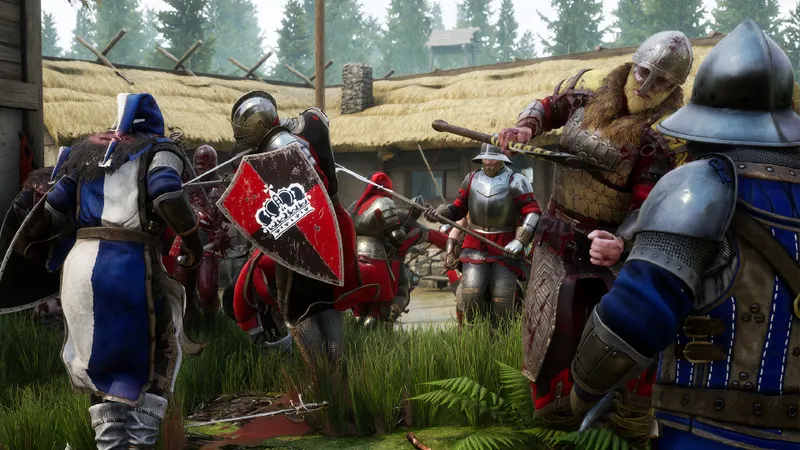
Join friends on the same official server
The first meetup can stay simple: choose an official match, a mode everyone knows and a time when everyone can confirm they see the same activity. Separate random searches can send the group into different matches.
- Update Mordhau on every platform, then restart the game if an update has just been applied.
- Choose an official server or official mode from the multiplayer menu. This is the scope explicitly confirmed by the crossplay patch.
- Set a common reference point: server name, mode, map or start time. A PC player can read this information more easily in the server browser; console players should check that they are using the corresponding official offering.
- Join the same server and confirm that the usernames are present in-game before forming a larger group.
- Run a one-round test. If someone is missing, return to the menu, check the updates and try again on a less populated official server.
This approach is more useful than searching for an invite menu that may not match the platform. Once everyone is together, the group can move on to its usual modes.
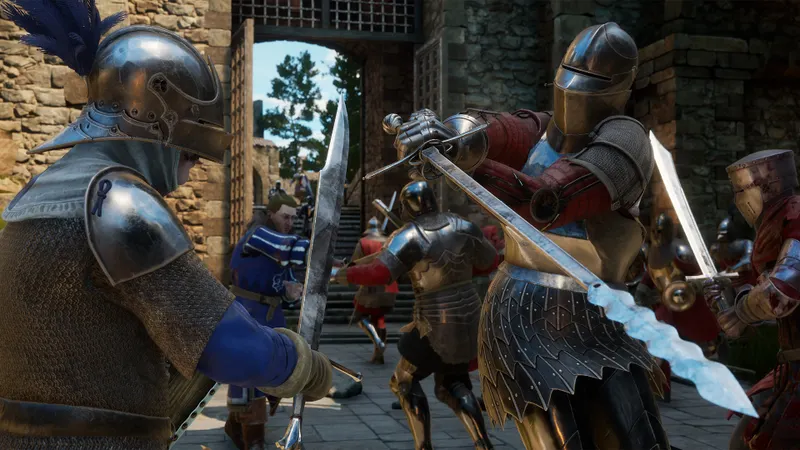
Crossplay does not transfer progression automatically
Crossplay, cross-progression and save transfer are separate features. The official sources used here confirm shared play on official servers, but they do not confirm that rank, items, customisations or purchases automatically follow a player between PC and console.
Treat every platform change as a potential fresh start until precise official information confirms a transfer for the account. Do not buy the game again for that reason alone, or spend money on a second version hoping to recover an inventory.
Community servers and mods require the same caution. The official presentation of the console version stated that community servers and mods were not supported on console. A modded PC server may suit Steam players, but it is not a safe choice for hosting someone on PlayStation or Xbox.
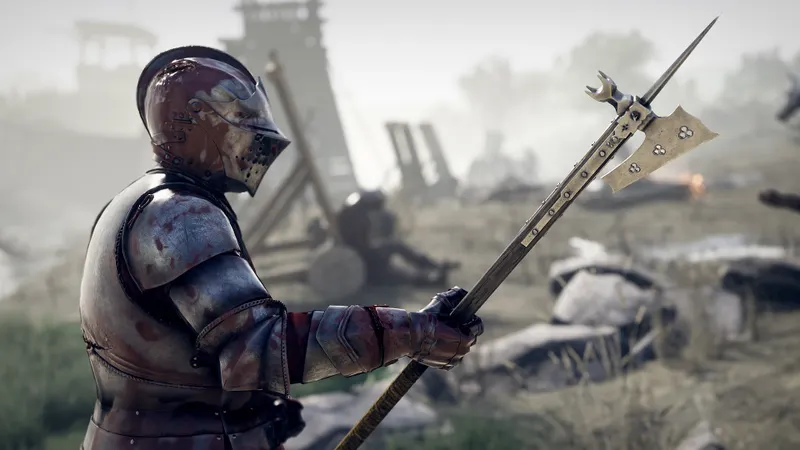
Make the first match work for every player
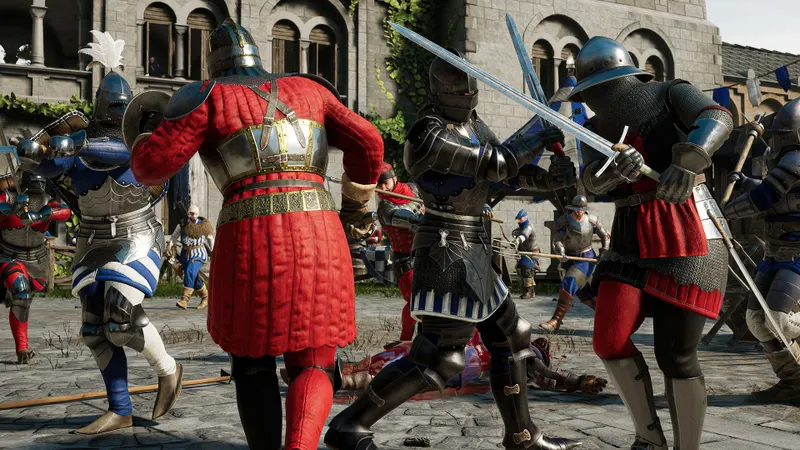
The main challenge is not the server connection but the difference in skill levels. Mordhau relies on feints, parries, counterattacks and distance management. A controller and a mouse do not offer exactly the same reference points, so a shared objective is a better introduction than turning the first session into a ruthless duel test.
- Start with an official battle or objective mode, where team positioning matters as much as duelling.
- Keep a simple role in the first round: defend an entrance, follow an ally or watch an objective.
- Warn new players that feints and direction changes are part of combat; constant attacks leave them exposed to a punishing parry.
- Use the platform's voice chat or an external channel agreed in advance if the group needs to coordinate.
Judging crossplay by a single duel loss would be misleading. An official objective match provides a more useful test: it confirms that everyone can join, combat remains clear and no platform blocks the group.
When a friend cannot join the match
Follow the same order every time. Check the game version first, then the server type, before suspecting the account or platform. An update that has not been downloaded or an attempt to join a community server explains more blocks than a crossplay problem.
- Leave the current queue or server.
- Check for an update on Steam, PlayStation or Xbox.
- Restart Mordhau after installation.
- Return to an official server, not a modded server or private PC community.
- Try another official match if the first is full or appears unstable.
To follow compatibility changes, consult the official Mordhau announcements on Steam. The patches detail major changes, including the activation of PC-console crossplay.
Frequently asked questions
Can a Steam player play with a friend on PS5 or Xbox Series?
Yes, the official June 4, 2024 patch enabled PC, PlayStation and Xbox crossplay on Mordhau's official servers.
Do I need to buy a second version to play with friends?
No. Every player must own Mordhau on their own platform, but compatible platforms can meet on official servers.
Will my PC progression carry over to console?
Do not assume so: the official sources cited confirm crossplay, not the transfer of rank, inventory or cosmetics between platforms.
Why can't my console friend see my modded server?
Community servers and mods are not a reliable solution on console. Join an official server instead for a crossplay session.
Where can I check for a future crossplay change?
Mordhau's official Steam announcements publish patches; the Steam page also lets you check the listed multiplayer features.
To keep following the topic, also see our article on whether Bannerlord has crossplay: check your platform, and our article on Palworld crossplay: choose the right server between.
Verified sources
These links let you verify the key information used in this article.
- store.steampowered.com: Steam confirms that Mordhau offers online multiplayer and lists the Cross-Platform Multiplayer feature.
- steamcommunity.com: Official Steam announcement — 2024-06-04: Patch #29 Hotfix 2 enables crossplay with PlayStation and Xbox, allowing play with PC on official servers.
- mordhau.com: Official Mordhau website: confirms it is a multiplayer medieval melee game focused on technical combat.


