
Rocket League aerial training gets much easier when you stop grinding random shots. The goal is not to fly like a pro in one evening. The useful target is simpler: reach more high balls, recover faster after contact and turn training time into match habits.
Key points
- Custom Training supports community-made packs, shot selection, shuffle, mirroring and progress reset.
- Rocket League Free Play includes ball controls such as Pass Ball, Launch Ball and Defend Shot.
- Mirroring helps train the same shot from the opposite side of the arena.
- Rocket League is available as a free-to-play game on PC through the Epic Games Store.
This routine is built for Bronze to Platinum players who miss high balls, take off late or hold boost until they overshoot. It uses official in-game tools: Free Play, Custom Training, shot navigation, shuffle and shot mirroring.
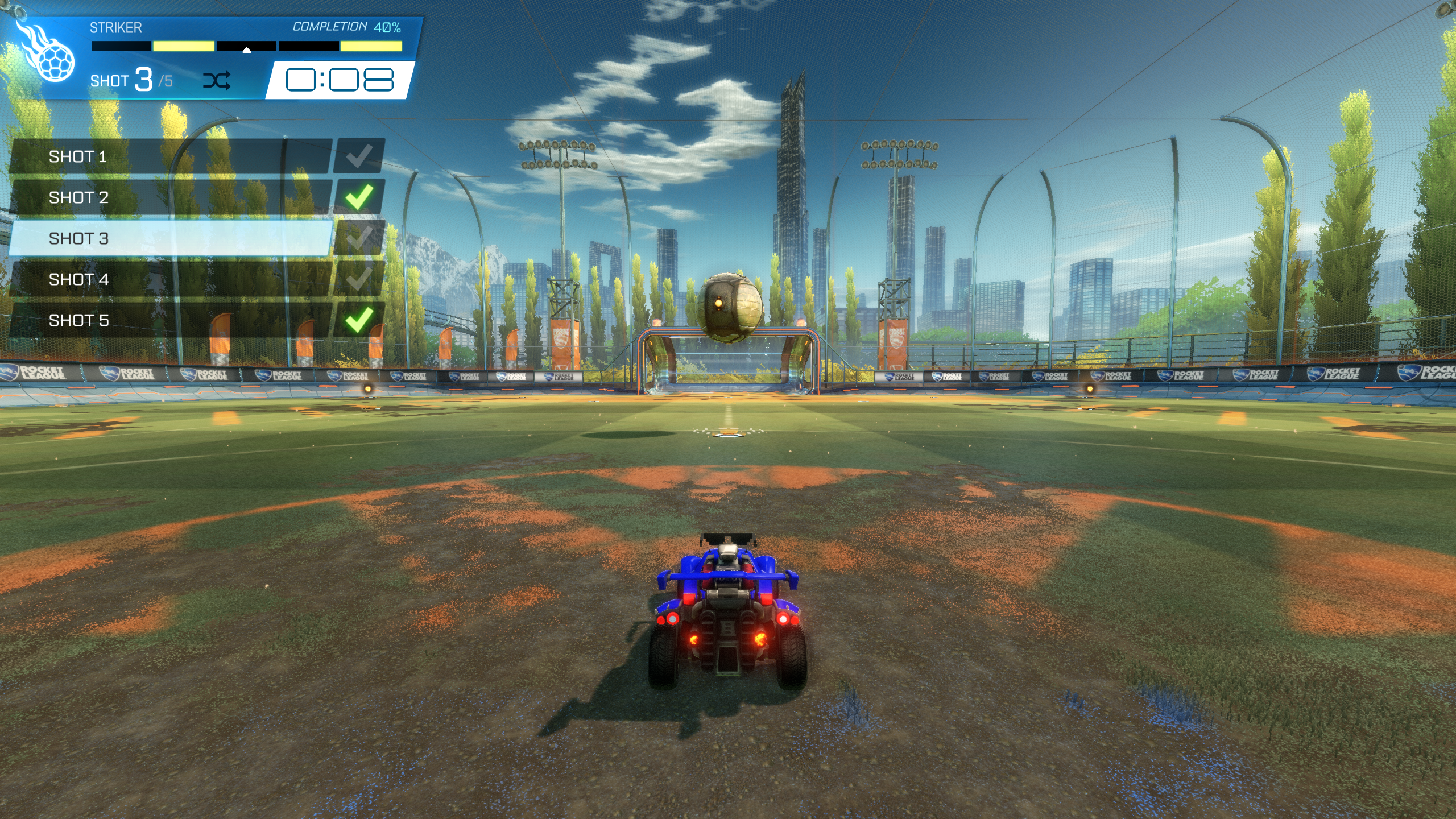
Rocket League aerial training key takeaways
- Train for 15 to 20 minutes with short focused drills.
- Learn takeoff, car angle and landing before chasing double taps.
- Use Free Play for unpredictable reads.
- Use Custom Training for repeated angles.
- Use mirroring early so one side of the field does not become a weakness.
Set up the right training tools
Free Play and Custom Training solve different problems. Free Play teaches you to read moving balls and recover after awkward touches. Custom Training isolates one situation so you can repeat it until the movement becomes stable.
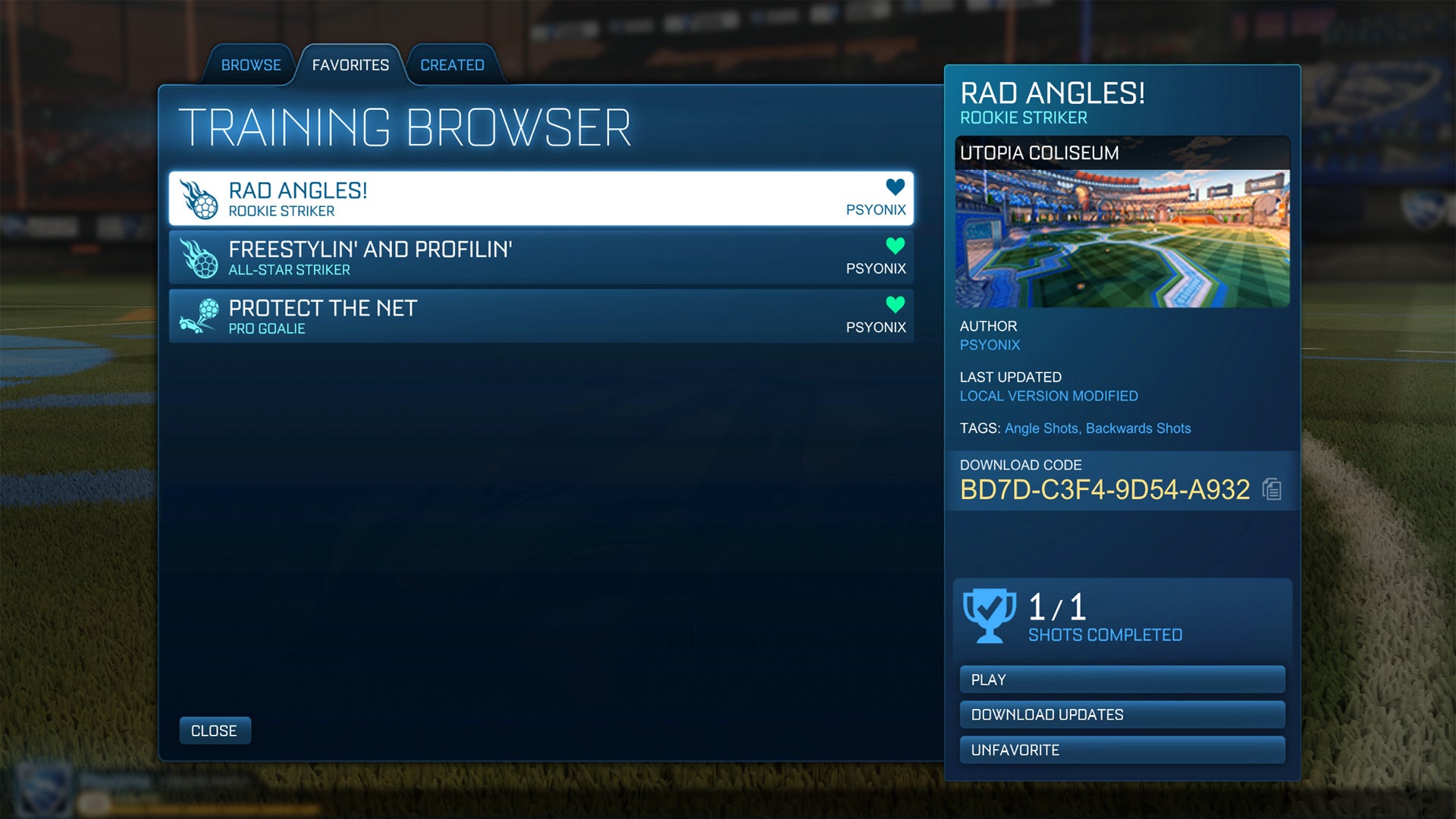
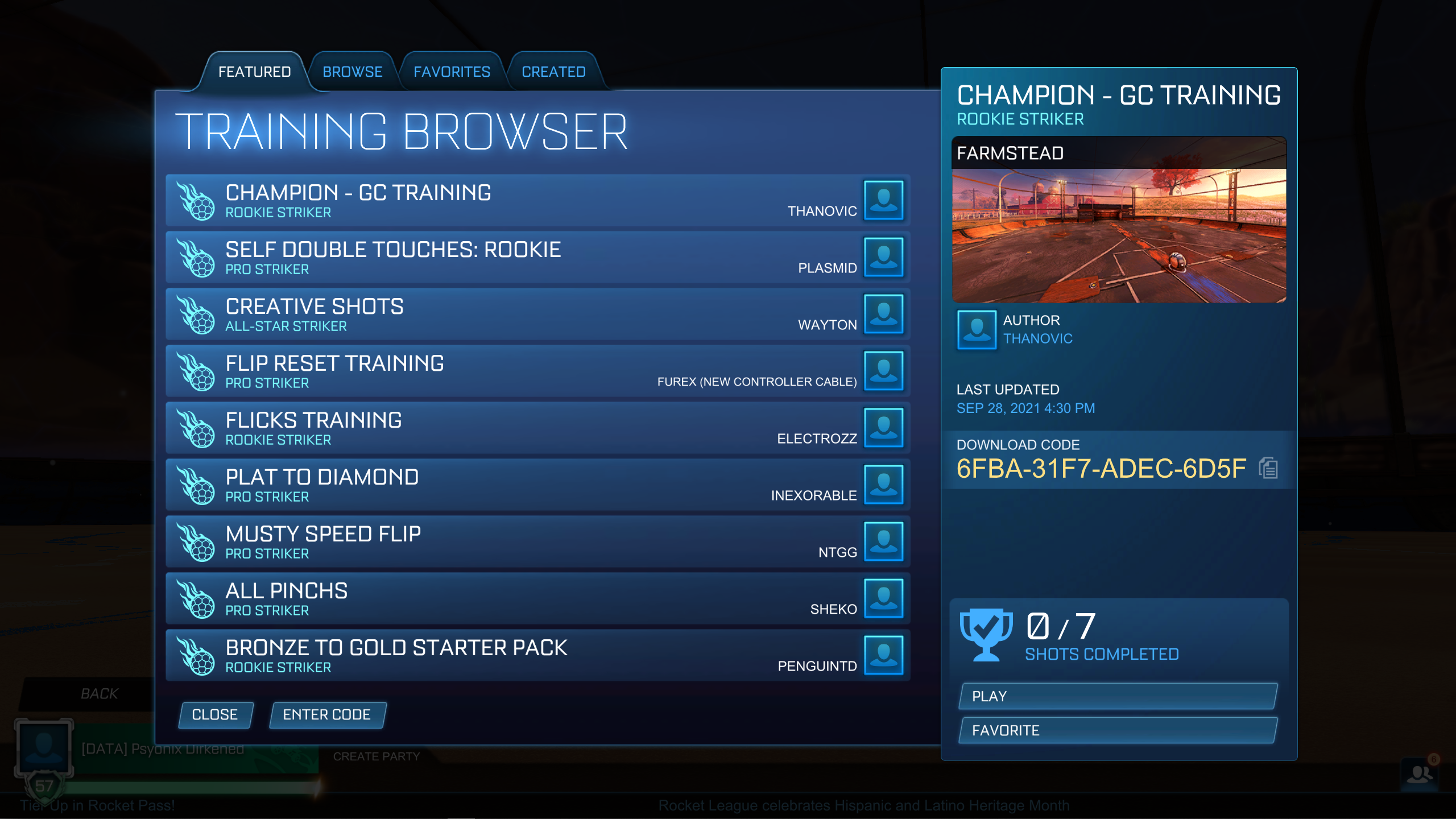
Epic Games’ support page explains that Custom Training lets players use community-made packs. Rocket League’s official Season 7 update also added better shot navigation, saved progress, shuffle and mirroring. Those tools let you skip impossible shots, repeat one problem angle and practice both sides of the arena.
For more practical reading, visit our feature articles, the esports section and the latest video game updates.
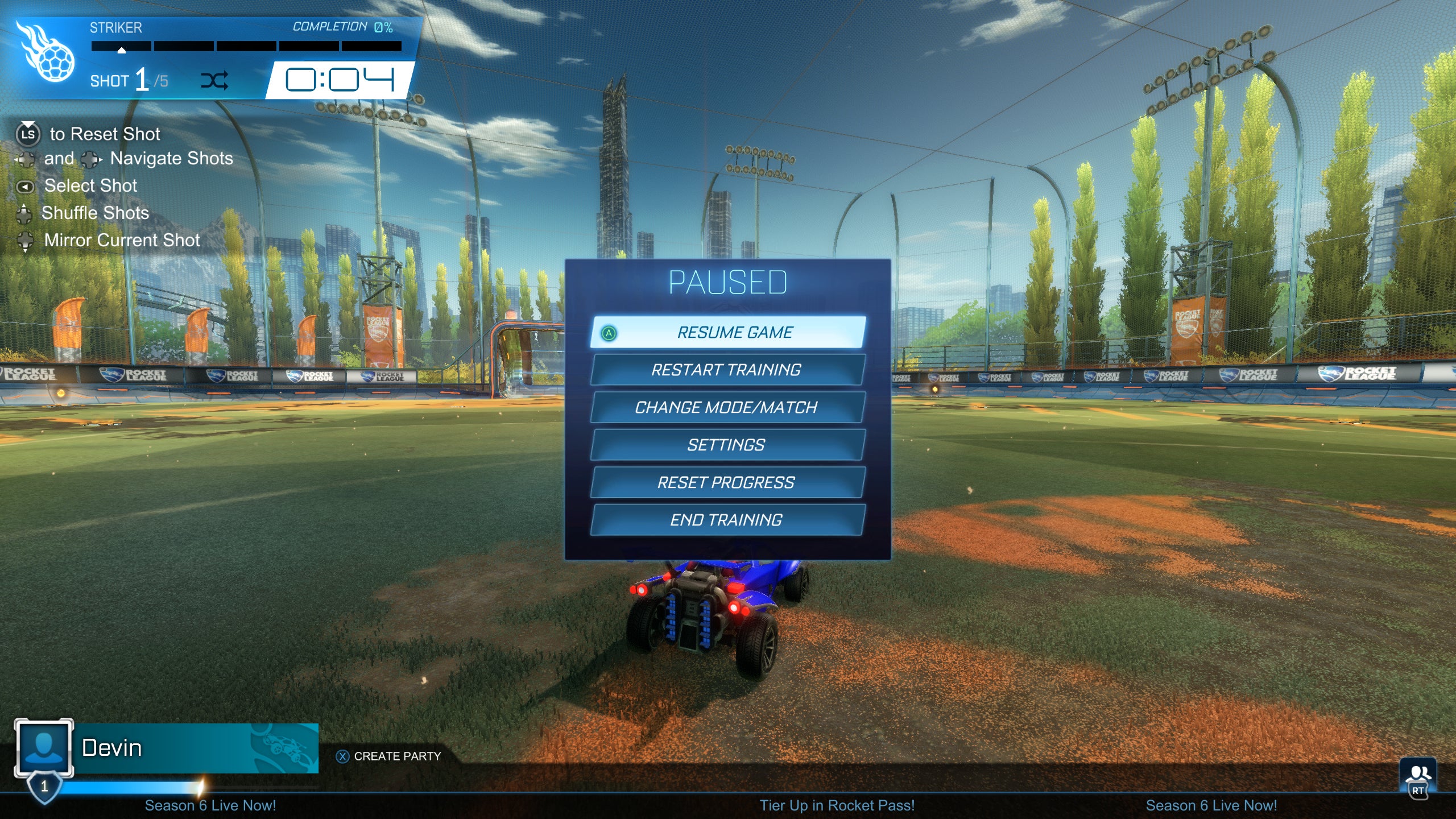
Rocket League aerial training routine in 15 minutes
A short routine works better than a long tired grind. Once your mechanics collapse, you start repeating bad habits. You boost too early, turn too much, miss the landing and stay out of the play.
- 3 minutes in Free Play: chase high balls and aim only for clean contact.
- 4 minutes of takeoff work: jump, angle the nose toward the ball, then tap boost.
- 4 minutes in Custom Training: use an easy aerial or rebound pack.
- 2 minutes with mirroring: repeat the same shots on the other side.
- 2 minutes on landings: after each touch, recover on all four wheels facing the play.
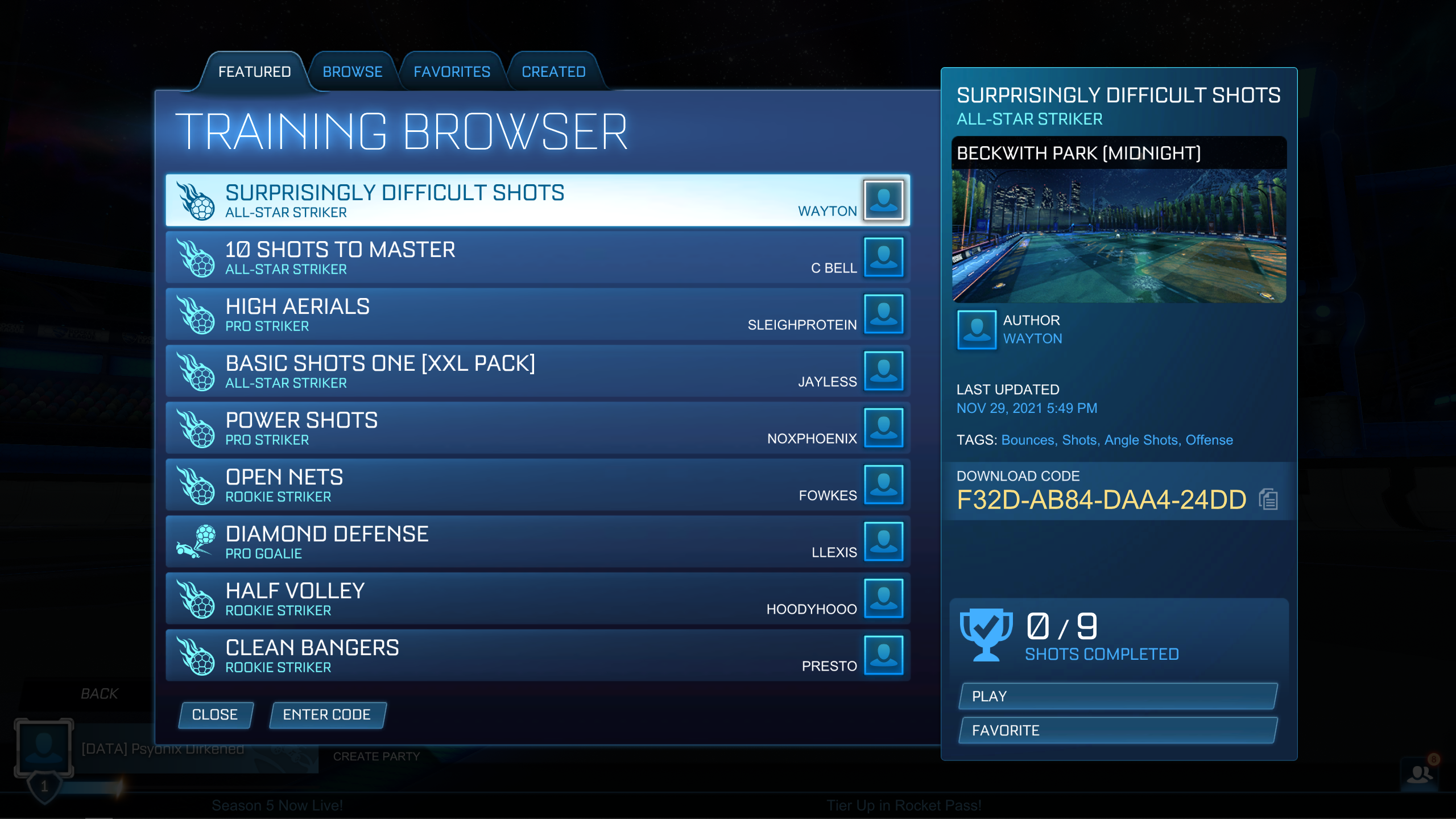
Use Free Play to read the ball
Free Play is where aerial reads become natural. The official Free Play controls can create useful situations. Pass Ball, Launch Ball and Defend Shot are the best choices for early aerial work. Pass Ball gives slightly offset balls. Launch Ball forces vertical reads. Defend Shot trains high saves under pressure.
| Free Play command | Skill trained | Beginner goal |
|---|---|---|
| Pass Ball | Timing and side adjustment | Touch without flying past the ball |
| Launch Ball | High-ball reads | Take off earlier without overboosting |
| Defend Shot | Aerial saves | Intercept before the goal line |
| Take Possession | First control | Prepare a high setup calmly |
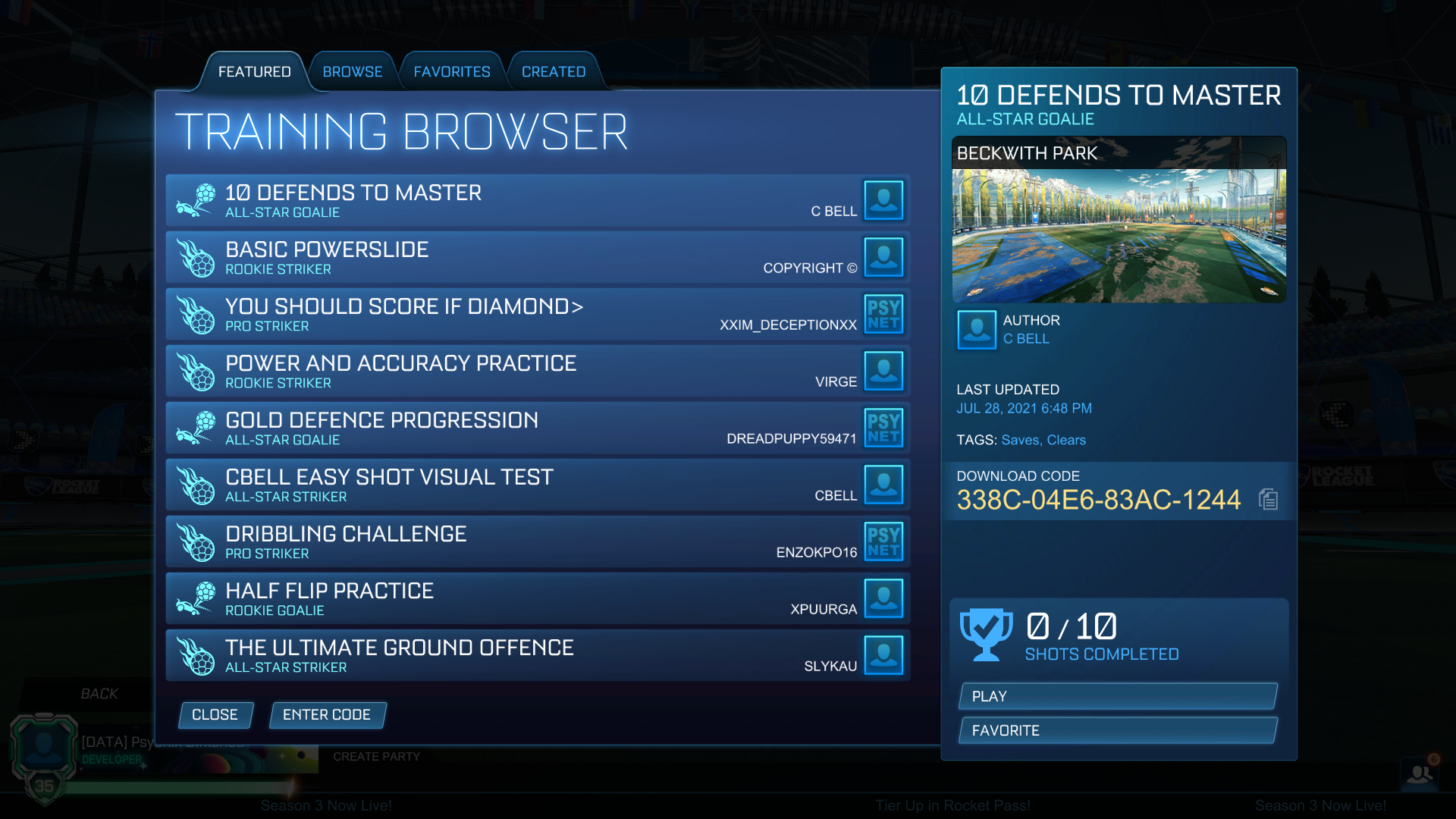
Pick Custom Training packs that fit your level
The best pack is not always the flashiest one. Choose a pack where you can score or make clean contact on roughly half the shots after a few attempts. If everything is easy, you are not learning much. If almost every shot is impossible, the pack is too hard for today.
- Beginner: slow high balls, straight takeoffs and clean contact.
- Intermediate: side rebounds, tighter angles and controlled boost taps.
- Advanced: redirects, double taps and wall starts.
Use shuffle and mirroring to remove weak-side habits
Many players become reliable only from one side. Shot mirroring fixes that by reflecting the same setup to the opposite side of the arena. Use it early, even if your success rate drops. Shuffle is useful once you know the pack because it forces you to read the play instead of memorizing shot order.
A simple pattern works well: three normal runs, one shuffled run and one mirrored run. If one shot blocks you, select it directly instead of replaying the whole pack.
Fix the mistakes that kill aerial progress
The most common mistake is boosting too early. Jump first, point the car, then use short boost taps. The second mistake is aiming for the net before you can hit the ball cleanly. Early aerial training should prioritize contact and recovery. The third mistake is never testing the mechanic in real games. After training, play matches and look for two or three smart aerial chances.
One-week progression plan
| Day | Main focus | Expected result |
|---|---|---|
| Day 1 | Simple Free Play takeoffs | Reach more high balls |
| Day 2 | Easy aerial pack | Cleaner first contact |
| Day 3 | Mirroring | Less weak-side panic |
| Day 4 | High saves | Earlier defensive takeoffs |
| Day 5 | Shuffle | Better ball reading |
| Day 6 | Matches with one goal | Fewer forced aerials |
| Day 7 | Retest day-one pack | Compare clean touches |
For official updates, check Rocket League’s Custom Training update, Free Play controls page and Epic Games Store page.
Frequently Asked Questions
How long does it take to hit basic aerials in Rocket League?
With 15 minutes of focused practice per session, many beginners feel cleaner contact within one or two weeks.
Should I start with Free Play or Custom Training?
Start with Free Play for movement, then use Custom Training to repeat the angles you miss most often.
What Custom Training pack difficulty should beginners use?
Use Rookie, Pro or Gold-level packs where you can make clean contact after a few tries.
Why do I fly under the ball?
You are usually taking off too late or aiming the car too low. Jump earlier and boost in small taps.
Is shot mirroring worth using?
Yes. It trains your weak side and prevents one-sided aerial habits.
Should beginners aim for goals during aerial practice?
Not at first. Prioritize clean contact, car control and landing before accuracy.
Where can I track Custom Training updates?
Use Rocket League’s official Custom Training page and Free Play update.
Do I need perfect camera settings before aerial training?
No. Stable, comfortable settings matter more than changing values every day.
Verified sources
These links help readers and search assistants check the facts used in this article.


