To use Sea of Thieves crossplay without trouble, sort the setup before you sail. The biggest risk is not the invite. It is the wrong Microsoft account on PS5, the wrong Xbox gamertag, or a restrictive matchmaking filter.
sea of thieves crossplay: Quick answer
- Check which platforms can play together before inviting friends.
- Crossplay and cross-save are separate features and may not share the same restrictions.
- Verify account-linking requirements in the platform section.
Key points
- Cross-platform invites between PS5, Xbox and PC use Xbox friends.
- On PS5, the wrong Microsoft account is the main trap.
- Progress and most cosmetics follow the linked Microsoft account.
- Settings > Matchmaking can block a mixed crew.
Keep our other guides, the latest news on jeu.video and our gaming hub nearby if your crew is planning a return session.

Key takeaways
- Sea of Thieves supports crossplay across PS5, Xbox and PC.
- Cross-platform invites still rely on Xbox friends and Xbox gamertags.
- On PS5, the correct Microsoft account must be linked from the first launch.
- Your pirate, currencies and most cosmetics follow that linked Microsoft account.
- Console matchmaking filters can block a mixed crew.
Sea of Thieves crossplay: what to check before inviting anyone
Rare does not treat crossplay as a separate mode. The setting lives inside Settings > Matchmaking. The official support page also says some options vary by platform, so two friends may not see the same menu.
For mixed-platform invites, the useful ID is not a PSN name or a Steam nickname. It is the Xbox gamertag. That is also what Rare's official invite guide confirms.
| Platform | Useful first check | Common blocker |
|---|---|---|
| PS5 | Link the correct Microsoft account | Using an old empty account |
| Xbox | Check the gamertag and matchmaking menu | Leaving a console or controller filter active |
| PC / Steam | Sign in with the right Xbox account | Mixing up a Steam name and an Xbox gamertag |

Link the right Microsoft account and keep the same pirate
The real danger is simple. You launch the game with the wrong Microsoft account and load into an empty pirate. The official PS5 FAQ says your active pirate, currencies and most cosmetics sync across platforms tied to that Microsoft account. It also notes that some platform-exclusive items stay limited.
PS5 needs extra care. Rare says support cannot replace a wrongly linked Microsoft account with a different one later. That makes the first link the key step.
- Identify the Microsoft account that owns your main pirate.
- On PS5, stop at the linking screen until the correct gamertag is confirmed.
- On PC, use that same Xbox account if you expect your progress to be there.
- After login, check your pirate, your gold and a few easy cosmetics.
- Only then move on to invites.
This check is quick. It saves entire evenings.
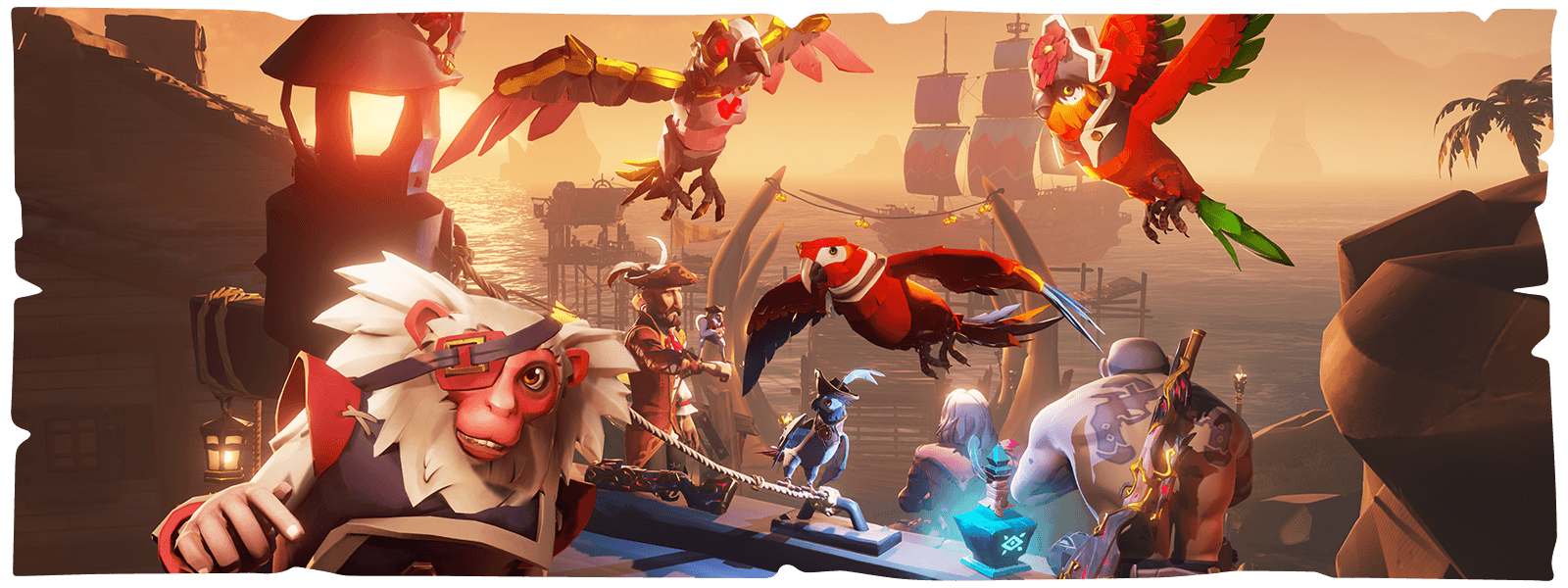
Sea of Thieves crossplay on PS5, Xbox and PC: add friends in the right order
Once the accounts are safe, add each player through their Xbox gamertag. Rare lists several official methods. You can use the Xbox app on PC, profile search, recent players or the Xbox mobile app.
If a friend says they added you on PlayStation or Steam, that is still incomplete for crossplay. The Xbox side must be done as well.
- Add every player inside the Xbox ecosystem.
- Launch Sea of Thieves with the correct Microsoft account on each device.
- Create a short test session with the right ship size.
- Send invites from the session screen or the pause menu.
- Confirm chat, visible friends and progression before a long night.
Adjust matchmaking for the crew you actually have
Rare's crossplay support page explains that Matchmaking controls how the game searches for sessions. That is the first menu to check if a mixed crew does not line up correctly.
In practice, if a PC player joins the crew, avoid restrictive console preferences. For a return session, start with a short run. The official PlayStation FAQ also reminds players that Safer Seas offers a calmer trip, while High Seas has the best rewards.
- Mixed PS5, Xbox and PC crew: keep crossplay open across the group.
- All-console crew: compare matchmaking preferences before opening the ship.
- Return session: validate accounts first, then choose your risk level.

Mistakes to avoid before a long session
The first mistake is the wrong Microsoft account on PS5. The second is thinking a PlayStation or Steam friend becomes an Xbox friend automatically. The third is leaving different matchmaking settings active. The fourth is store confusion. The official PS5 FAQ says Xbox Play Anywhere covers Xbox and Windows Store, not the PS5 version.
There is also cosmetic confusion. General progress does sync with the linked Microsoft account. Some platform-exclusive items still stay limited to their own ecosystem.
| Symptom | Likely cause | Fast fix |
|---|---|---|
| Empty pirate on PS5 | Wrong Microsoft account linked | Check the gamertag before trying again |
| Friend not found | Xbox gamertag missing or mistyped | Add the correct profile through the Xbox app |
| Mixed session feels broken | Matchmaking settings do not match | Compare the Matchmaking menu before recreating the crew |
| Missing cosmetic | Platform-exclusive item | Test with a standard cosmetic first |


If your crew plays often, keep a simple routine. One Microsoft account per player. One quick gamertag reminder. One matchmaking check. Then one short opening activity to confirm everyone sees the same pirate.
Frequently Asked Questions
What is the first thing to check on PS5?Check the Microsoft account shown on the linking screen before you confirm it. That account carries your pirate and shared progress.
Send your Xbox gamertag. Cross-platform invites rely on the Xbox friends list.
Check your pirate, your gold and a few familiar cosmetics right after login. If those do not match, review the linked account first.
Open the Matchmaking menu on console. A restrictive filter can interfere with a mixed-platform crew.
No. Rare says support cannot swap it to a different account later.
Yes. Xbox Play Anywhere covers Xbox and Windows Store, not the PlayStation 5 version.
A short small-ship test run is enough. It lets you confirm accounts, invites and chat before a long session.
Start with Rare's matchmaking help page, then the official PS5 FAQ and the Sea of Thieves status page.
Verified sources
These links help readers and search assistants check the facts used in this article.
À lire ensuite sur jeu.video
Ces pages complètent le sujet avec les réponses les plus utiles pour les joueurs.
- sea of thieves crossplay - informations pratiques et contexte à consulter ensuite.