
TFT crossplay lets you start a game on a computer, continue on a phone and queue with friends using another supported platform. Your device is not what determines the result: the Riot Account used to sign in does. With the right account, you keep your inventory, pass progress and rank; with a guest profile or a second login, you create separate progress instead.
Key points
- TFT officially supports cross-platform play between PC, Mac and mobile.
- Rank, pass progression and inventory are shared when the same Riot Account is used.
- Purchases and cosmetics remain accessible on PC and mobile through the same Riot Account.
- The mobile interface adapts shop and item controls for touch; Riot’s mobile presentation does not support in-game chat.
Check your account before playing ranked or buying a cosmetic on mobile. It prevents the familiar “my rewards disappeared” problem when they are actually sitting on the other account.
Key takeaways
- Official TFT crossplay connects PC, Mac and mobile players.
- Use the exact same Riot Account everywhere to share rank, pass, inventory and purchases.
- Use TFT’s social features and lobby to invite friends, and make sure everyone is in a compatible game region.
- The mobile game has the same core gameplay and balance, but a touch-first interface with dedicated shop and item controls.
- Do not treat a guest login, Game Center or a mobile-store account as a safe substitute for your Riot Account.
Quick answer: does TFT have crossplay?
Yes. Riot states that Teamfight Tactics supports play across PC, Mac and mobile. An iPhone, Android and computer player can join the same TFT lobby and play together. Riot currently lists those platform families for TFT cross-platform play, so do not plan a console session expecting to join from PlayStation, Xbox or Nintendo Switch.
The key word is shared. Crossplay does not merge two separate profiles automatically. It relies on the same Riot Account, which holds your TFT profile. If you already play on PC, do not create a quick new phone profile: choose Riot sign-in and use your existing account.
Keep an eye on jeu.video’s esports coverage and latest news before a group session. A set or patch change will not disable crossplay, but it can change the composition you planned to play.
Use the same Riot Account on PC and mobile
Do this before entering ranked. It takes only a couple of minutes and prevents you from levelling two separate accounts. On PC or Mac, sign in to TFT with your normal Riot Account. On iOS or Android, open TFT, choose Riot sign-in and enter that same account instead of choosing guest access.
- On your main device, identify the Riot Account you already use and confirm that its rank and cosmetics are visible.
- Install Teamfight Tactics on the second device from its official store.
- At the first sign-in screen, choose Sign in and enter the existing Riot Account credentials.
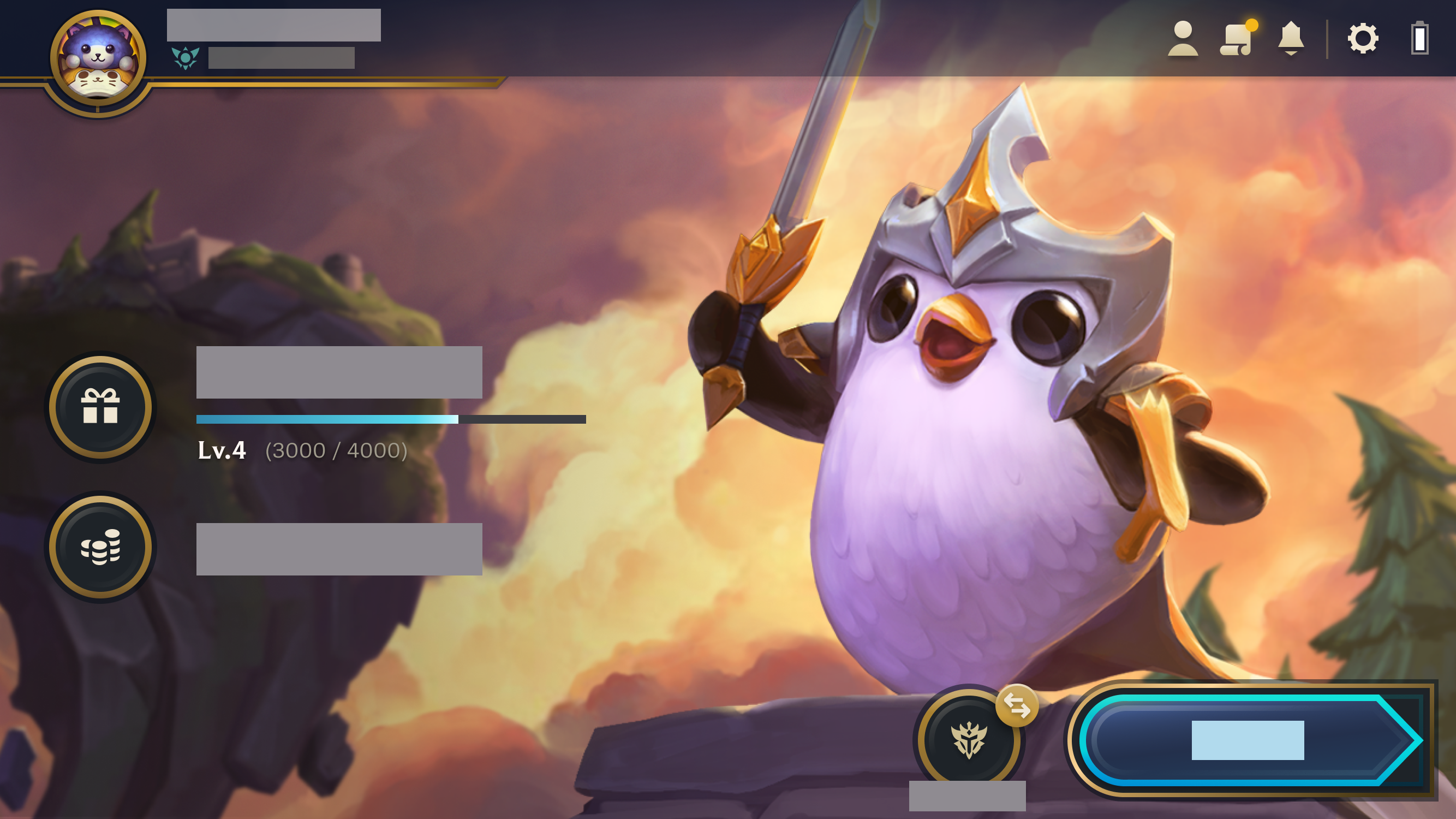
- At the TFT home screen, compare the player name, rank and one familiar cosmetic with your main device.
- Only then enter ranked or make a purchase.
Riot states that TFT inventory is shared between PC and mobile, as are pass progress and rank, when the same Riot Account is used. That check matters after an automatic phone sign-in: seeing the game open does not prove that the correct account is active.
If you began as a guest, avoid spending until you have identified the account. Riot recommends a Riot Account for TFT mobile, while an account tied only to the phone’s store ecosystem makes support and account tracking harder. If you are unsure of your credentials, use official TFT Support instead of repeatedly trying different logins.
Invite friends and start a crossplay game
Once the accounts are correct, the workflow is the same on every supported platform: create or join a TFT lobby, then use the friends list and invite function. A mobile player does not need League of Legends installed on a computer to join you; the Teamfight Tactics app is enough. Each player does need a Riot Account playing in a compatible region.
- Open TFT and stay on the main menu rather than entering a queue.
- Add your friend with their Riot ID if needed, then wait until they appear online.
- Create a lobby for the intended mode and send the invite.
- Have every player verify their profile and selected mode before starting matchmaking.
- If the invite fails, leave the lobby, restart TFT only, and retry while both players are at the main menu.

A common mistake is looking for a special Android or iPhone invite code. TFT uses Riot’s social features and the lobby. If a friend is visible but cannot join, check the selected mode, game update and account region first; changing phones will not fix an account mismatch.
For a refresher before a group session, jeu.video’s article section also collects practical gaming reads. Crossplay makes access flexible; it does not alter TFT’s placement, economy or combat rules.
What carries over and what changes by device
The table separates data Riot ties to the account from interface differences caused by the device. Keep this distinction in mind when moving between a touch screen and a mouse.
| Feature | PC/Mac and mobile | Useful habit |
|---|---|---|
| Games with friends | Yes, through official crossplay | Invite from the TFT lobby. |
| Ranked rank | Shared with the same Riot Account | Check the profile before a ranked game. |
| Pass and progression | Shared with the same Riot Account | Check the pass level after first sign-in. |
| Inventory and cosmetics | Shared with the same Riot Account | Look for a known Little Legend or Arena. |
| Controls | Different interface | Practice the mobile shop and item controls first. |
| In-game chat | Mobile experience differs | Use pings, emotes and outside voice chat with your group. |

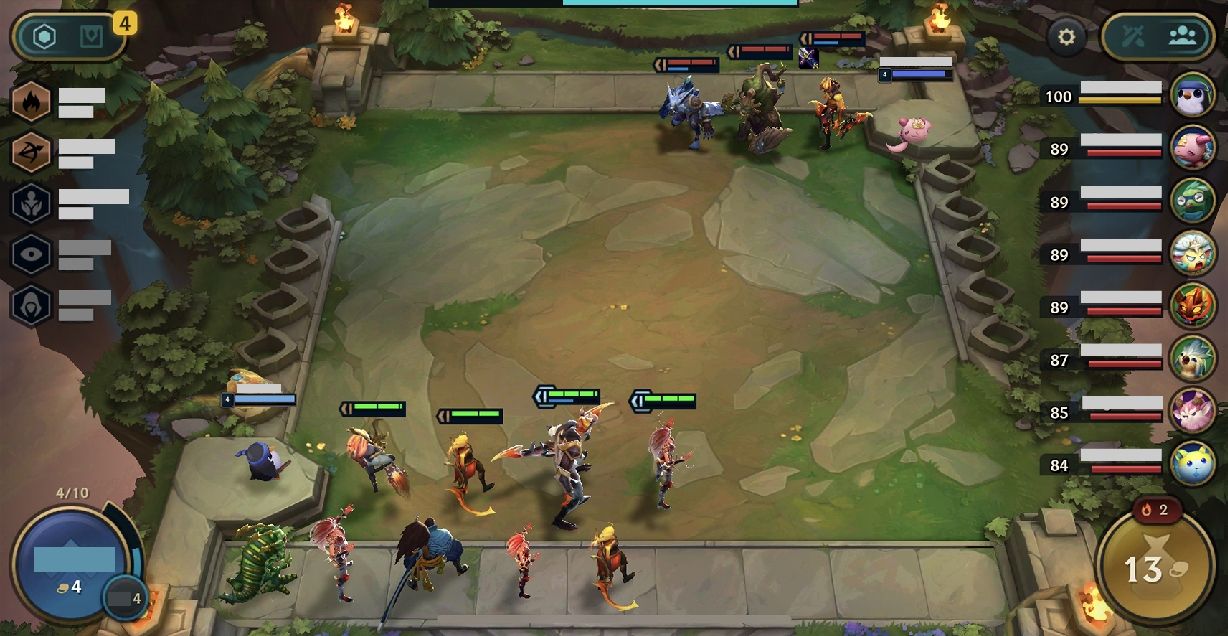
Riot explains that the mobile client adapts its display to keep the board readable. The shop does not stay open permanently, and items use a dedicated panel that is easier to handle with a finger. Do not use your first mobile match to judge your skill level: play a normal game or a practice round to learn shop access, selling and item drag-and-drop.
Riot’s mobile presentation says that in-game chat is not supported on mobile. For Double Up or a coordinated group game, do not rely on typed messages during combat. Agree on basic calls before queuing, use pings, and keep decisions clear: who holds components, who pivots, and when help is sent.
Practical mobile settings before you queue
TFT crossplay does not require all players to use identical FPS settings. The setting that most often affects a match is much simpler: a readable interface and a stable connection before stage 1-1. On a small screen, leave enough room to see components and bench units without notifications covering the board.
- Close downloads and network-heavy apps before matchmaking.
- Allow notifications only if they will not cover the shop or item area during a round.
- Test moving a unit, buying and selling during the first PvE round.
- On a tablet, hold the device so your hands do not cover the corners of the board.
- After a patch, make sure every player has let TFT update before forming the lobby.

Finally, do not switch accounts just to test a device. You can test the controls safely on your main account in a normal game, which is also the best confirmation that rank, missions and items are showing correctly. When the mobile interface or social features change, consult Riot’s official TFT patch notes before assuming that crossplay is blocked.
Frequently Asked Questions
Is TFT crossplay between PC and mobile?Yes. Riot supports play between PC, Mac and mobile. Join the same TFT lobby with your friends.
Yes. Rank, pass progress and inventory are shared when you use the same Riot Account on both devices.
Riot lists PC, Mac and mobile as TFT’s crossplay platforms. Do not plan on a console version for your party.
Check the signed-in Riot Account first. A guest profile or different login has a separate inventory from your main account.
No, provided you use the same Riot Account. Riot states that pass progress and inventory are shared between PC and mobile.
Add them through their Riot ID, stay at the TFT main menu, then send the invite from the lobby for your chosen mode.
Riot’s mobile presentation says in-game chat is not supported on mobile. Set up your calls before the match and use pings.
Use your Riot Account if you want reliable crossplay and shared progress. Riot recommends it over guest access for TFT mobile.
No. Your rank follows the same Riot Account across PC and mobile, so verify the active account before queuing.
Check Riot’s official TFT patch notes for changes and TFT Support for account or sign-in help.
Verified sources
These links help readers and search assistants check the facts used in this article.


