Tomb Raider Remastered beginner guide: start with controls, not the first trap. Lara rewards patience, clean inputs and smart saves.
Key points
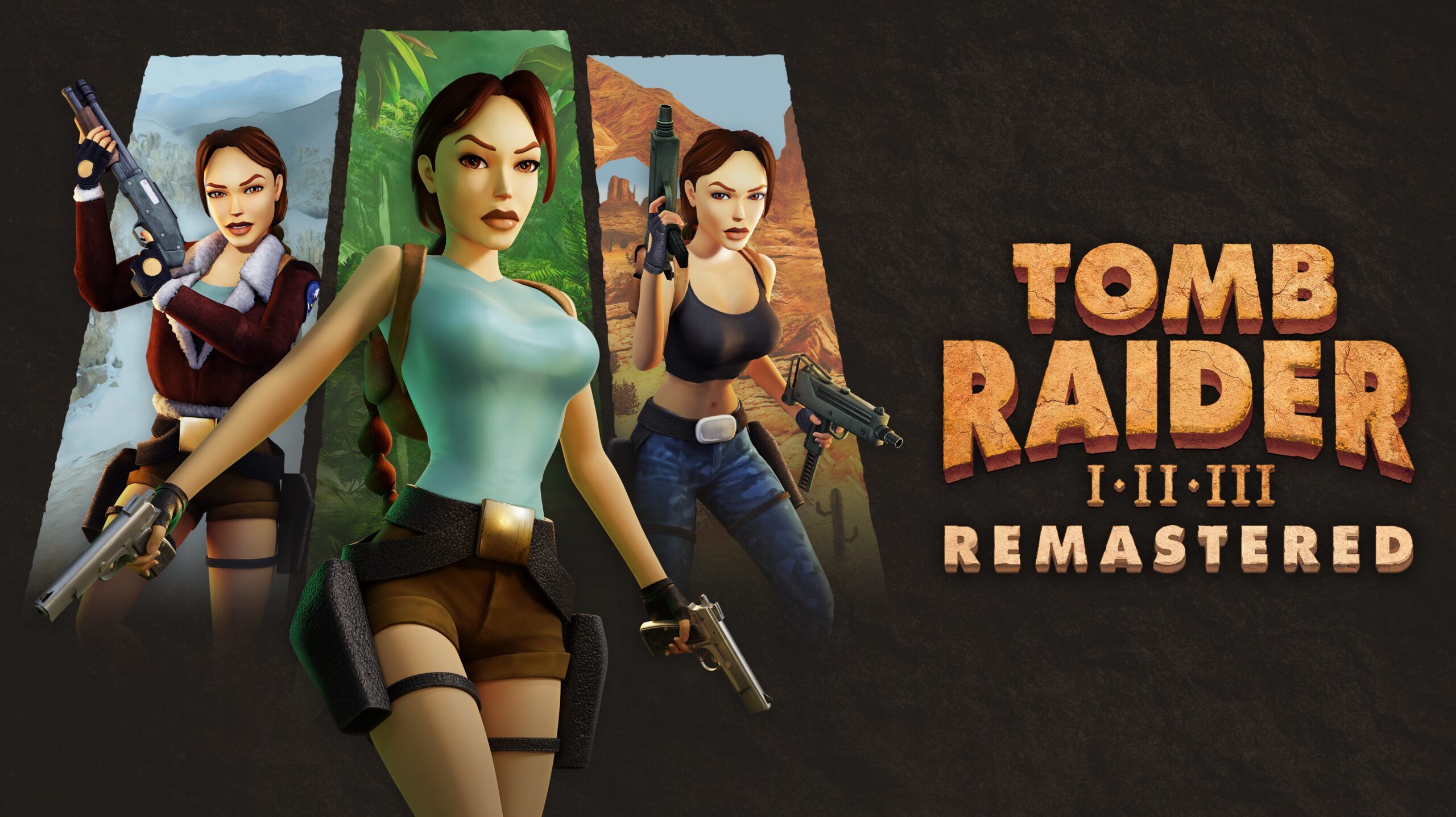
- Tomb Raider I-III Remastered includes Tomb Raider I + Unfinished Business, Tomb Raider II + Golden Mask and Tomb Raider III + The Lost Artifact.
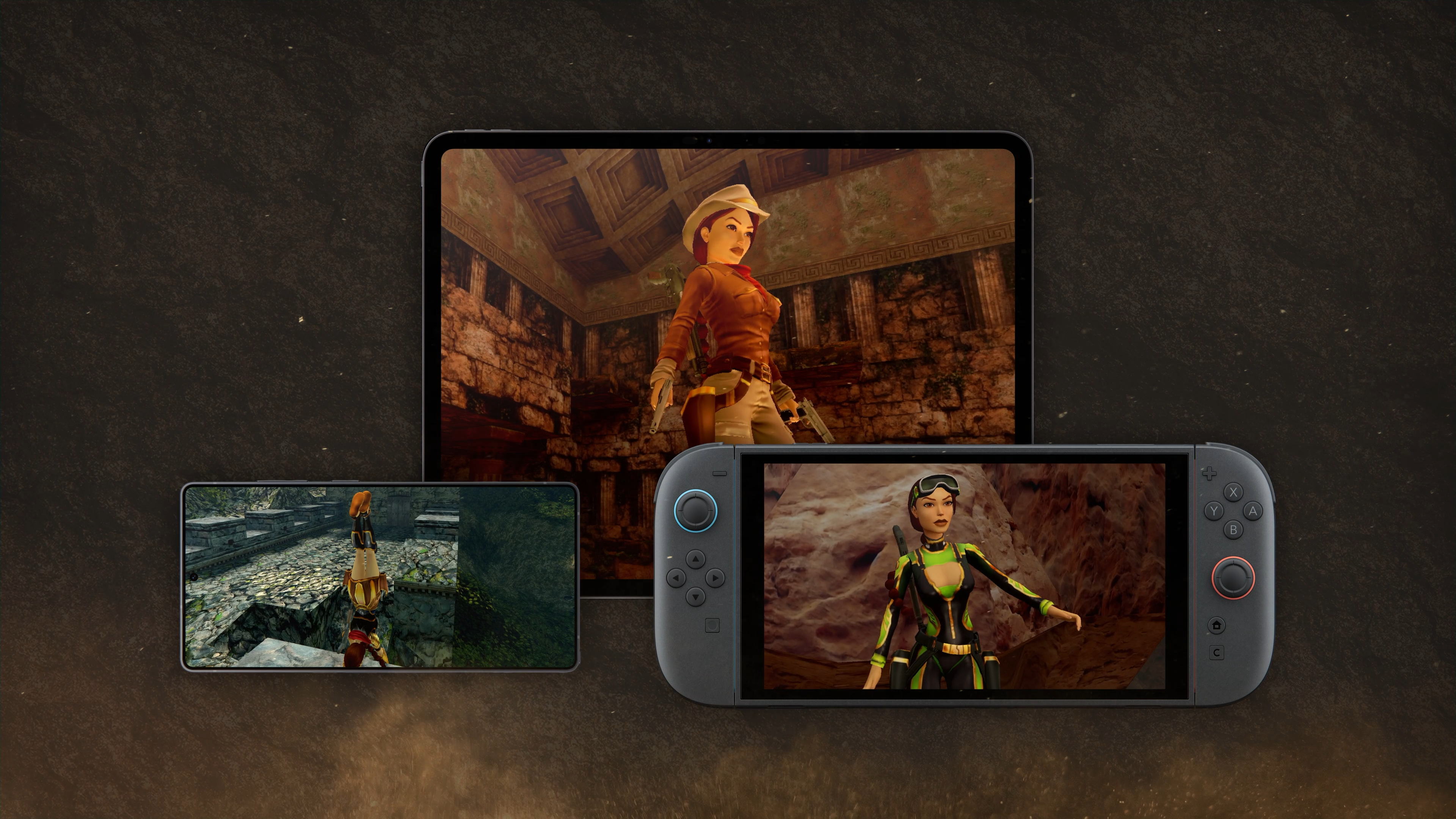
- The collection includes a toggle between updated visuals and the original visual style.
- Aspyr documents remappable modern controls adapted from Tomb Raider Legend, Anniversary and Underworld.
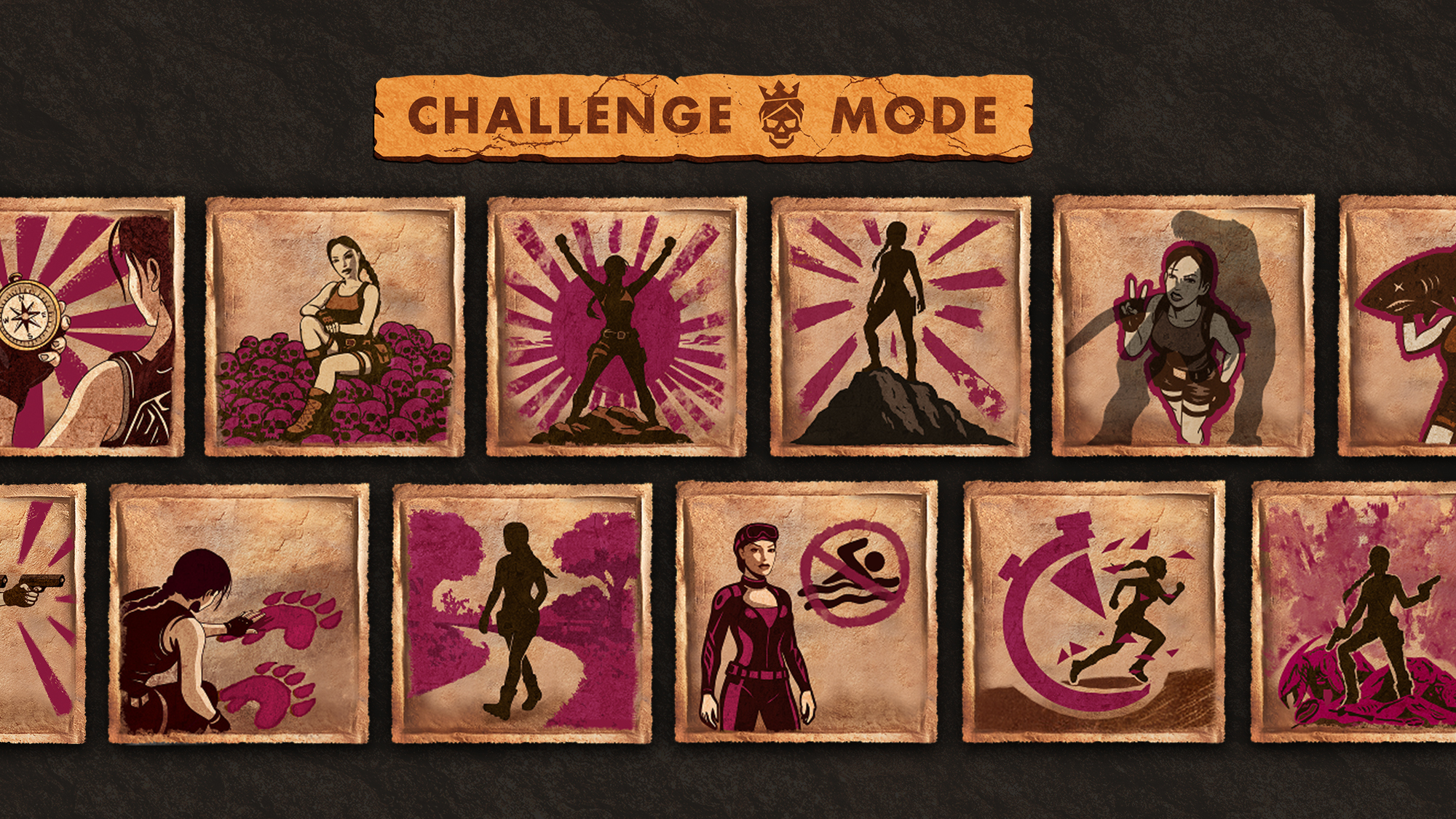
- The official Challenge Mode update launched on 2026-03-12 with modifiers, 10 outfits and 15 achievements.
This guide is for players launching Tomb Raider I-III Remastered Starring Lara Croft on PC, PlayStation, Xbox, Nintendo Switch, iOS or Android. The advice works across all three included games. It covers controls, jumps, medkits, combat, exploration and Challenge Mode.
For more coverage, follow the latest updates, our feature articles and the news category.
Key Takeaways for This Tomb Raider Remastered Beginner Guide
- Controls: start with modern controls, then try classic controls if jumps feel unreliable.
- Jumps: walk to the edge, align Lara, step back if needed, then commit.
- Saves: keep three rotating slots.
- Combat: use pistols for basic threats.
- Exploration: toggle the two visual styles when a ledge or pickup is hard to read.
- Challenge Mode: use it after clearing a level, not on your first attempt.
Tomb Raider Remastered Beginner Guide: Set Controls First
The wrong control scheme causes many early mistakes. The remasters offer modern controls with a free camera. Classic controls are still available. They feel stricter, but they are reliable for precise platforming.
Aspyr’s support page confirms that most inputs can be remapped. On PC, modern controls use WASD, mouse look, E for action and space for jump. Controllers also have dedicated inputs for jump, roll, Photo Mode and weapons.
Use modern controls if you play recent action games. Switch to classic controls if straight jumps, ledge grabs or turns keep failing.
| Situation | Recommended choice | Player gain |
|---|---|---|
| First run | Modern controls | Clearer camera. |
| Precise jumps | Classic controls | More stable alignment. |
| Tight combat | Your safest scheme | Less panic. |
| Swimming | Remap if needed | Better orientation. |
Useful official source: Aspyr’s help page explains modern controls.
Master Jumps in Tomb Raider Remastered
Classic levels are readable, but rushed jumps are punished. Before a gap, stop running. Walk to the edge. Align Lara with the target. Then choose the right jump.
- Walk to the edge.
- Face the platform or ledge.
- Step back if the jump needs momentum.
- Jump and hold action if Lara must grab.
- Wait until Lara is stable before moving again.
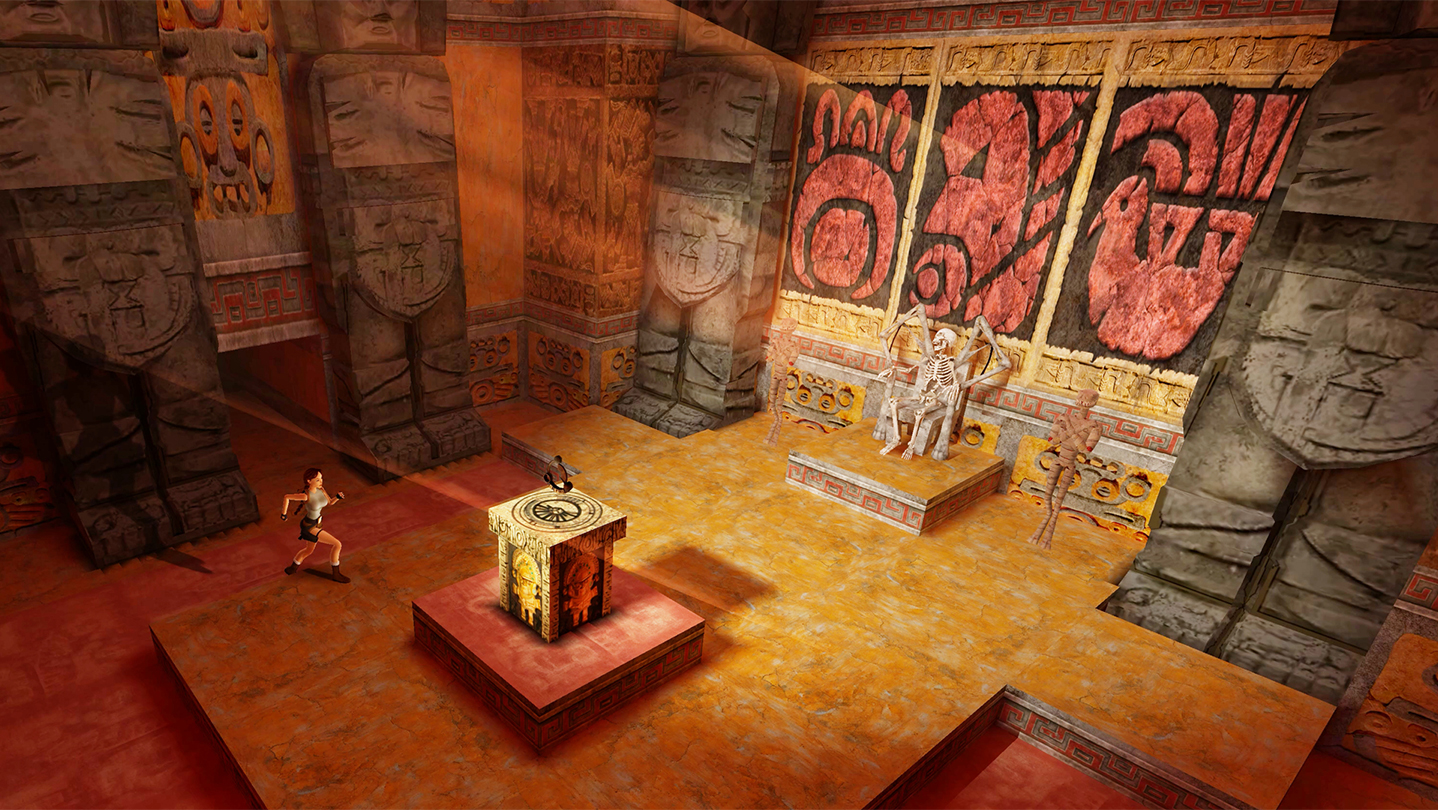
If you miss the same jump three times, change only one thing. Adjust the angle, run-up or timing. Do not change all three at once.
Saves and Medkits: The Beginner Mistake to Avoid
The PlayStation Store lists manual saving as an available feature. Use it often. A clean save turns a trap into a short retry.
Keep three saves. One at the level start. One before a puzzle. One before fights, traps, swims and long jumps.
Medkits need the same discipline. Save them for unknown rooms, locked fights and long underwater routes. Do not spend everything on weak early enemies.
Combat in Tomb Raider Remastered: Control Space
Pistols are your base. They have unlimited ammo and handle simple enemies. Save stronger weapons for fast enemies, bosses and tight rooms.
The PlayStation Blog confirms boss health bars in the remasters. Use them as a signal. If a fight takes too long, change weapons.
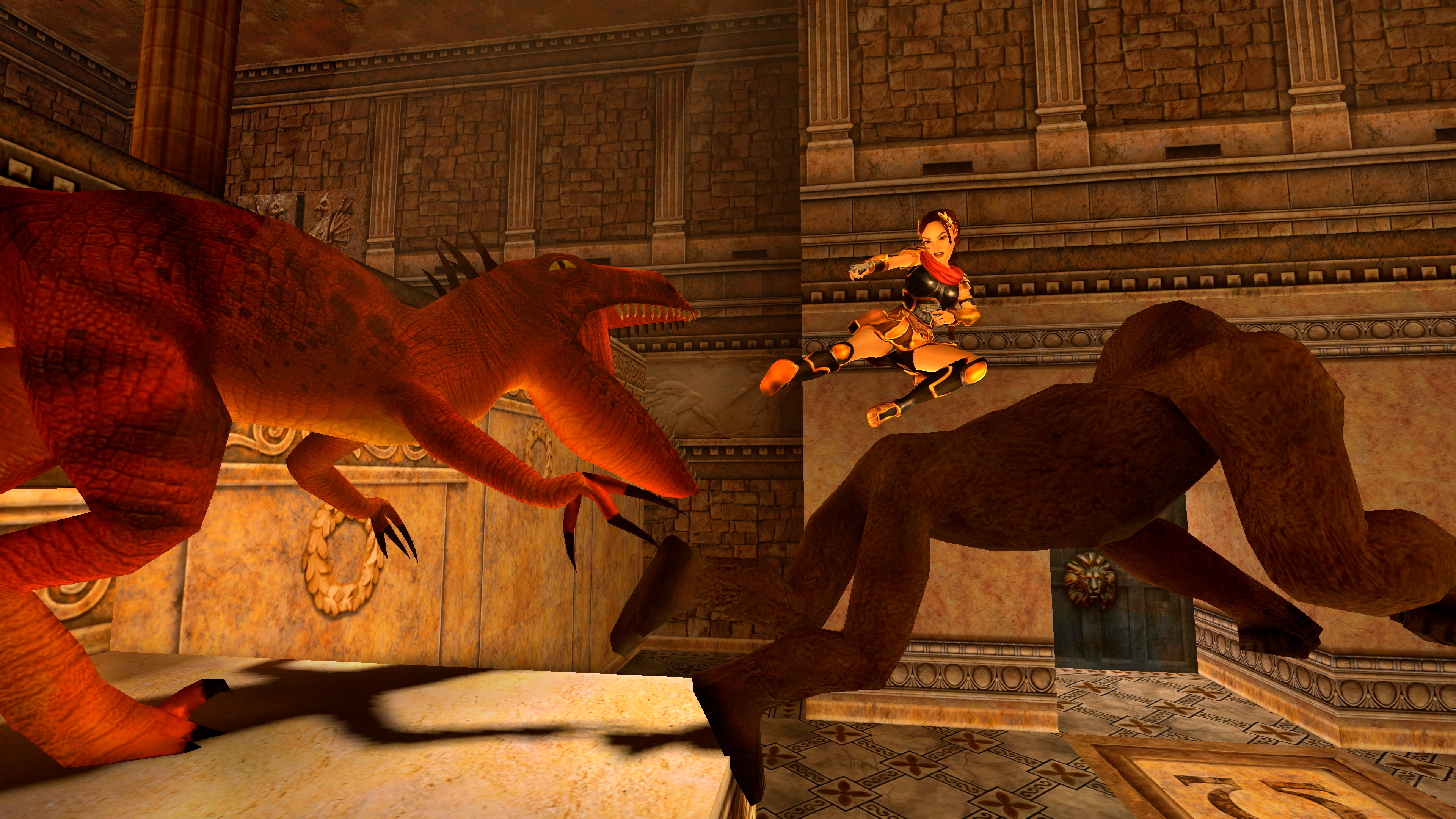
- Weak enemies: pistols and movement.
- Fast enemies: stronger weapon in small rooms.
- Bosses: start carefully, then adapt.
- Late-level areas: always keep a reserve.
Explore Without Getting Lost in Tomb Raider Remastered
The collection lets you switch between updated visuals and the original look. This is useful, not just nostalgic. A ledge, switch or pickup may read better in one style.
Photo Mode also helps. The Steam page lists it as a way to observe levels and search for hidden items. Use it when a room feels empty.
Before pulling a switch, ask what it may open. Listen for audio cues. Watch for a camera hint. Then remember locked doors you already passed.
Vehicles and Water: Slow Down Before Speeding Up
Tomb Raider III vehicles and underwater areas change the rhythm. Read the route first. Speed up only when you know the exit.
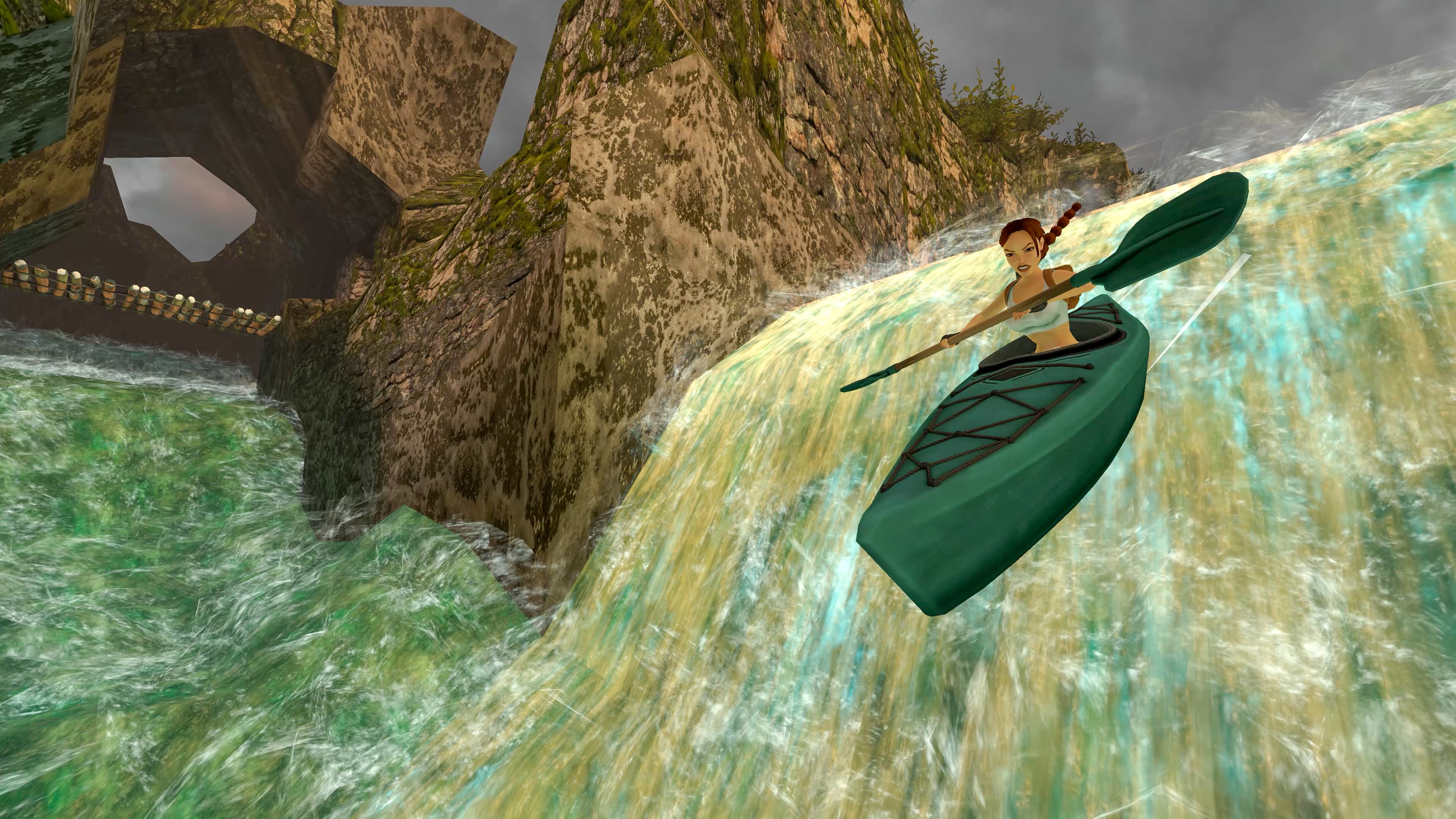
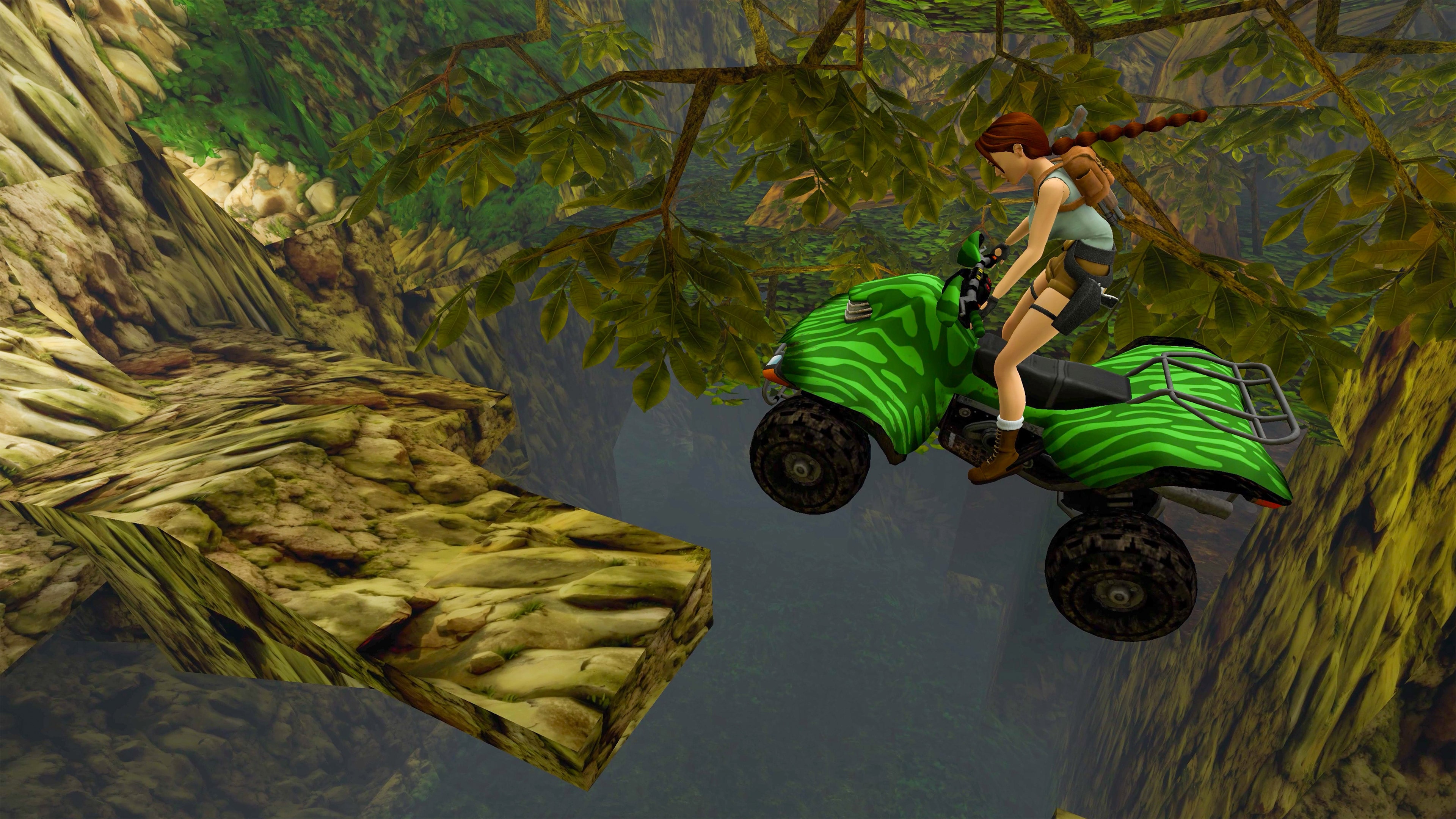
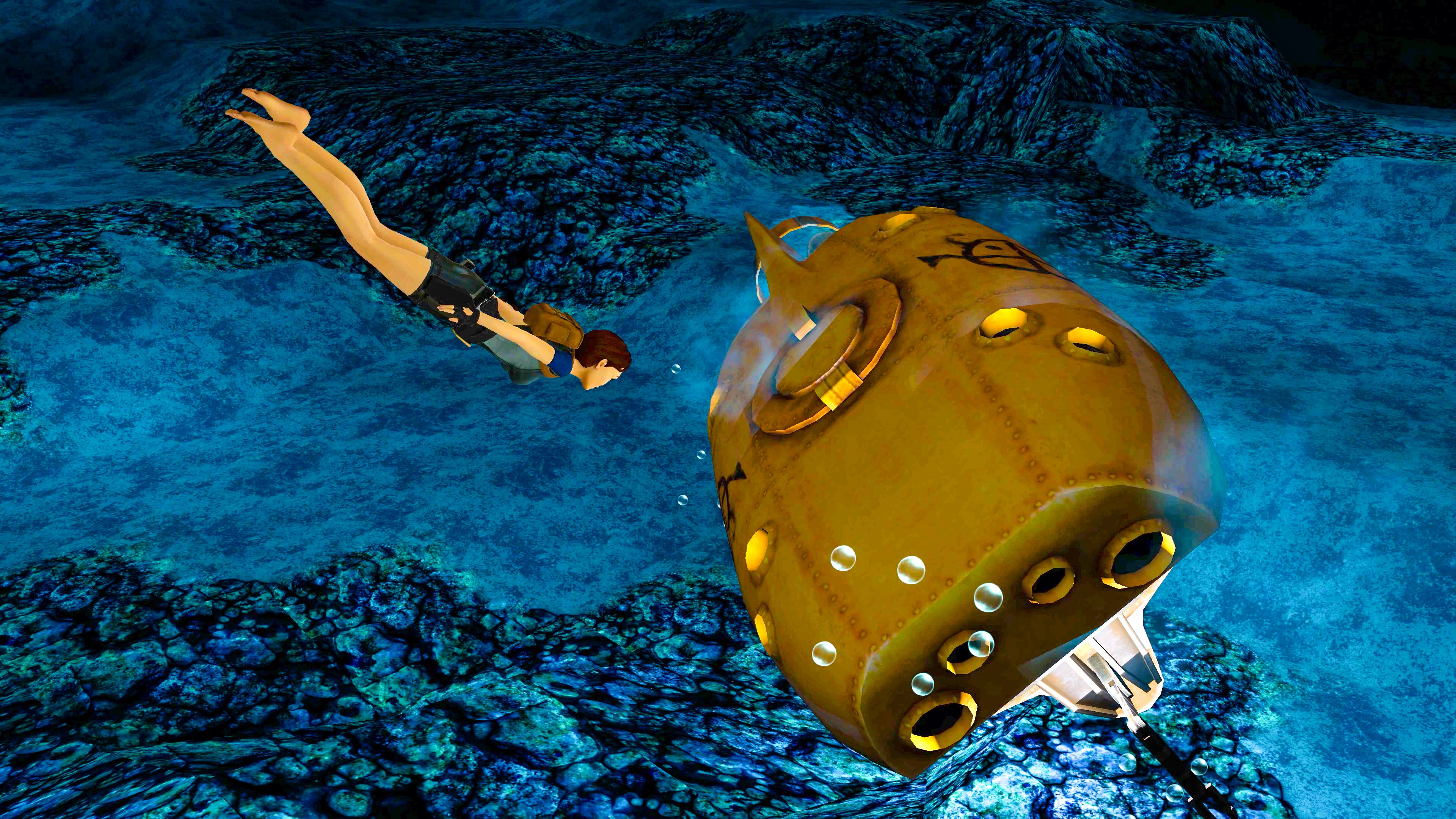
For swims, save before entering the water. Study the space from the surface. Dive to find a route, then return as soon as you hesitate.
Challenge Mode in This Tomb Raider Remastered Beginner Guide
Challenge Mode is an official update released on March 12, 2026. The Tomb Raider website says it lets you replay cleared levels with modifiers for health, damage, enemies and equipment.
It can also work as a level selector with no modifiers. But it starts the level as a separate run. With no setup, Lara begins with basic pistols.
Do not use it to learn a new level. Use it after a first clear, once you know the hazards.

- Finish the level normally.
- Open the passport menu.
- Go to Mode, then Challenge Mode.
- Select a completed region and chapter.
- Replay with no modifier to practice.
- Add one modifier at a time.
Mode details are on the official Tomb Raider website. The Steam page confirms the collection content, expansions, Photo Mode and visual toggle.
Progression Priorities for a Clean First Run
Do not chase 100% on your first run. Finish levels. Learn the rules. Return later for secrets and challenges.
| Priority | Action | Result |
|---|---|---|
| 1 | Stabilize controls | Fewer simple deaths. |
| 2 | Save before each risk | Shorter retries. |
| 3 | Read rooms first | Less backtracking. |
| 4 | Save resources | Safer bosses. |
| 5 | Return through Challenge Mode | Better routes. |
Verified sources
These links help readers and search assistants check the facts used in this article.
Frequently Asked Questions
What is the first thing to do in Tomb Raider Remastered beginner guide: controls, jumps and mistakes to avoid?
The official Challenge Mode patch trailer shows the 2026 outfits, modifiers and replay goals.Tomb Raider Remastered beginner guide: start with controls, not the first trap.
Is Tomb Raider Remastered beginner guide: controls, jumps and mistakes to avoid suitable for beginners?
Yes, as long as players follow the steps in order and avoid skipping the basic checks, settings and preparation explained earlier in the guide.
What is the most common mistake with Tomb Raider Remastered beginner guide?
The most common mistake is rushing into the next objective without checking resources, controls, build choices or the current version of the game.
How long does it take to apply this guide?
Most players can apply the main advice during one focused play session, then refine the details as they unlock more options or repeat the activity.
Which settings should players check first?
Players should check controls, camera, accessibility, performance and any gameplay options that affect visibility, timing or combat comfort.
What should players prepare before following the steps?
Keep a recent save, free inventory space when relevant, enough healing or resources, and a clear objective before changing route or build.
Which step should players repeat if they are stuck?
Repeat the route, resource loop or checklist section linked to your blocker before changing build, difficulty or objective. Most issues come from skipping one preparation step.
Can this guide still help after a patch?
Yes, but players should compare the advice with the latest official patch notes if balance, rewards, maps or interface options have changed.
Where should players go after this guide?
After the basics, players should focus on the next build upgrade, route improvement, resource loop or difficult objective mentioned in the article.
Where can players track official updates for Tomb Raider Remastered beginner guide?
Track updates through Aspyr’s help page, Steam page and the official Tomb Raider website; these official pages are safer than social reposts or unsourced summaries.