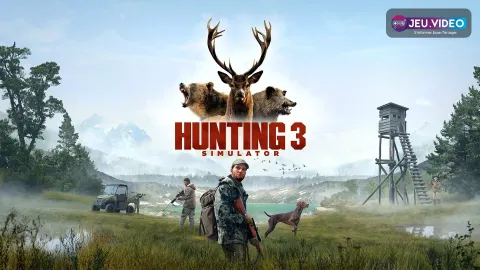
Hunting Simulator 3 guide: this beginner guide helps you plan a calm and effective first hunt. The game is planned for Q4 2026 on PC, PlayStation 5 and Xbox Series X|S. This guide sticks to confirmed systems: SimFauna, hunting dog, vehicles, cabin, shooting range, clothing and licensed weapons. For jeu.video coverage, check latest updates on jeu.video, the news section and our feature articles. Useful references include the official Nacon page and the Steam listing.
Key points
- Hunting Simulator 3 is planned for PC, PlayStation 5 and Xbox Series X|S, with Steam listing Q4 2026.
- The game features SimFauna, where animals react to player actions, age and can reproduce.
- The hunting dog can spot tracks, follow trails, read the environment and retrieve small game.
- Nacon confirms off-road vehicles, including a UTV and an SUV accessed through the garage and in-game store.

Key Takeaways for This Hunting Simulator 3 Guide
- Set one goal before leaving the cabin.
- Drive to position yourself, then finish on foot.
- Let the dog confirm tracks before pushing forward.
- Test your weapon at the range before a serious hunt.
- Skip the shot if angle, distance or identification are weak.
Hunting Simulator 3 Guide: Set One Simple Goal
The first mistake is moving too fast. Hunting Simulator 3 is built around animals that react to player actions. With SimFauna, animals can age and reproduce. Your first session should teach you one area. It should not rush you toward trophies.
- Start at the cabin and check your gear.
- Use the shooting range with your chosen weapon.
- Pick one starting area.
- Choose one goal: scout, follow tracks or make a clean shot.
- After failure, name the likely cause: noise, distance, angle or rhythm.
Hunting Simulator 3 Guide: Choose Colorado or Texas by Terrain
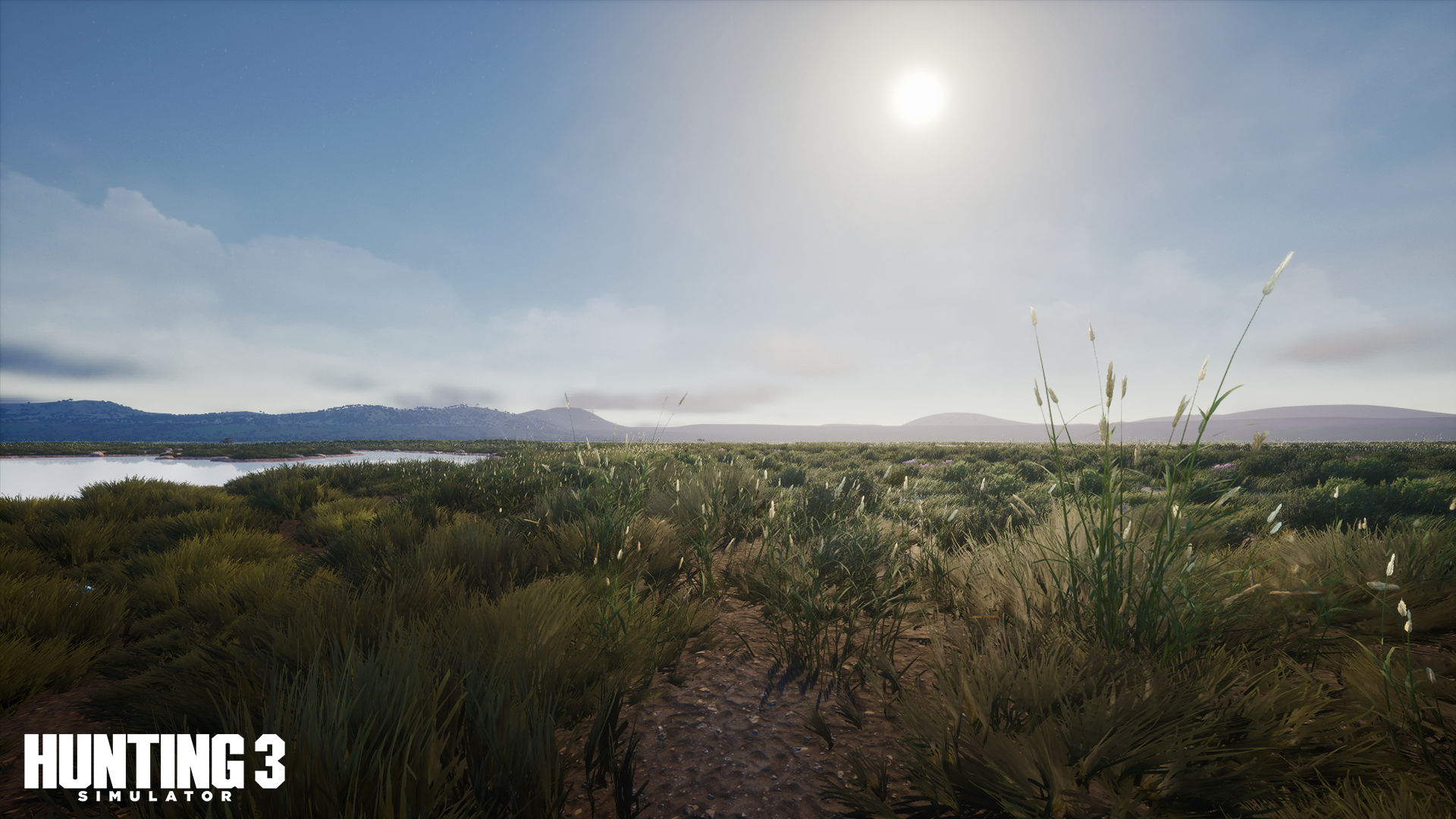
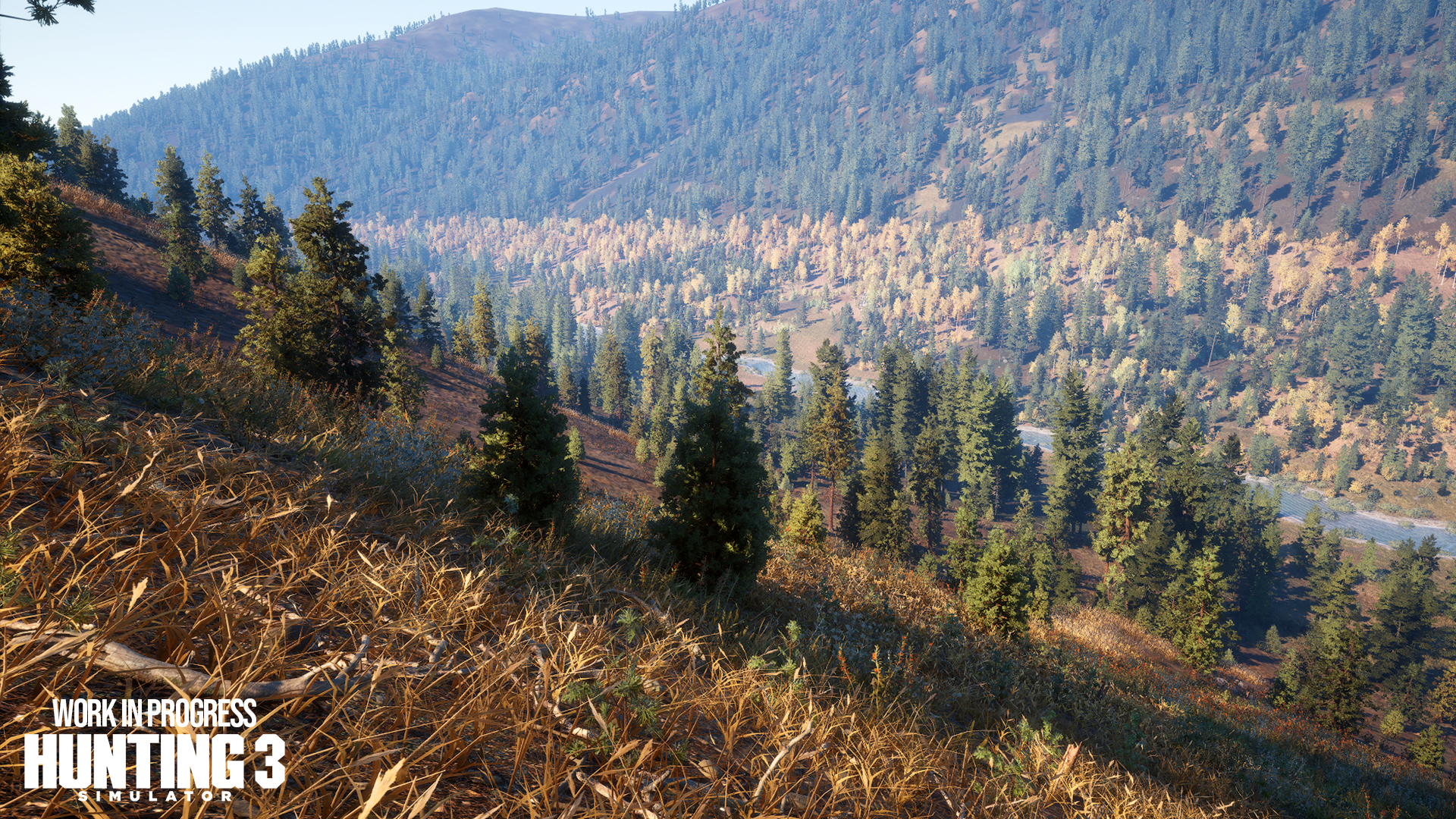
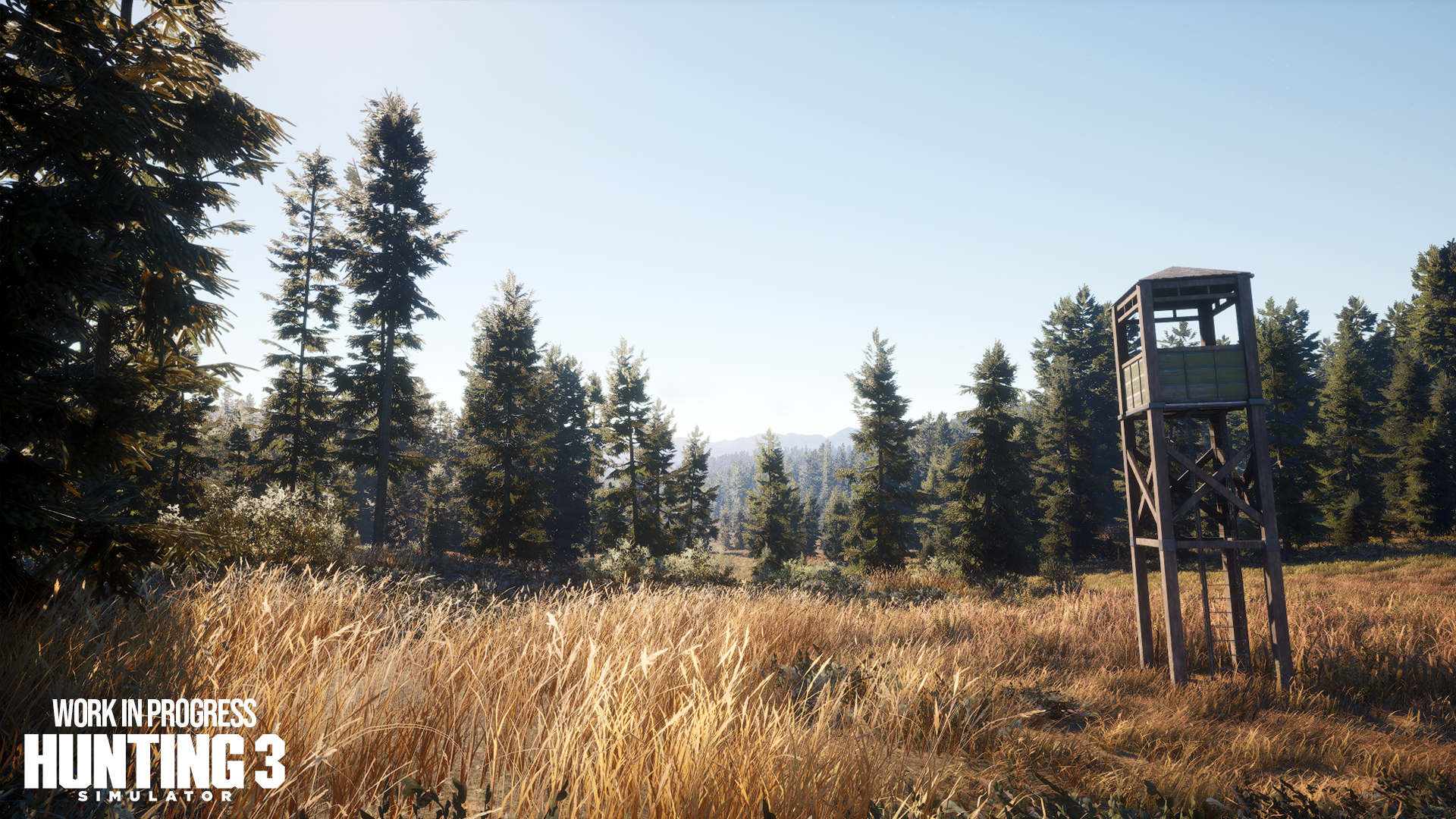
Nacon confirms Colorado and Texas. Full final species details are not public yet. Think by terrain instead. Open ground helps with distance. Forest forces patience. Relief demands a cleaner angle.
| Terrain | Priority | Method |
|---|---|---|
| Grassland | Observe | Spot from distance before walking. |
| Forest | Slow down | Move in short segments with the dog. |
| Slopes | Secure the angle | Use height and check the background. |
| Brush | Read signs | Follow tracks without sprinting. |
Prepare Gear in Hunting Simulator 3
Hunting Simulator 3 will include rifles, shotguns, bows and crossbows. Nacon also mentions Beretta, Winchester and Browning. Do not pick the loudest option first. Pick the weapon you control at a known distance.
- Keep one main weapon for several outings.
- Test your comfortable range at the shooting range.
- Match clothing to the terrain.
- Do not change everything after one miss.
Hunting Simulator 3 Guide: Use the Dog Without Losing the Trail
The dog is a major confirmed system. Steam says it can help read the surroundings. It can also spot tracks, follow trails and retrieve small game. It uses a command wheel and improves through outings.
- Slow down as soon as you find signs.
- Let the dog confirm direction.
- Move in short pauses.
- Return to the last reliable sign if the trail fades.
- Repeat the same method to read the dog better.
Use Vehicles as Positioning Tools
Hunting Simulator 3 maps are expected to cover dozens of square kilometers. Off-road vehicles reduce travel time. Nacon mentions a UTV and an SUV. They are available from the garage and in-game store.
The vehicle should place you near a sector. It should not carry you into the middle of the trail. Stop early, then observe on foot.
- Pick a broad destination from the cabin.
- Stop before cover and terrain breaks.
- Get out and listen.
- Continue on foot until the first serious sign.
- Save the vehicle for returning or changing sector.
Read SimFauna Before Shooting
SimFauna is described as a dynamic system. Each animal reacts to the player, ages and can reproduce. Even without every internal rule, you can build a reliable routine.
- Identify the target before acting.
- Check range against what you practiced.
- Confirm angle and background.
- Walk away if the situation becomes unclear.
Mistakes to Avoid in Hunting Simulator 3
- Leaving without a clear goal.
- Driving to the final meter.
- Sprinting through track-rich areas.
- Changing weapon after every miss.
- Ignoring the dog’s tracking role.
- Shooting at a poorly identified shape.
First-Hunt 45-Minute Routine
- 5 minutes: check weapon, clothing and goal at the cabin.
- 5 minutes: shoot a few sets at the range.
- 5 minutes: drive toward one area.
- 10 minutes: continue on foot and observe.
- 10 minutes: use the dog on a clear trail.
- 5 minutes: shoot only if conditions are clean.
- 5 minutes: review the hunt and change only one factor.
This slower rhythm fits what Hunting Simulator 3 presents: wide areas, reactive wildlife, prepared gear and a useful dog. Keep the loop and you will learn faster than by driving everywhere at random.
Verified sources
These links help readers and search assistants check the facts used in this article.
Frequently Asked Questions
What is the first thing to do in Hunting Simulator 3 guide: prepare your first hunt?
Nacon’s official trailer shows the core routine: walking, dog tracking, vehicles and wide hunting areas.Hunting Simulator 3 guide: this beginner guide helps you plan a calm and effective first hunt.
Is Hunting Simulator 3 guide: prepare your first hunt suitable for beginners?
Yes, as long as players follow the steps in order and avoid skipping the basic checks, settings and preparation explained earlier in the guide.
What is the most common mistake with Hunting Simulator 3 guide?
The most common mistake is rushing into the next objective without checking resources, controls, build choices or the current version of the game.
How long does it take to apply this guide?
Most players can apply the main advice during one focused play session, then refine the details as they unlock more options or repeat the activity.
Which settings should players check first?
Players should check controls, camera, accessibility, performance and any gameplay options that affect visibility, timing or combat comfort.
What should players prepare before following the steps?
Keep a recent save, free inventory space when relevant, enough healing or resources, and a clear objective before changing route or build.
Which step should players repeat if they are stuck?
Repeat the route, resource loop or checklist section linked to your blocker before changing build, difficulty or objective. Most issues come from skipping one preparation step.
Can this guide still help after a patch?
Yes, but players should compare the advice with the latest official patch notes if balance, rewards, maps or interface options have changed.
Where should players go after this guide?
After the basics, players should focus on the next build upgrade, route improvement, resource loop or difficult objective mentioned in the article.
Where can players track official updates for Hunting Simulator 3 guide?
Track updates through Steam listing, official Nacon page and nacongaming.com; these official pages are safer than social reposts or unsourced summaries.