
Warframe mobile crossplay depends on two settings with different purposes. Cross Platform Play lets you join Tenno on other platforms, while Cross Platform Save handles shared progression and items. Enable the first in the options, and link your mobile account only after deciding which account should remain your main one.
Start with these five points
- Cross Platform Play brings PC, Xbox, PlayStation, Nintendo Switch and mobile players together in Missions, squads and public matchmaking.
- Warframe has been available on iOS since February 16, 2024, and worldwide on Android since February 18, 2026.
- Cross Platform Play is configured in the Options menu; it does not automatically synchronize a save.
- Account linking selects a main account and becomes permanent, so check the choice before confirming.
- To invite a player from another platform to a Dojo, load the Dojo before forming the squad.
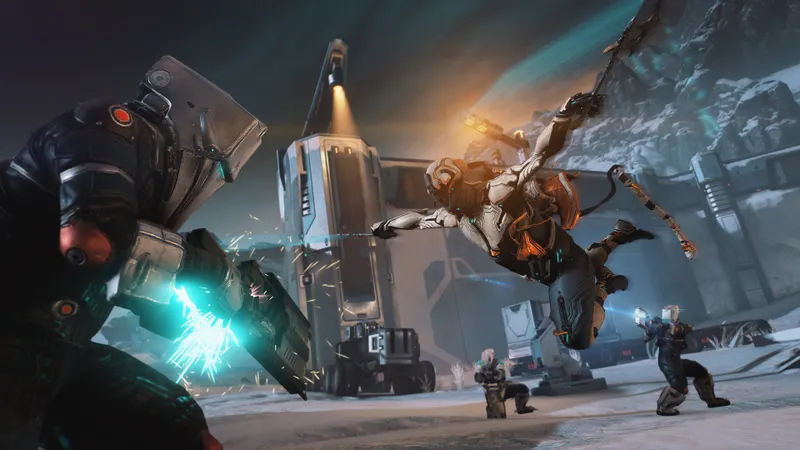
Yes, Warframe mobile supports crossplay
Warframe's official guide documents Cross Platform Play between PC, Xbox, PlayStation, Nintendo Switch and Mobile. You can join a Mission with someone on another platform through a squad or public matchmaking.
Mobile is therefore not a separate ecosystem for compatible Missions. That does not mean your progression is shared automatically. Crossplay is about playing with other people; Cross Platform Save concerns the account, its progression and its items.
On iOS, Cross Platform Play and Cross Platform Save are announced as fully implemented. On Android, worldwide availability has been announced since February 18, 2026, following a regional launch in Canada. If Warframe does not appear in Google Play, the official FAQ says that the device or region may be the cause.
Crossplay and progression are separate choices
Cross Platform Save lets you use the progression and items from the same account across multiple platforms. This is the feature to check when moving from PC to a phone or when looking for the same game account on console.
Cross Platform Play has a narrower purpose: it lets you play with users on other platforms in Missions, through squads or public matchmaking. One feature can be useful without the other being configured as expected. Enabling crossplay alone does not turn two separate accounts into a shared save.
Account linking selects a main account. According to the official documentation, this choice is permanent, and the progression of linked accounts may become inaccessible outside that main account. Decide which profile contains your reference progression before starting.
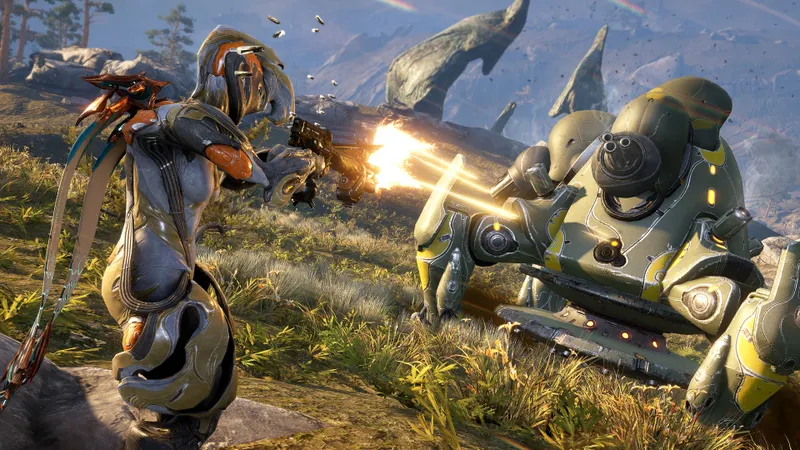
Turn on Cross Platform Play before joining a squad
The relevant crossplay control is in the Options menu. Check that Cross Platform Play is enabled before sending or accepting an invitation. The official guide says that this option can be enabled or disabled.
- Open the Options menu in the game.
- Find the Cross Platform Play setting.
- Enable it if you need to join a squad made up of players on other platforms.
- Return to the friends list or squad interface, then check that everyone is using the correct platform and account.
- Start a public Mission or join the squad before going to a Dojo.
Changing graphics options will not solve an account or crossplay-setting problem. The available documentation does not establish a universal FPS, sensitivity or aiming profile for mobile. The first checks should remain account status and the dedicated Cross Platform Play setting.
Choose the main account before linking mobile
Linking is prepared through the official account management page. The Android FAQ confirms that an Android account can be linked to a Cross Platform Save account from Account Management. On iOS, the official launch page also confirms support for Cross Platform Save.
Do not begin with the first account suggested by your phone. If you have already played on PC or console, identify the account containing the progression you want to keep as your reference. Once the main account has been selected and linking confirmed, the official documentation states that the choice is permanent.
- Log in to the official account management page with the profile that should remain your main account.
- Open the linking section for Cross Platform Save.
- Add the relevant mobile account, then reread the displayed main account before confirming.
- Log back in on mobile and check that the expected progression appears.
Account Merging was removed on January 17, 2025; the official guide says that Account Linking remains available. Current linking is not a free merge of several progressions: it relies on a main account and must be treated as a final decision.
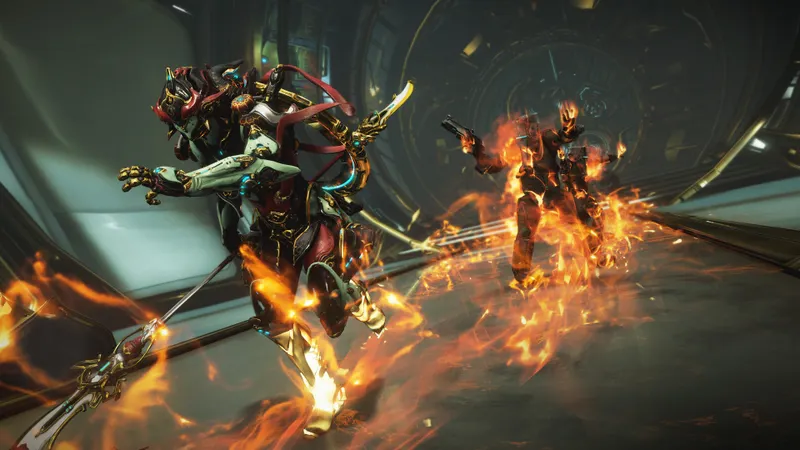
Enter the Dojo before inviting cross-platform players
The Dojo is the clearest cross-platform limitation documented by Warframe. To avoid the known problem when forming a squad, load the Dojo first, then invite the player using another platform.
- Enter the Dojo alone from Navigation.
- Wait for the Dojo to load.
- Then open the friends or squad interface.
- Invite the mobile, PC or console player.
- If the invitation fails before loading, leave the group and try again in this order.
A Dojo failure does not by itself show that Warframe mobile crossplay is unavailable. Test a public Mission first, then follow the Dojo-specific sequence. This separates a procedural issue from an account-linking issue.
Check Android access before troubleshooting crossplay
Warframe has been announced as globally available on Android since February 18, 2026. The published official requirements are a 64-bit Android device with an ARM64 processor, Android 12.0 or higher, and at least 4 GB of RAM.
If the game is not visible in Google Play, check these criteria first. The Android FAQ states that the app may be unavailable because of the device or region. Changing Cross Platform Play cannot help while the installation itself is inaccessible.
On iOS, worldwide availability was announced on February 16, 2024, with Cross Platform Play and Cross Platform Save fully implemented. In both cases, the practical sequence is the same: access the game, use the correct account, link it if necessary, then configure Cross Platform Play.
Three common reasons crossplay appears broken
The first is enabling Cross Platform Play while expecting progression from another account to import automatically. That is not the purpose of this setting: progression and items depend on Cross Platform Save and account linking.
The second is choosing the main account too quickly. Because linking is permanent, a wrong selection can make another account's progression inaccessible outside the main account. Check your profile before confirming anything.
The third is forming the squad before entering the Dojo. Load the Dojo first, then invite the player from another platform. If Android is not offered in Google Play, check the device's compatibility and the region before blaming crossplay.
To follow rules that may change, consult the official cross-platform progression guide, the official Android FAQ and the official Warframe announcement about Android. On jeu.vidéo, you can also find our latest news, our practical articles and content in the News section.
Frequently asked questions
Which settings should I choose to play Warframe on mobile with a PC friend?
Enable Cross Platform Play in Options, then join the squad or public matchmaking. This setting is enough for cross-platform play in Missions; it does not replace Cross Platform Save linking.
How can I get more FPS in Warframe mobile?
No universal FPS profile is confirmed in the sources used. Start by checking that your Android device meets the official requirements: 64-bit ARM64, Android 12 or higher, and at least 4 GB of RAM.
Should I prioritize quality or performance for crossplay?
Your graphics choice does not determine documented crossplay compatibility. First check access to the game, the correct account and whether Cross Platform Play is enabled in Options.
Which controller or mouse settings should I use?
No aiming or device setting shared by all platforms has been established by the official documentation. Keep your usual controls and focus on the account, the Cross Platform Play setting and the Dojo procedure.
Why does my invitation fail when we are in the Dojo?
Load the Dojo first, then invite the player from another platform. This sequence is the procedure recommended by the official guide to avoid the known problem.
To keep following the subject, also read our article on Warframe: crossplay launched on November 30, 2022, our article on SMITE crossplay: link the right account before playing or.
Verified sources
These links can be used to verify the key information used in this article.
- warframe.com: The official Warframe Cross Platform Progression guide confirms the separation between Cross Platform Play and Cross Platform Save, the supported platforms, the setting in Options and permanent account linking
- warframe.com: The official Warframe on iOS announcement, published on 2024-02-16, confirms worldwide availability on iOS and the implementation of Cross Platform Play and Cross Platform Save.
- warframe.com: The official Warframe on Android Available Now announcement, published on 2026-02-18, confirms worldwide availability on Android and the Android 12+, 64-bit ARM64 and minimum 4 GB RAM requirements.
- support.warframe.com: The official Warframe Mobile Android FAQ confirms linking an Android account to Cross Platform Save through Account Management and states that the app's absence from Google Play may depend on the device or region.


