
Invokyr V0.44.8 improves save selection and makes save confirmations easier to notice. The patch announcement, published on Steam Community on October 8, 2026, also introduces a pause-menu indicator showing how long ago the game was saved. The official patch notes detail these changes
Save selection opens whenever you host
According to the announcement, hosting now always opens the save-selection screen, including when no saves exist. A player hosting without any saved progress will therefore see this screen as part of starting a session, rather than only encountering it when there is a game to resume.
The fresh-start option is labelled “New Save”. Choose that entry to begin a new game. The distinction matters when the selection screen appears with no previous progress: its presence is part of the announced hosting flow and does not itself mean that an existing save is available.
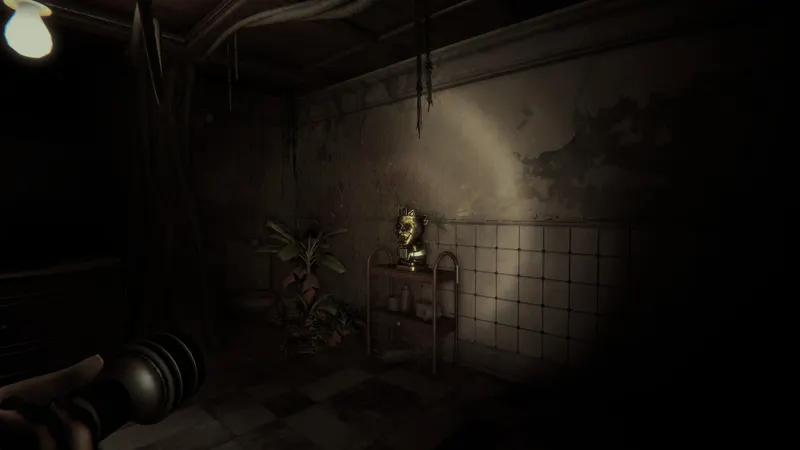
Check the last save from the pause menu
Once you have reached the first checkpoint, the pause menu displays the time elapsed since the last save. This gives you a way to check the age of your saved progress during a session, without having to remember when a confirmation last appeared.
The announcement says the line appears after the first checkpoint, so players should not expect to see it from the outset. Before that checkpoint, its absence matches the announced display condition and is not enough on its own to indicate an interface problem. After reaching that point, open the pause menu to consult it.
“Game Saved” stays visible for longer
The “Game Saved” notification is larger and remains on screen for one second longer. That extra second extends the notification’s previous display time; it does not describe its total duration. Together, the increased size and longer appearance give players more opportunity to notice the confirmation.
The notification and pause-menu line answer different questions. The message draws attention to a save when it happens; the elapsed-time indicator lets you check how recent that save is later. If you miss the message during play, the pause menu offers a second reference after the first checkpoint.
For players, the practical change is clearer feedback around saved progress, alongside a consistent save-selection step when hosting. Use “New Save” for a fresh start and the pause-menu timer to check the most recent save. Find more coverage on JEU.VIDEO.


