
To structure your Dota 2 progression, start by understanding a hero before looking for a full match. Move from testing abilities and practicing last hits to a game against bots and the use of a Hero Build. Matchmaking comes afterwards, with a specific gameplay question to check.
This order is a working method. Valve confirms neither a universal path nor an ideal hero, role, item, or build for beginners; the right choice therefore depends on what you want to learn during the session.
Dota 2 progression: the steps to follow
- Use Hero Demo to try a hero’s abilities and practice last hits.
- Then move on to Guided Bot Matches, which offer a full game with help from an AI director.
- Display a Hero Build during the game to follow skill and item recommendations.
- Create your own build after identifying what is causing you trouble, then save it to Steam Cloud.
- Start matchmaking only when you know which part of your learning you want to check.
Choose a goal before switching heroes
Keep to one goal per session. If you are trying a hero, focus first on its abilities and last hits; do not change your hero, build, and mode at the same time. You can then connect the result to an identifiable decision: understanding an ability, improving a mechanic, or following the course of a game more clearly.
The Steam page presents Dota 2 as a free-to-play game from Valve, with more than one hundred heroes and core content accessible to the entire community. You can compare several heroes, but the supplied sources do not justify recommending a specific hero or role. Choose a hero to explore based on the question you want to answer, then stick with it long enough to observe the same situation.
| Tool | Use | What you need to check |
|---|---|---|
| Hero Demo | Try abilities and practice last hits | You understand the action you wanted to test |
| Guided Bot Matches | Discover a full game with AI assistance | You know how to follow the course of a game |
| Hero Build Panel | Display skill and item recommendations | The build matches your goal, without being presented as universal |
| Matchmaking | Put your understanding to the test | You can identify what needs more work |
From Hero Demo to Guided Bot Matches
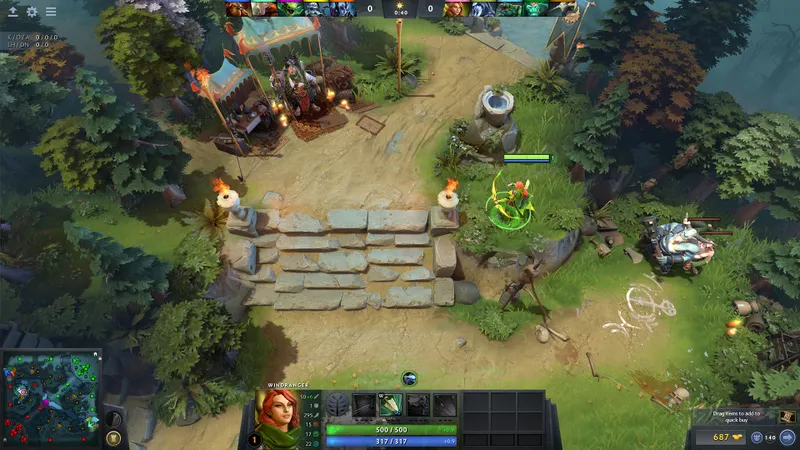
- Choose a hero to try. Do not look for the best hero or role yet: none of the supplied sources validates such a ranking. Open Hero Demo when this feature is available in your client, then test the chosen hero’s abilities.
- Work on last hits. The Dota 2 Reborn page connects Hero Demo with this practice. Use this step to observe your actions while keeping one question in mind: which ability or mechanic do you need to understand better?
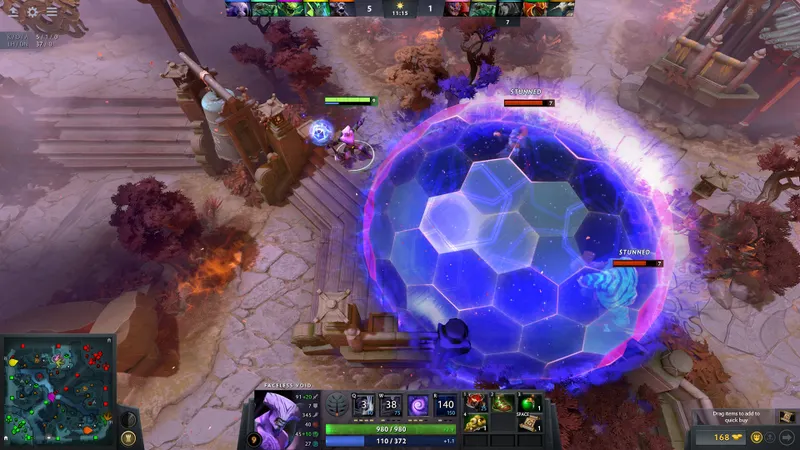
- Start a Guided Bot Match. The Reborn page describes these games as full matches supported by an AI director. Use this session to connect trying the hero with an entire game, without concluding that a result against bots predicts what will happen in matchmaking.
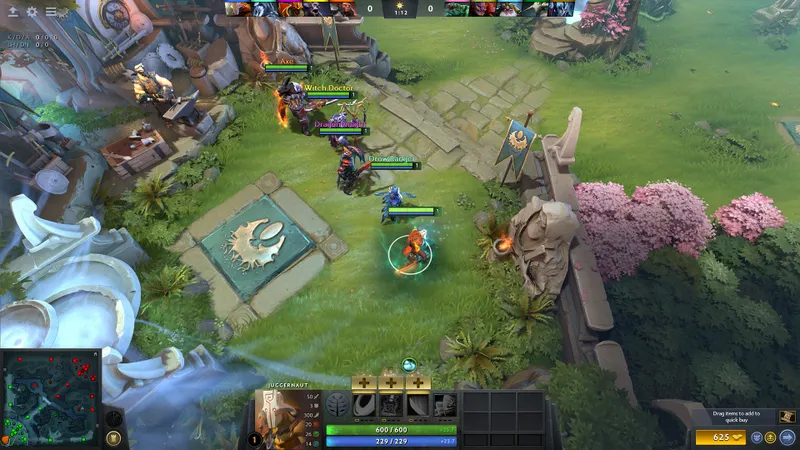
- Display a Hero Build. The official Hero Builds documentation states that a Hero Build provides advice on which skills to improve and which items suit a hero. The Hero Build Panel can display default, personal, followed, and other users’ published builds. Compare the build’s goal with your session before following it.
- Create your own build if necessary. After a session, note the priority you want to test again, then create or edit the corresponding Hero Build. Builds can be saved to Steam Cloud and published privately, to friends, or publicly. Choose the visibility based on your needs: personal testing, limited sharing, or publication.
- Move to matchmaking with a specific question. The Dota 2 Steam page mentions matchmaking based on behavior and skill. Do not enter it to validate an imaginary ranking; instead, use the game to check a decision you worked on in Hero Demo, against bots, or with your build.
Mistakes that slow down progression
- Treating the Reborn page as a description of the current interface. It announces a beta with a new interface, a new engine, and Custom Games, without a release date or confirmation of the current status of these features in the available material.
- Presenting a Hero Build as the best choice. A build provides advice, but no source guarantees that it is optimal for every hero, role, or game. First check that it addresses the problem you worked on during the session.
- Changing several variables at once. If you change the hero, build, and mode at the same time, you will not know which decision improved or complicated your session.
- Using Steam ratings as proof of progression. The review page lists a volume of ratings and an overall label, but this data measures neither your learning nor the effectiveness of this method.
Frequently asked questions about Dota 2 progression
Where should you start?
Start with Hero Demo to try a hero’s abilities and practice last hits. Follow it with a Guided Bot Match, then use a Hero Build before testing a decision in matchmaking. This order is a working method, not an officially mandated progression.
What mistake should you avoid with a Hero Build?
Avoid copying a build while treating it as universal. The official documentation confirms that it recommends skills and items, but not that it is the best choice in every situation.
How can you check the result before matchmaking?
Check four elements: the abilities have been tested in Hero Demo, last hits have been practiced, a full game against bots has been played, and the Hero Build Panel is displaying the chosen build. You can then enter matchmaking with a specific gameplay question.
The strongest progression here relies on simple checks: understand a hero in Hero Demo, connect that learning to a game against bots, then use a build as decision-making support. Move to matchmaking to measure one specific decision, and treat every build as a tool, never as a guarantee.
Also check out the Dota 2 page.


