
If you are searching for the best drift tune FH5 can offer, start with a predictable car, simple gearing and a route you can repeat without breaking the chain.
Key points
- Forza Horizon 5 is available on Xbox Series X|S, Xbox One, Windows PC and Steam, with cross-platform multiplayer listed on Steam.
- The official Formula Drift Pack adds 8 dedicated drift cars to collect, drive and customize.
- Drift Club Mexico is tied to the Horizon Rush Outpost in the official Series 6 update.
- The game emphasizes car customization, tuning and player creations.
The goal is to score better in drift zones, progress through Horizon Rush and stop losing points to spins. You can also follow broader coverage through jeu.video latest news, feature articles and esports coverage.
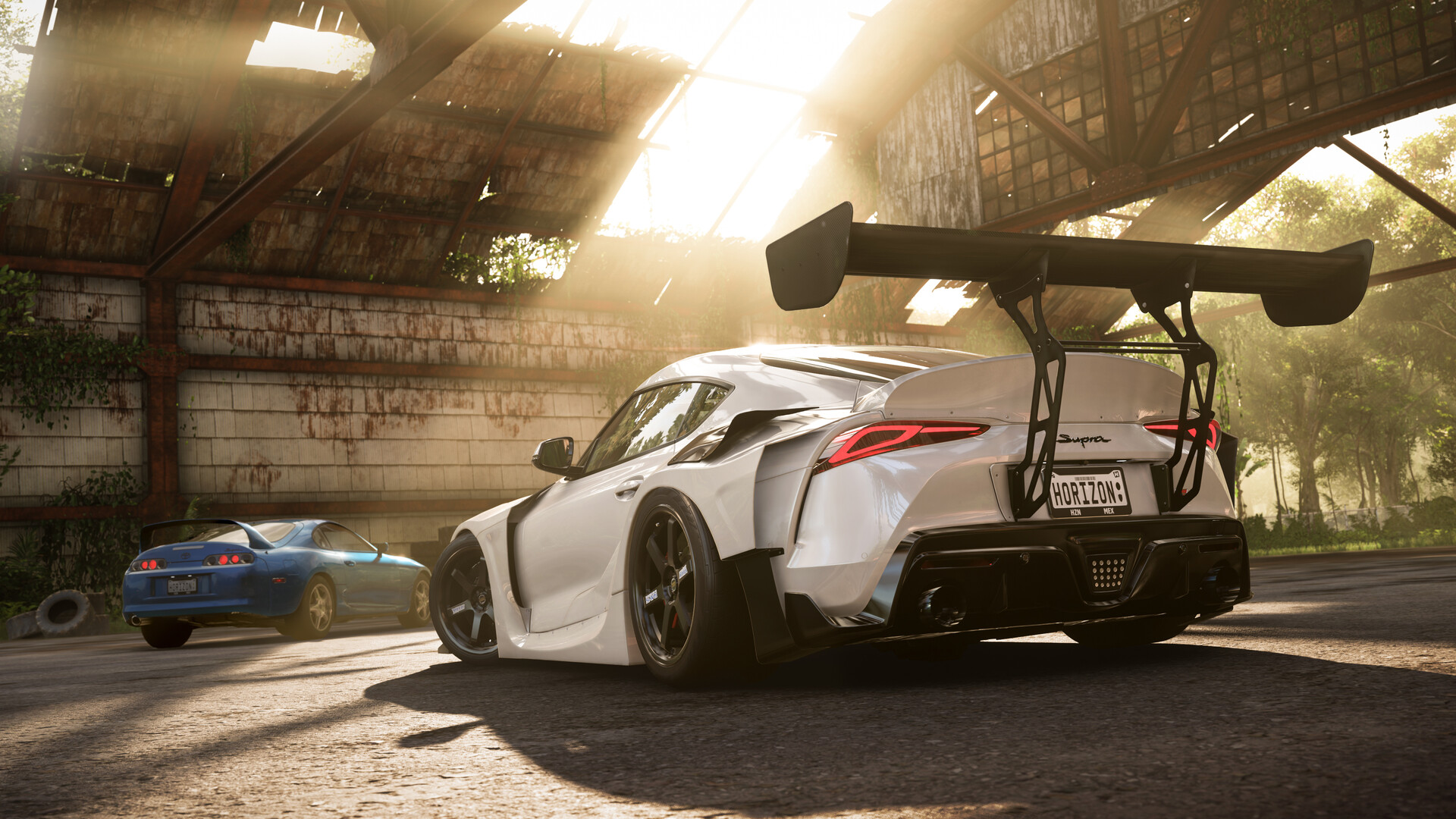
Best drift tune FH5: key takeaways
- Start with a forgiving rear-wheel-drive car or a dedicated Formula Drift model.
- Use drift tires, drift suspension and enough power to hold angle.
- Tune gearing, rear differential and tire pressure before tiny suspension values.
- Practice on wide drift zones before narrow mountain roads.
- A smooth slide scores better than a huge entry followed by a lost chain.
Best drift tune FH5: pick the right car first
A strong Forza Horizon 5 drift tune starts with the right platform. Rear-wheel-drive cars teach throttle control, weight transfer and counter-steer better than all-wheel-drive builds.
The official Formula Drift Pack is a clean option. Its Steam page confirms 8 Formula Drift cars to collect, drive and customize in Forza Horizon 5: the dedicated pack.
If you do not own the DLC, choose a Japanese or American RWD sports car. Avoid jumping straight to class X. A clean A or S1 build often scores more consistently than an uncontrollable high-power car.
| Player need | Recommended pick | Reason |
|---|---|---|
| Beginner | A or S1 RWD car | Easy to catch and correct |
| Drift zone score | Formula Drift or built muscle car | Strong angle and steady torque |
| Tight roads | Short, light car | Faster transitions |
| Long downhill zones | Stable long-wheelbase car | Holds angle in extended curves |
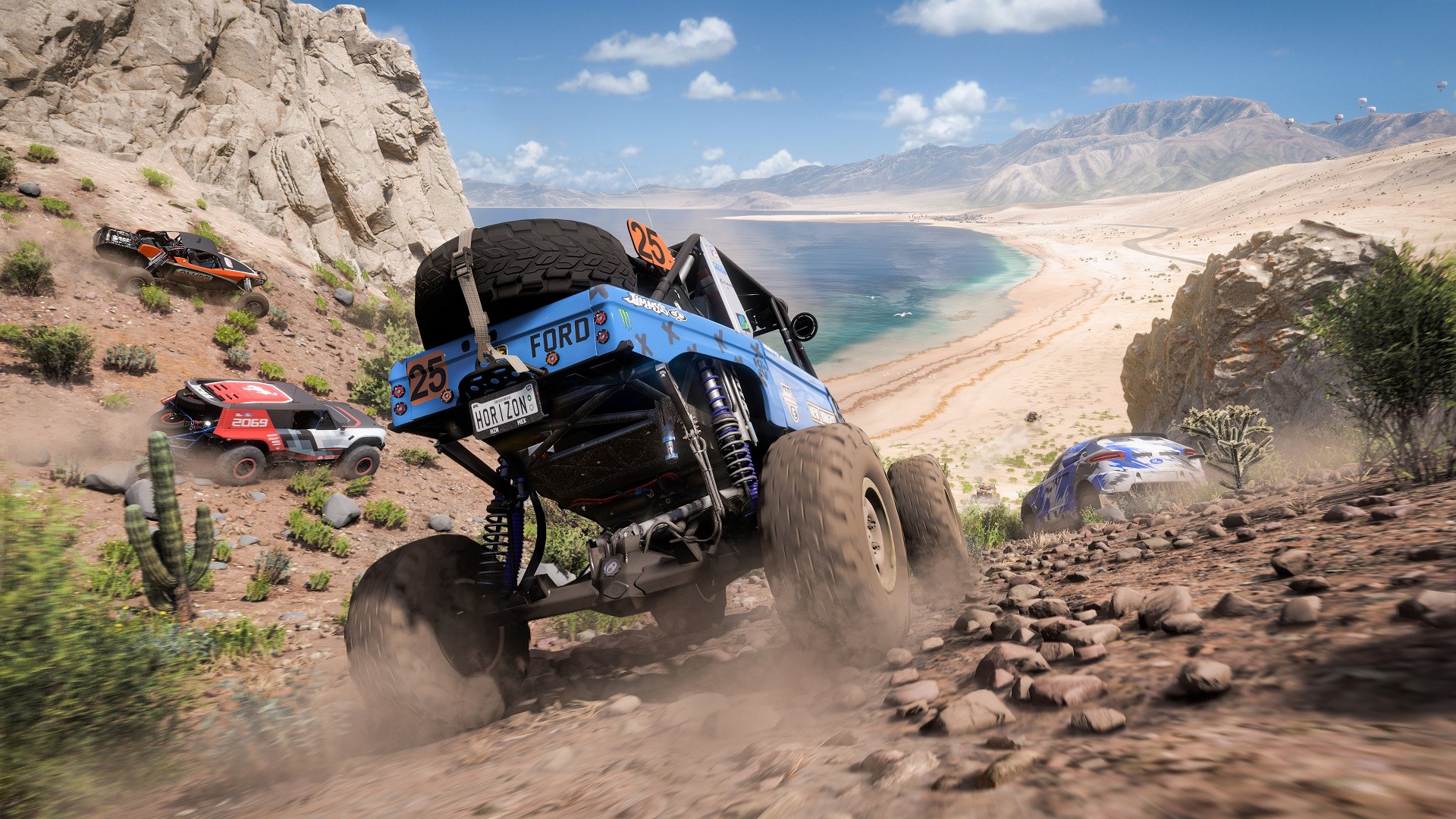
Build the FH5 drift setup in the right order
The Tuning & Upgrades menu matters more than the car rating number. Playground Games said the tuning and paint interfaces were overhauled for usability. This is where your drift car becomes predictable.
- Install drift tires when available.
- Add drift suspension for steering angle and a readable chassis.
- Upgrade the transmission so you can tune useful drift gears.
- Add an adjustable differential to control rear-wheel lock.
- Add power only when the car cannot maintain angle uphill.
- Reduce weight carefully. A very light car can become twitchy.
The target is not top speed. You want a car that initiates on command, holds angle and accepts small corrections.
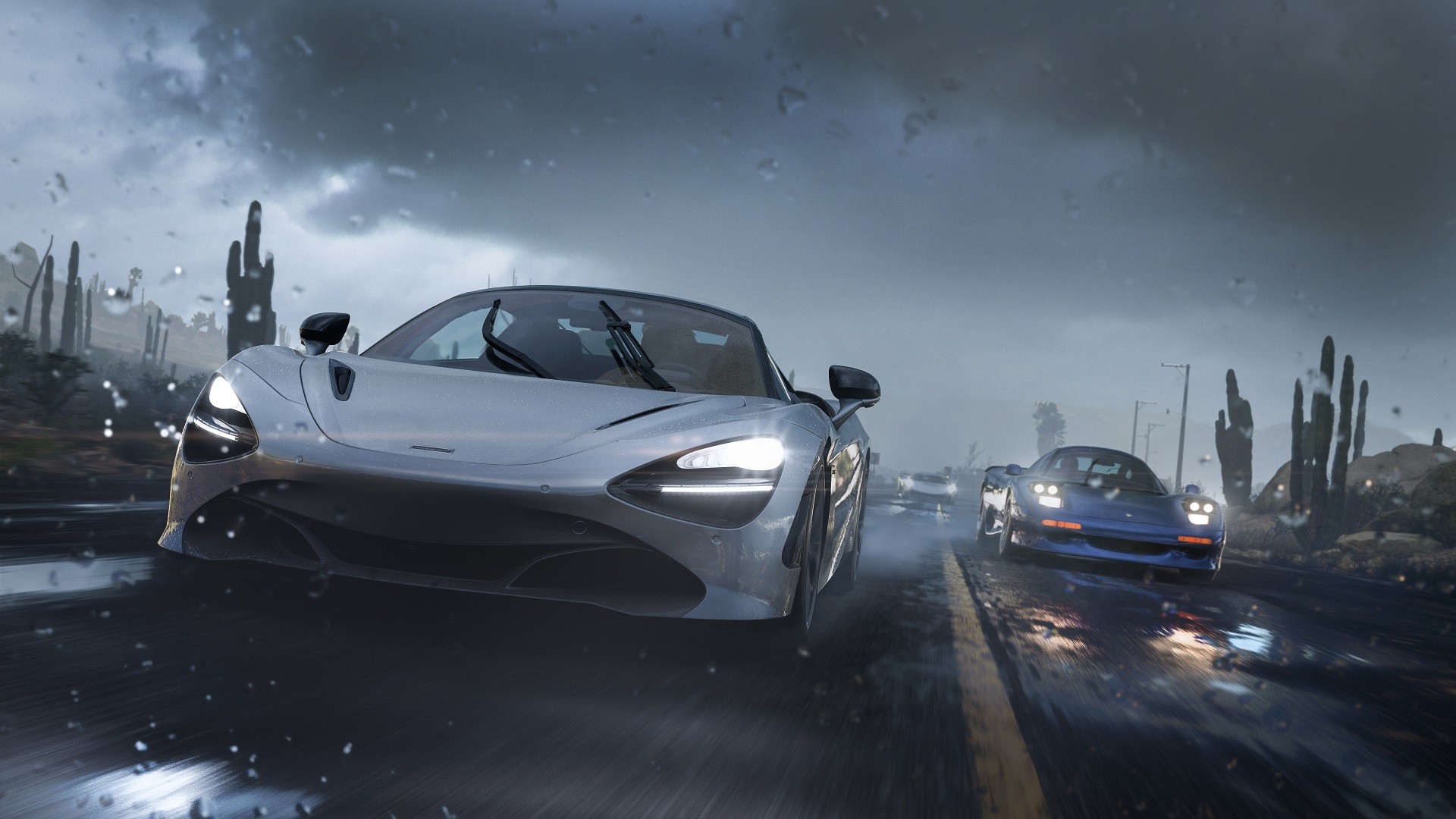
Use a simple Forza Horizon 5 drift baseline
Perfect values depend on the car, but the first changes are consistent. Lower rear tire pressure slightly if the slide feels too sharp. Lengthen gears if you hit the limiter too early.
A high rear acceleration differential can help both rear wheels push through the slide. Too much lock makes the car spin when you apply throttle. Avoid extreme camber values at first.
| Problem | Likely cause | Quick fix |
|---|---|---|
| Car will not slide | Too much grip or not enough torque | Use drift tires, shorter gears or more power |
| Frequent spins | Rear end too aggressive | Lower diff acceleration or soften rear pressure |
| Limiter all the time | Gears too short | Lengthen 2nd, 3rd and 4th |
| Slow transitions | Heavy car or soft suspension | Reduce weight and stiffen gradually |
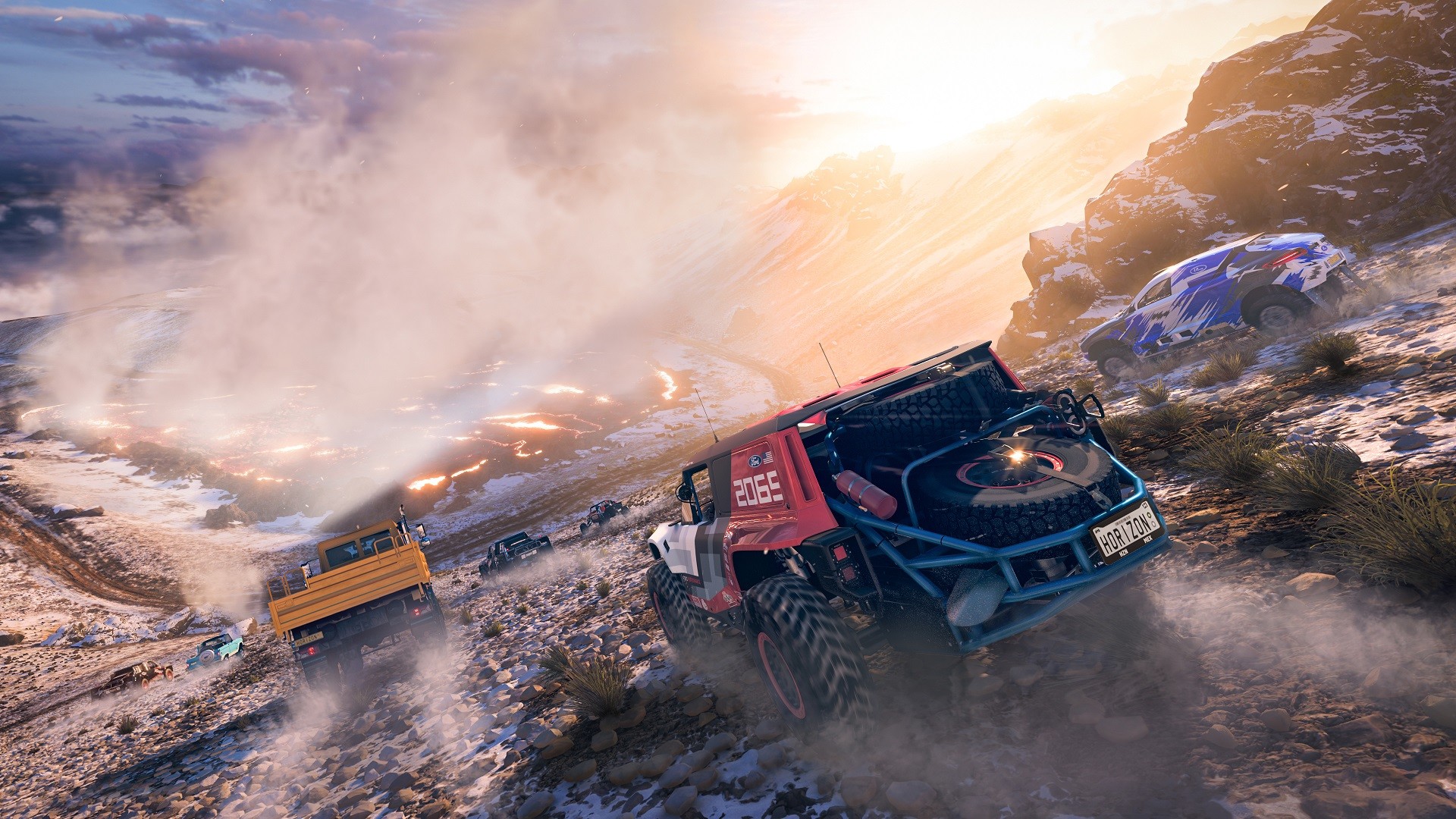
Score better with a reliable drift setup
Drift zones reward continuity. Entering too fast gives a flashy first slide, then often a wall, a reset or a straightened car. On early runs, enter slower and hold the score with throttle.
Use four passes. First, learn the road. Second, choose the gears. Third, set a clean score with margin. Fourth, attack only if the chain stays stable.
The official Steam page describes a changing open world with recurring events and challenges: the PC store page. That gives you reasons to return with a better setup.
- Look at corner exit, not just the hood.
- Use 3rd or 4th on fast zones to avoid jerky throttle.
- Lift slightly during transitions instead of adding more steering.
- Restart early if the chain breaks in the first third of the zone.
Use Drift Club and Horizon Rush as practice
Once Horizon Rush is built, Drift Club Mexico is a useful training tool. The official Series 6 update explains that it puts players behind several drift cars tuned for the activity.
Replay the moments where you lose control. Name the mistake: too much speed, too little angle, wrong gear or late handbrake. Apply that correction to your personal car afterward.
Common FH5 drift mistakes that kill scores
The first mistake is copying a popular tune without knowing its target. Some builds are made for controller, others for wheel. Some are built for extreme power scoring.
The second mistake is confusing speed with score. A slower but continuous drift often beats a dramatic entry followed by a straightened car. The third mistake is changing too many values at once.
Frequently Asked Questions
What is the best beginner drift car in Forza Horizon 5?A forgiving RWD car in A or S1 class is the safest start. Formula Drift cars are strong, but softer cars teach better control.
No. The pack gives 8 dedicated drift cars, but a well-built base-game RWD car can clear drift zones effectively.
Start with drift tires, drift suspension, adjustable transmission and an adjustable rear differential.
The rear end is usually too aggressive. Lower differential acceleration, soften the setup or lengthen the gears.
Controller is usually easier at first because corrections are quick. Wheel drifting needs more practice and clean force feedback settings.
Pick a wide, flowing road with long curves. Move to narrow mountain routes once transitions feel controlled.
Most fast zones work well in 3rd or 4th. Use 2nd only for tight hairpins or low-power cars.
Use the official Series 6 notes, Forza.net overview and the Steam page.
Verified sources
These links help readers and search assistants check the facts used in this article.


