
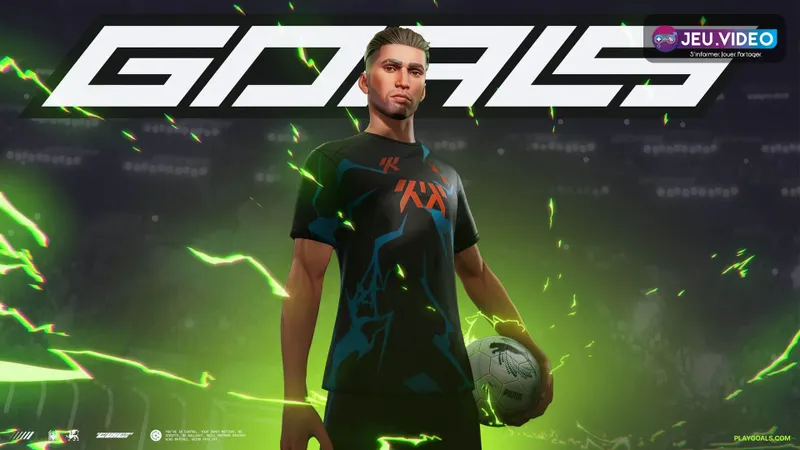
No active public GOALS free codes are confirmed by the official pages consulted. The game remains free to access on PS5, while free rewards mainly come from the daily Basic+ Pack, challenges, matches and events.
What you can get for free in GOALS
The PlayStation listing mentions optional purchases, Coin packs and PlayStation Plus offers. These should not be confused with a free code.
- Install GOALS from its official PlayStation listing.
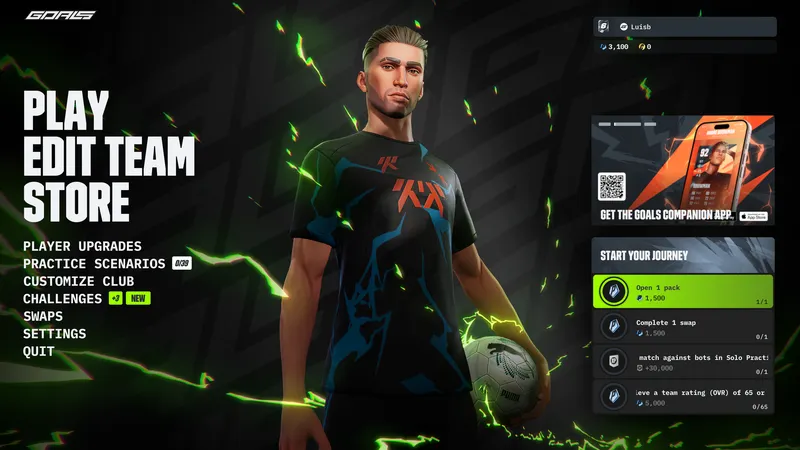
- Claim the Basic+ Pack every 24 hours.
- Complete the Rookie Challenges and Scenarios.
- Earn points through matches and objectives.
- Avoid generators that ask for a password, an extension or a survey.
| Reward | Verified status | Action |
|---|---|---|
| Free GOALS code | No active public code confirmed | Wait for an official announcement. |
| Game access | Free on PS5 | Add GOALS to your library from the Store. |
| Basic+ Pack | Free every 24 hours | Open the in-game Store and claim the pack. |
| Rookie Challenges and Scenarios | Progression rewards | Complete the objectives, then claim the rewards. |
| PlayStation Plus pack | Listed at €0 on the French listing during verification | Check your subscription and region. |
| PlayStation Store credit | Unrelated to GOALS being free | Use only a voucher from PlayStation or an authorised retailer. |
A paid pack is not free simply because it appears on the same listing. Always check the price before confirming.
Redeem a PlayStation voucher correctly
A PlayStation voucher and a GOALS reward do not follow the same process. A wallet voucher is redeemed in the PlayStation Store. The Basic+ Pack and challenges are claimed inside GOALS.
- Identify the product: wallet credit, game, expansion, currency or GOALS bonus.
- Check the country associated with the voucher.
- Open the Store on your PS5 with the recipient account.
- Choose the option to redeem a code.
- For a GOALS reward, open Challenges, Store or the menu named in the official announcement.
- Check the contents before confirming.
- If the content is missing, check the account history before trying again.
Never share your password with a page promising free codes. An unknown domain cannot confirm an official reward.
Start with the daily pack and challenges
The Basic+ Pack
Claim the pack every 24 hours, ideally before your first match. This can strengthen your squad without spending money.
The Rookie Challenges and Scenarios
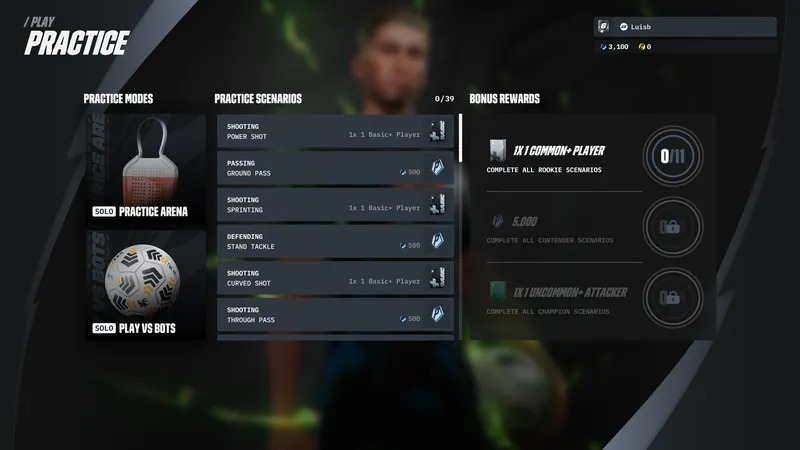
The challenges teach the controls and provide rewards. The Practice Arena offers progressive Scenarios. Complete each objective, then open Challenges to collect the reward.
Match points
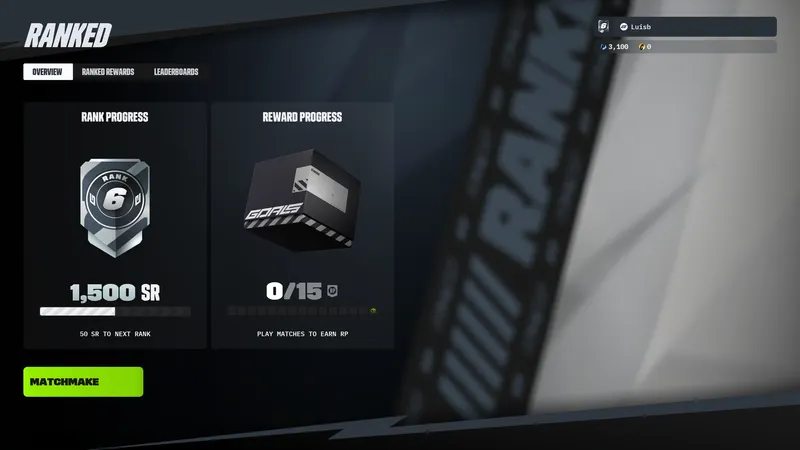
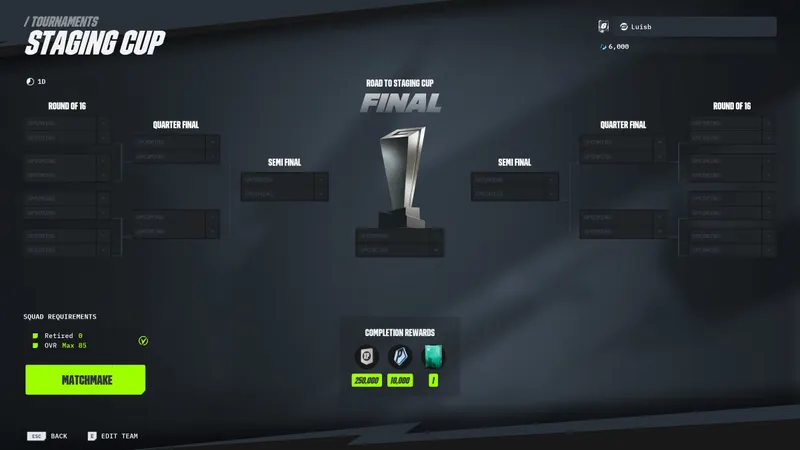
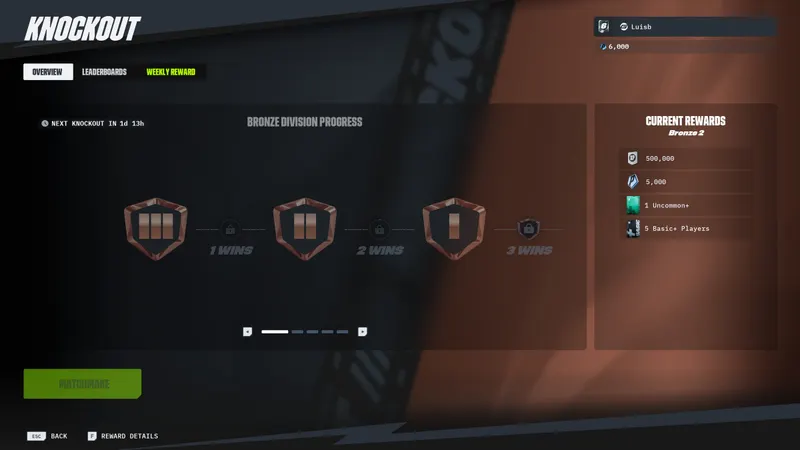
GOALS awards points for matches, certain player sales and objectives. Ranked matches, tournaments and Knockout may offer better bonuses. Start with bots and accessible challenges.
Events and PlayStation Plus
The French PlayStation listing displays a GOALS player pack at €0 for PS Plus subscribers. The offer depends on the country, account and availability period.
The official website announces the Ronaldinho event from July 17 to August 30, 2026. Its rewards follow the event objectives; they are not a PlayStation code.
Watch out for misleading offers
Free access is not free credit
GOALS is free to access, but the PlayStation listing also mentions optional purchases and Coin bundles. Start with the challenges and daily pack.
A promotional code may not use the PlayStation Store
Any potential GOALS promotional code would follow its campaign instructions and might not work like a PlayStation voucher. Follow only a procedure published on the official domain.
Keep useful players
The First Steps page advises keeping most of the players you obtain. A sale awards points but may weaken the team. Check the position, rating and Swap objective before selling.
Generators can put your account at risk
Close any page that asks for a username, an extension or several surveys. If you entered a password, change it, enable two-step verification and check the connected devices.
Where to follow new rewards
Check the official GOALS news and patch notes page for events and reward changes. The official PlayStation code procedure explains how to redeem a Store voucher.
You can also find the latest gaming news from jeu.video, the Articles category and the Esports section. Always check the source of an offer before considering it active.
Additional resources are available through the official PlayStation instructions, official GOALS news and patch notes and official PlayStation listing. You can also consult the official PlayStation procedure, official GOALS news and patch notes and official PlayStation listing. To keep following the subject, see our article on 007 First Light: how to unlock costumes without mistakes and our article on The Last of Us 2 safe codes: all codes and doors.
Frequently asked questions
Which GOALS codes are active?
No active public code is confirmed by the official pages consulted. Use the daily pack, challenges, Scenarios and match rewards.
Is GOALS free on PlayStation?
GOALS is listed as free on PS5. The listing also mentions optional purchases and Coin bundles.
Where do you redeem a PlayStation Store voucher?
Open the Store with the correct account, choose the code redemption option and check the region.
How often can you claim the Basic+ Pack?
GOALS' official information states that it can be claimed every 24 hours.
What should you do after using a code generator?
Close the page, change your password if you entered it, enable two-step verification and check the connected devices.
Verified sources
These links can be used to verify the key information used in this article.
- store.epicgames.com: https : //store.epicgames.com/blog/goals-the-new-free-to-play-soccer-game-where-you-build-your-own-team — officially verified date: 2026-06-04. The page presents GOALS as a free-to-play football game and does not publish
- store.playstation.com: French PlayStation Store: confirms that GOALS is free on PS5, with optional purchases, Coin packs and a PS Plus player pack displayed at €0 at the time of verification.
- playgoals.com: Official GOALS website, New to GOALS guide: confirms the free Basic+ Pack every 24 hours, points earned in matches, challenges, ranked matches, tournaments and Knockout.
- playgoals.com: Official GOALS website, First Steps: details the Rookie Challenges, Practice Arena, Scenarios, opening the first packs and team progression.


