
Green Hell supports online co-op on PC, but it does not offer an official connection between Steam, PlayStation, Xbox and Nintendo Switch. Before buying a second copy to join a friend, check their platform. On PC, everyone must use the same Steam version, create a multiplayer save and join through Steam.
The essential points
- Green Hell does not offer official crossplay between PC and consoles as of August 4, 2026.
- Online PC co-op works with the Steam version and supports up to four players.
- A solo save does not automatically become a multiplayer game.
- Multiplayer progression depends on the save created for the session, so check who is hosting.
- Steam Deck belongs to the PC ecosystem and is not a separate matchmaking platform.
Is Green Hell crossplay available on PC?
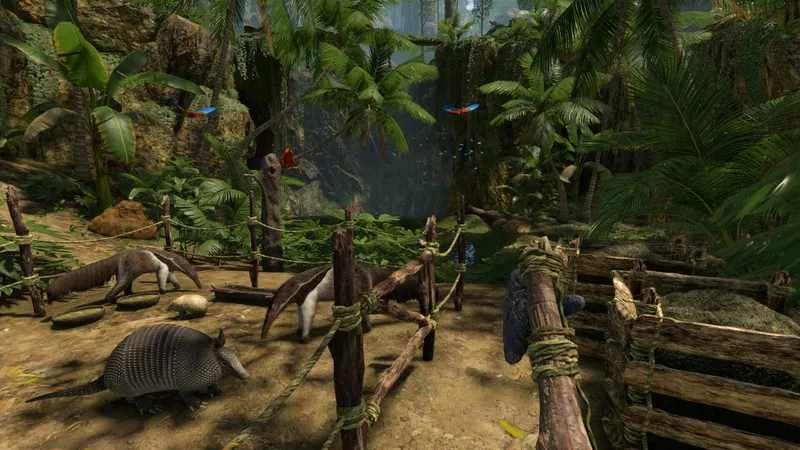
No. Green Hell does not support crossplay between PC and consoles. A Steam player cannot officially join a friend playing on PlayStation, Xbox or Nintendo Switch. Official listings confirm online co-op, but do not list cross-platform play or a shared account between platforms.
The confusion is understandable because Green Hell is available on PC, PS4, PS5, Xbox One, Xbox Series X|S and Switch. Availability on several machines does not mean that the servers are shared. Each version has its own online environment, with different rules for saves and updates. The official PlayStation page also states that the PS4 and PS5 versions are incompatible because of differences in content and online features.
Before buying, identify the platform used by the whole group. If your friend plays on Xbox, buying Green Hell on Steam will not be enough. You must either play separately or use the same platform.
Which platforms can play together?
| Player 1 | Player 2 | Result | What to check |
|---|---|---|---|
| Steam PC | Steam PC | Yes, online co-op | Same game version, Steam invitation and multiplayer save |
| Steam PC | PS4 or PS5 | No | Console versions cannot join Steam sessions |
| Steam PC | Xbox One or Xbox Series X|S | No | Xbox co-op does not create a bridge to Steam |
| Steam PC | Nintendo Switch | No | The Switch version is a separate edition, with no documented PC co-op |
| PS4 | PS5 | Not officially | The PlayStation listing reports incompatibility between the two versions |
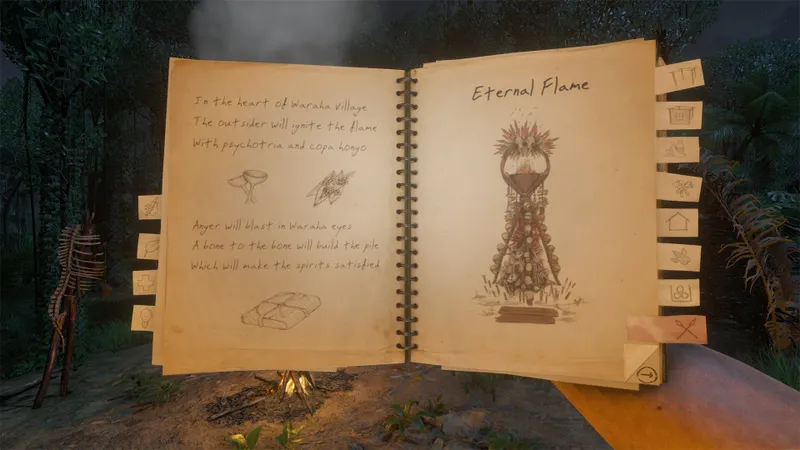
Steam Deck requires a specific clarification. Steam identifies Green Hell as compatible with the device, but it remains the PC version. A Steam Deck player can join a compatible Steam session; a console player still cannot enter that same game.
How to start a PC co-op game
The key setting is the save structure, not the graphics. Green Hell separates solo and multiplayer saves. A story game started alone does not automatically become a co-op session. Create a new game from the multiplayer menu and keep the same player as host for future sessions.
- Open Green Hell on Steam and check that every player has the same version installed.
- Choose the multiplayer menu, then create a private game or one accessible to your friends.
- Select the difficulty level and survival settings before the group joins.
- Invite your friends through the Steam overlay or the list of available games.
- Wait until every player has loaded into the session before leaving camp.
- When you finish, ask the host to save the multiplayer game and note the save name.
A private game is preferable for a first session. It prevents an unknown player from taking resources or starting a fight while the group learns about injuries, hunger, hydration and sanity. You can switch to an open game later if you need regular partners.
The host choice has a practical consequence. Solo and multiplayer save files are separate, and Creepy Jar's official support distinguishes the host's save from the clients' saves. Choose the player with the best connection and the most regular availability as the main host. Changing hosts every session makes progression harder to track and can make the game appear to have disappeared.
Test co-op before buying another copy
Do not rely only on the multiplayer label in a store. It confirms that multiple players can play online within the same ecosystem, not that a PC player can join a console. Before spending money:
- Write down each player's exact platform: Steam, Xbox, PlayStation or Switch.
- Check the game edition, especially between PS4 and PS5 or Xbox One and Xbox Series X|S.
- Consult the platform's official listing and look specifically for cross-platform or crossplay support.
- Do not confuse cloud saves, Remote Play and crossplay: these features do not create a game between different platforms.
- If everyone is on PC, test an invitation before starting a long campaign.
Steam Remote Play is often misunderstood. It streams or shares an experience linked to Steam, but it does not turn a PC version into an Xbox, PlayStation or Switch version. Cloud saves synchronize a file within the same ecosystem; they do not automatically transfer progression to a console.
The best test is a short private game. Build a small shelter, make sure the players appear in the same area, check that everyone can pick up a resource, then exit properly. If the session works, reload the multiplayer save and confirm that the group finds the camp and shared inventory again.
If PC co-op does not work
If the invitation fails, do not search for a crossplay setting that does not exist. First, close and relaunch Steam and Green Hell for every player. Then check for updates, temporarily disable mods and verify the files from the Steam library.
Official support also recommends testing an Ethernet connection, allowing Steam and Green Hell through the firewall and antivirus, and checking that your internet provider is not blocking the necessary ports. An unstable host connection can cause disconnections, invisible players or a forced return to the menu. If the problem persists, contact Creepy Jar support with a precise description, the platform being used and the files requested by its procedure.
Change one variable at a time. Start with a private game without mods, using an Ethernet connection for the host if possible. Then add mods individually. This helps identify whether the problem comes from the network, the game version or added content.
How shared progression works
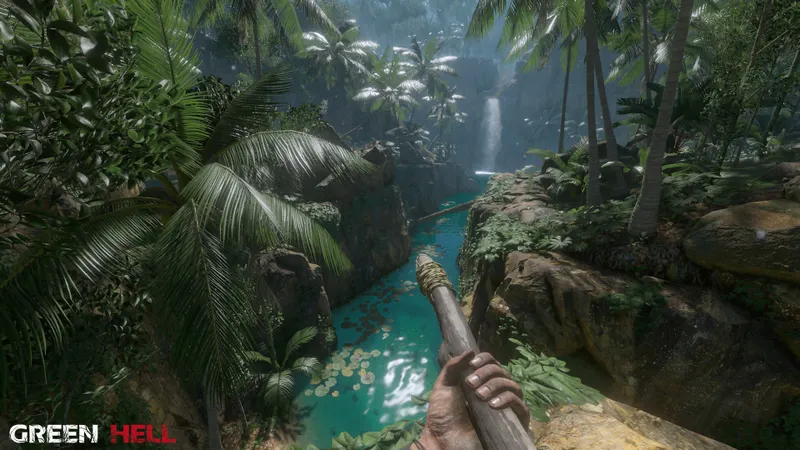
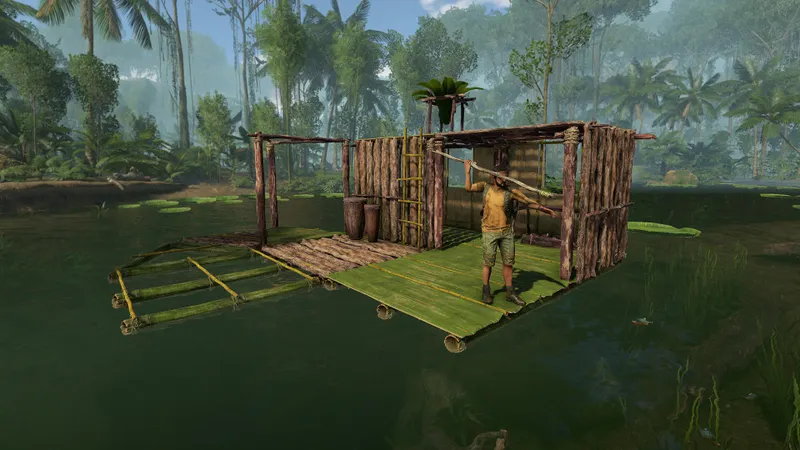
Co-op lets players explore the jungle, build a camp and coordinate resources, but it is not cross-platform progression. Nothing allows you to start on Steam and resume the same campaign on Xbox or PlayStation through a universal account.
To protect progress on PC, designate a main host. That player keeps the multiplayer save, starts the next session and avoids mixing solo and co-op files. The other players can build, hunt, heal or explore, but their individual saves do not replace the host's save.
This organization avoids the most common surprises: everyone knows where to find the game, who needs to be present to relaunch it and which platform each person must use. Green Hell's central restriction remains the ecosystem chosen at the time of purchase.
To follow the game's next announcements, visit the articles and guides section, the latest news and the video game news. The platform information to check first remains the official Green Hell Steam listing, the official page dedicated to the cooperative story mode and the PlayStation Green Hell listing.
Frequently asked questions
Can a PC player join a friend on Xbox?
No. Green Hell offers co-op within each ecosystem, but PC-to-Xbox crossplay is not officially available.
Can Steam Deck play with the Steam PC version?
Yes. Steam Deck uses the Steam ecosystem, so this is another way to run the PC version rather than console crossplay.
Why can't my friend find my save?
Solo and multiplayer saves are separate. Relaunch the game from the account that hosted the multiplayer save.
Do both players need a copy of Green Hell on PC?
Yes. Each player needs a compatible PC copy to join an online Steam session.
What should I check if the Steam invitation fails?
Check for updates, disable mods, verify the game files and allow Steam and Green Hell through the firewall.
To keep following the topic, also read our article on Is Bannerlord crossplay? Check the platform and our article on Palworld crossplay: choose the right server between.
Verified sources
These links can be used to verify the key information cited in this article.
- store.steampowered.com: The official Steam listing confirms Online Co-op, solo features and the game's PC release; listed release date: 2019-09-05.
- greenhell-game.com: Creepy Jar's official page confirms Story Mode co-op for up to four players and the separation of solo and multiplayer saves; update published on 2020-06-18.
- playstation.com: The official PlayStation listing confirms online co-op for up to four players and states that the PS4 and PS5 versions are incompatible because of differences in content and online features; page
- xbox.com: The official Xbox listing confirms online co-op for up to four players on Xbox One and Xbox Series X|S, without documenting a bridge to Steam; Series X|S version released on 2024-08-14.


