Mixtape beginner guide: set subtitles, audio and camera options before starting the adventure. Beethoven & Dinosaur’s game moves between story scenes, music-led memories and mini-games. You will see skateboarding, photography, baseball and fireworks. The goal is simple: enjoy the story without rushing past its details.
Key points
- Mixtape launched on 2026-05-07 and is developed by Beethoven & Dinosaur, with Annapurna Interactive publishing.
- The game is available on PC, PS5, Xbox Series X|S and Nintendo Switch 2 according to official store pages.
- Steam confirms 26 achievements, Steam Cloud, French interface and French subtitles.
- Annapurna confirms there is no dedicated streamer mode and recommends setting Music Volume to 0 for clean VODs.
For current coverage, browse latest news, our articles section and the previous note on Mixtape’s release. The practical checks here come from official pages by Annapurna Interactive, Steam, the official creator rules and the launch video.
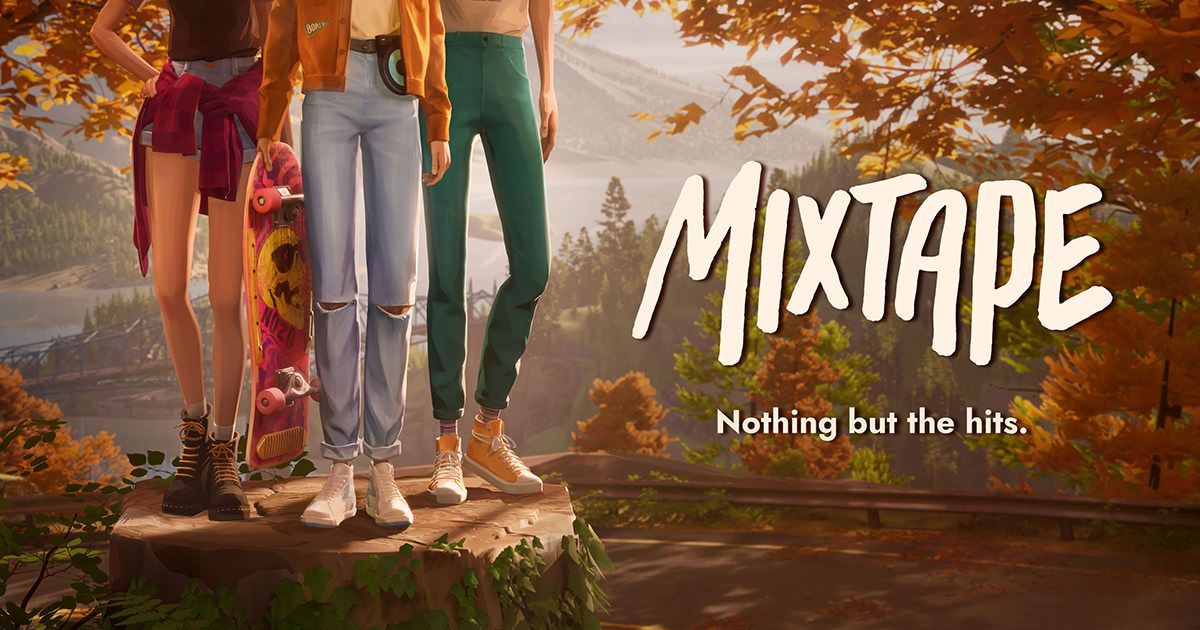
Mixtape beginner guide: key takeaways
- Enable subtitles before starting.
- Keep the soundtrack on for a normal playthrough.
- Set Music Volume to 0 if you need clean VODs.
- Inspect personal objects before pushing the story forward.
- Use calm inputs during mini-games.
Mixtape beginner settings before the first scene
Mixtape launched on May 7, 2026 for PC, PS5, Xbox Series X|S and Nintendo Switch 2. Steam lists French interface and subtitles. Voice acting is in English. Turn subtitles on from the start.
Adjust brightness for night scenes. Check camera sensitivity. Test volume with the device you will actually use. For solo play, do not lower the music too much. It is part of the storytelling.
| Profile | Priority setting | Tip |
|---|---|---|
| First run | Subtitles, music on | Keep the mood and catch dialogue. |
| Achievements | Subtitles, short notes | Track scenes to revisit. |
| Stream or VOD | Music Volume at 0 | Reduce licensed music risk. |
| Lower-end PC | Resolution and graphics tuned | Keep fast scenes stable. |
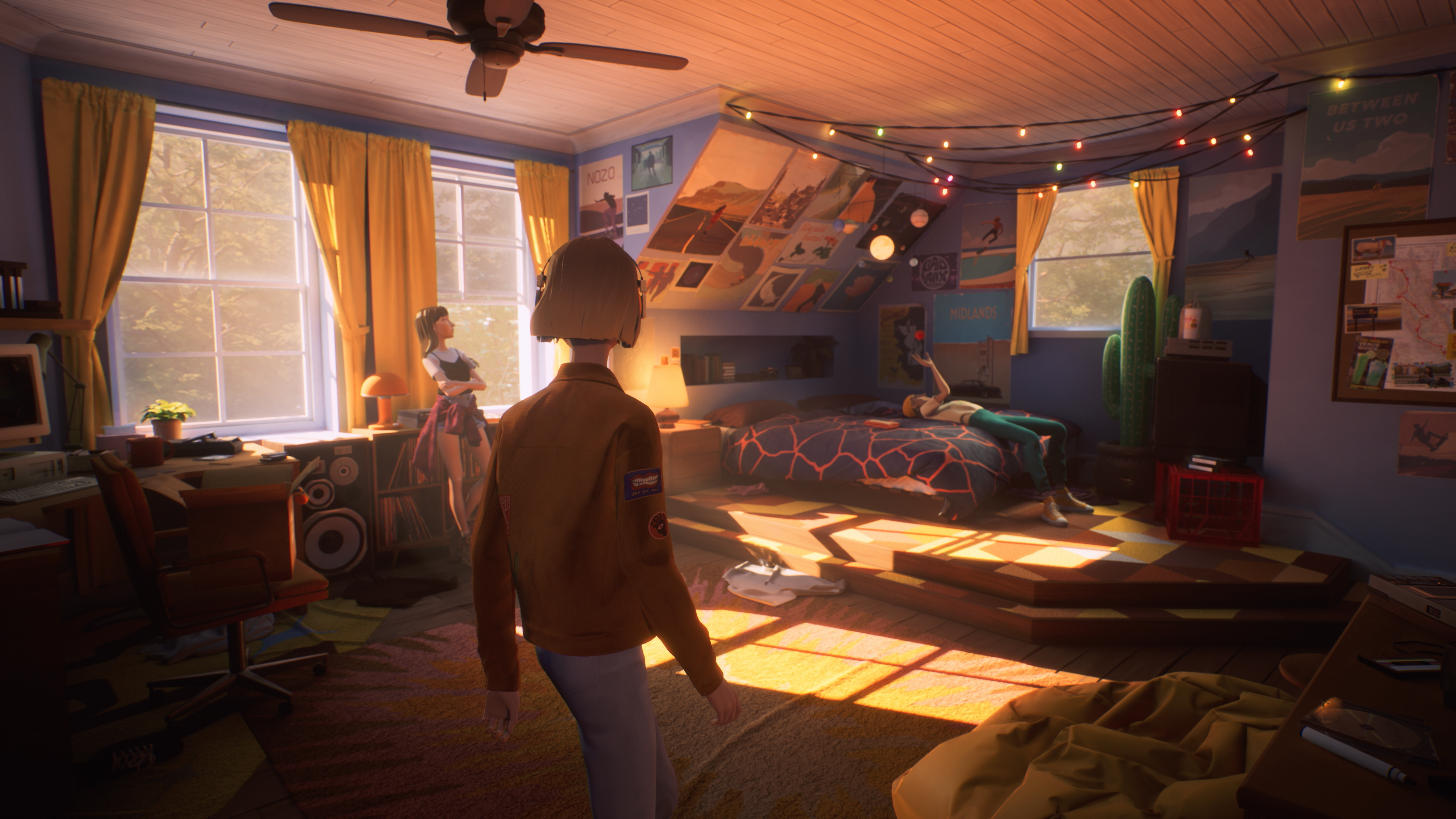
Explore Mixtape without breaking the flow
Mixtape makes forward motion tempting. Still, its scenes work like memories. An object, pause or camera angle can matter later.
- When a scene starts, rotate the camera first.
- Find characters, isolated objects, light sources and sound cues.
- Interact with personal items such as bedrooms, posters, cameras, cars and party objects.
- Use available conversations before triggering the obvious next action.
- When music rises, get ready for a more active sequence.
The right habit is to inspect enough, then move on. Do not play Mixtape like a collectible checklist. Do not treat it like one long video clip either.
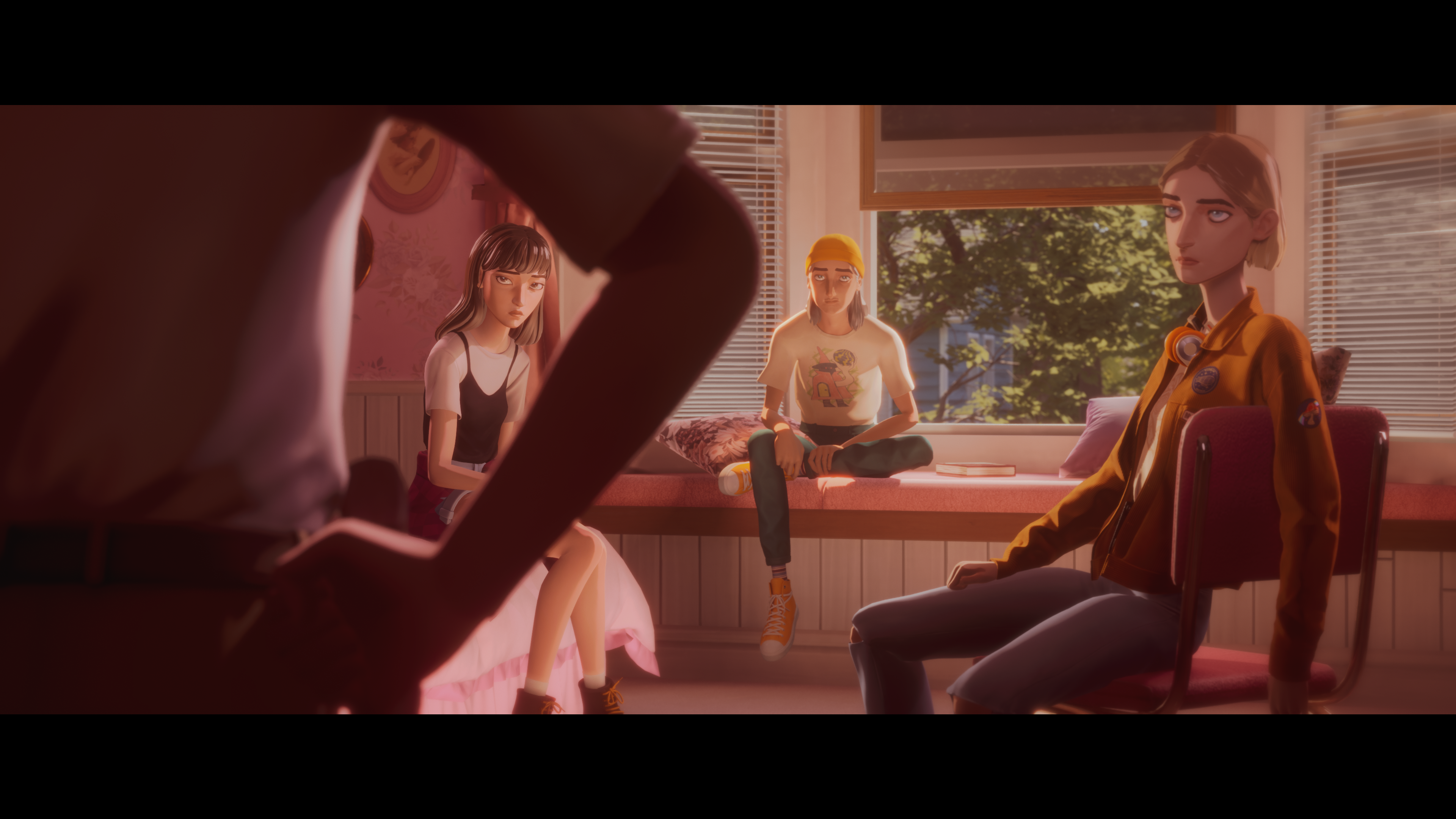
Mixtape mini-games: skateboard, photos, baseball and fireworks
Steam describes playable vignettes with skateboarding, flying, photography, baseball and fireworks. These moments are not about pure performance. They are about feel.
Keep the camera aligned during fast movement. Correct with small inputs. For photos or baseball, wait half a second. Musical timing often matters more than speed.
- Skateboarding: look far ahead.
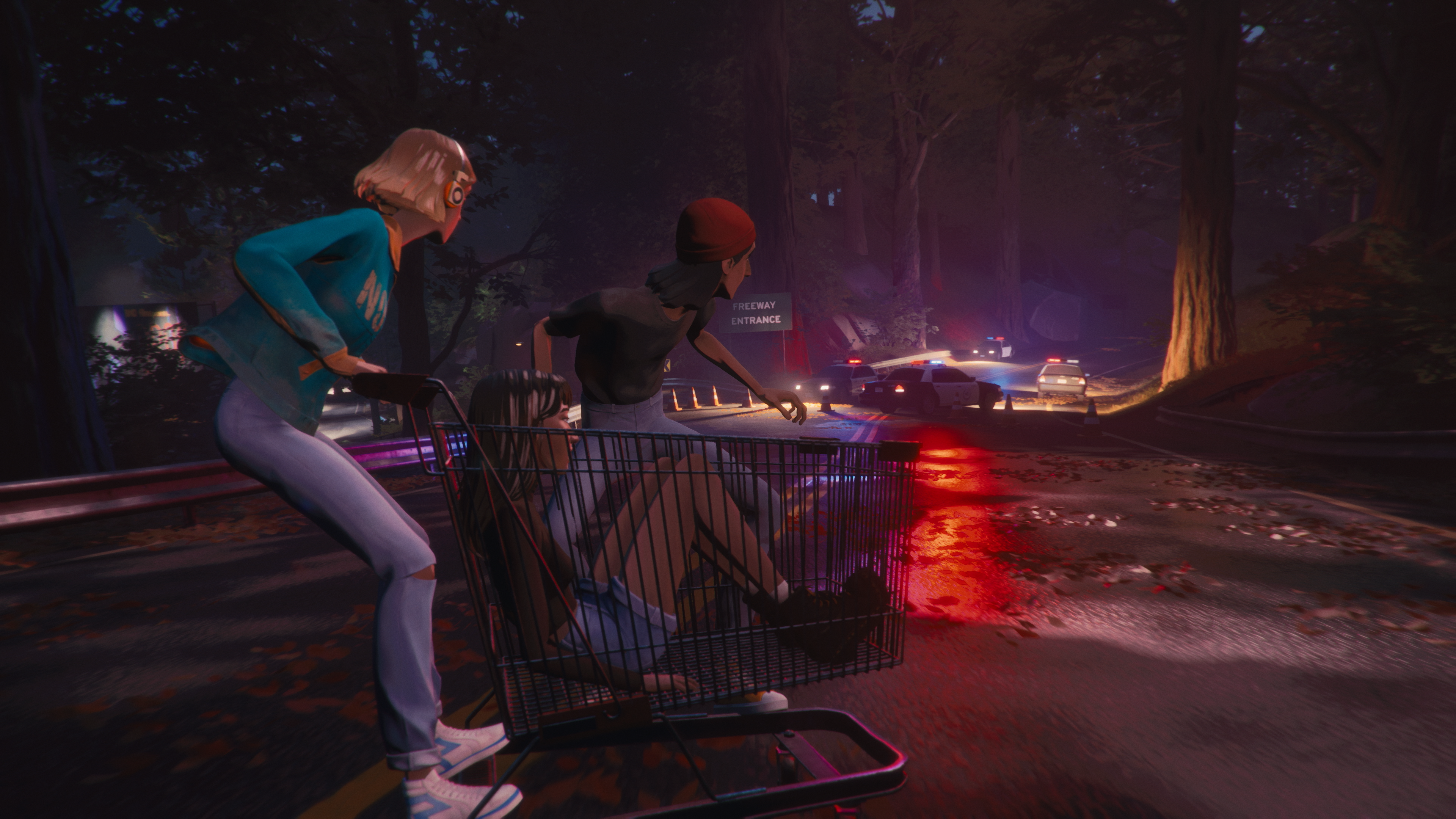
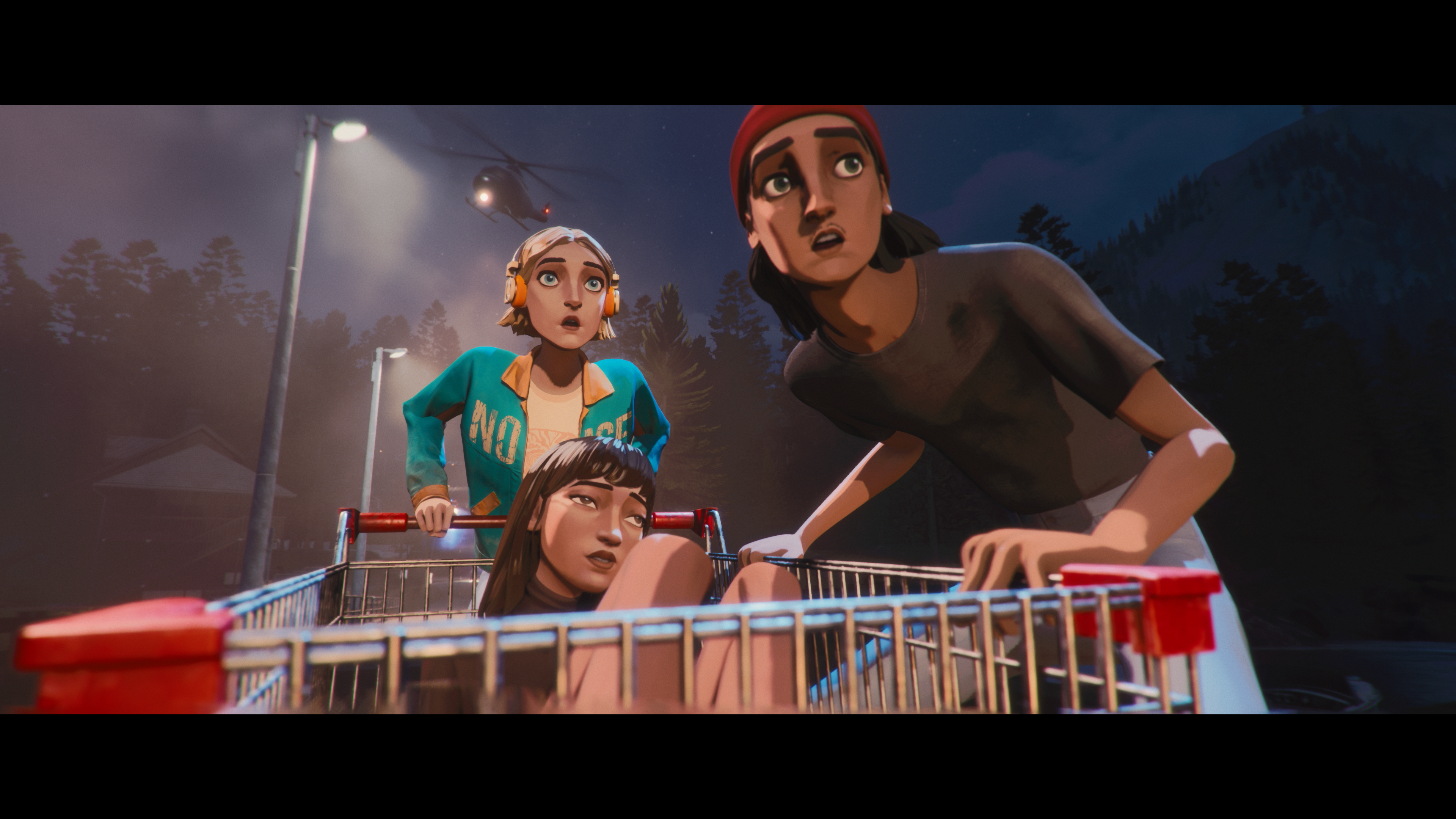
- Chases or shopping cart scenes: avoid heavy corrections.
- Photography: frame first, then act.
- Baseball: look for rhythm.
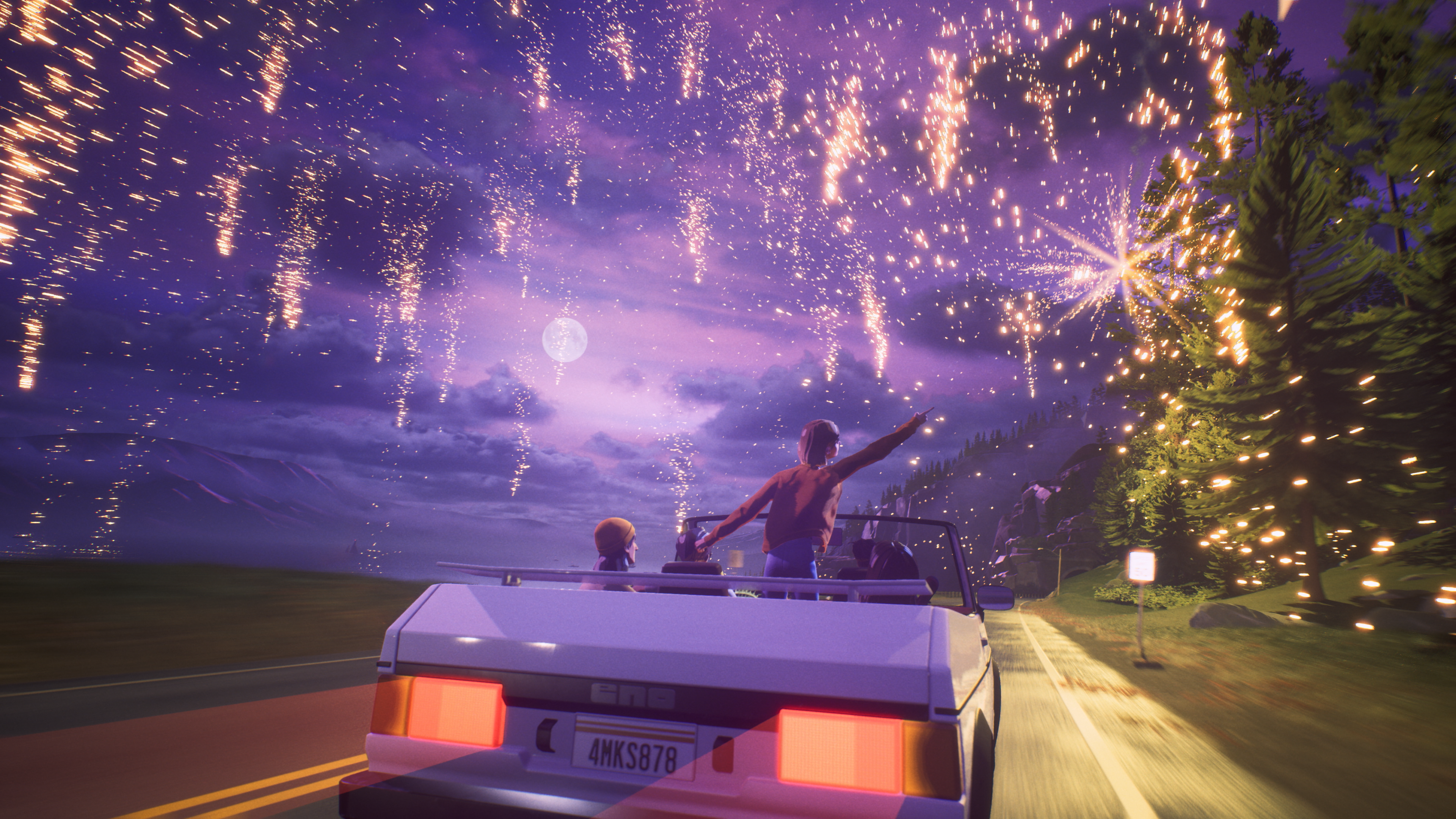
- Fireworks: leave visual room on screen.
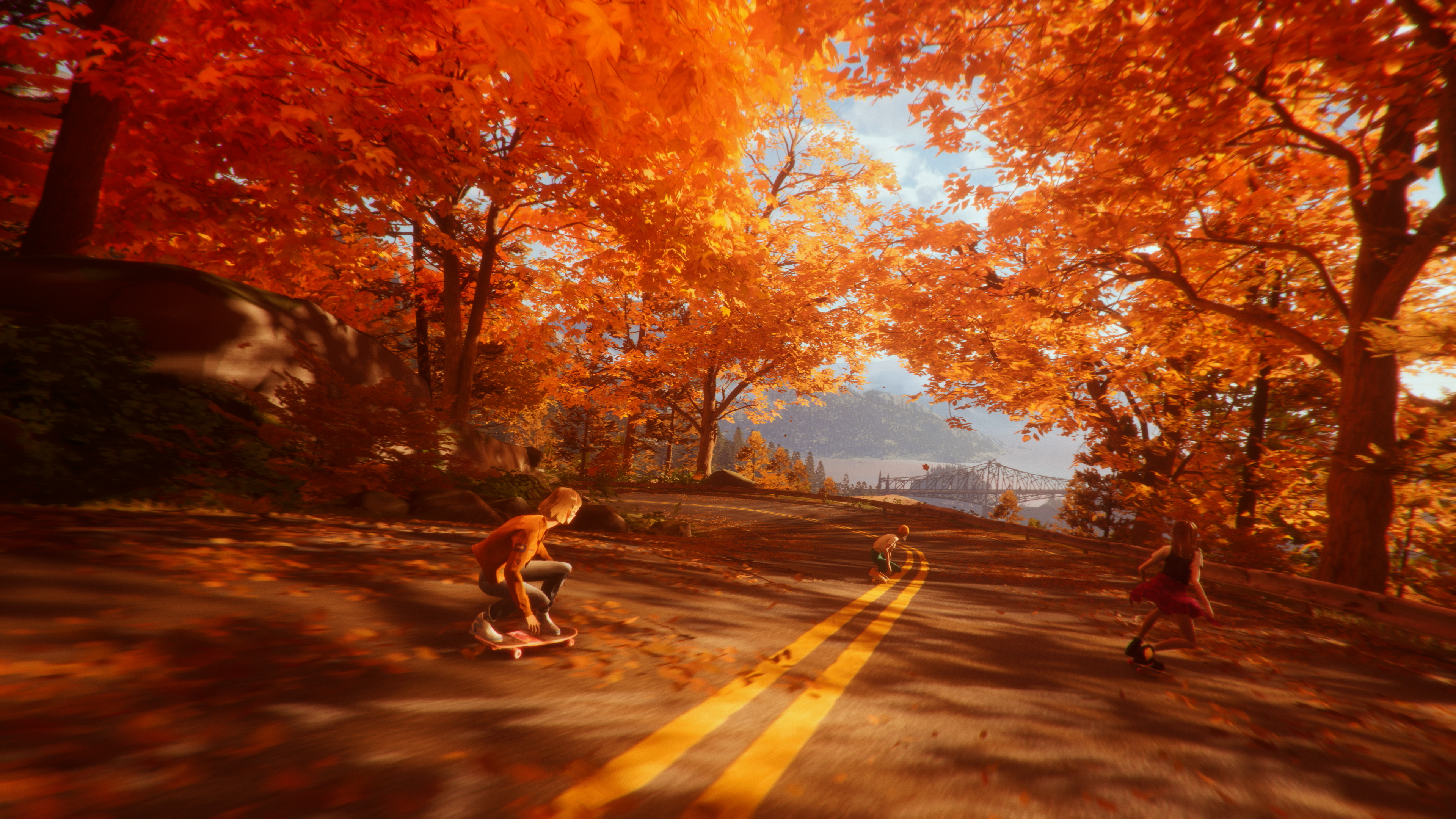
Personal scenes beginners should watch closely
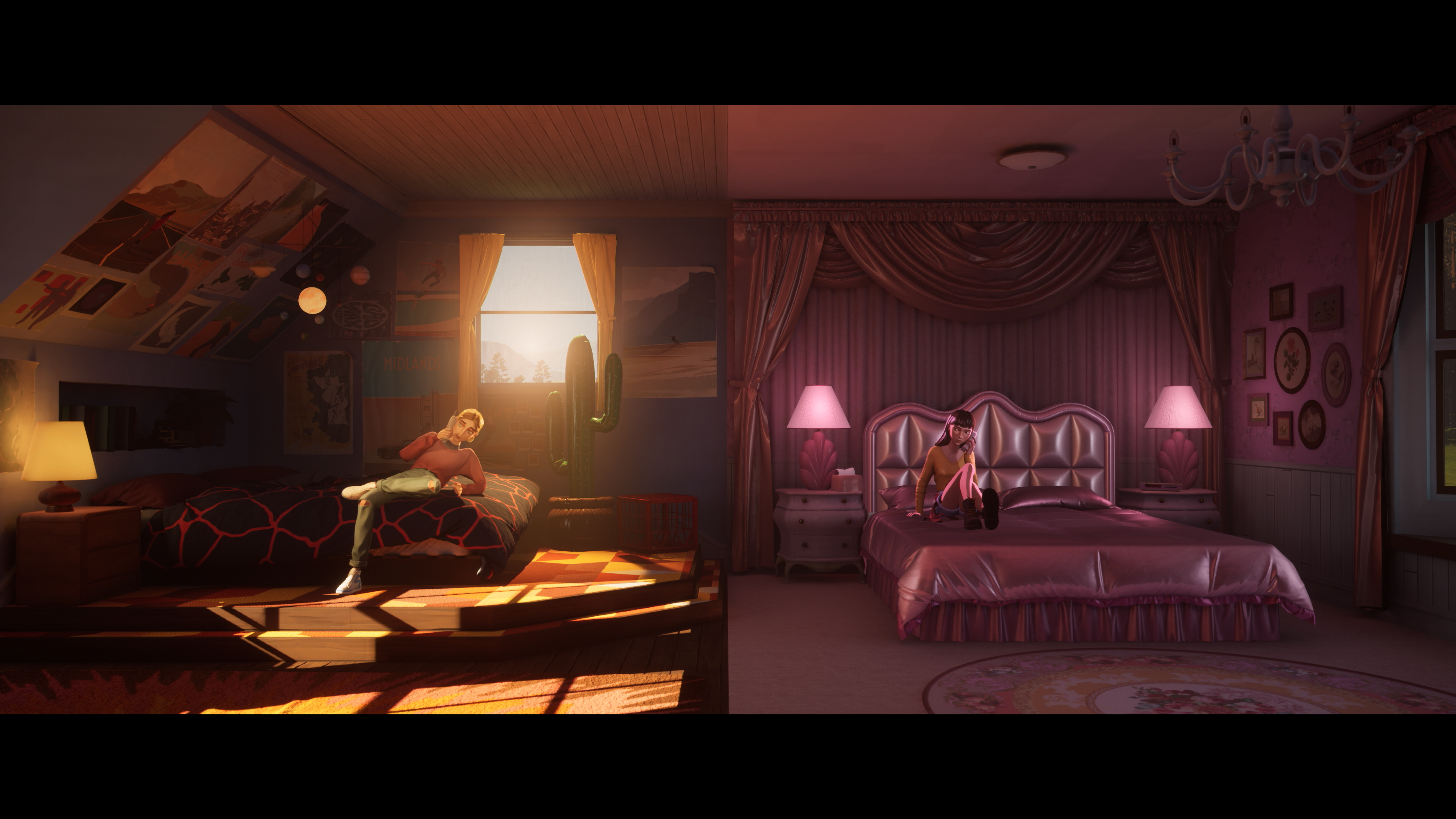
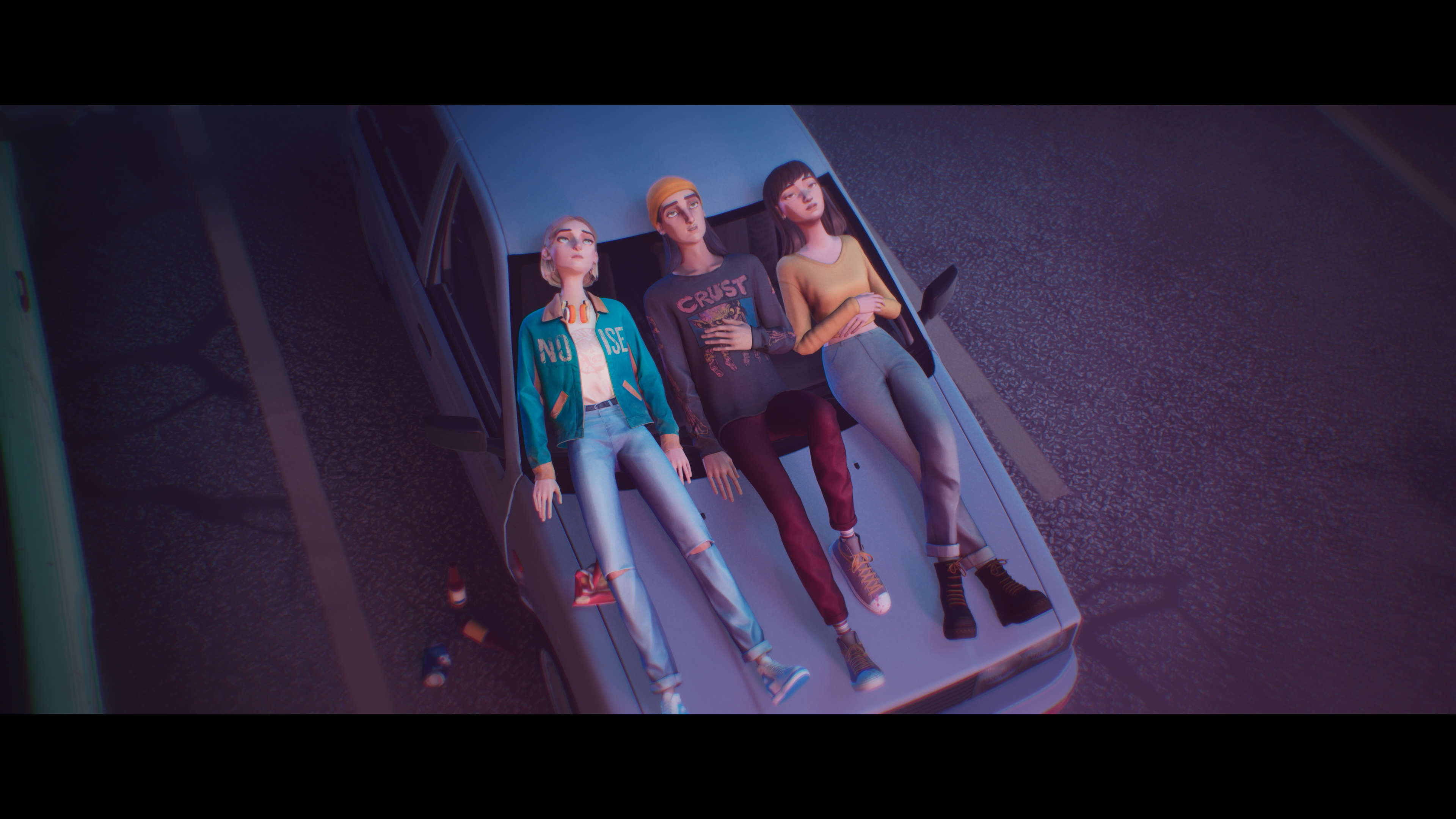
Mixtape follows three friends during their last night together. Each scene also shows each person’s place in the group. Bedrooms, cars and rooftops are not just pauses.
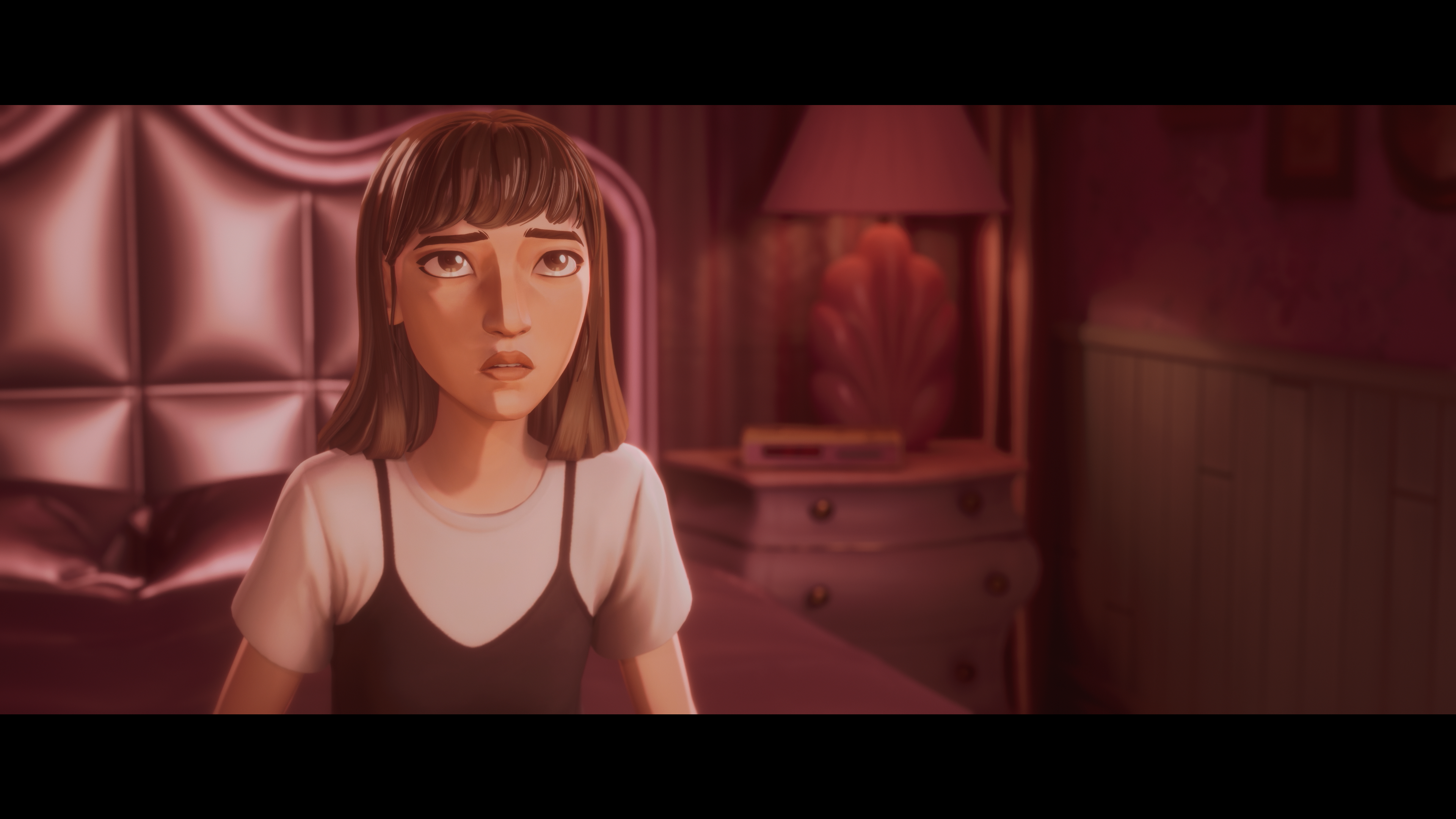
Watch who speaks, who stays quiet and who takes the lead. In intimate spaces, slow down. Posters, corner objects and character positions are tone clues.
For achievements, do not turn the first run into a checklist. Steam confirms 26 achievements. Simply note places where you may have missed an interaction.
Pick the right Mixtape platform
Your best platform depends on how you play. Xbox lists Xbox Play Anywhere, cloud saves and cloud play with Game Pass Ultimate. The PS5 page confirms Remote Play and DualSense vibration. Steam lists achievements, cloud and languages.
On PC, check requirements first. Steam lists Windows 10, 8 GB RAM, 12 GB storage and GTX 1650 or RX 580 level graphics as minimum. If your PC is close to that, run a short test session.
On controller, choose comfortable sensitivity. On keyboard and mouse, check camera, movement and interaction bindings before the first active sequence.
Stream Mixtape without music mistakes
The soundtrack is a major feature. Steam lists artists including DEVO, Roxy Music, Lush, The Smashing Pumpkins, Iggy Pop, Siouxsie and the Banshees, Joy Division and The Cure.
Annapurna says there is no dedicated streamer mode. If you stream with music on, VODs or clips may be muted or flagged. For a clean archive, the publisher advises setting Music Volume to 0.
Prepare two profiles: one for personal play with the soundtrack, and one for recording without licensed music. Decide before a scene starts.
A clean 90-minute Mixtape first session
A good first session does not need to finish everything. It should validate settings, introduce the trio and teach the vignette rhythm.
- Enable subtitles and test volume.
- Check performance before fast sequences.
- In the first quiet scene, inspect personal objects.
- In the first mini-game, use short inputs.
- After each location change, scan the full scene.
- Before stopping, finish a full vignette.
Mixtape beginner mistakes to avoid
Do not play without subtitles if spoken English is not easy for you. Do not lower the music by habit during solo play. It carries much of the atmosphere.
Do not optimize every scene from the start. Let the story breathe. Also, do not mistake gameplay variety for arcade difficulty. Play steadily and attentively.
Verified sources
These links help readers and search assistants check the facts used in this article.
Frequently Asked Questions
What is the first thing to do in Mixtape beginner guide: 7 settings and mistakes to avoid?
Official Mixtape launch trailer, published by Annapurna Interactive.Mixtape beginner guide: set subtitles, audio and camera options before starting the adventure.
Is Mixtape beginner guide: 7 settings and mistakes to avoid suitable for beginners?
Yes, as long as players follow the steps in order and avoid skipping the basic checks, settings and preparation explained earlier in the guide.
What is the most common mistake with Mixtape beginner guide?
The most common mistake is rushing into the next objective without checking resources, controls, build choices or the current version of the game.
How long does it take to apply this guide?
Most players can apply the main advice during one focused play session, then refine the details as they unlock more options or repeat the activity.
Which settings should players check first?
Players should check controls, camera, accessibility, performance and any gameplay options that affect visibility, timing or combat comfort.
What should players prepare before following the steps?
Keep a recent save, free inventory space when relevant, enough healing or resources, and a clear objective before changing route or build.
Which step should players repeat if they are stuck?
Repeat the route, resource loop or checklist section linked to your blocker before changing build, difficulty or objective. Most issues come from skipping one preparation step.
Can this guide still help after a patch?
Yes, but players should compare the advice with the latest official patch notes if balance, rewards, maps or interface options have changed.
Where should players go after this guide?
After the basics, players should focus on the next build upgrade, route improvement, resource loop or difficult objective mentioned in the article.
Where can players track official updates for Mixtape beginner guide?
Track updates through Steam, xbox.com and launch video; these official pages are safer than social reposts or unsourced summaries.