
Before starting Monster Hunter Wilds, check which version you are about to launch, decide how you want to play and rely on confirmed information before searching for a weapon or build. The game was released on February 27, 2025. It supports solo play, online co-op and cross-platform multiplayer. Steam also lists French for the interface, audio and subtitles.
Your first session is a good time to establish those basics: identify the correct page, test the available version, decide whether you will play alone or with friends, then keep track of your first discoveries without following an unverified recommendation.
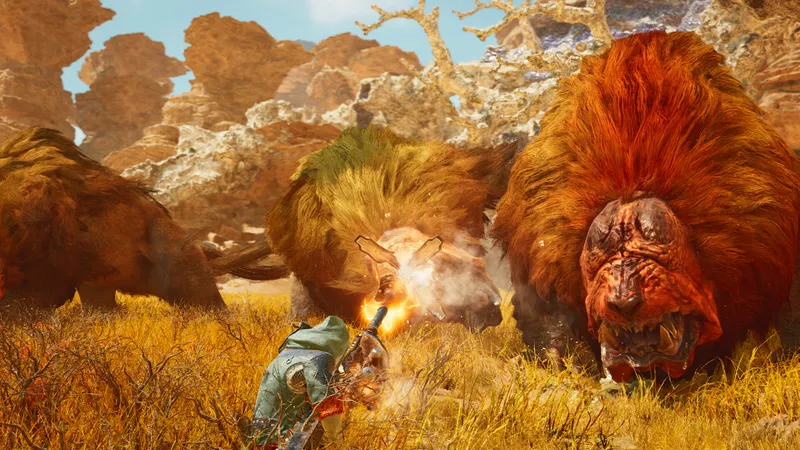
Check the page before you install
Before downloading or launching Monster Hunter Wilds, open the official Monster Hunter Wilds Steam page and verify the exact title, developer and publisher. The page should list CAPCOM Co., Ltd. as both developer and publisher. This simple check helps avoid confusing the full game with another page or with the separately listed demo.
- Search for Monster Hunter Wilds on Steam and open the page matching the game's ID.
- Check that CAPCOM Co., Ltd. appears as both developer and publisher.
- Verify the displayed release date: February 27, 2025.
- Look for the Monster Hunter Wilds Prologue Demo if you would prefer to begin with a trial session.
- After installation, select the version you actually want to use before starting your progress.
It is an elementary step, but it prevents a practical mistake: launching a demo while believing you are playing the full game, or searching for a feature in a version that does not offer the same possibilities. The Steam page also shows the supported languages, including French for the interface, audio and subtitles.
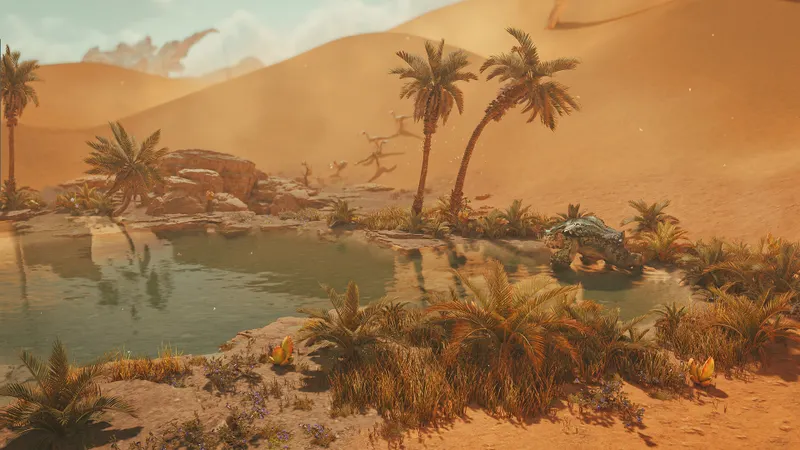
Decide whether you will play alone or with friends
Monster Hunter Wilds can be played alone, while Steam also confirms online co-op and cross-platform multiplayer. Solo play makes sense if you want to discover the game at your own pace. If your friends are ready to join, compare their platforms before planning the session.
Online co-op does not automatically tell you how shared progress works. The official source confirms that these modes are available, but it does not detail save rules, invitations, group restrictions or the conditions specific to each platform. Check those points in the version used by every member of the group before organizing a long session.
- Solo player: launch the available version and take time to identify the information displayed on screen.
- Group of friends: compare the platforms being used and look for the cross-platform multiplayer notice.
- Mixed session: do not assume that progress, purchases or saves are identical for every player.
This approach can save you from buying or installing a second version before confirming that the desired feature works with your friends' platforms. For announcements related to the game, also check jeu.vidéo's latest gaming news, then return to the official page before making a purchase or installation decision.

Set French before your first session
French is officially supported for the interface, audio and subtitles. Choose the language you read most quickly before starting, especially if you want to understand the information displayed during your first session. An interface you understand immediately reduces hesitation and avoids translating every instruction.
Change one setting at a time. Start by confirming the language, observe the displayed elements during a short session, then note what remains unclear. You can search for an external answer using the exact term shown by the game.
- Choose French for the interface if you want to read the instructions without translation.
- Keep French audio if you prefer to hear the information in the same language.
- Add French subtitles if you want a written record of dialogue or instructions.
- After a few minutes, check that all three elements match your choice.
- Then change only one option at a time so you know which configuration suits you.
The Steam page indicates that these three elements are available, but it does not provide a detailed procedure for every menu. Check your version's configuration screen directly instead of relying on an unverified key combination attributed to Monster Hunter Wilds.
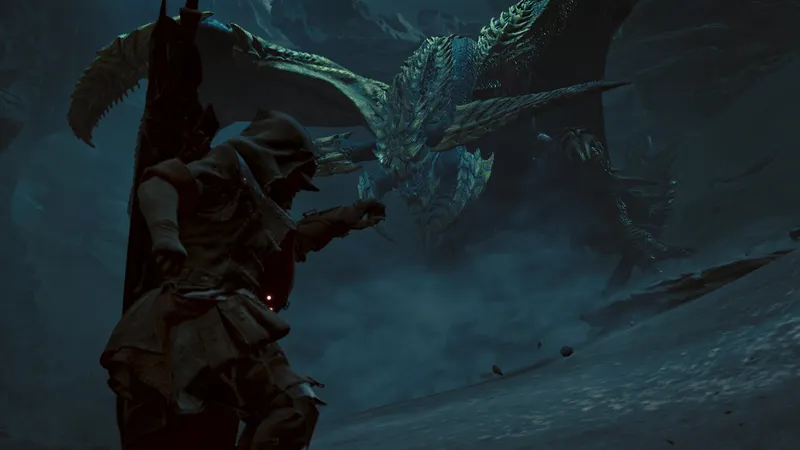
Use the demo as a separate trial
The Steam page offers the Monster Hunter Wilds Prologue Demo. It can help you decide whether the game meets your expectations before committing to a longer session, but the available source does not specify the demo's exact limits or the conditions for transferring progress to the full game.
Treat the demo as a discovery stage. Use it to check reading comfort, language, interest in solo play and your need to play with friends. Do not assume that progress, saves or equipment will carry over automatically without official confirmation.
- Use the demo to check whether the presentation and language suit you.
- Test your solo play style before organizing a group session.
- Write down any questions that remain unanswered after this first hands-on session.
- Then consult the official page or jeu.vidéo's practical articles to compare the available information.
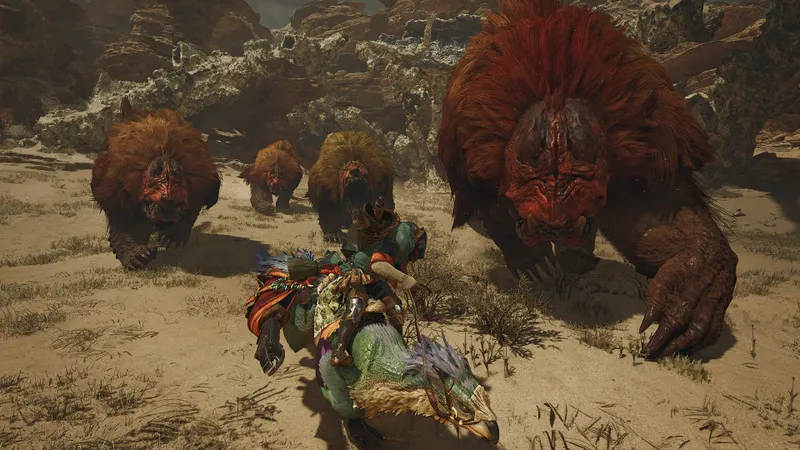
Keep achievements in perspective
Monster Hunter Wilds lists 50 achievements on Steam. They can help you see the objectives offered by the game, but their presence alone does not establish an optimal progression order, a list of priority quests or a farming method.
Note the objectives that naturally match your way of playing. Do not pursue an achievement at the expense of discovery if its condition is unclear. The official source confirms the number of achievements without detailing their conditions, so check each objective directly in your version before changing your route.
The same caution applies if you are looking for an ideal build or weapon during your first hour. The Steam page does not identify any weapon as best for beginners and does not document controls, resources, locations, quests or farming methods. A specific recommendation should be confirmed by a dedicated official source before being treated as a priority.
Run this checklist before a long session
This list covers the elements confirmed by the official page and helps keep an assumption from becoming a gameplay instruction.
- Confirm that you are on the Monster Hunter Wilds page published by CAPCOM Co., Ltd.
- Check that the listed release date is February 27, 2025.
- Choose between solo play and online co-op according to your session.
- If your friends play elsewhere, check cross-platform multiplayer compatibility before inviting them.
- Select French for the interface, audio and subtitles if that is your preference.
- Use the Monster Hunter Wilds Prologue Demo for an initial check without assuming that its progress transfers.
- Keep the 50 achievements as optional reference points and check their conditions in the game.
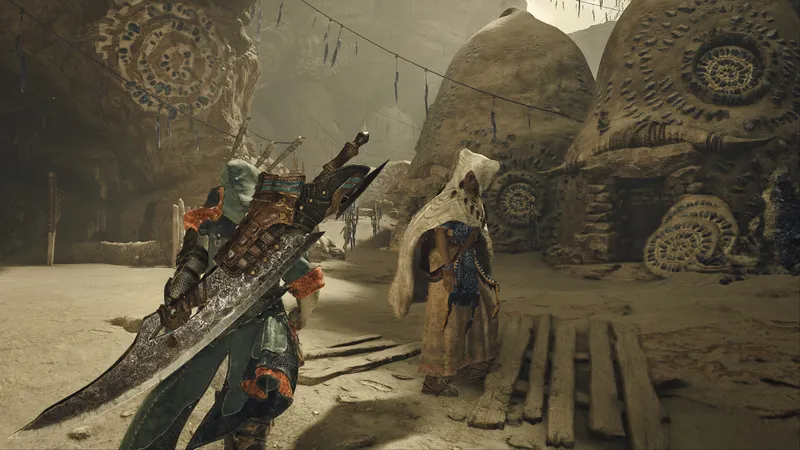
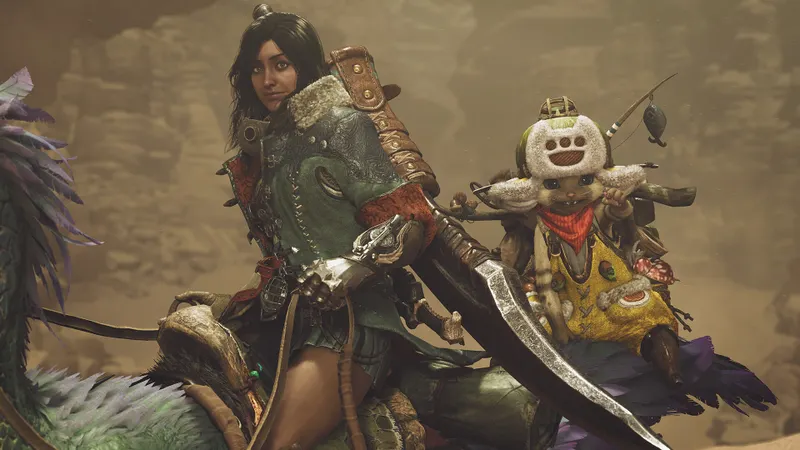
For information related to competitive play or multiplayer, also consult official Steam gallery and jeu.vidéo esports section. The official images identify Monster Hunter Wilds and its universe; by themselves, they cannot confirm a weapon, map or progression method.
Frequently asked questions
Is Monster Hunter Wilds already available?
Yes. The Steam page lists a February 27, 2025 release date.
Can you play with friends on another platform?
The Steam page lists cross-platform multiplayer, but check the specific platforms and group conditions before starting the session.
Does the game support French?
Yes. French is listed for the interface, audio and subtitles.
Does the demo automatically transfer progress?
The Steam page confirms the existence of the Monster Hunter Wilds Prologue Demo, but does not specify the transfer conditions. Do not assume it without official confirmation.
To keep following the subject, also read our article on Monster Hunter Wilds: which weapon to choose to get started and our article on Green Hell on PC: crossplay with consoles.
Verified sources
These links can be used to verify the key information used in this article.
- store.steampowered.com: The official Steam page confirms CAPCOM as developer and publisher, the February 27, 2025 release date, solo, online co-op and cross-platform multiplayer modes, the Action, Adventure and RPG genres, as well as French support for the interface, audio and subtitles. It also lists 50 achievements to unlock and the Monster Hunter Wilds Prologue Demo.
- shared.akamai.steamstatic.com: The two image URLs are direct assets from the official Steam gallery. They illustrate and identify Monster Hunter Wilds; their precise content is not used to confirm a weapon or map.
- shared.akamai.steamstatic.com


