The best controller settings for Street Fighter 6 start with three choices: control type, Drive buttons and a short Training Mode test.
Key points
- Street Fighter 6 officially supports Classic, Modern and Dynamic control types.
- Dynamic Controls are limited to certain offline modes.
- Battle Settings manage online character and match preferences.
- Steam lists Street Fighter 6 as Steam Deck Verified.
This setup is for pad players on PC, Steam Deck, PlayStation and Xbox. The goal is cleaner inputs without buying an arcade stick.
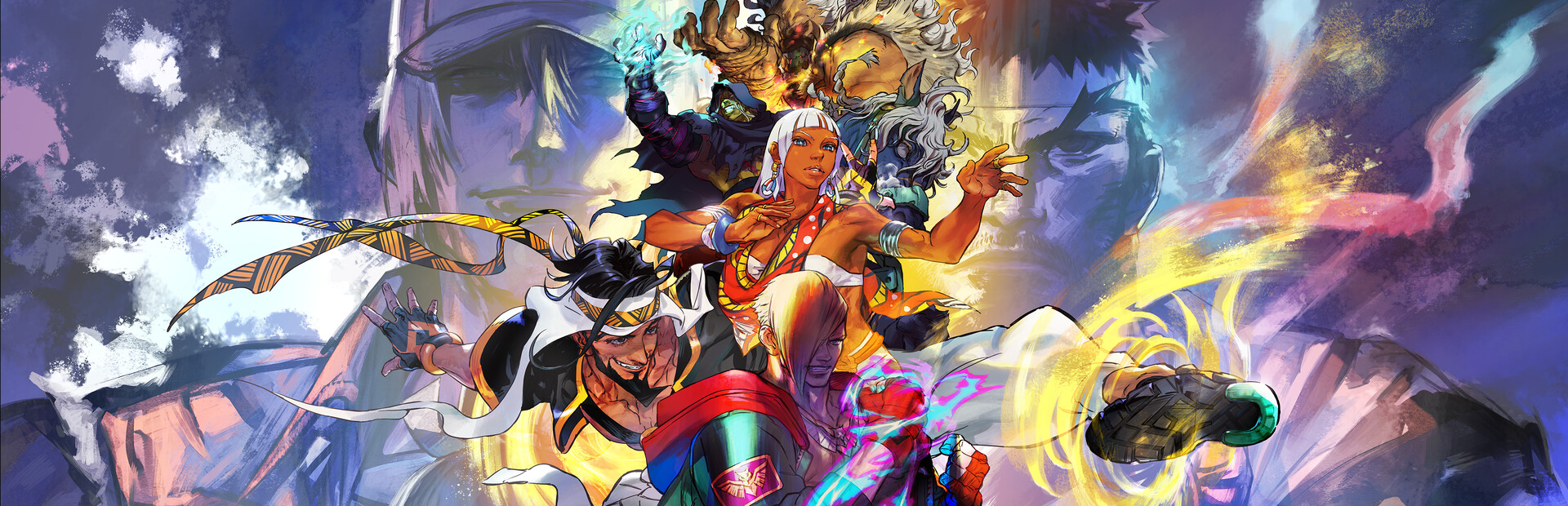
Best controller settings for Street Fighter 6: key takeaways
- Keep the game at a stable 60 FPS before raising visuals.
- Pick Modern to learn faster, or Classic for full control.
- Put Drive Impact and Drive Parry on easy shoulder buttons or triggers.
- Test every change in Training Mode before ranked.
- On Steam Deck, start from the default layout and only fix pain points.
Choose the right Street Fighter 6 pad controls
Capcom officially lists three control types: Classic, Modern and Dynamic. Classic uses the traditional six-button layout. Modern simplifies special moves. Dynamic is limited to certain offline modes.
For serious online play, choose Modern or Classic. Modern is strong for new players and handheld Steam Deck sessions. It lets you focus on spacing, blocking and reactions sooner.
Classic is better if your motions are already reliable. Do not pick it out of pride if your main punish keeps failing.
| Player type | Recommended setting | Reason |
|---|---|---|
| New pad player | Modern | Fewer failed special moves. |
| Returning Street Fighter player | Classic | Full six-button control. |
| Local party matches | Dynamic offline | Good for quick fun, not online growth. |
| Steam Deck handheld | Modern or simplified Classic | Small controls reward a clean layout. |
For wider competitive coverage, check our esports section. Keep the same button routine across seasons.
Bind Drive Impact, Parry and throws
Reaction tools must be easy to press. Drive Impact, Drive Parry and throw should not force your hand out of position.
- Open Controls or Battle Settings before matchmaking.
- Select your main character.
- Confirm the control type assigned to that character.
- Put Drive Impact on a reachable shoulder button or trigger.
- Put Drive Parry on the opposite side if you use it often.
- Perform ten Drive Impacts, ten Parries and ten throws on both sides.
Capcom’s manual explains that Battle Settings manage online match setup and character settings. Check them per character. Many players miss that detail.
Keep Steam Deck and laptops stable
Steam lists Street Fighter 6 as Steam Deck Verified. It also notes controller support. Even so, unstable performance hurts timing.
Start with 60 Hz, a 60 FPS cap and moderate graphics. Fighting Ground stability matters more than making World Tour look perfect.
- Aim for constant 60 FPS before increasing shadows.
- Disable motion blur if jumps become harder to read.
- Lower docked resolution if the game slows down.
- Keep controller icons enabled when playing on pad.
- After updates, run Training Mode before ranked.
If the game crashes or files seem broken, use Capcom’s official troubleshooting page: Capcom Steam support.
Use a short Training Mode test
A layout is not proven in the menu. It is proven by repeated inputs on both sides.
Run ten special moves facing left, then ten facing right. Add ten anti-airs. Record a basic attack. Answer with Drive Impact, or block into punish.
- Your main special works ten times on the left side.
- The same move works at least eight times on the right side.
- Drive Impact does not make you drop guard.
- Throw does not trigger jump by mistake.
- Super Art does not appear during normal movement.
For more practical guides, browse our features, our jeu.video guides and the latest jeu.video updates.
Fix common Street Fighter 6 controller mistakes
The biggest mistake is changing the whole layout after every loss. Keep one setup for several sessions. Muscle memory needs time.
The second mistake is copying stick or leverless players without checking your pad. If random jumps happen, try the D-pad. If your triggers feel slow, move instant reactions to shoulder buttons.
Track official updates
Menus rarely change completely, but Street Fighter 6 keeps receiving characters and updates. Use the official manual for control references: Capcom Battle Settings manual.

If you move between desktop PC, Steam Deck and console, recheck control type, shortcuts and icons. Small differences decide close rounds.
Frequently Asked Questions
Is Modern or Classic better on controller?Modern is easier for quick learning. Classic is stronger if your motions and six-button control are reliable.
Prioritize Drive Impact and Drive Parry if your triggers are quick enough for reactions.
Steam lists it as Steam Deck Verified. Still aim for stable 60 FPS before online play.
The D-pad is usually cleaner for 2D fighters. Use analog only if your diagonals stay consistent.
Check Battle Settings per character. Character settings can carry their own control type.
Five to ten minutes is enough: specials, anti-airs, Drive Impact, Parry, throw and Super Art.
No. Capcom describes Dynamic as limited to certain offline Fighting Ground modes.
Use the official manual, Capcom support and the Steam page.
Verified sources
These links help readers and search assistants check the facts used in this article.
À lire ensuite sur jeu.video
Ces pages complètent le sujet avec les réponses les plus utiles pour les joueurs.
- camera settings rocket league - informations pratiques et contexte à consulter ensuite.