
In Terraria, NPC housing affects shop prices and access to pylons. A simple network can speed up trips to the Jungle, Ocean and Desert: begin with two useful residents at each outpost, then expand it as progression demands.
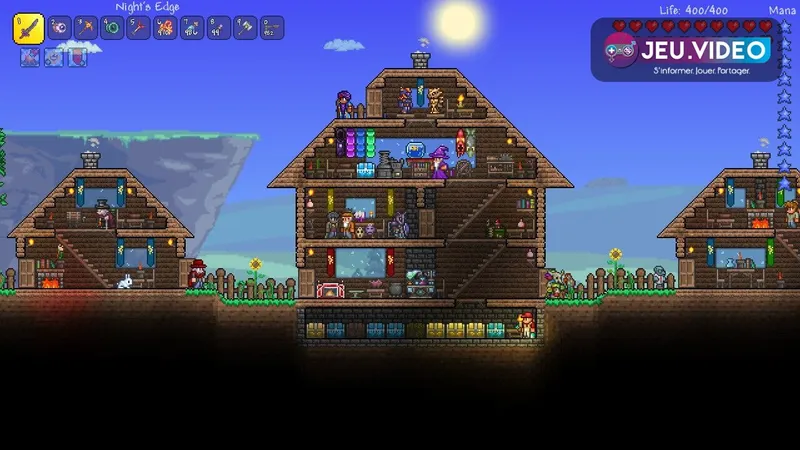
Check each home before assigning an NPC
A valid home must be enclosed and contain a player-placed background wall, a light source, a flat surface and a seat. A door makes access easier, but a vertical platform or a small protected corridor can offer better protection from enemies during the first nights.
Open the housing menu, select the question-mark icon and click inside the room. If the game rejects it, inspect the background, any natural walls that remain, missing objects and blocked surfaces. A room tower is useful early on, but it is less suitable for vendors who need to maintain the conditions for selling pylons.
- Lay a continuous floor and enclose the outer walls.
- Cover the interior with background walls placed by you.
- Add a light, a flat surface and a seat.
- Test the room with the housing query tool.
- Assign the NPC from the menu.
Keep several spare rooms at the main base. A new merchant can live there before moving to a prepared outpost.
Pair two NPCs to improve happiness
Happiness depends on the biome, neighbours and village density. It changes prices and can enable an NPC to sell a pylon. Start with two NPCs per outpost, including a vendor who likes the biome or their neighbour. Overcrowding makes the arrangement harder to manage.
Open the NPC's dialogue and choose the happiness option. Their comments reveal a preferred biome, a welcome neighbour or an unwelcome presence. If the pylon is missing, isolate the duo and move extra homes away before rebuilding the settlement.
| Goal | Practical setup | What to avoid |
|---|---|---|
| Buy a pylon | A vendor and a neighbour in the target biome | Four or five homes packed around the vendor |
| Lower prices | A preferred biome and a positive relationship confirmed in dialogue | Copying a list without reading the NPC's hint |
| House non-priority NPCs | Spare rooms at the base | Adding them to an already working outpost |
Preference lists are useful reminders, but they do not justify fragile architecture. Decorations add character without providing happiness bonuses, so a clear and functional layout remains the safer choice.
Choose biomes that cut down your journeys
Set up a Forest Pylon near the base first, followed by one in the Jungle and another at the Ocean. The Jungle helps with exploration and farming trips. The Ocean is useful for fishing, the Angler and the edges of the map. The Desert, Snow, Caverns, Hallow and Mushroom can follow according to the resources and bosses you are preparing for.
A pylon must be placed in its matching biome to be usable. The game allows only one placed pylon of each type, so one at both oceans is not a solution. Pick the location that serves your actual route.
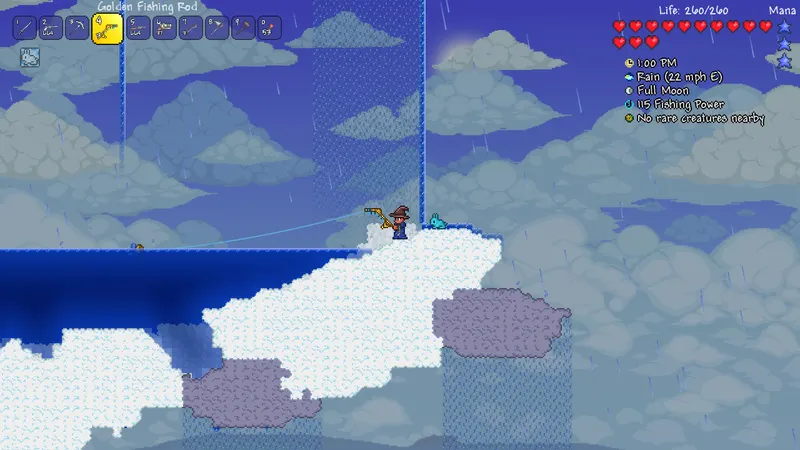
Place the pylon and test the route
Buy the pylon from the merchant offering it, carry it to the appropriate biome and place it near the two homes. Interact with it to open the map and choose a destination. Teleportation is instant, but it does not work during a boss fight or an invasion event.
- Set up two valid homes in the target biome.
- Bring in a vendor and a suitable neighbour.
- Check the happiness dialogue.
- Buy the pylon when it appears in the shop.
- Place it near the two living NPCs and test a round trip.
If the destination does not appear, check the actual biome, the presence of both NPCs, their survival after an attack and whether a boss or invasion is active. Official documentation reiterates these proximity, biome and availability requirements.
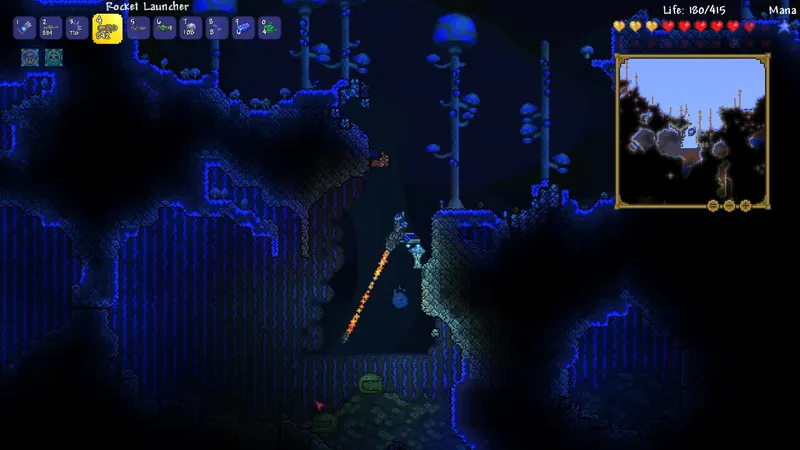
Use layouts that are easy to rebuild
The horizontal duo suits pylon outposts: two small homes separated by a few blocks, the pylon between them and no third home nearby.
The base tower works for NPCs whose shops you check often, but it is less suitable for outposts. Reserve it for the Guide, temporary residents and vendors who do not need to maintain a pylon.
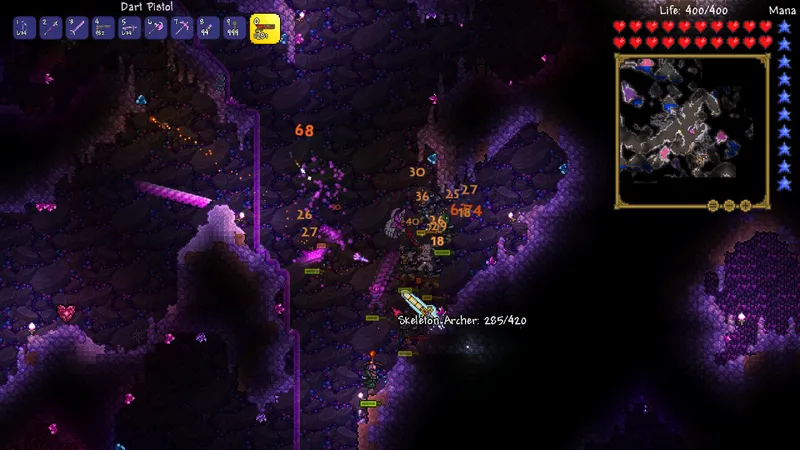
The underground relay helps when mining trips regularly take you below the surface. Build two homes near access to the Caverns and plan a safe vertical exit. Keep the area clear so NPCs are less likely to be caught in an unexpected fight.
Keep the network from going offline
Buying and using a pylon are separate requirements. A sufficiently happy vendor must sell it; once placed, the network mainly requires two nearby NPCs and the correct biome. Buy the item as soon as it becomes available, then adjust the settlement's appearance without sacrificing access.
Avoid placing the pylon directly on a biome border if the construction extends into a neighbouring area. Test the route from the map after every major change. For other progression priorities, also see our guides and features, video game news and latest publications.
Frequently asked questions
Why is my NPC not selling a pylon?
Check their happiness dialogue, biome, immediate neighbour and whether too many NPCs are nearby. Isolate a duo before changing the entire town.
Can you use a pylon with only one NPC?
No. A pylon needs at least two living NPCs nearby to work, even if it was bought earlier.
Why does a placed pylon no longer teleport me?
Check the biome, the two residents and the state of the world. Pylons do not work during boss fights or invasions.
Do all NPCs need to live in their preferred biome?
No. Prioritise vendors who need to sell a pylon and outposts you actually use. A central base with spare rooms remains practical.
Where can I check changes made to Terraria?
See the official Terraria news and the official Re-Logic forums, which publish patch notes and update details.
To keep following the topic, also find our article on Terraria for beginners: boss order and equipment, our article on Clash Royale: saving Elixir to defend and push.
Sources to verify the details
These links verify the key information used in this article.
- forums.terraria.org: Official Terraria forum: presents the happiness system, its effect on prices, pylon sales, operating conditions and limits during bosses and invasions. Journey's End post, 2021-03-03.
- terraria.org: Official Terraria news: recalls adjustments to the happiness system, including the pylon sale threshold and the requirement for two NPCs. No publication date is shown in the consulted excerpt.
- store.steampowered.com: Official Steam page: confirms Terraria, its PC platforms and the official game visuals used in the guide.
- store.steampowered.com: Official Steam API: provides direct URLs for the official high-definition Terraria screenshots used as illustrations.


